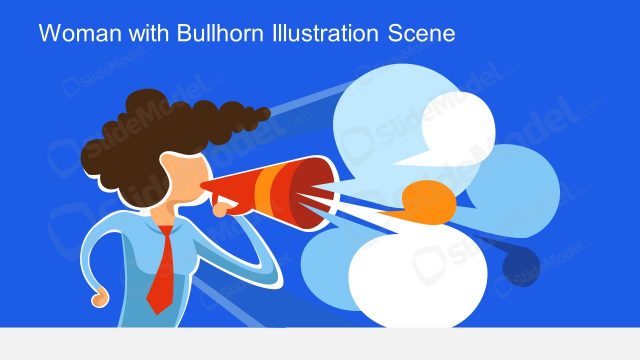
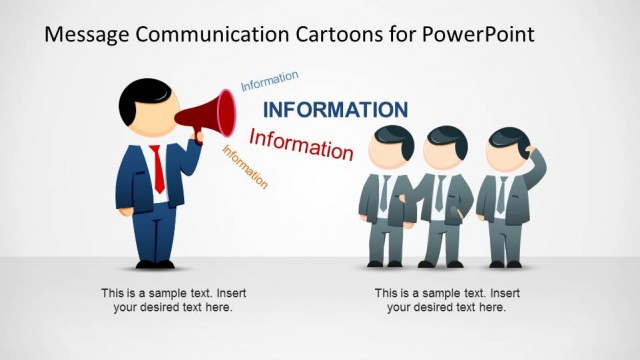
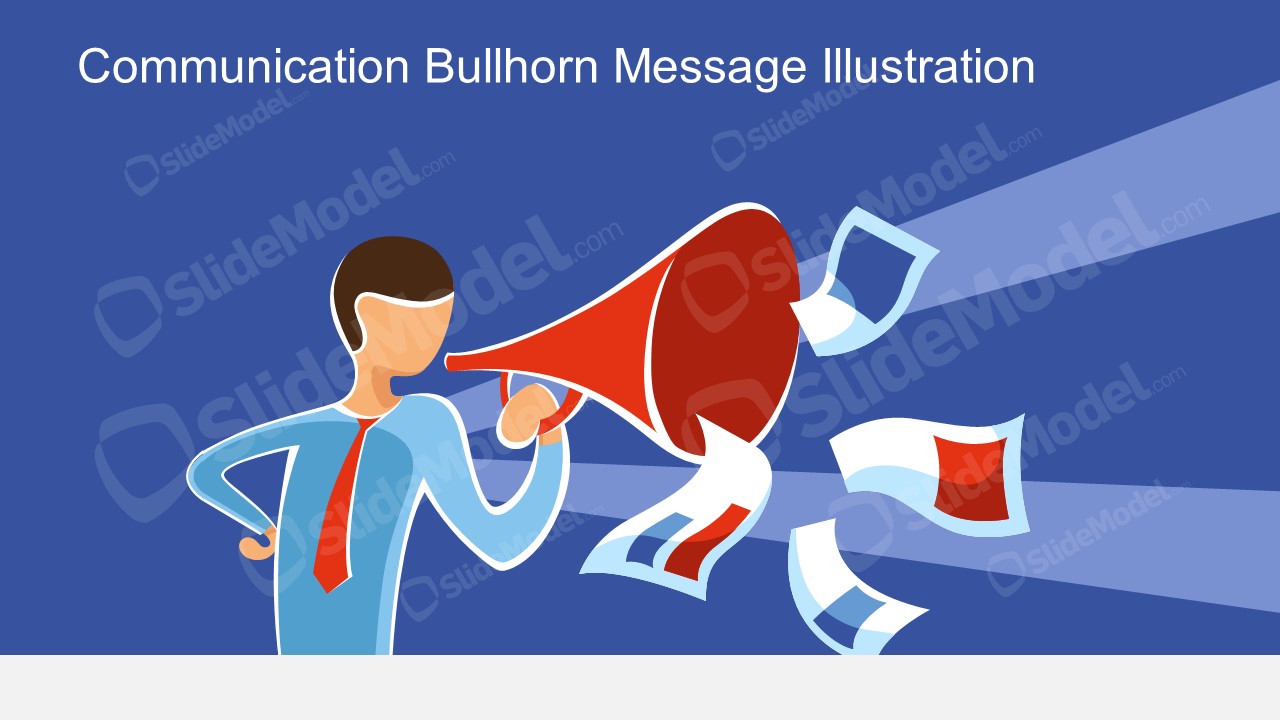
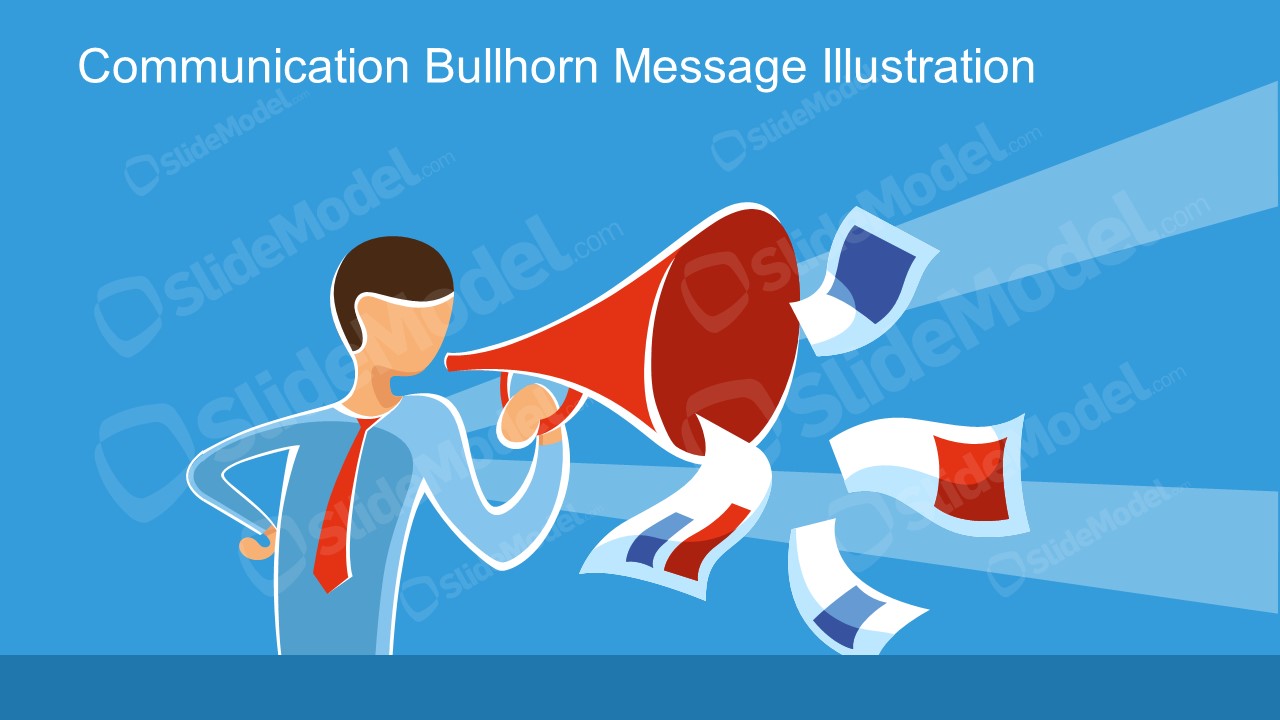
The Message Communication Metaphor Illustration Scene displays a cartoon silhouette figure holding a bullhorn. It is a vector image to communicate messages using megaphones and flying pages as broadcast message metaphors. There are two slides of editable vectors that users can modify for business presentations. They can change the colors and customize shapes of message communication metaphor illustration to demonstrate various ideas.
What’s inside this template
Example presentation scenarios
- A communication manager can open an all-hands update by placing the key announcement in the title area and using the bullhorn scene as the main message metaphor.
- A marketing presenter can introduce a campaign launch by using the red megaphone and flying pages to signal outbound promotion and audience reach.
- An HR leader can frame a policy update or change message with the broadcast beam, making the slide feel like a clear announcement rather than a text-heavy memo.
- A trainer can use one slide as a session opener to explain that the next section focuses on messaging, feedback, or audience communication.
Features
- 100% editable presentation template
- Compatible with Microsoft PowerPoint and Google Slides
- 16:9 aspect ratio slides
- Scalable vector shapes, icons and illustrations
- AI-Ready for Microsoft Copilot and Claude
- Instant access and download
Frequently asked questions
Q: How should a presenter use the bullhorn metaphor without making the slide feel decorative?
A: Use the illustration as a message anchor, not as filler. Keep the headline short and action-oriented, then speak to the message behind it. The bullhorn, broadcast beam, and flying papers already imply outreach, so the presenter should avoid adding extra icons or dense text that competes with the metaphor.
Q: Who is this template best suited for in a business presentation?
A: This template fits presenters who need a strong opening or section divider for communication topics. Communication managers, HR leaders, trainers, and marketing teams can use it to introduce an announcement, campaign message, policy update, or awareness initiative before moving into details, timelines, or discussion.
Q: Why does the megaphone scene help communicate the message faster?
A: The megaphone is a familiar broadcast metaphor, so audiences understand the intent before reading the slide. The beam creates direction, the flying pages suggest distributed information, and the simplified character keeps attention on the act of sending a message rather than on a specific person or brand.


Message Communication Metaphor Illustration Scene
2-slide communication presentation template with bullhorn message illustration, broadcast beam, and flying pages for announcements
Message Communication Metaphor Illustration Scene is a 2-slide, 16:9 presentation template for communication topics. It shows a business figure holding a red bullhorn, a broadcast beam, and flying message pages in two blue color variants. It is designed for announcements, internal messaging, campaign introductions, and stakeholder communication in Microsoft PowerPoint and Google Slides.
- Category
- People & Silhouettes
- Rating

 Loading...
- Aspect ratio
- 16:9
- Item ID
- 970012-01
- Colors
 Microsoft PowerPoint
  Microsoft Copilot
  Claude for PowerPoint
 Other formats supported
Subscribe today and get immediate
access to download our PowerPoint templates.