Slide 10 of 15 from Light Business PowerPoint Template
6085-04-light-company-profile-10
Line Chart for Data Visualization
- Chart
- Line Chart
- Evaluation Slide
- 16:9
- 100% Editable
The Line Chart slide from the Light Business PowerPoint Template offers a clear visual tool for tracking performance and financial forecasting. This slide template features editable shapes and vector icons to highlight data trends over time, making it ideal for business presentations and market analysis within a professional slide deck.
What’s on This Slide
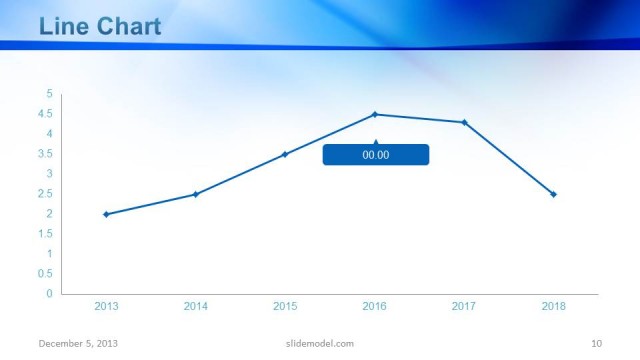
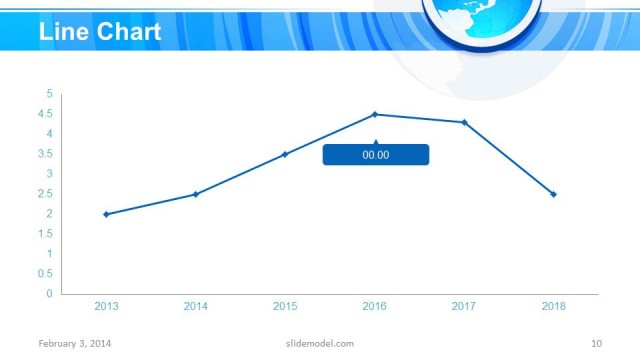
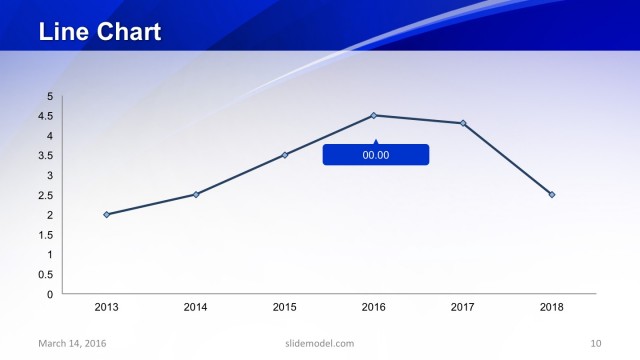
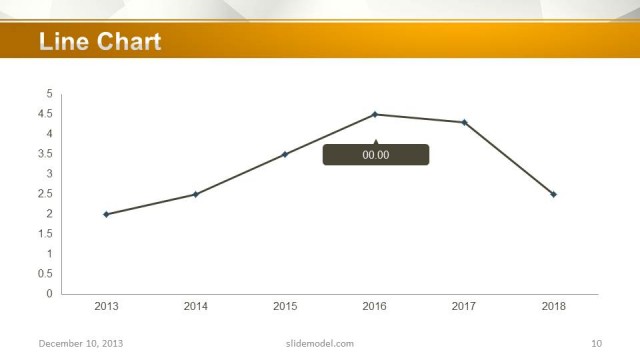
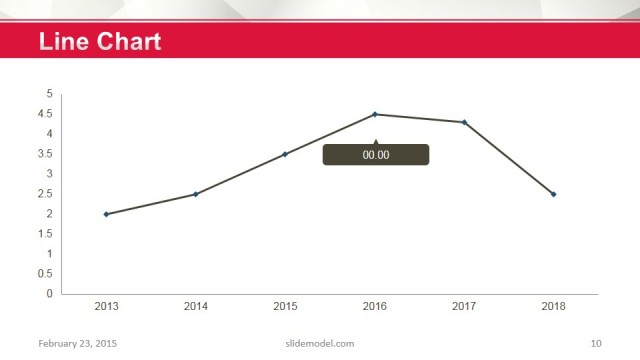
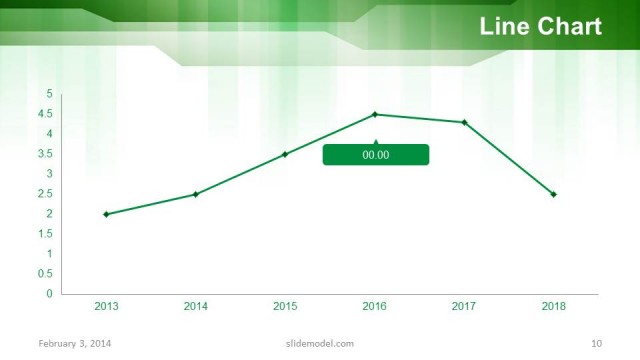
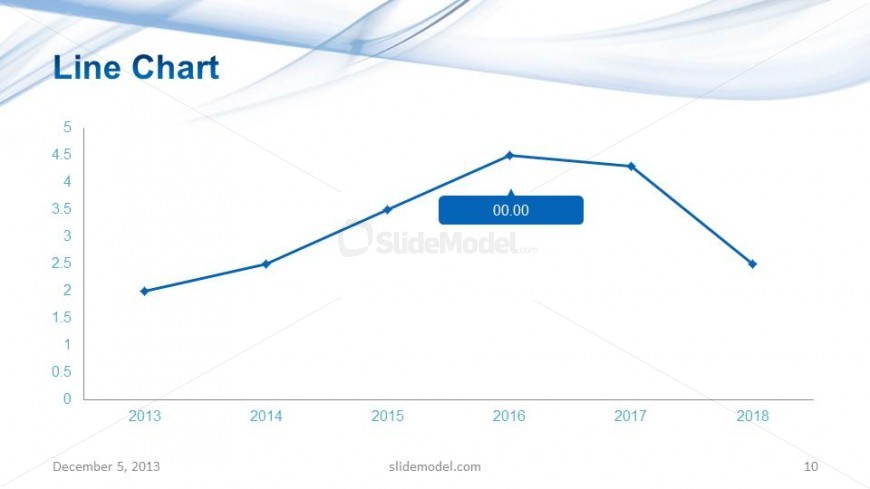
The slide features a line chart positioned centrally, displaying a trend over several years from 2013 to 2018. The vertical axis ranges from 0 to 5, while the horizontal axis marks the years. Data points are represented by small diamonds connected by a solid line, indicating changes over time. A highlighted data point shows a value of '00.00' in a blue box. The title 'Line Chart' is prominently placed at the top left, with a light blue background featuring flowing design elements. The overall layout is clean and structured.
How to Use It
This layout serves to present data trends over time, making it suitable for business reports, performance analysis, or financial forecasting. It fits well in a presentation sequence after introducing a problem or context, allowing for a clear visual representation of data progression. This slide is useful in scenarios such as quarterly business reviews, project performance tracking, or market analysis, where trends need to be highlighted effectively.
Text Placeholders & Capacity
Keep your copy within these limits so it fits without resizing. Chart title and axis labels are tight, roughly 10 words each.
| Placeholder | Count | Max characters (approx.) |
|---|---|---|
| Slide title | 1 | 20 |
| Chart title | 1 | 20 |
| Data label | 1 | 5 |
| Axis label | 2 | 10 |
| Footer | 1 | 30 |
Slide Keywords
Download unlimited PowerPoint templates, charts and graphics for your presentations with our annual plan.
DOWNLOADReturn to Light Business PowerPoint Template.