Light Business PowerPoint Template is a presentation template containing useful slide designs to make company presentations including annual plans and introducing a new company to potential customers. The business template PPT design for presentations can be used in a variety of business purposes. The slide deck contains the following useful layouts:
- Cover slide design
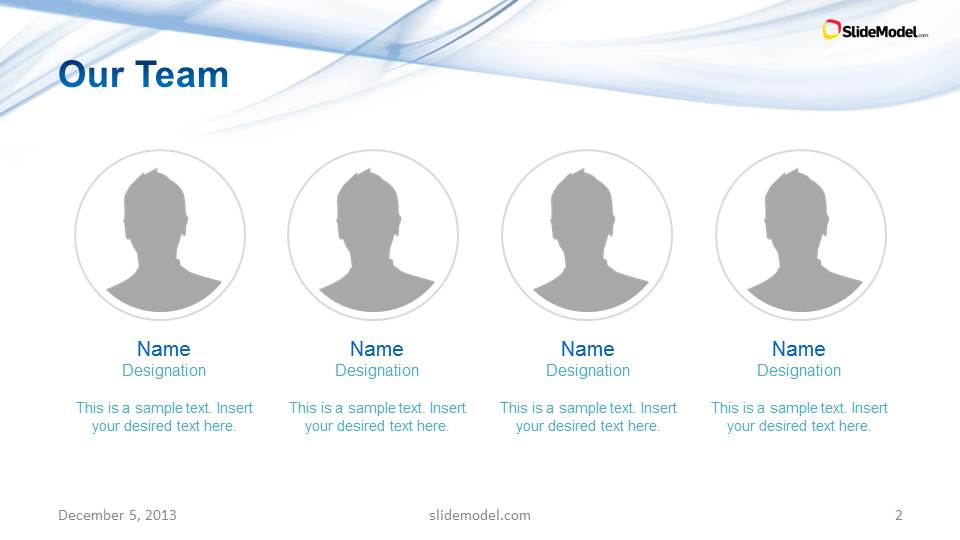
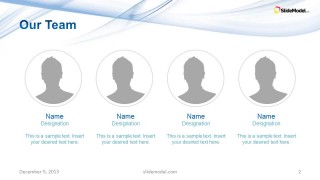
- Our Team slide
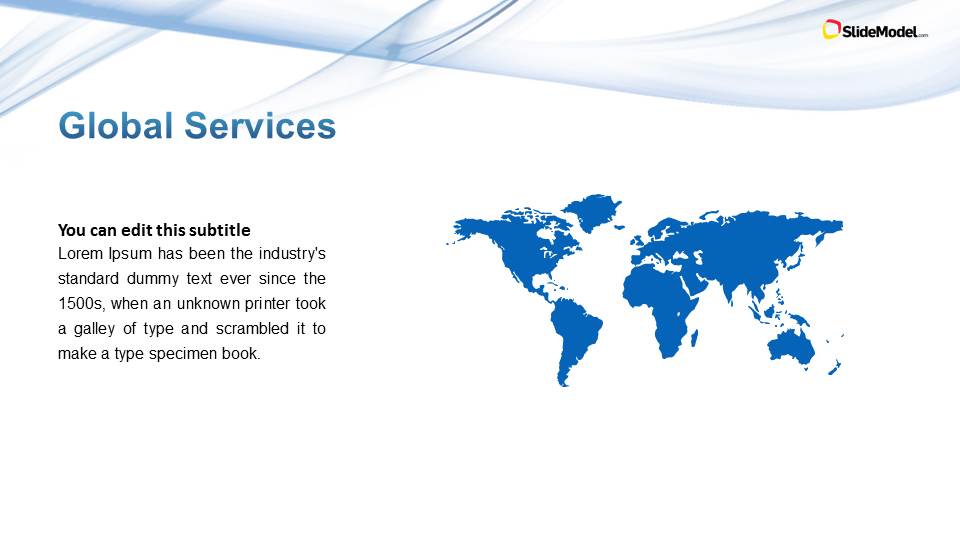
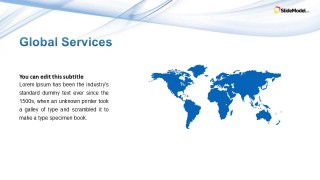
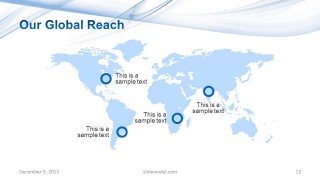
- Global services slide with a world map
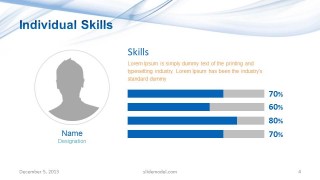
- Individual Skills slide
- 2 Column Slide Layout
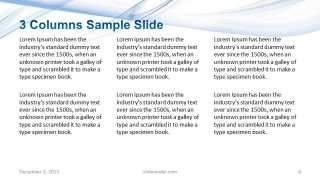
- 3 Column Slide Layout
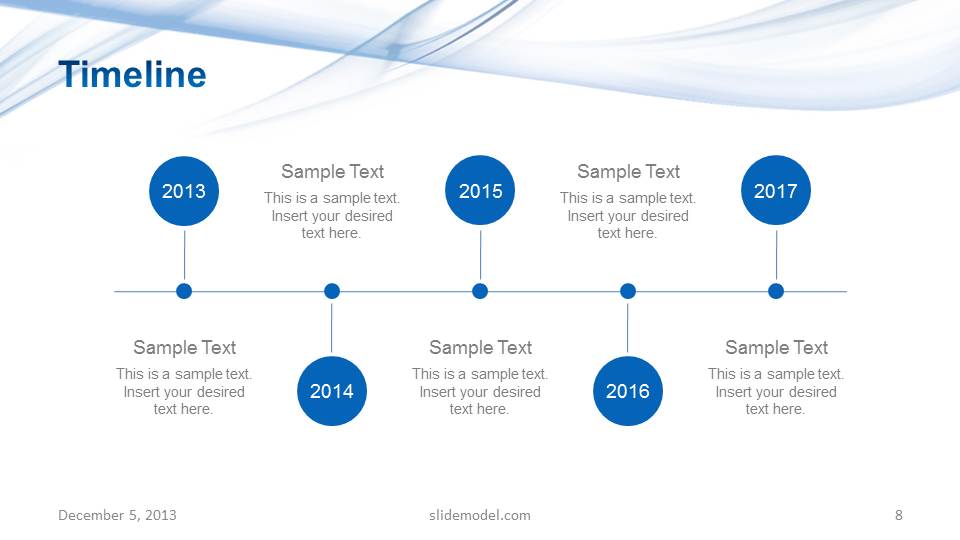
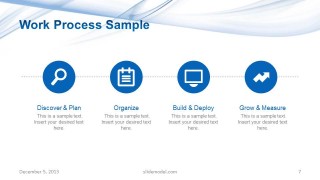
- Simple horizontal process timeline
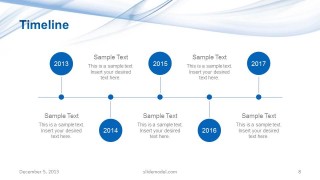
- Simple timeline design for presentations
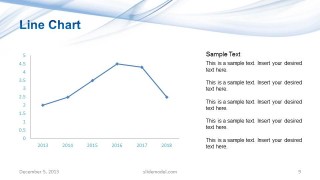
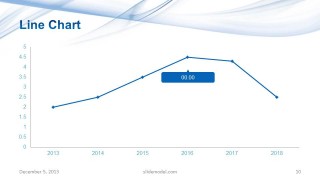
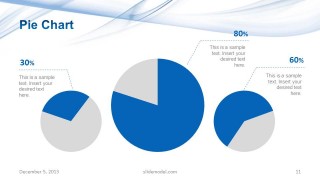
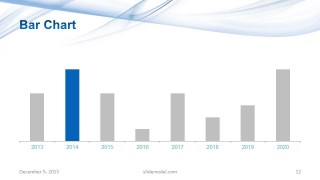
- Multiple chart slides (Line chart slide, Bar chart, Pie chart)
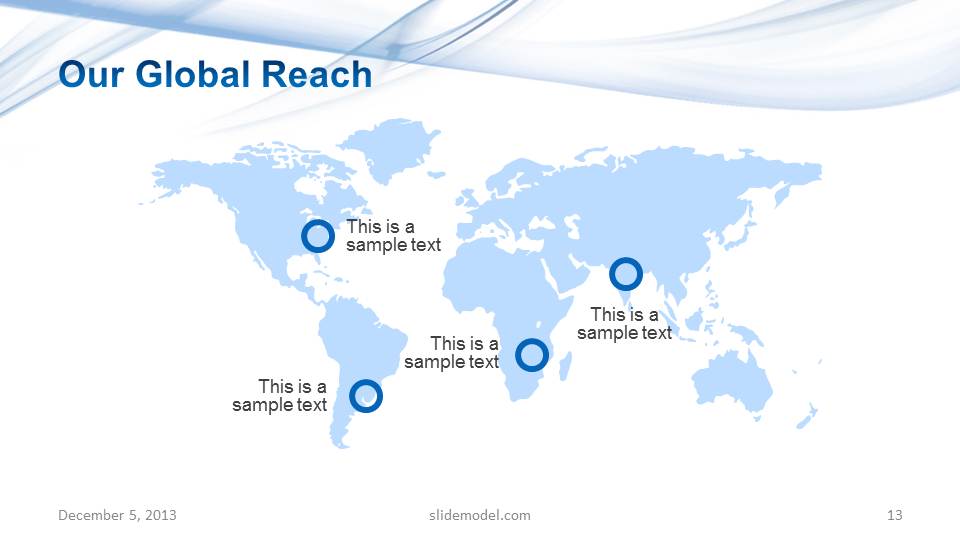
- Our global reach slide
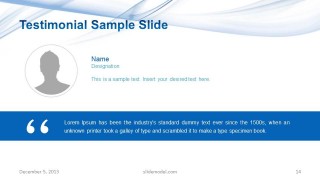
- Testimonial slide
- Thank you slide
You can download this business PowerPoint template with light background containing several slide designs & layouts to enter your company profile information like team members with team pictures, individual skills, describe your global reach and services, as well as showing timelines and charts.
There are some custom slides created to provide text in two or three columns and you can global reach slide with a world map to pin point the headquarter location and your global coverage. This light blue PowerPoint template can also be used to present companies offering global services as well as executive presentations. It can also be used to present a Quarterly Business Review to stakeholders or an audience. Alternatively, you can download other abstract PPT templates for PowerPoint, or QBR slide templates for presentations.
Business PowerPoint template with light background is compatible with Microsoft PowerPoint and Google Slides.
What’s inside this template
Example presentation scenarios
- A business development manager can introduce a firm to a potential client by using the cover, team profile, global services map, process slide, and testimonial to establish credibility.
- An account manager can present a quarterly business review by pairing the timeline slide with the line chart, pie chart, and bar chart to explain progress and performance patterns.
- A consulting team can outline service delivery by using the three-column slide for offerings, the work process sample for methodology, and the global reach map for coverage.
- An operations leader can brief executives on organizational capability by combining individual skills, process steps, and chart slides to connect team capacity with results.
Features
- 100% editable presentation template
- Compatible with Microsoft PowerPoint
- 16:9 aspect ratio slides
- Scalable vector shapes, icons and illustrations
- AI-Ready for Microsoft Copilot and Claude
- Instant access and download
Frequently asked questions
Q: How should a presenter structure a company profile with this template?
A: Start with the cover to set the business context, then use the team slide to introduce credibility and the global services map to define market presence. Follow with the work process and timeline to show how the organization operates. Place the charts after the story foundation so performance data feels like proof rather than disconnected reporting.
Q: Who is this template best suited for in a business setting?
A: This template fits presenters who need to explain a company, service line, or business review without building a deck from scratch. It is useful for executives, consultants, account managers, and business development teams because it includes people, process, geographic reach, performance charts, and a testimonial in one coherent company narrative.
Q: Why does the light wave design work for business presentations?
A: The blue wave background adds movement while leaving most of each slide open for content. That balance helps the team, map, timeline, and chart layouts feel connected without competing with the message. The repeated wave motif acts as a quiet visual metaphor for flow, progress, and business continuity.










Light Business PowerPoint Template
15-slide presentation template for company profiles, global reach, timelines, and business charts
Light Business PowerPoint Template is a 15-slide company profile and business report deck for Microsoft PowerPoint. Visible layouts include a team profile, world map services slide, process timeline, milestone timeline, line chart, pie chart, bar chart, testimonial, and thank you close in a light blue 16:9 style.
- Category
- Template Backgrounds
- Rating


 Loading...
- Aspect ratio
- 16:9
- Item ID
- 6085-04
- Colors
 Microsoft PowerPoint
  Microsoft Copilot
  Claude for PowerPoint
 Other formats supported
Subscribe today and get immediate
access to download our PowerPoint templates.