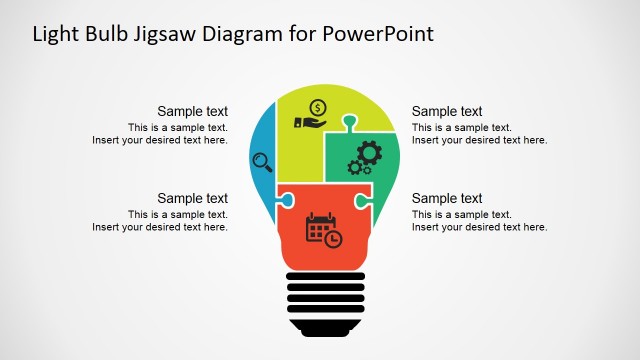
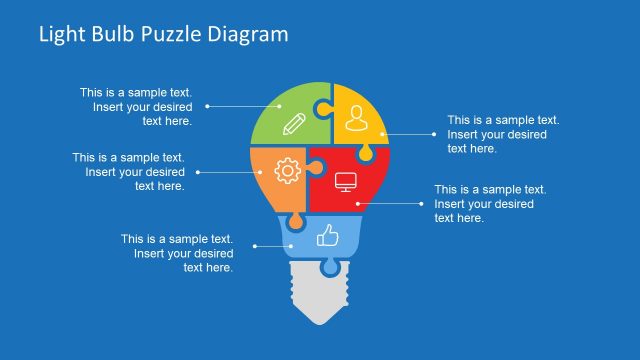
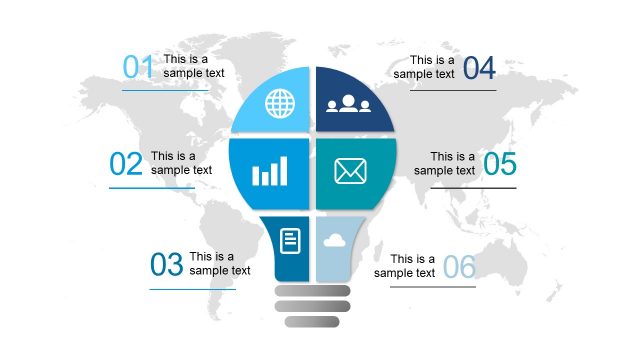
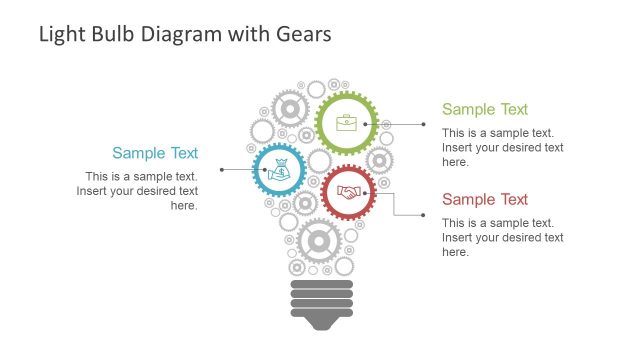
Light Bulb Puzzle Diagram Template for PowerPoint is a presentation design for Microsoft PowerPoint containing a nice light bulb illustration created with shapes.
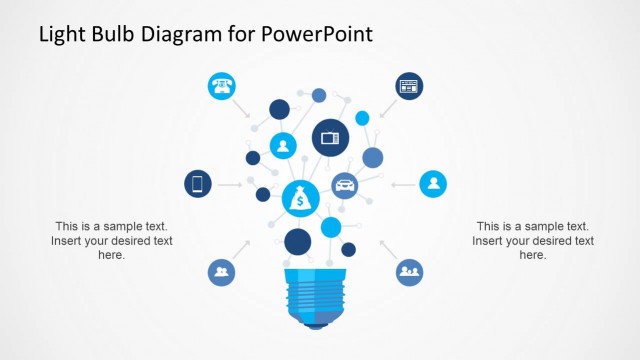
Alternatively you can download other awesome light bulb PowerPoint templates including the blue light bulb PowerPoint template for presentations with hand-drawn PPT slide design.
What’s inside this template
Example presentation scenarios
- A product manager can explain how several product features connect to one value proposition using the light bulb puzzle segments and the side callout labels.
- An energy sector presenter can introduce different energy-related initiatives by assigning each initiative to a colored puzzle piece inside the light bulb diagram.
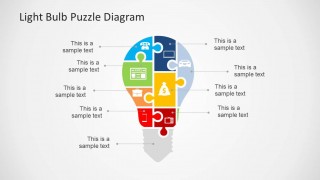
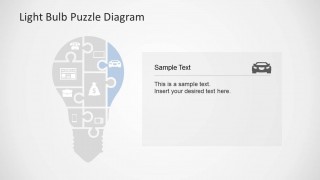
- A consultant can lead an idea generation workshop by using the full callout slide to map inputs, then using the detail card slide to discuss one priority component.
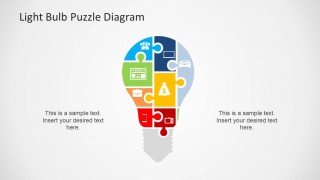
- An educator or trainer can teach systems thinking by showing the centered puzzle bulb and asking learners to describe how the two supporting text areas relate to the whole concept.
Features
- 100% editable presentation template
- Compatible with Microsoft PowerPoint
- 16:9 aspect ratio slides
- Scalable vector shapes, icons and illustrations
- AI-Ready for Microsoft Copilot and Claude
- Instant access and download
Frequently asked questions
Q: How should a presenter organize the message around the light bulb puzzle diagram?
A: Start with the complete puzzle bulb to establish the main idea, then label each segment with one concise component. Keep each callout short so the audience sees the relationship first and reads details second. Use the detail card slide when one puzzle piece needs deeper explanation without crowding the full diagram.
Q: Who is this template best suited for?
A: This template fits presenters who need to explain connected parts of a concept rather than report numeric performance. Product managers, consultants, trainers, and energy presenters can use the puzzle bulb to frame features, workstreams, or idea inputs as parts of one larger solution or learning topic.
Q: Why use a puzzle-shaped light bulb instead of a standard list?
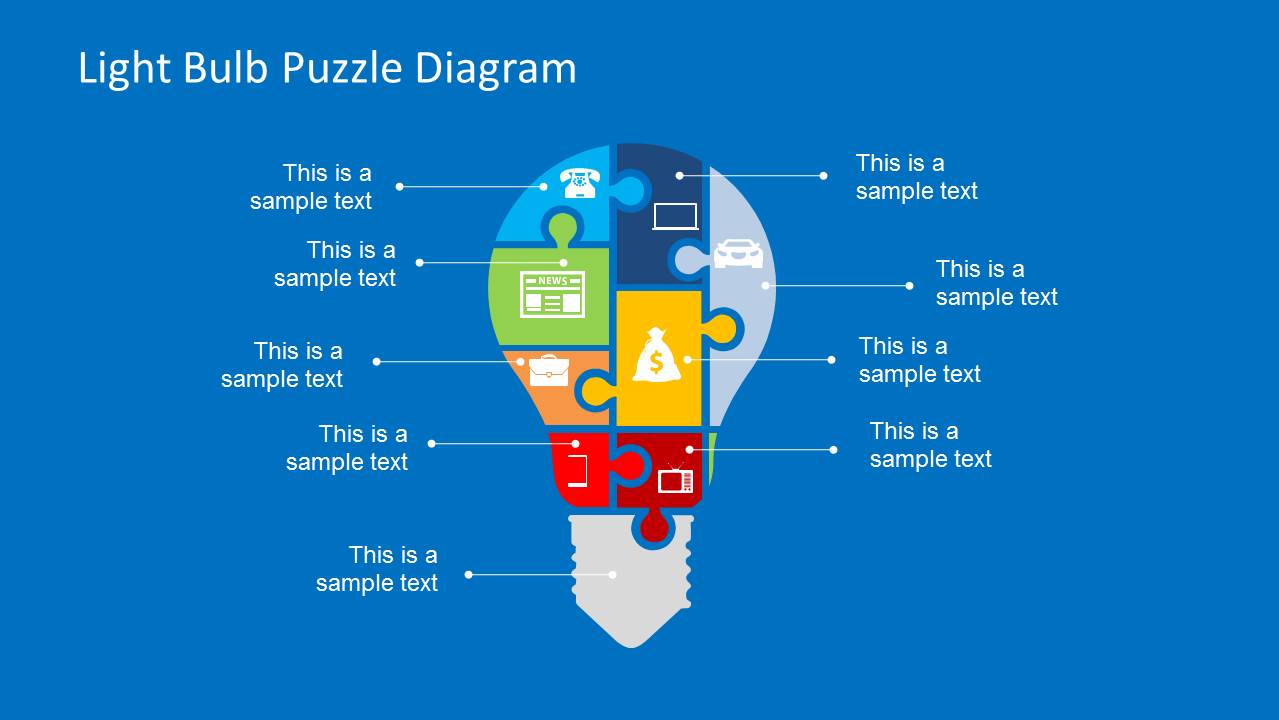
A: The visual metaphor combines two ideas: the light bulb signals insight, and the puzzle pieces show interdependence. This helps the audience understand that each item is not isolated. The icon-filled segments, leader lines, and detail card create a clear path from big picture to component explanation.


Light Bulb Puzzle Diagram Template for PowerPoint
4-slide PowerPoint presentation template with light bulb puzzle diagram and callout icons
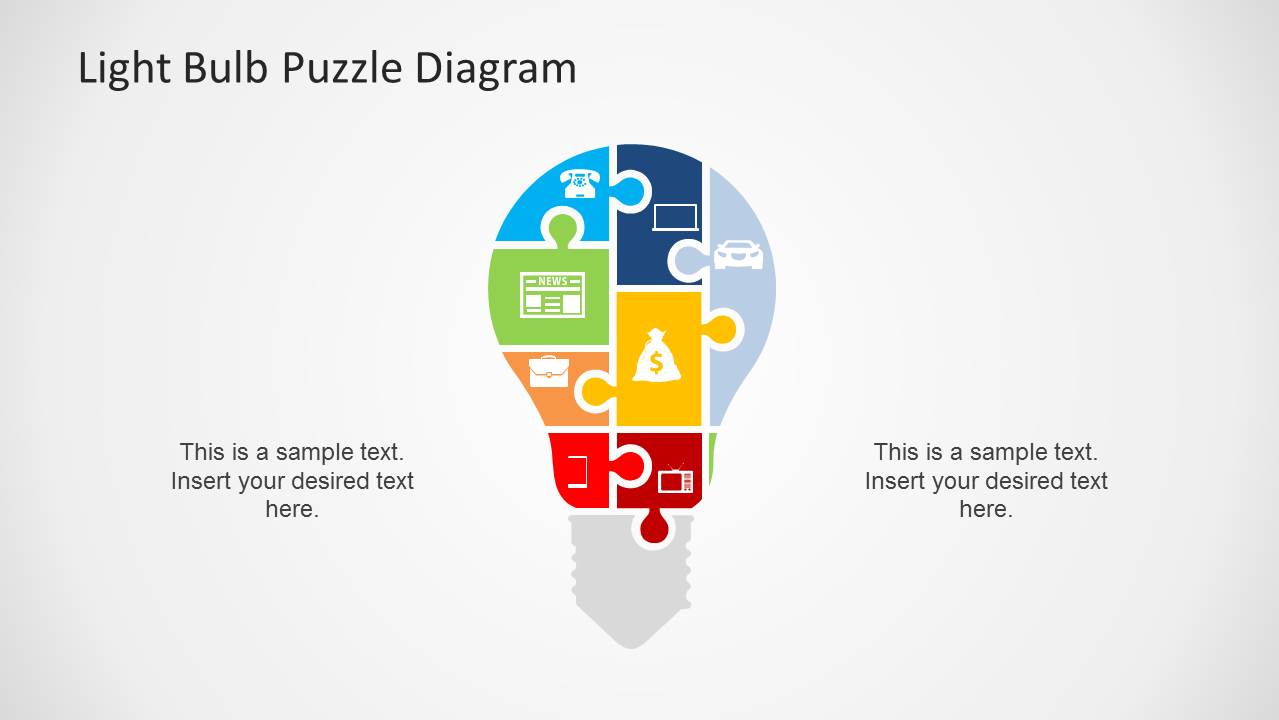
Light Bulb Puzzle Diagram Template for PowerPoint is a 4-slide 16:9 presentation template built around a puzzle-piece light bulb metaphor. It includes a full callout diagram, a light-background variant, a highlighted detail card, and a centered two-note layout for explaining connected ideas, energy concepts, or business components in Microsoft PowerPoint.
- Category
- Shapes
- Rating


 Loading...
- Aspect ratio
- 16:9
- Item ID
- 6584-01
- Colors
 Microsoft PowerPoint
  Microsoft Copilot
  Claude for PowerPoint
 Other formats supported
Subscribe today and get immediate
access to download our PowerPoint templates.