Justice & Law Shapes for PowerPoint provides slide designs that are suitable for making presentations related to law, court, legal system, the constitution, etc.
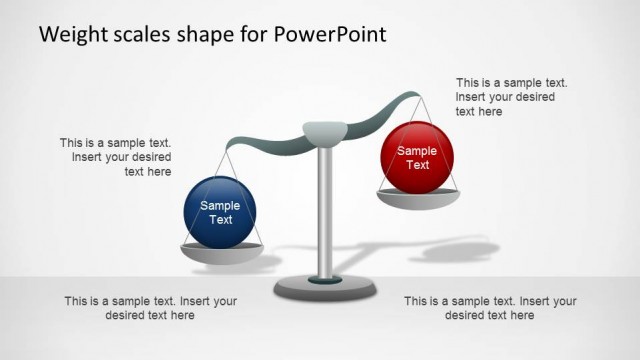
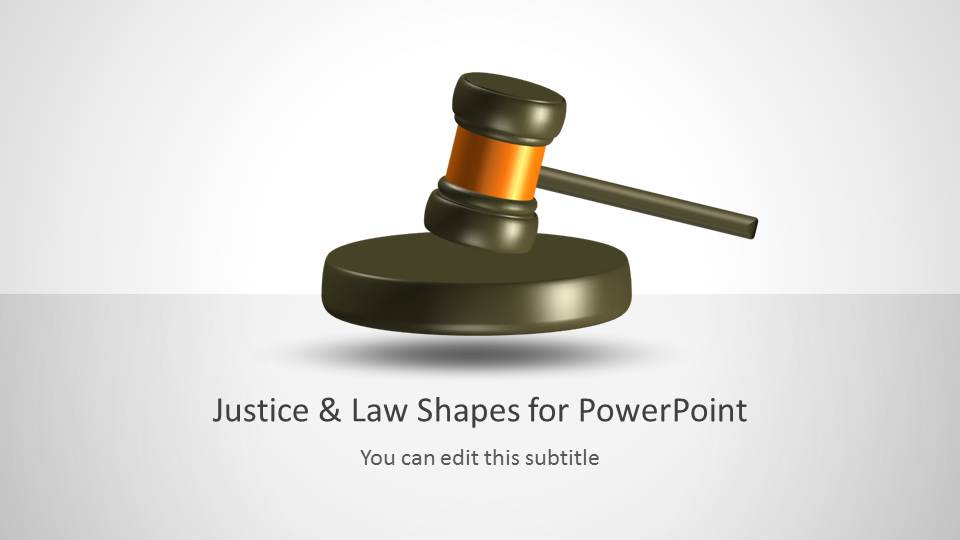
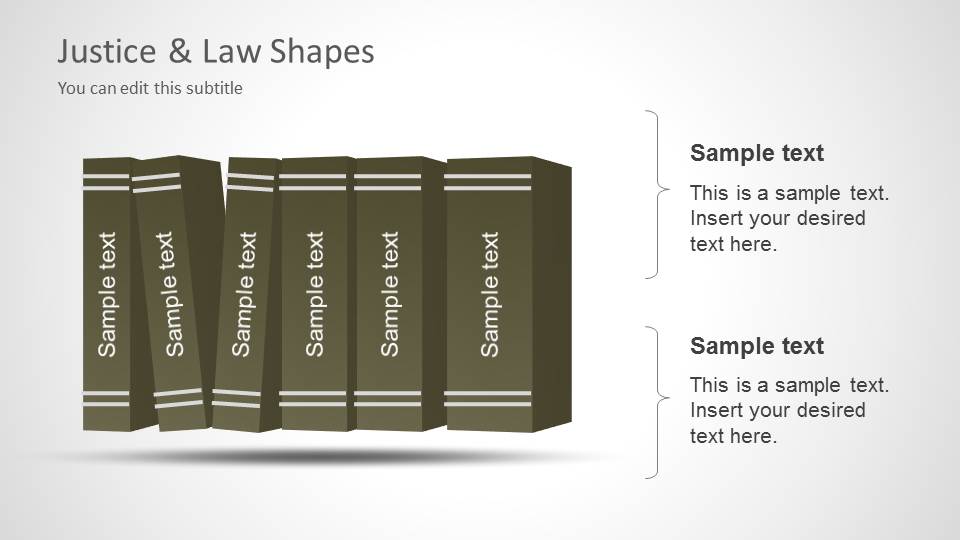
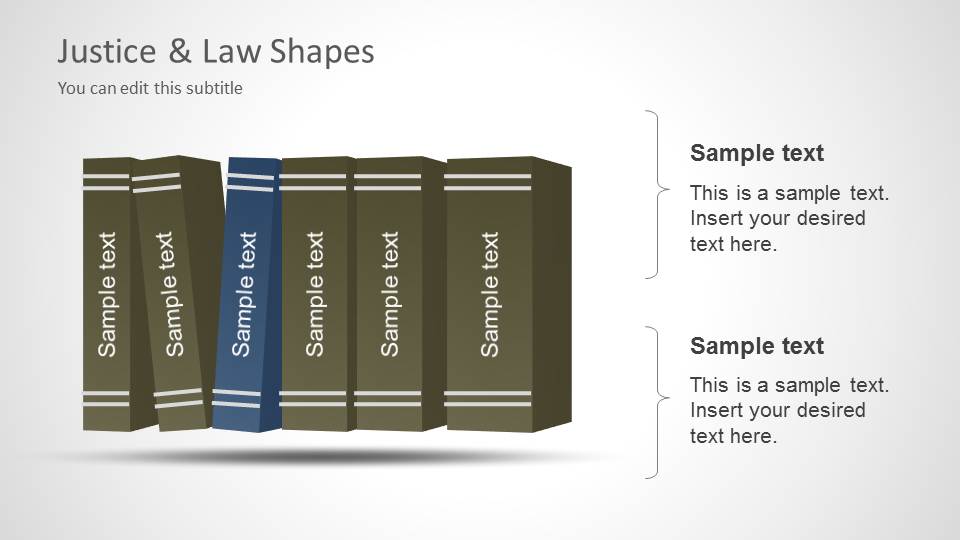
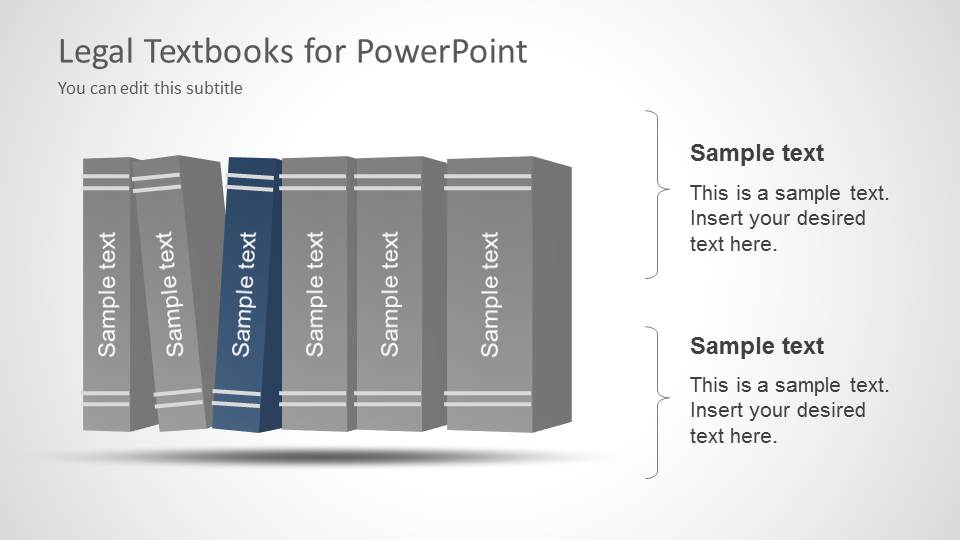
The template depicts books, gavel and Scales of Justice. You can easily edit these slides and make use of the placeholders to create professional looking presentation slides with little effort.
The clipart images can also be copied and replicated across slides for use in existing sample slides or new slides which you might create from scratch.
What’s inside this template
Example presentation scenarios
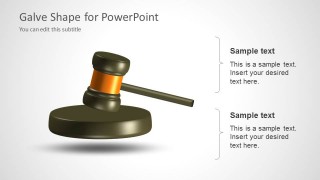
- An attorney can use the gavel cover and gavel callout slide to introduce a legal argument, case theme, or practice area before moving into detailed evidence.
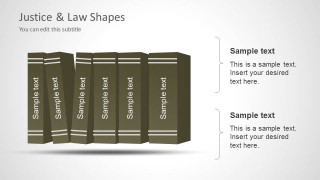
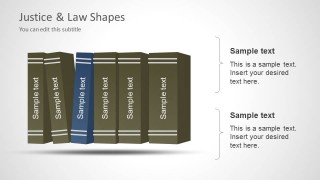
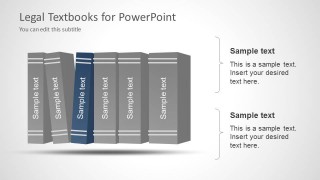
- A law professor can use the legal textbooks slides to organize course modules, statutes, case categories, or reading topics with editable spine labels.
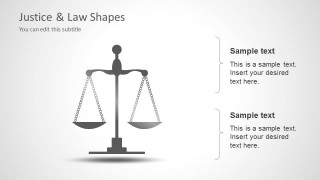
- A compliance officer can use the scales of justice slide to explain fairness, policy balance, ethics, or enforcement principles to a business audience.
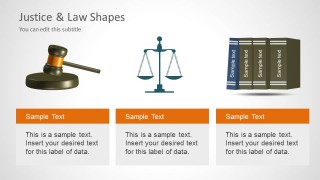
- A public sector presenter can use the three-symbol overview slide to compare institutions, legal responsibilities, or program pillars using the gavel, scales, and books visuals.
Features
- 100% editable presentation template
- Compatible with Microsoft PowerPoint and Google Slides
- Scalable vector shapes, icons and illustrations
- AI-Ready for Microsoft Copilot and Claude
- Instant access and download
Frequently asked questions
Q: How should a presenter structure a legal message with these slides?
A: Start with the gavel cover to establish the legal setting, then use one symbol per idea. The gavel slide works for authority or decision points, the books slides work for statutes or knowledge areas, and the scales slide works for fairness or judgment. Keep text short so the legal icons carry the theme without crowding the argument.
Q: Who is this template best suited for in a professional setting?
A: It fits attorneys, legal educators, compliance leaders, and policy presenters who need recognizable legal visuals rather than complex data slides. The template is useful for introducing a legal topic, framing an ethics discussion, explaining court-related concepts, or separating sections in a law-focused briefing.
Q: Why do the gavel, law books, and scales metaphors help the audience understand the topic?
A: The three symbols map to familiar legal ideas: the gavel suggests authority and rulings, books suggest law, precedent, and research, and scales suggest balance or justice. Using these metaphors as section anchors gives the audience quick context before they read the supporting text.



Justice & Law Shapes for PowerPoint
7-slide PowerPoint presentation template with editable gavel, law books, and scales illustrations
Justice & Law Shapes for PowerPoint is a 7-slide legal shape template for PowerPoint presentations. It includes a gavel cover, gavel callout layout, law books with text placeholders, scales of justice callouts, and a three-panel legal symbols layout for attorneys, educators, and legal teams.


 Loading...
 Microsoft PowerPoint
  Microsoft Copilot
  Claude for PowerPoint
 Other formats supported
Subscribe today and get immediate
access to download our PowerPoint templates.