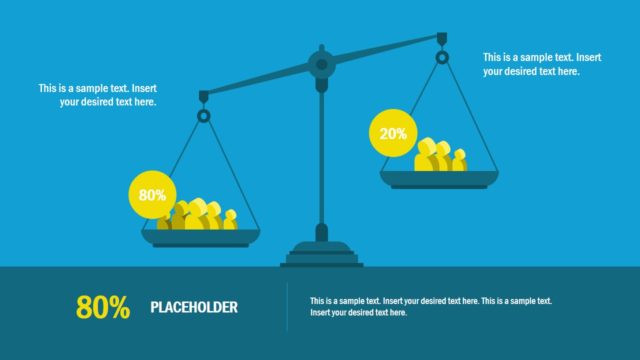
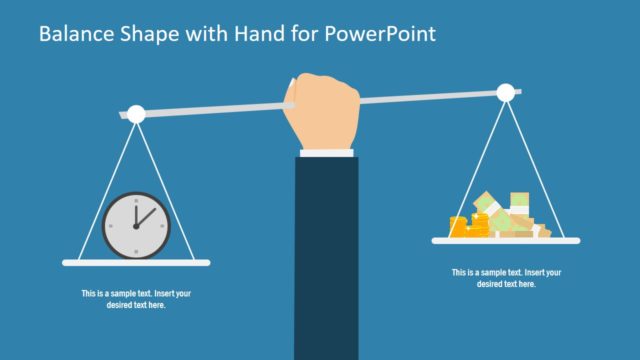
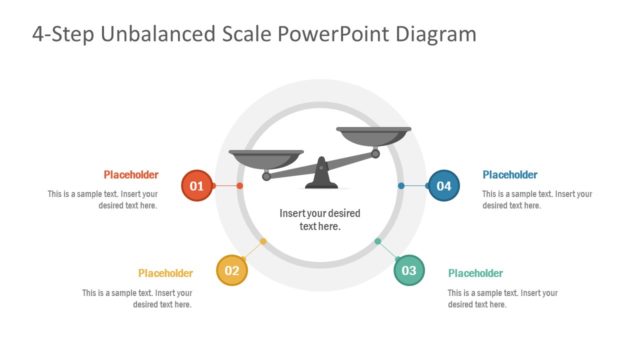
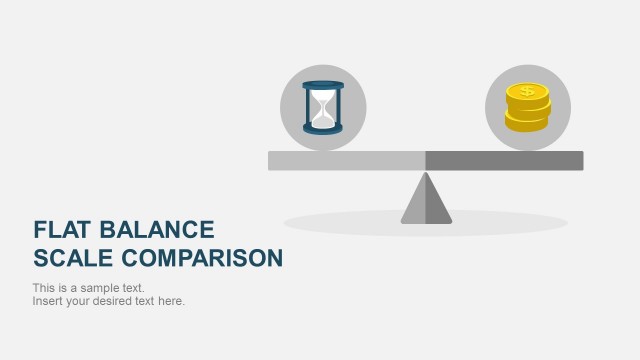
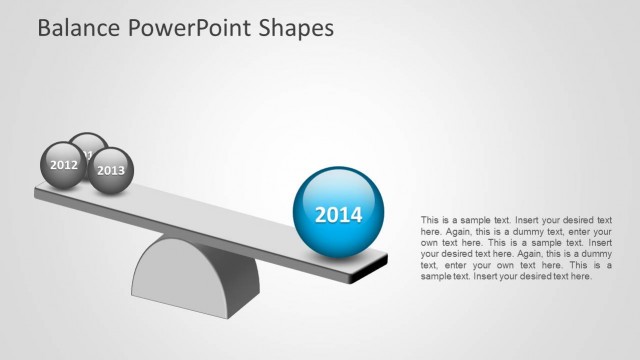
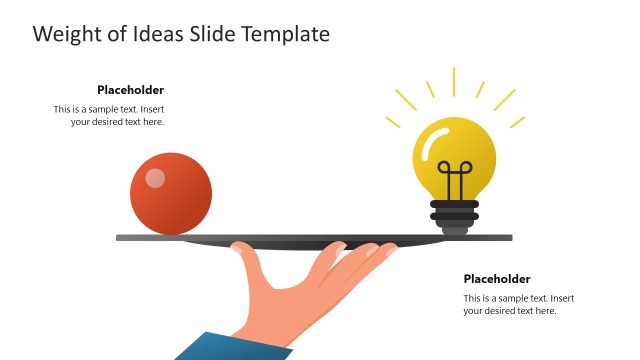
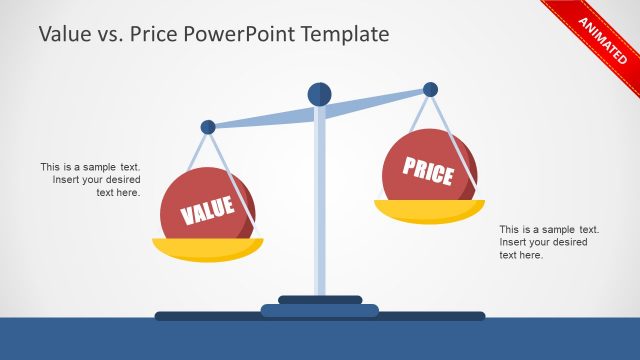
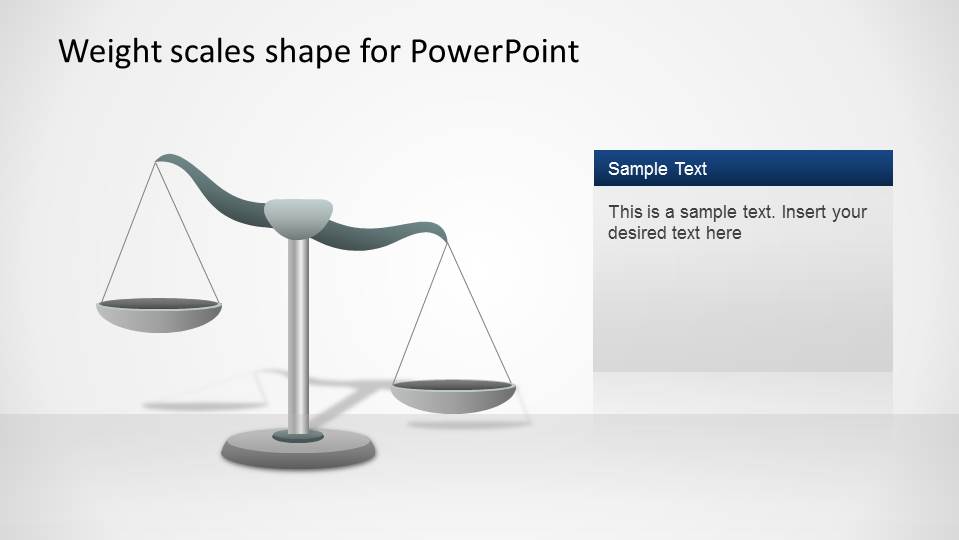
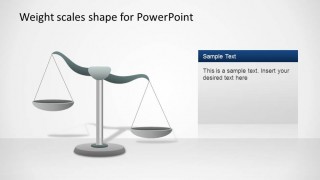
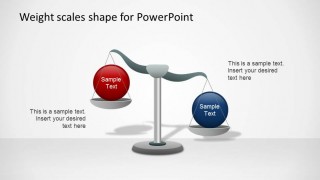
Weight Scales PowerPoint Shapes is a professional template containing a traditional weight scale PowerPoint shapes that the user can edit and manipulate to create a new presentation or complement an existing one. The weight scales metaphor is generally used on Business Presentations for comparing two options, or to reference the pros and cons of a topic.
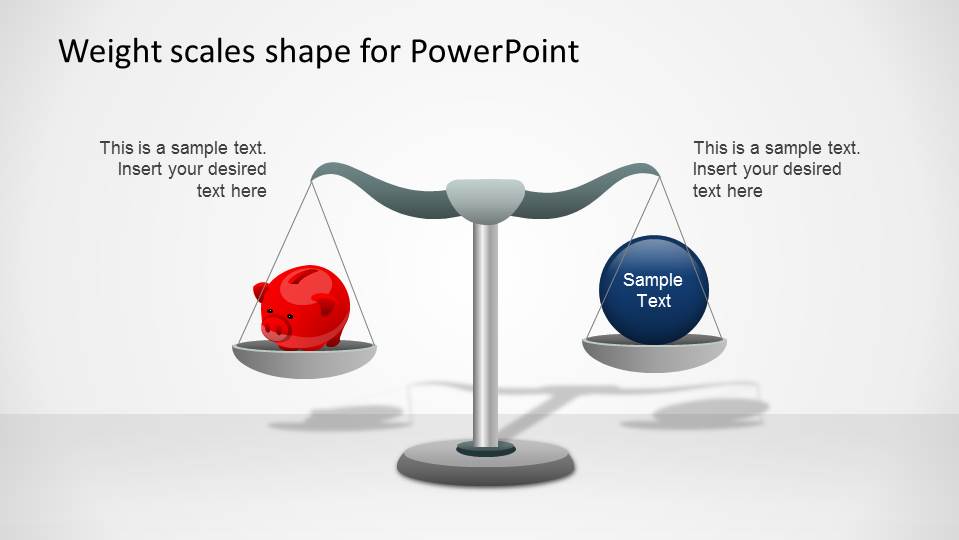
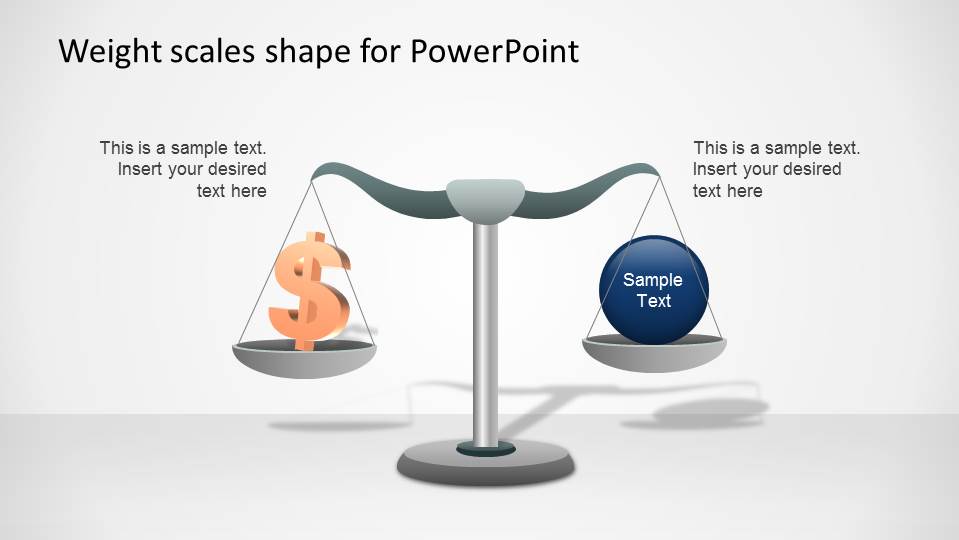
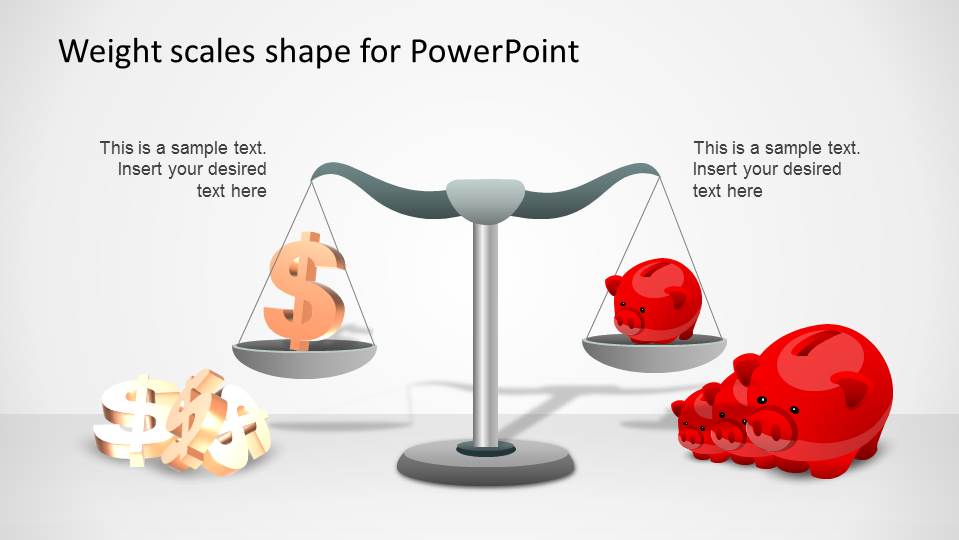
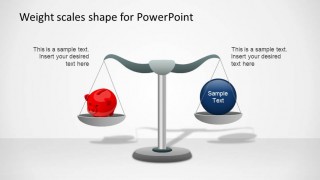
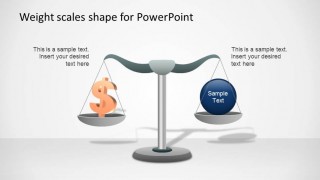
The Weight Scales PowerPoint Shapes also provides complementary shapes to describe different topics, as spend vs save money, using the money symbol and a piggy save. Simple inclinations to both sides of the weight scale and an equilibrium slides is provided.
The metaphor of the justice and law also is applied to the weight scales. Combine this shapes with our Justice and Law Shapes for PowerPoint for legal presentations.
Give your presentation a professional look fell with our amazing PowerPoint shapes, and allow an image to be worth a thousand words.
What’s inside this template
Example presentation scenarios
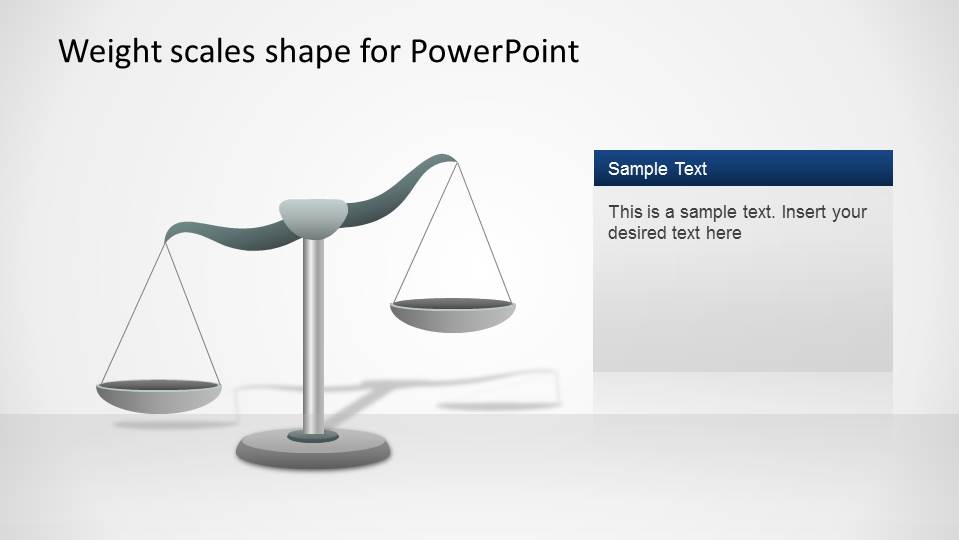
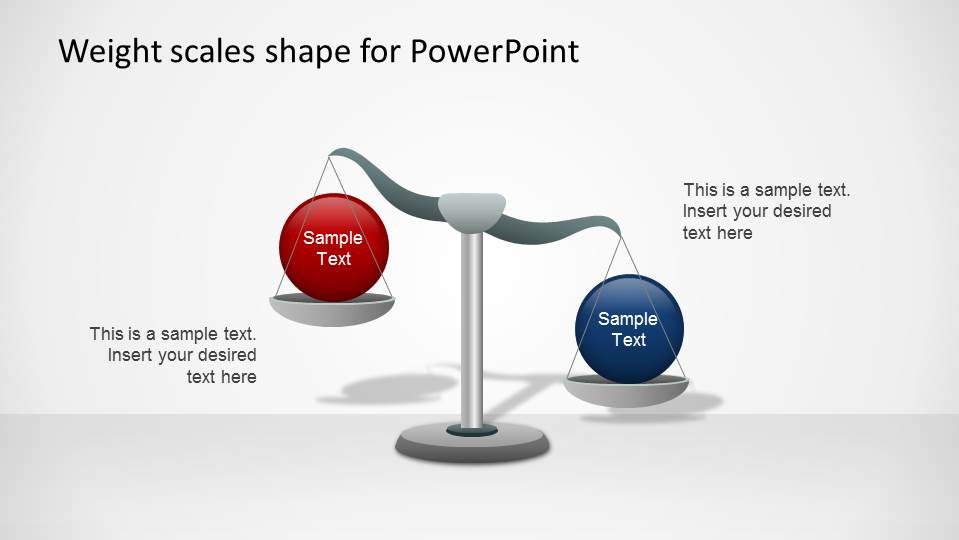
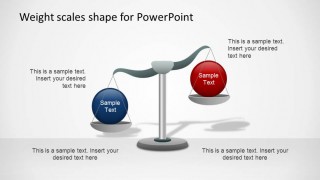
- A consultant can use the tilted scale diagrams to show why one strategic option carries more risk, cost, or value than an alternative.
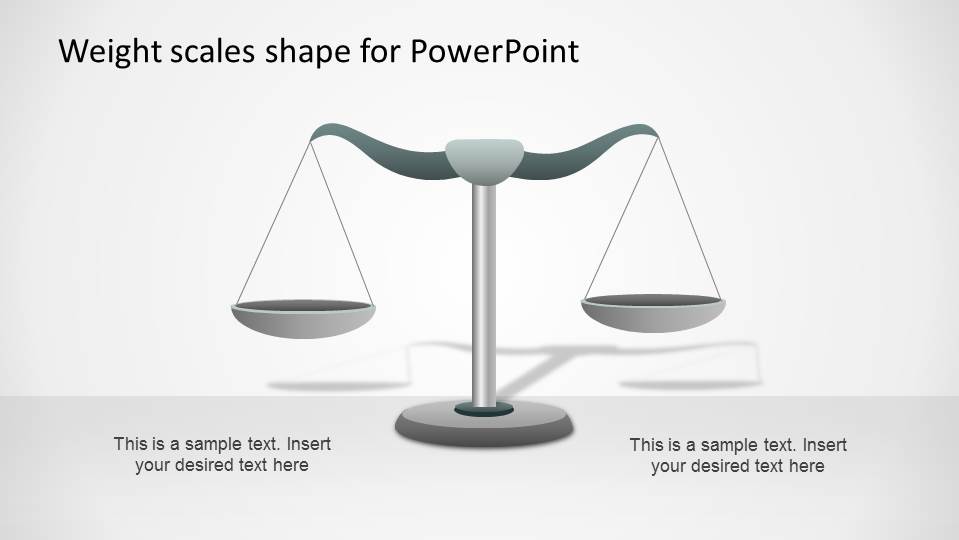
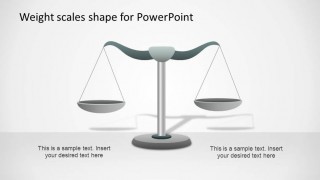
- An attorney or policy presenter can use the balanced scale slides to frame competing arguments before explaining a recommendation.
- A finance manager can use the money symbol and piggy bank layouts to present a spend-versus-save decision to budget stakeholders.
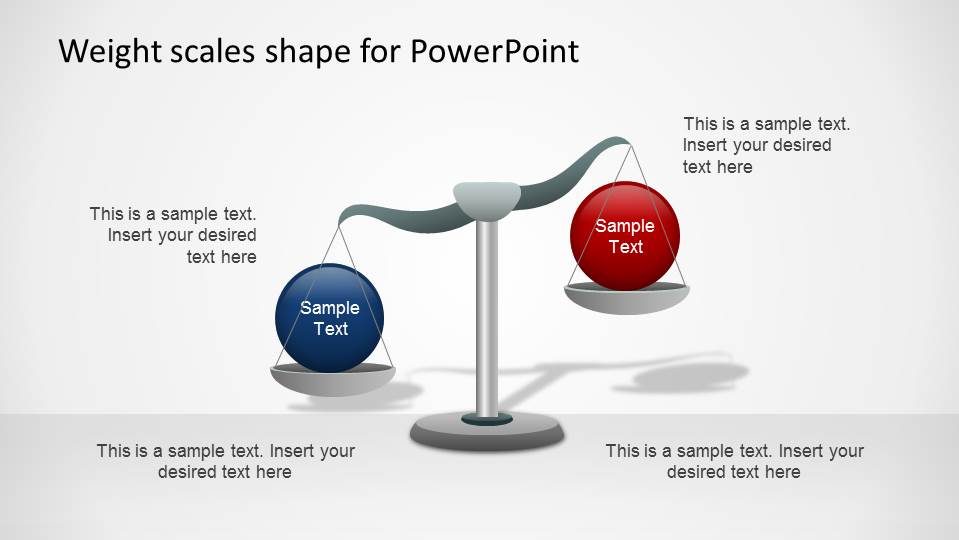
- A product manager can use the red and blue sphere comparison slides to explain tradeoffs between two roadmap priorities.
Features
- 100% editable presentation template
- Compatible with Microsoft PowerPoint and Google Slides
- 16:9 aspect ratio slides
- Scalable vector shapes, icons and illustrations
- AI-Ready for Microsoft Copilot and Claude
- Instant access and download
Frequently asked questions
Q: How should a presenter frame a two-sided argument with these scale diagrams?
A: Start by naming the decision in the slide title, then assign one idea to each pan and keep that assignment consistent. Use the balanced scale when the options are still under review, and the tilted scale when the presentation needs to show a preferred side. Keep the callouts short so the metaphor stays clear.
Q: For which presentation situations is this template the best fit?
A: This template fits decision briefings, legal explanations, finance tradeoffs, and consulting recommendations where the message depends on comparing two sides. It is most useful for managers, attorneys, analysts, or consultants who need to show balance, weight, risk, cost, or benefit without building a full data model.
Q: Why does the weight scale metaphor help the audience understand the comparison?
A: A balance scale gives the audience an instant visual cue: equal height suggests parity, while a lower pan suggests greater weight or importance. The design makes abstract choices feel concrete. Money symbols and piggy banks extend the metaphor for cost and savings, so the presenter can show financial tension quickly.
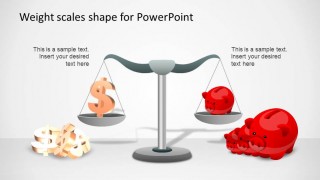
Weight Scales PowerPoint Shapes
8-slide presentation template with editable weight scale diagrams for comparisons, justice, and spend-save tradeoffs
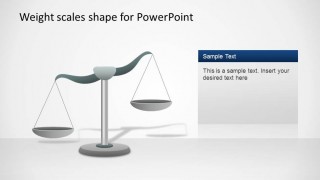
Weight Scales PowerPoint Shapes is an 8-slide diagram template for Microsoft PowerPoint and Google Slides. It provides editable weight-scale illustrations, balanced and tilted scale variants, comparison text callouts, side information panels, and spend-versus-save visuals with money and piggy bank icons. Business, legal, and strategy presenters can frame tradeoffs in 16:9 slides.
- Category
- Shapes
- Rating


 Loading...
- Aspect ratio
- 16:9
- Item ID
- 6496-01
- Colors
 Microsoft PowerPoint
  Microsoft Copilot
  Claude for PowerPoint
 Other formats supported
Subscribe today and get immediate
access to download our PowerPoint templates.