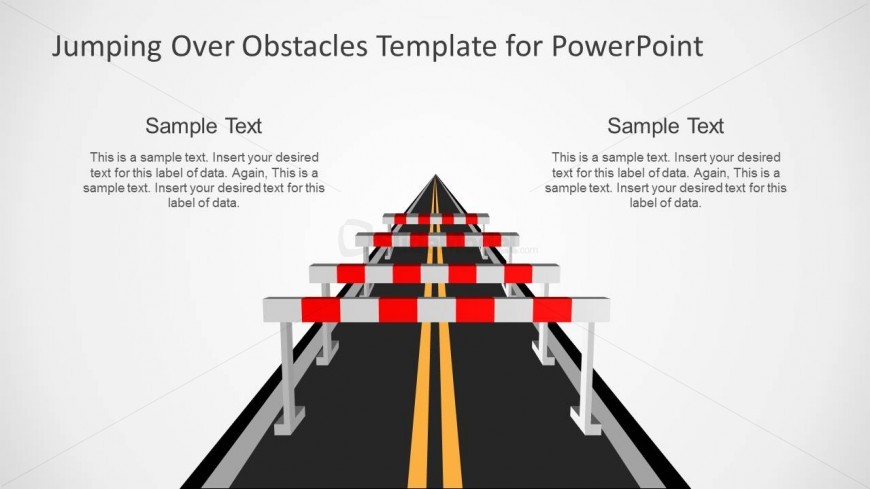
Slide 1 of 9 from Jumping Over Obstacles PowerPoint Template
Jumping Obstacles over the Road PowerPoint Template
Jumping Over Obstacles PowerPoint Slide
- Media Layout
- Other
- Problem Framing Slide
- 16:9
- 100% Editable
The Jumping Over Obstacles Layout from the Jumping Over Obstacles PowerPoint Template offers a clear visual metaphor for overcoming challenges in business presentations. This slide layout uses editable shapes and vector icons to highlight barriers alongside strategic goals, making it suitable for project updates and corporate presentations that require effective problem framing within a slide deck.
About This Slide
Simple slide design with road and hurdles that you can use to make metaphors in PowerPoint. Alternatively you can download other templates for PowerPoint presentations to decorate your slides with awesome graphics.
What’s on This Slide
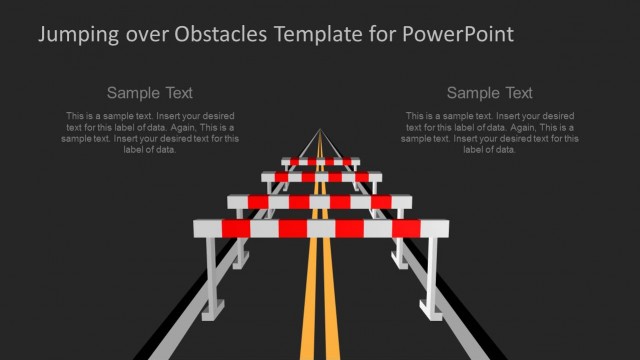
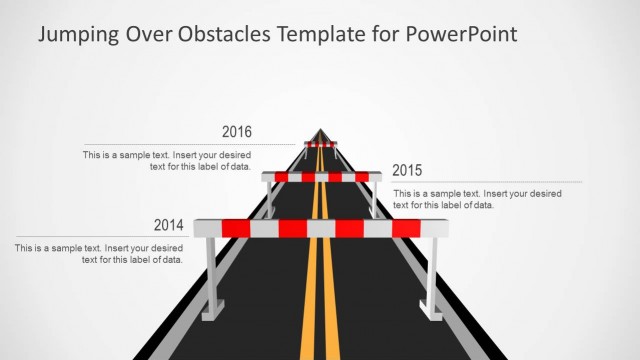
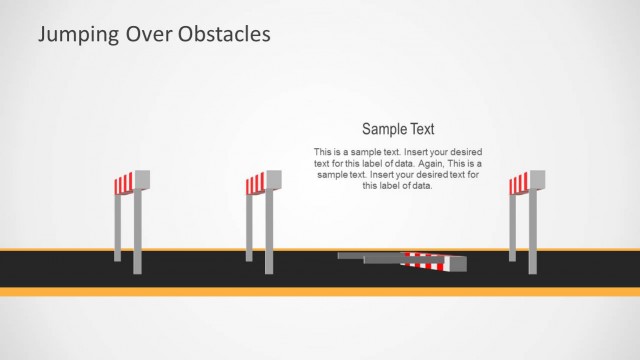
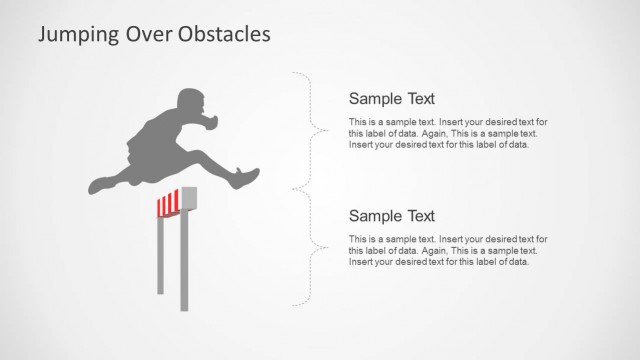
The slide features a central road with two sets of barrier icons positioned on either side. Each set of barriers is aligned vertically, creating a symmetrical layout. The barriers are red and white, contrasting against a light background. Text placeholders are located on both sides, aligned to the top and bottom of the barriers. The visual hierarchy emphasizes the barriers as the central theme, with ample space for text on both sides. The overall composition is clean, with a clear pathway down the center.
How to Use It
This layout serves as a metaphorical representation of overcoming obstacles, suitable for presentations discussing challenges or barriers. It fits well in a sequence that introduces problems and solutions, making it ideal for project updates or strategic planning discussions. Use it to illustrate progress or goals in overcoming challenges. The design allows for clear communication of key points alongside visual metaphors, enhancing audience engagement.
Text Placeholders & Capacity
Keep your copy within these limits so it fits without resizing. Body slots can accommodate roughly 20-30 words each.
| Placeholder | Count | Max characters (approx.) |
|---|---|---|
| Slide title | 1 | 50 |
| Body paragraph | 4 | 150 |
Slide Keywords
Download unlimited PowerPoint templates, charts and graphics for your presentations with our annual plan.
DOWNLOADReturn to Jumping Over Obstacles PowerPoint Template.