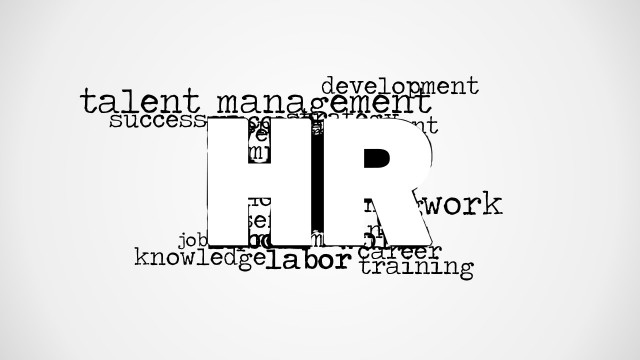
Job Word Cloud Picture for PowerPoint is a creative job and employment tag cloud illustration for Microsoft PowerPoint that you can use to decorate your slides on Human Resources, Talent Management and Job Openings. It contains a big Job word with other secondary and relevant keywords behind the main word, such as: employment, salary, career, management, business, etc.
Alternatively to this Job PowerPoint template design you can download free PowerPoint templates or Human Resource tag cloud pictures for PowerPoint presentations.
What’s inside this template
Example presentation scenarios
- An HR manager can open a hiring strategy update by using the centered JOB word cloud to frame employment, salary, company, and career themes before moving into policy or headcount details.
- A recruiter can introduce a job openings briefing with the white background word cloud so the audience immediately connects the session to roles, employment, and career growth.
- A career coach can use the gradient background version as a section divider before discussing success, salary negotiation, management paths, or executive career planning.
- A talent acquisition leader can place the word cloud before a recruitment campaign discussion to create a neutral visual cue for business, company, and employment topics.
Features
- 100% editable presentation template
- Compatible with Microsoft PowerPoint and Google Slides
- 16:9 aspect ratio slides
- Scalable vector shapes, icons and illustrations
- AI-Ready for Microsoft Copilot and Claude
- Instant access and download
Frequently asked questions
Q: How should a presenter use this word cloud without making the slide feel like decoration?
A: Use the large JOB word as the opening anchor, then verbally connect two or three surrounding terms to the discussion. For example, frame the talk around employment, salary, and career before moving into policies, openings, or development plans. This turns the word cloud into a topic map rather than a background image.
Q: Who is this template best suited for in a business presentation?
A: This template fits HR teams, recruiters, staffing firms, and career development presenters who need a fast visual signal for job-related content. It is best used as a cover, transition, or agenda lead-in when the next slides will explain hiring needs, career paths, talent programs, or employment opportunities.
Q: Why does the large central word work better than a list of employment terms?
A: The design uses a word cloud metaphor to show that job discussions involve connected ideas such as company, salary, success, career, and management. The oversized JOB text creates the main visual hierarchy, while the smaller terms build context. This helps the audience grasp the theme before reading detailed content.




Job Word Cloud Picture for PowerPoint
2-slide presentation template with a JOB word cloud for HR, recruitment, and career topics
Job Word Cloud Picture for PowerPoint is a 2-slide 16:9 presentation template with a centered employment word cloud built around the large word JOB. It includes a gray gradient background variant and a white background variant for HR, recruitment, career, and talent presentations in Microsoft PowerPoint and Google Slides.
- Category
- Pictures
- Rating


 Loading...
- Aspect ratio
- 16:9
- Item ID
- 8167-01
- Colors
 Microsoft PowerPoint
  Microsoft Copilot
  Claude for PowerPoint
 Other formats supported
Subscribe today and get immediate
access to download our PowerPoint templates.