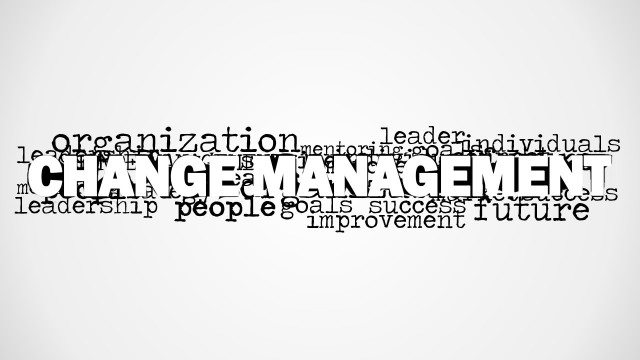
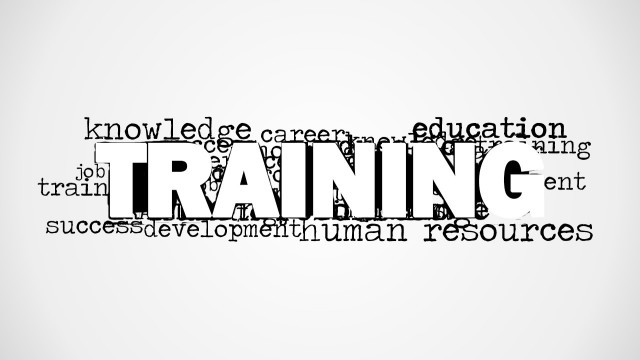
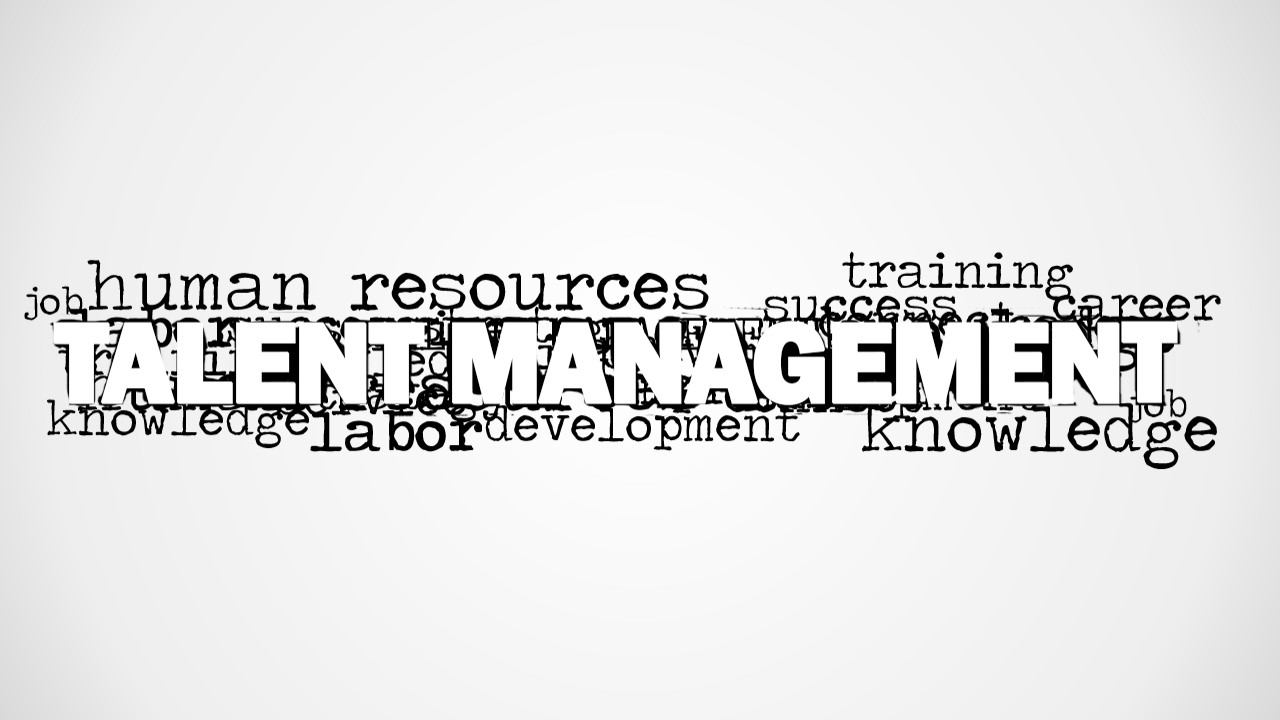
Decorate presentations on Talent Management, Human Resources, Career, and Development using the Talent Management Word Cloud Picture for PowerPoint. The graphic is specially designed for PowerPoint presentations with people management concepts. It features the term Talent Management clouded up by relevant words. Surrounded by a white background, the neat look of a professional report is well maintained.
As a part of the human resource process, talent management is designed to engage and motivate employees. Its main objective is to create a high-performance organization that meets operational goals and strategy. Many elements are considered upon managing a person or a group of people. Leadership development, onboarding, goal alignment and recognition programs are only few examples of these factors. Each aspect is analysed by the human resource department. Positive results can offer good points that can be applied to other situations. Negative results can show places for improvement and limitations. Either way, the company can discover new ideas to satisfy the needs of the business thru their employees.
The slide designs cover a white block text for the title Talent Management. This serves as an attraction for the audience to catch their interest. The words like human resource, training, labor and knowledge are found around the title. These can present as main points of the presentation. This makes the user’s work a lot easier because he does not need to outline on his own.
The PowerPoint design can serve as a template or complement slides of another presentation. It allows only important concepts to be included. This avoids overcrowding the audience with unnecessary information. It can act as filler slide and let the audience relate their questions to the different terms
Capture audience interest with Talent Management Word Cloud Picture for PowerPoint. Texts and colors are fully editable for a more personalized feel of the report. Other business templates regarding Human Resource and Management such as Recruitment Word Cloud can likewise be downloaded from the SlideModel gallery.
What’s inside this template
Example presentation scenarios
- An HR director can use the word cloud cover to open a talent management strategy update and focus attention on terms such as training, career, knowledge, and development.
- A learning and development manager can use the cropped word cloud picture as a section divider before explaining employee training or career path programs.
- An organization development consultant can use the blank white canvas to add a custom discussion question after introducing the talent management word cloud.
- An executive presenter can use the word cloud layout as a visual bridge between workforce planning, change management, and leadership development topics.
Features
- 100% editable presentation template
- Compatible with Microsoft PowerPoint and Google Slides
- 16:9 aspect ratio slides
- Scalable vector shapes, icons and illustrations
- AI-Ready for Microsoft Copilot and Claude
- Instant access and download
Frequently asked questions
Q: How should a presenter use the word cloud without making it feel like decoration?
A: Use the central Talent Management text as the main message, then connect only a few surrounding terms to the talk track. For example, call out training, career, and development as the three discussion pillars. This turns the image into a visual agenda instead of a background graphic.
Q: Who is this template best suited for in a business presentation?
A: It fits HR leaders, talent teams, and consultants who need a quick concept slide for people management topics. The design is strongest as an opener, section divider, or discussion prompt before deeper material such as career planning, onboarding, training, recognition, or change management.
Q: Why does the word cloud design help communicate talent management topics?
A: The large central phrase establishes the main theme immediately, while smaller surrounding words show the connected concepts that shape the topic. This visual hierarchy works well for abstract HR subjects because it lets the audience see the whole idea before the presenter explains individual parts.

Talent Management Word Cloud Picture for PowerPoint
2-slide presentation template with talent management word cloud graphics for HR and workforce development discussions
Talent Management Word Cloud Picture for PowerPoint is a 2-slide presentation template for HR and management topics. It includes a large talent management word cloud picture, a clean blank white canvas, and a cropped word cloud layout for section starts or concept framing. It is built for Microsoft PowerPoint and Google Slides.
- Category
- Pictures
- Rating

 Loading...
- Aspect ratio
- 16:9
- Item ID
- 8291-01
- Colors
 Microsoft PowerPoint
  Microsoft Copilot
  Claude for PowerPoint
 Other formats supported
Subscribe today and get immediate
access to download our PowerPoint templates.