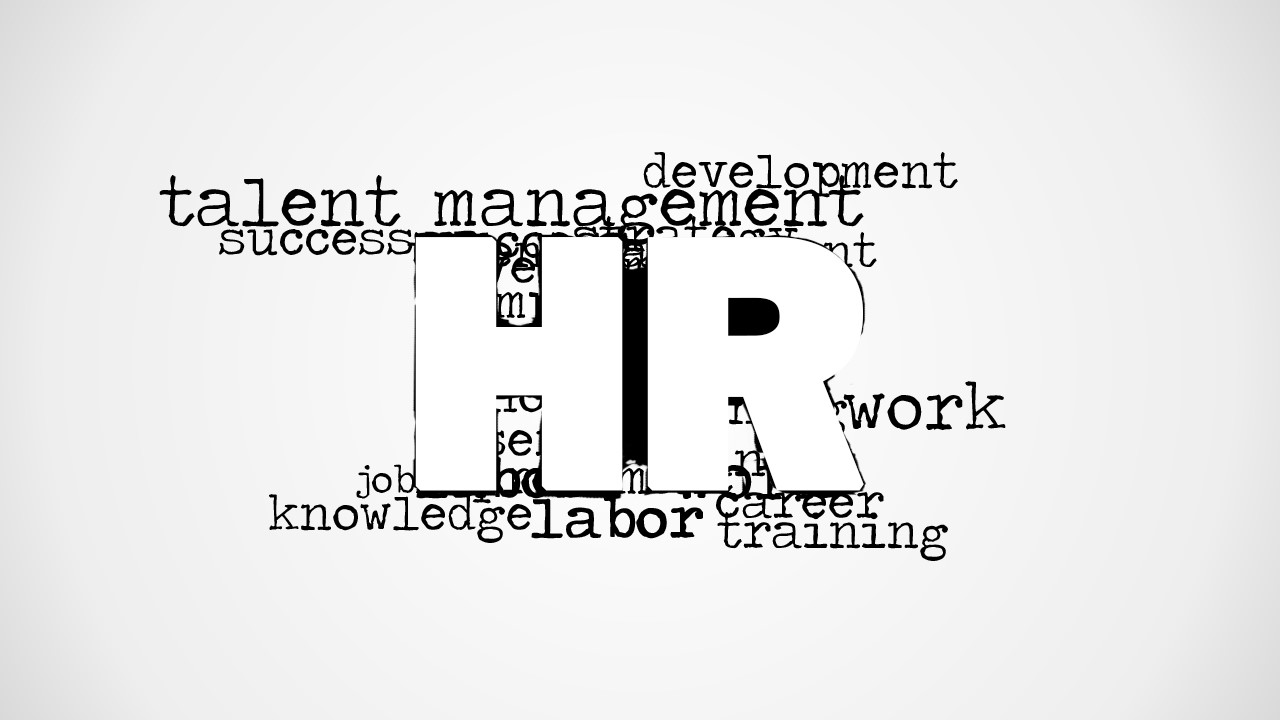
HR Word Cloud Picture for PowerPoint is a tag cloud design containing the letters HR (aka Human Resources). You can download this presentation design to illustrate and decorate your human resources presentations in Microsoft PowerPoint or Keynote. The presentation design contains two slides with the tag cloud illustration embedded over a gradient background and other variant over a white background design.
What’s inside this template
Example presentation scenarios
- An HR manager can use the HR word cloud picture as an opening slide to frame a people strategy update before moving into policy, hiring, or workforce data.
- A recruiter can place the white background variant at the start of a talent acquisition deck to signal the focus on work, career, development, and training.
- A talent development lead can use the gradient background variant as a section divider before discussing employee growth, succession planning, or learning programs.
- A people operations consultant can adapt the monochrome word cloud as a neutral cover visual for a client workshop on labor planning, skills, and organizational roles.
Features
- 100% editable presentation template
- Compatible with Microsoft PowerPoint and Google Slides
- 16:9 aspect ratio slides
- Scalable vector shapes, icons and illustrations
- AI-Ready for Microsoft Copilot and Claude
- Instant access and download
Frequently asked questions
Q: How should I use the HR word cloud so it supports the message instead of acting as filler?
A: Use the word cloud as a framing device, not the main evidence. Place it on an opening, divider, or closing slide, then connect two or three visible terms to the next topic, such as talent management, development, or training. Keep the spoken message focused so the audience reads the image as a theme setter.
Q: For which HR presentations is this template the right fit?
A: This template fits short human resources decks that need a recognizable HR visual before the substantive content begins. It works well for recruiting updates, onboarding introductions, talent development sessions, and people operations briefings. It is less suited to analytics-heavy reports unless paired with separate charts and tables.
Q: Why does the large HR letterform and word cloud metaphor work for this topic?
A: The large HR letters create an immediate subject anchor, while the surrounding words suggest the breadth of human resources work. The metaphor is simple: HR contains talent, work, development, career, labor, and training. This helps audiences grasp the scope of the topic before the presenter moves into details.

HR Word Cloud Picture for PowerPoint
2-slide presentation template with HR word cloud picture and monochrome human resources terms
HR Word Cloud Picture for PowerPoint is a 2-slide picture presentation template for human resources communications. It centers a large HR letterform inside a monochrome word cloud with terms such as talent management, development, work, career, and training, shown as a gray gradient background variant and a white background variant for Microsoft PowerPoint and Google Slides.
- Category
- Pictures
- Rating

 Loading...
- Aspect ratio
- 16:9
- Item ID
- 8292-01
- Colors
 Microsoft PowerPoint
  Microsoft Copilot
  Claude for PowerPoint
 Other formats supported
Subscribe today and get immediate
access to download our PowerPoint templates.