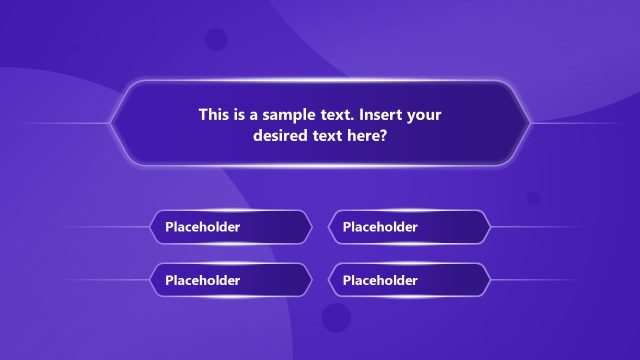
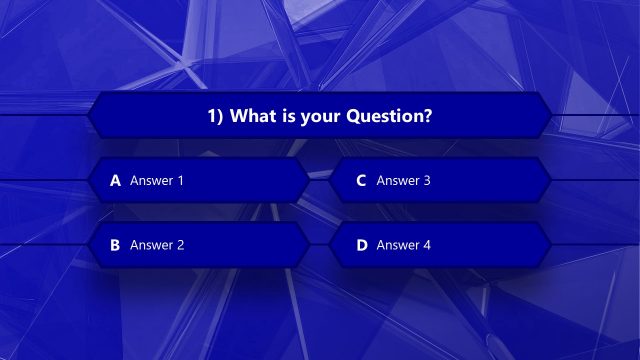
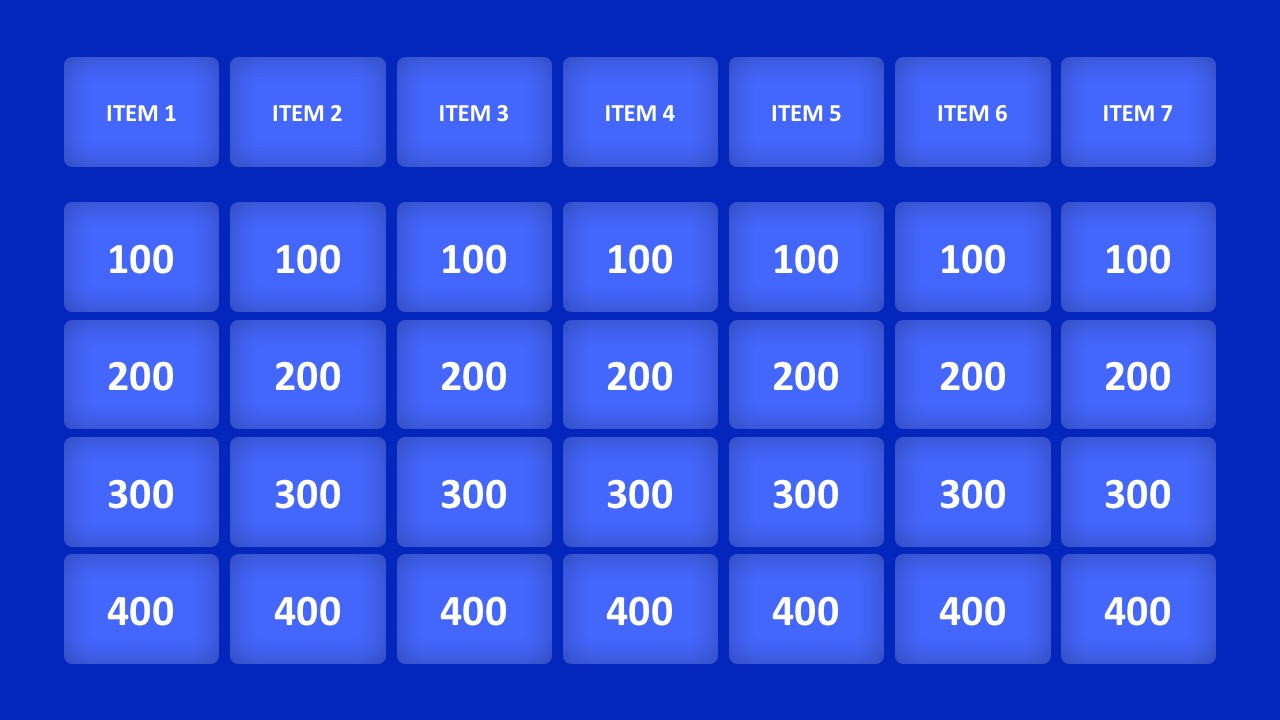
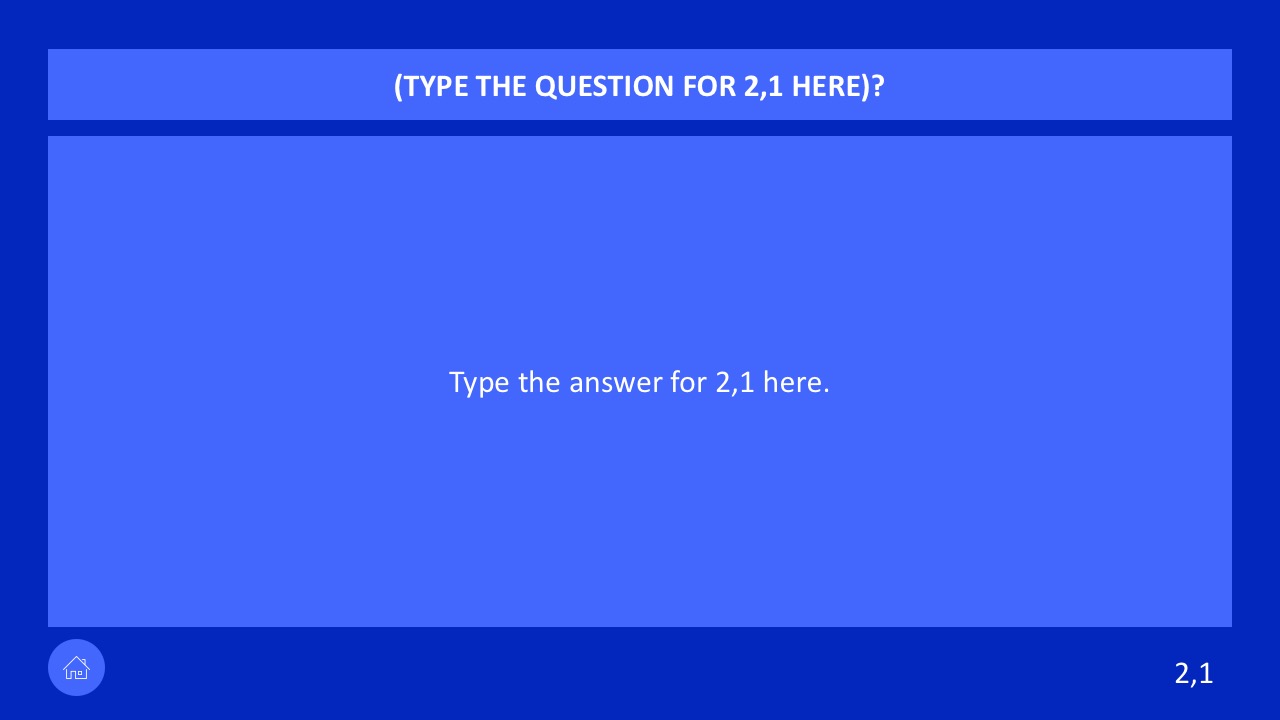
Jeopardy Game PowerPoint Templates are structured slides like the Jeopardy TV game show using Microsoft PowerPoint. The PowerPoint templates can be used for teaching in a classroom setup. Every PowerPoint slide has Text Slides for the question and answer. It has 4 categories with 7 items for 28 questions total.
The question appears automatically as the presenter move to it. Meanwhile, the answer is displayed with one click. Each slide also has a respective Home button to go back to the game board.
This engaging and interactive Jeopardy Game for PowerPoint application generally has the following features:
- A Game board (or a grid) that shows tiles and score (or a cash value).
- Hyperlinks on every cash value towards the corresponding slide.
- Slide Master view to create unified slides for questions and answers.
The presenters can select to edit the layout of the entire presentation. Resize the table, fill in the tiles, recolor game board from the original blue themed background. The presenters can also edit and create new slide layouts in the Slide Master tool. Changing the content through master slide will automatically apply to every slide in the presentation. For example, change the background, text placement, size or font in the Slide Master. Also, check our collection of game PowerPoint templates.
Alternatively, create alternative game timelines with a playful theme Board Game PowerPoint Template.
What’s inside this template
Example presentation scenarios
- A teacher can use the game board and question-answer slides to review lesson material with students in a competitive classroom format.
- A corporate trainer can use the value tiles and repeated answer prompts to test retention after onboarding, compliance, or product training.
- A workshop facilitator can use the Jeopardy board as an icebreaker, replacing the item headers with session themes and the prompts with group questions.
- A team lead can run a staff trivia or knowledge check session using the cover slide for setup and the home buttons to return to the board after each prompt.
Features
- 100% editable presentation template
- Compatible with Microsoft PowerPoint and Google Slides
- 16:9 aspect ratio slides
- Scalable vector shapes, icons and illustrations
- AI-Ready for Microsoft Copilot and Claude
- Instant access and download
Frequently asked questions
Q: How should a presenter organize content so the game stays clear and fair?
A: Group the board columns around recognizable topics, then make the four value rows progressively harder. Keep each question slide focused on one prompt and one answer so the audience can respond quickly. Use the home button after each reveal to return to the board and let teams choose the next tile.
Q: Who is this Jeopardy template best suited for?
A: It works best for presenters who need active recall rather than lecture slides. Teachers can review course units, trainers can check understanding after a module, and facilitators can turn workshop content into a team activity. The board format is strongest when participants already share a base level of knowledge.
Q: Why does the game board metaphor help the presentation?
A: The Jeopardy-style board gives the audience a visible menu of choices, stakes, and progress. Category headers organize the subject matter, value tiles create difficulty levels, and repeated question-answer slides keep the interaction predictable. That structure reduces explanation time and lets the presenter focus on discussion.





Jeopardy Game PowerPoint Templates
30-slide Jeopardy game presentation template with quiz board and question-answer slides.
Jeopardy Game PowerPoint Templates is a 30-slide interactive quiz deck for Microsoft PowerPoint and Google Slides. It includes a welcome cover, a Jeopardy-style game board with category and value tiles, and 28 question-answer slides with home navigation. It is built for teachers, trainers, facilitators, and team leads.
- Category
- Text & Tables
- Rating


 Loading...
- Aspect ratio
- 16:9, 4:3
- Item ID
- 5906-02
- Colors
 Microsoft PowerPoint
 Microsoft Copilot
 Claude for PowerPoint
Other formats supported
Subscribe today and get immediate
access to download our PowerPoint templates.