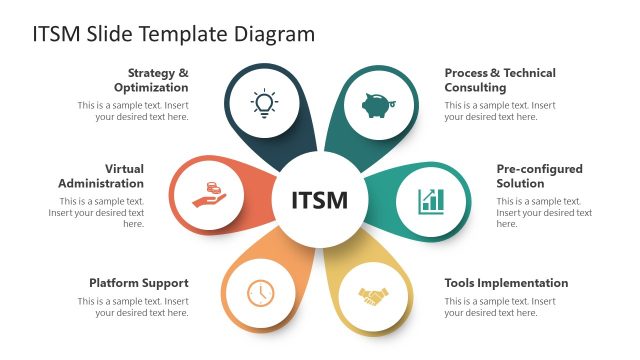
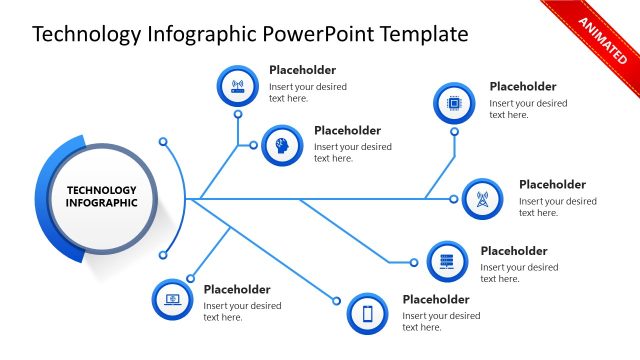
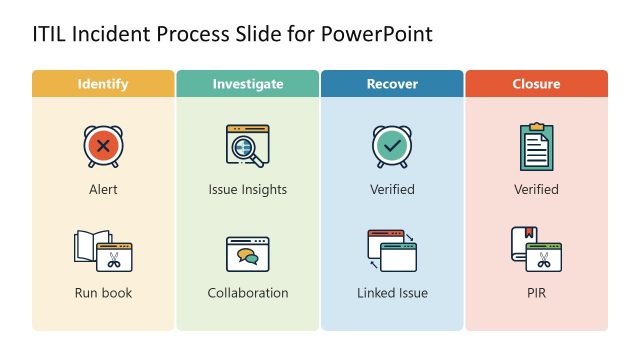
Download our professional IT Playbook PowerPoint Template to present the attributes of the IT infrastructure and processes. The IT playbook refers to the document that outlines the whole business processes, workflows, procedures, timelines, plans, and objectives. It also communicates the business growth strategies, mission, and vision of the company to the stakeholders. We have designed this modern PPT template with many interesting infographics, PowerPoint shapes, and other features for IT experts. They can download our template to display the IT playbook visually attractively. This helps listeners understand the concept better and streamline the workflows. The IT playbook is more significant in DevOps and IT Ops to tain the employees about incident responses. Our creative and comprehensive layout helps summarize the details and make engaging presentations. They can display the following topics using our template:
- Project Overview
- Current IT Infrastructure
- Key Components
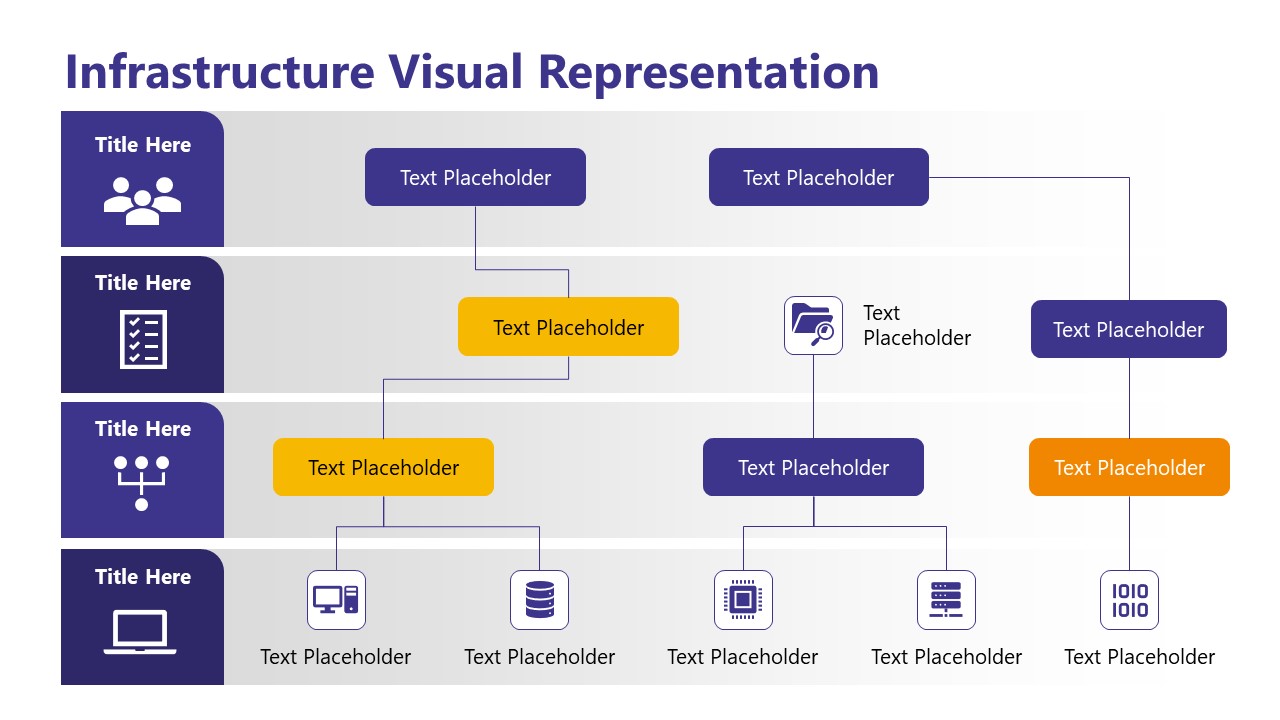
- Infrastructure Visualization
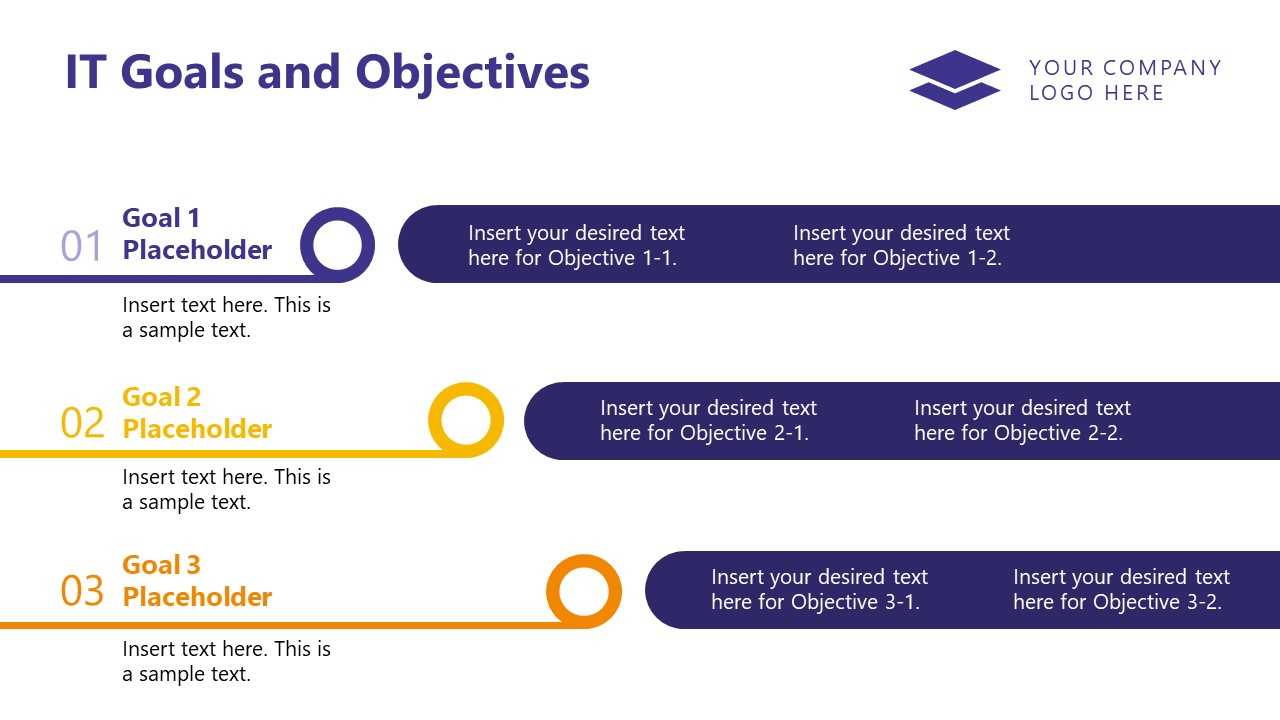
- IT Goals and Objectives
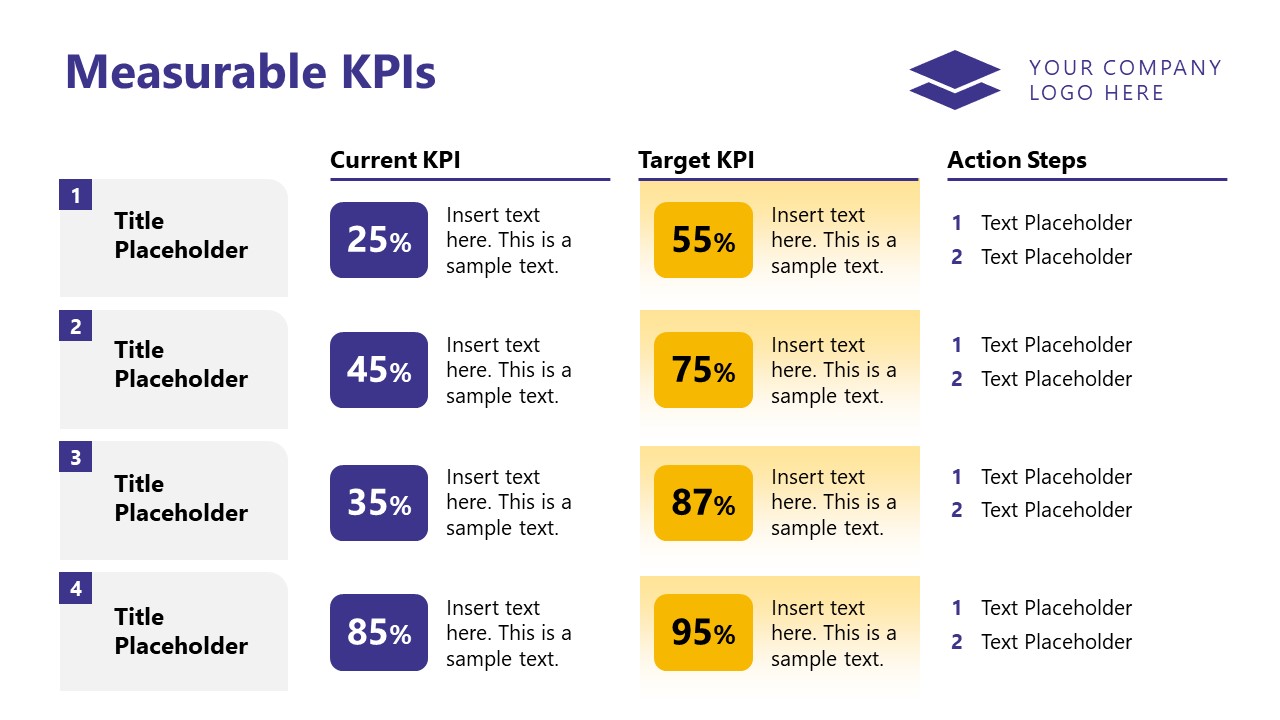
- Measure Key Performance Indicators
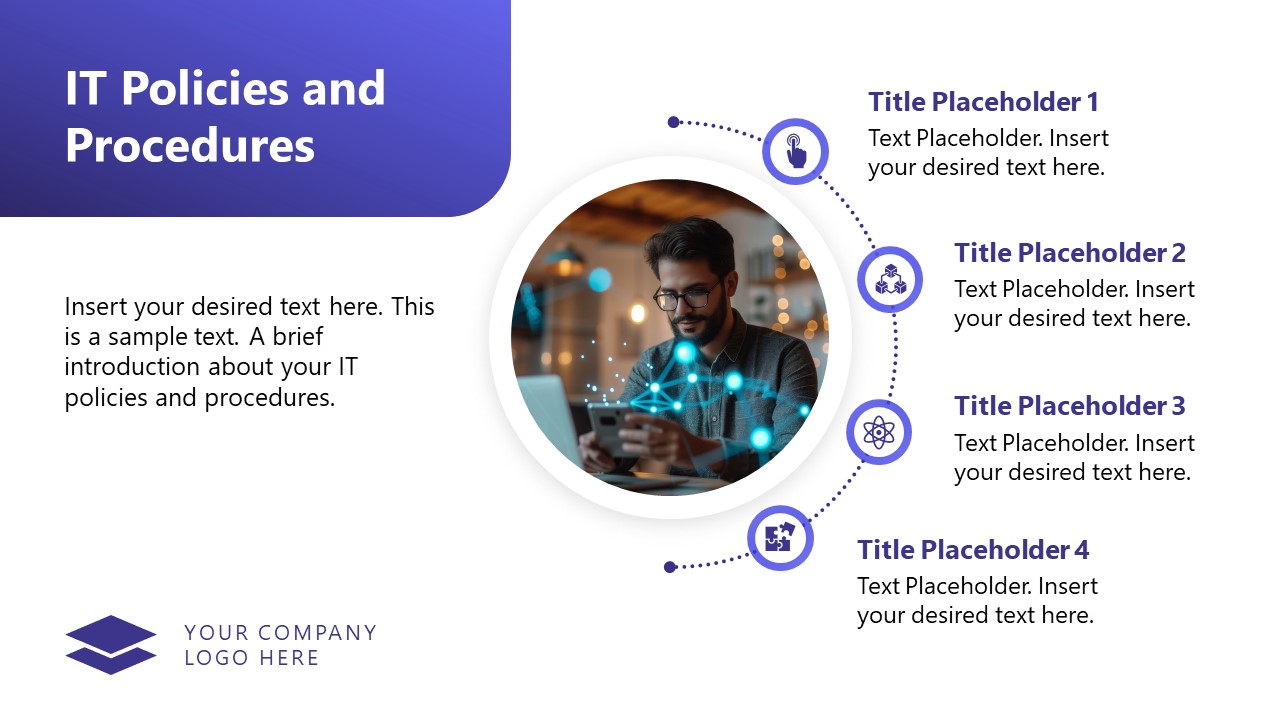
- IT Policies and Procedures
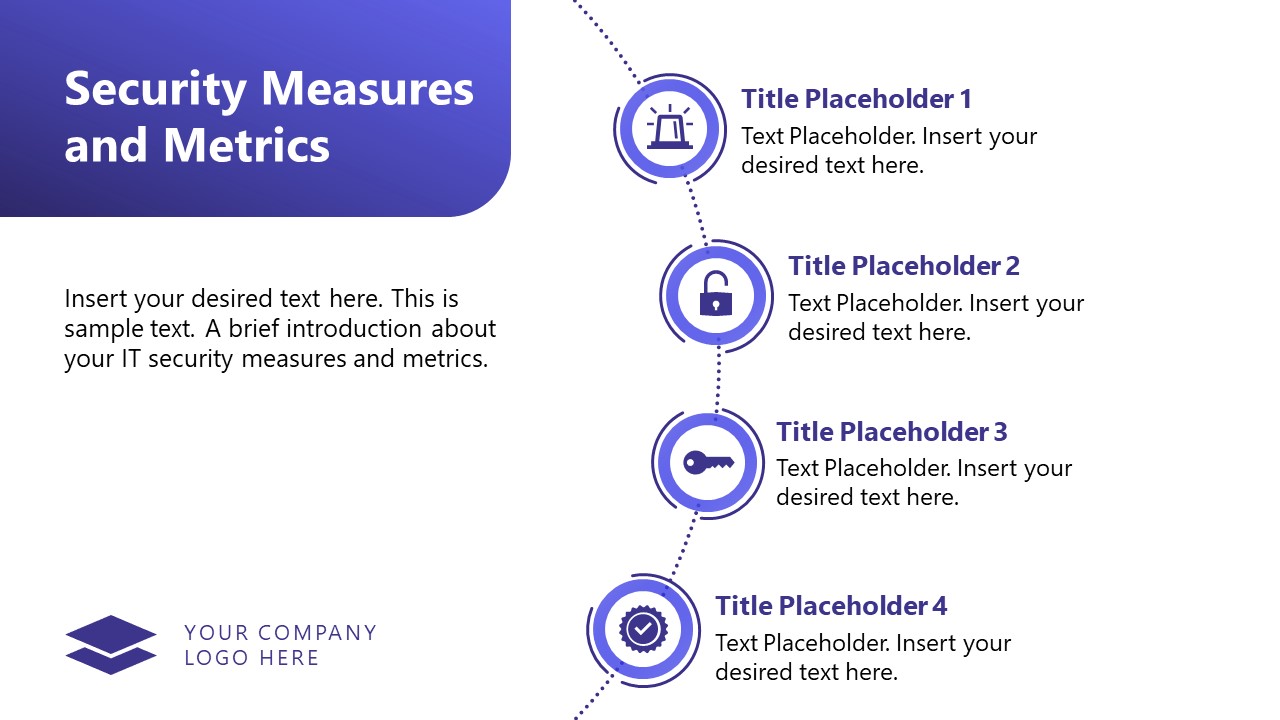
- Security Measures and Metrics
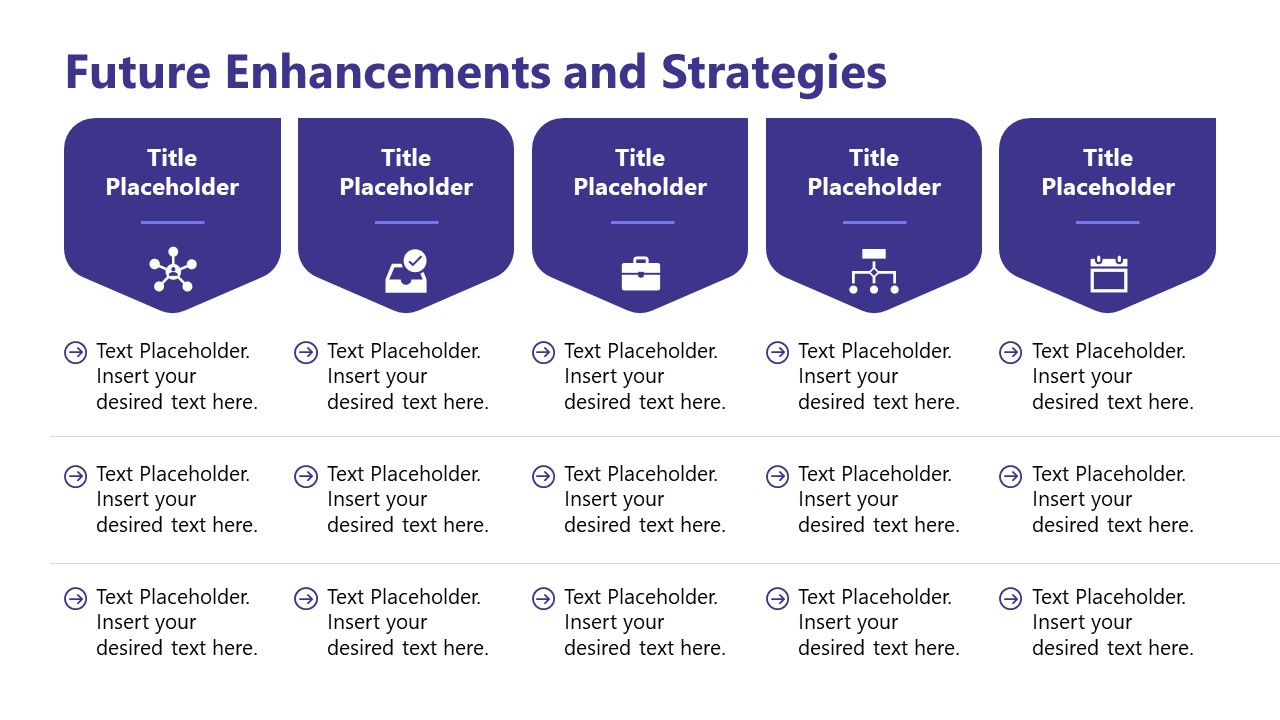
- Future Enhancements and Strategies
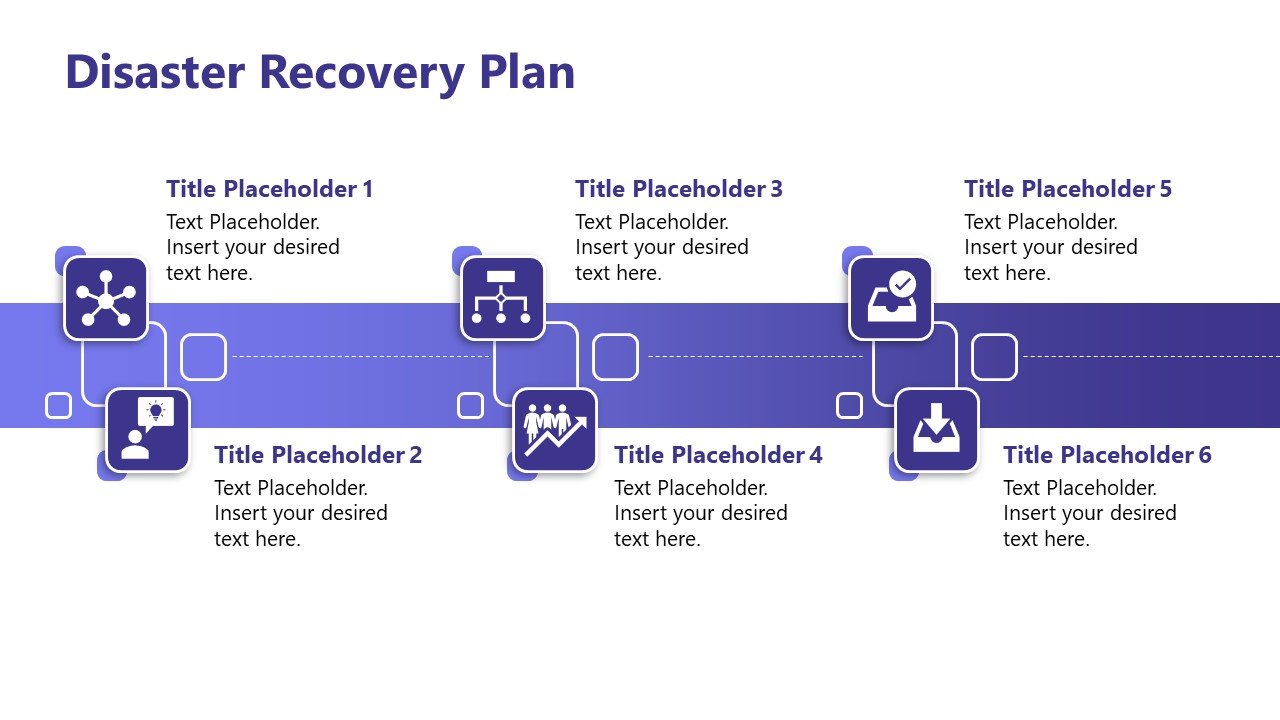
- Disaster Recovery Plan
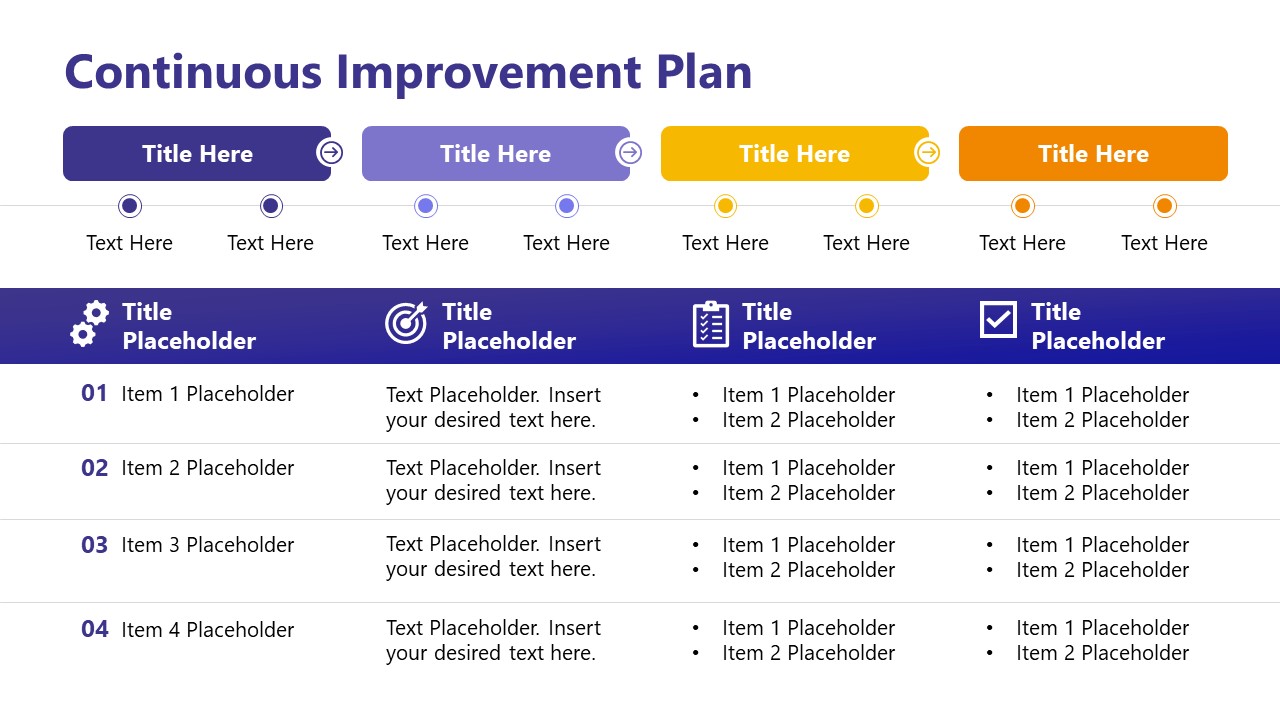
- Continuous Improvement Plan
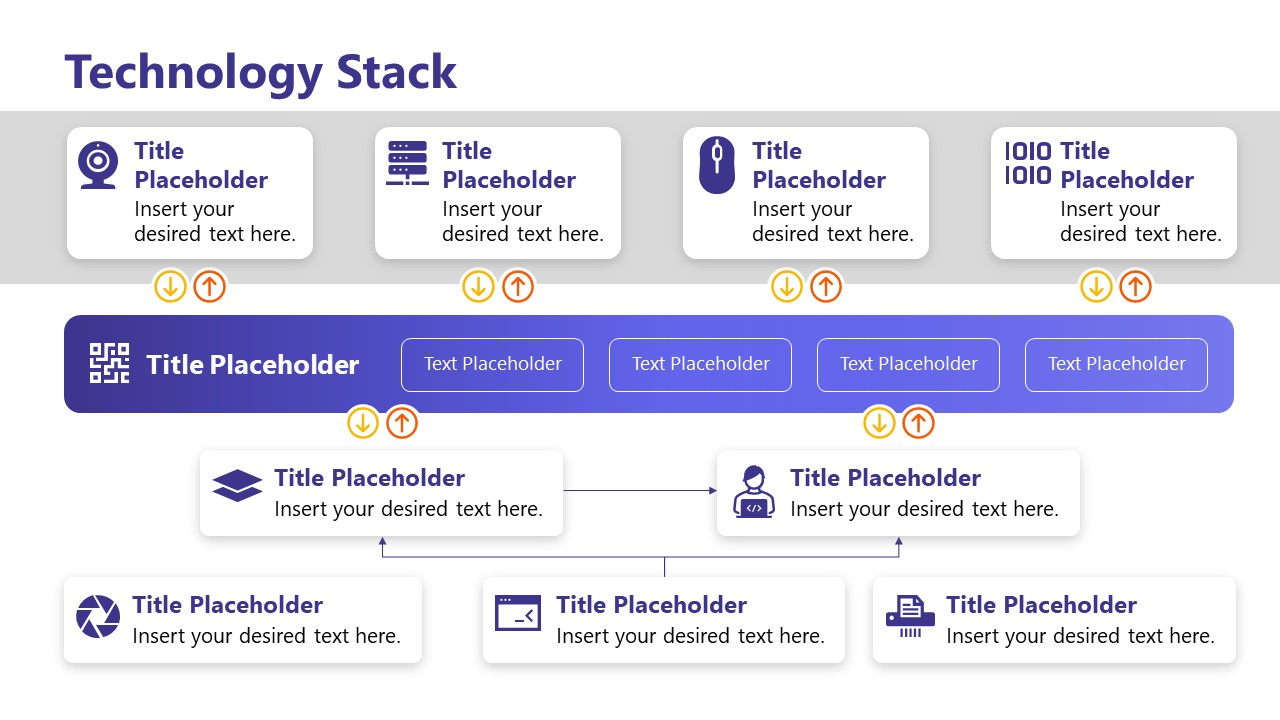
- Technology Stack
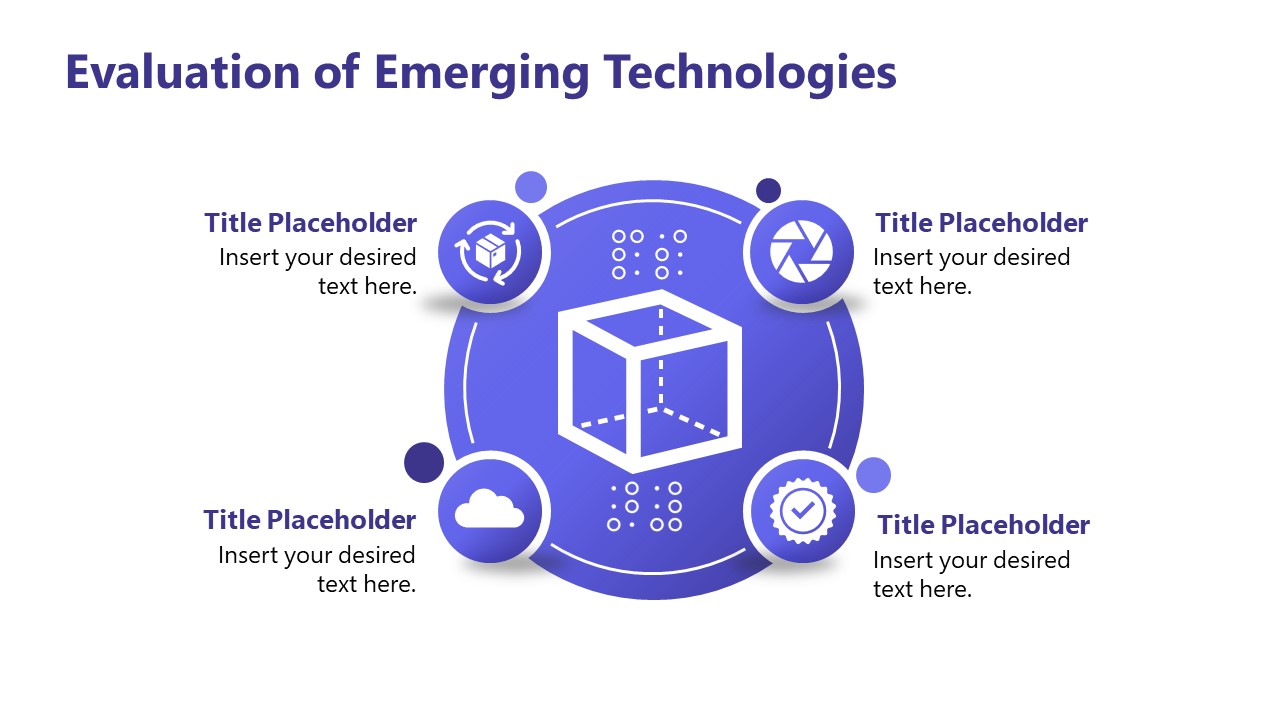
- Evaluation of Emerging Technologies
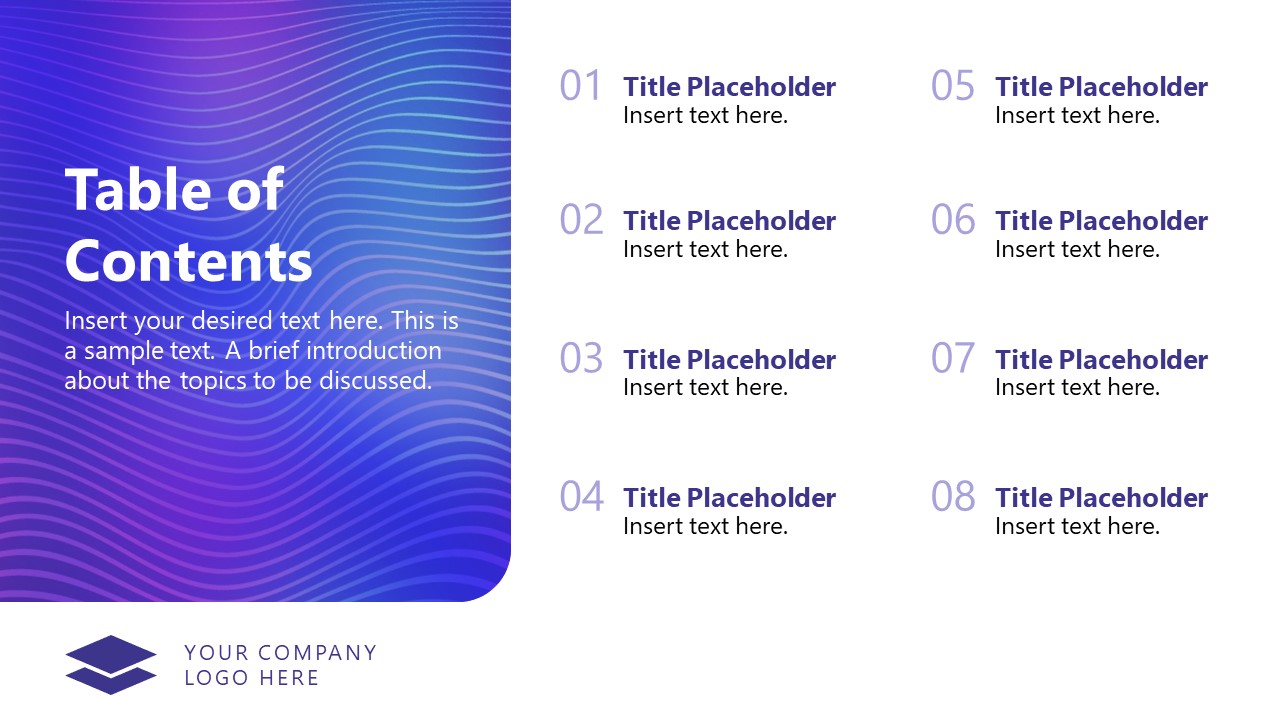
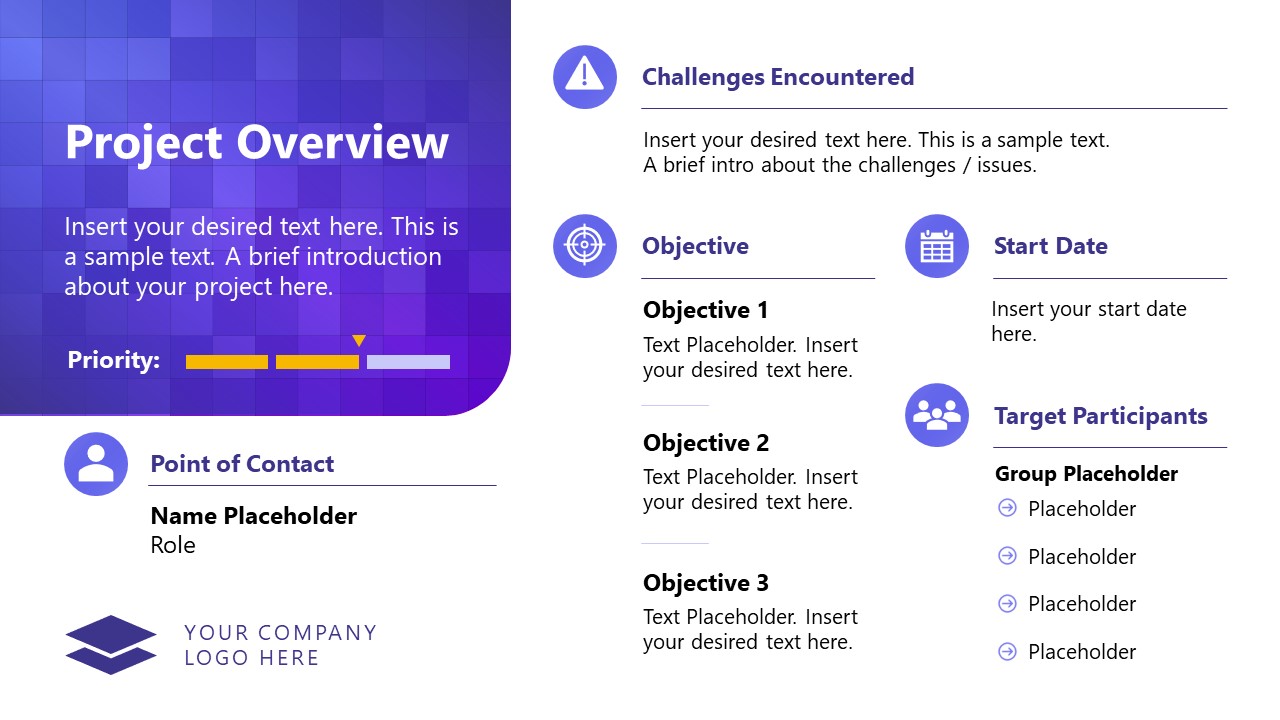
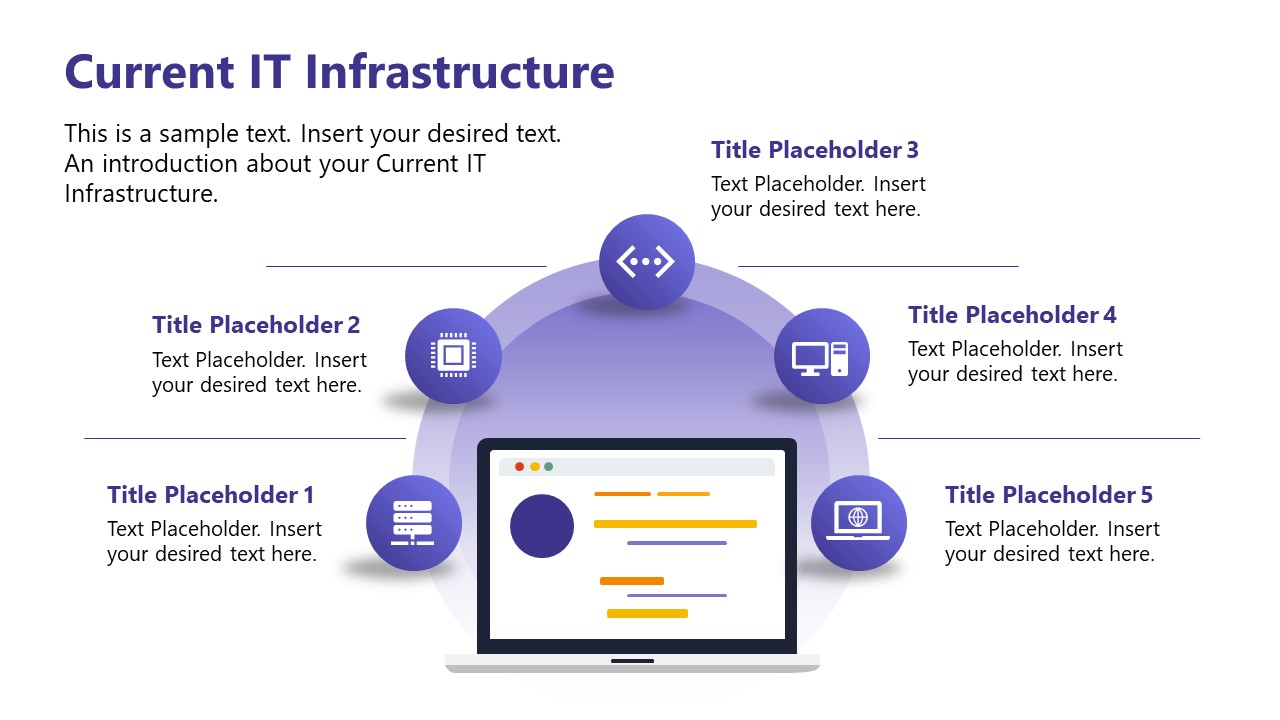
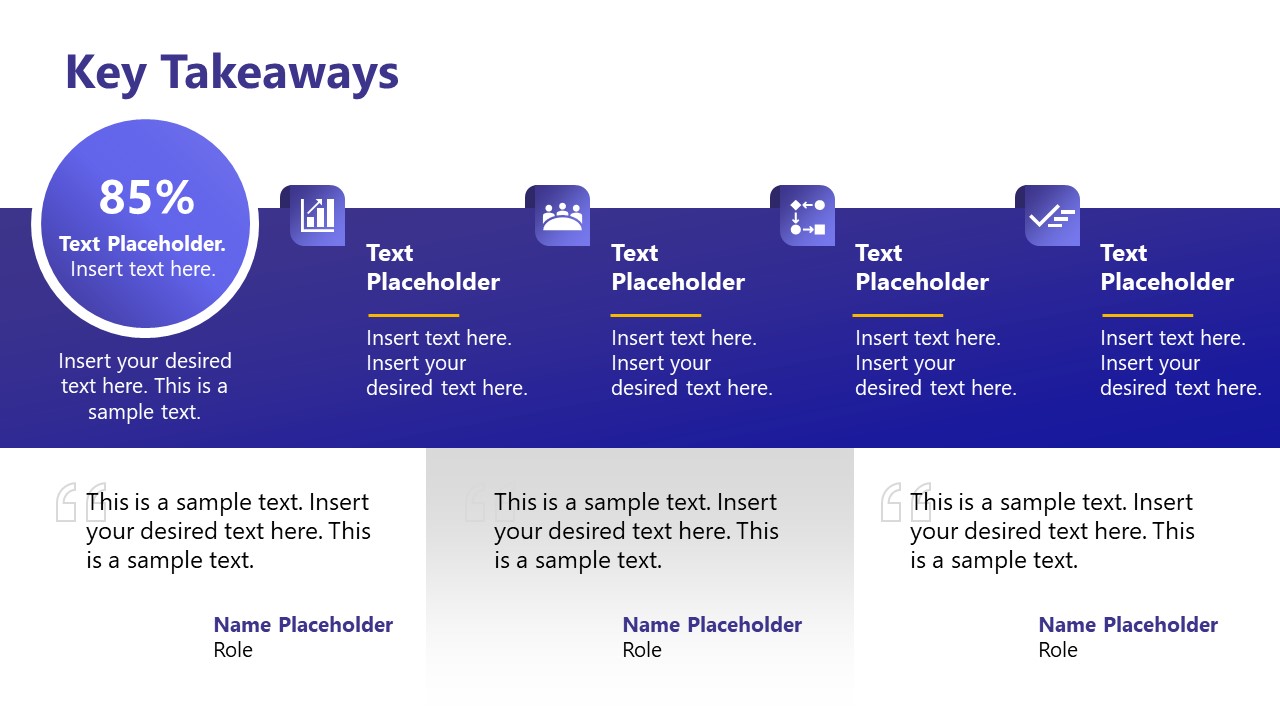
The IT Playbook PowerPoint Template starts with the title slide and table of contents slide. The project overview slide helps professionals demonstrate the point of contact, project objectives, dates, and target participants. The following slide contains a Macbook illustration with a semi-circle around it to showcase the points about current IT infrastructure. They can illustrate the above topics with impressive graphical elements. Moreover, users can also display the team members in the IT projects, the annual or monthly pricing values, key takeaways of the presentation, and future goals using our slides. Also, presenters can modify the shapes or icons used in the template based on their choice. They can also change the color scheme based on their theme. Download this interactive PPT template and personalize it for your business presentations!
What’s inside this template
Example presentation scenarios
- An IT manager can use the current IT infrastructure diagram and key components architecture slide to brief executives on how systems, platforms, and support layers are organized.
- A DevOps lead can use the IT policies and procedures slide, disaster recovery timeline, and security measures layout to train teams on incident response and operational standards.
- A CIO can use the IT goals and objectives rows, measurable KPIs table, and future strategies grid to report priorities and performance expectations to stakeholders.
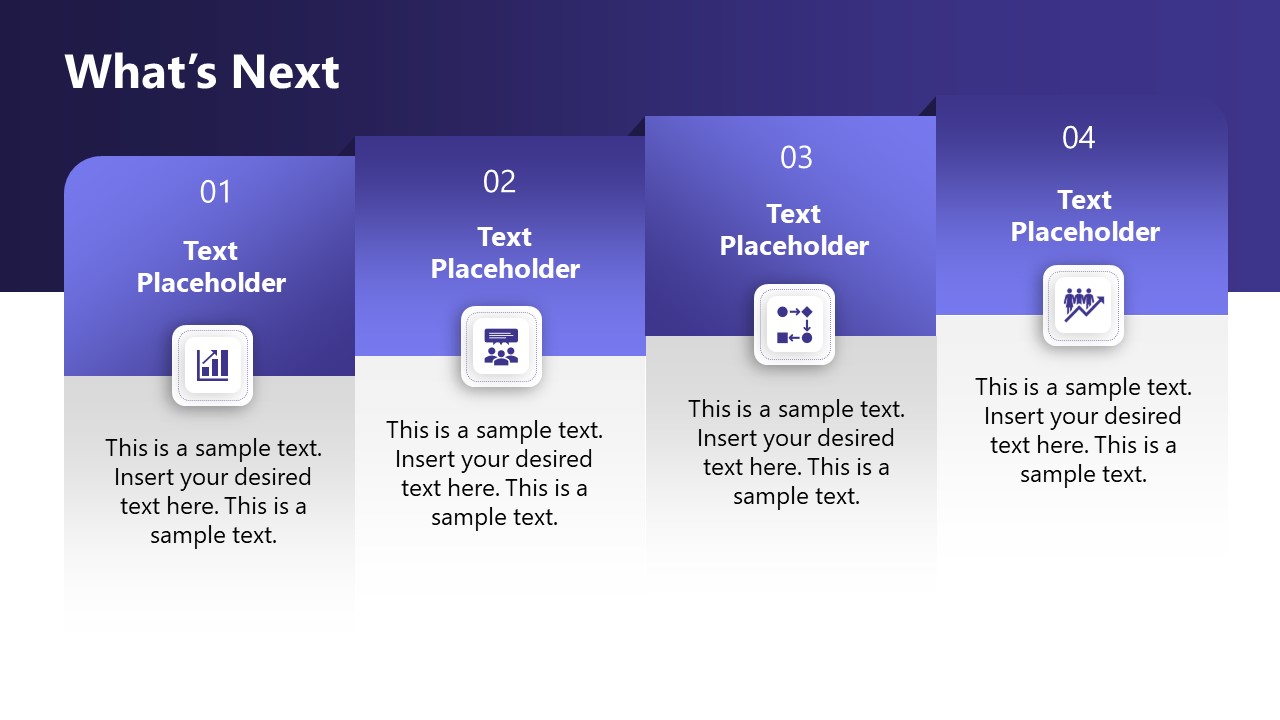
- A technology project manager can use the continuous improvement table and What's Next four-step layout to assign action items, sequence follow-up work, and clarify ownership.
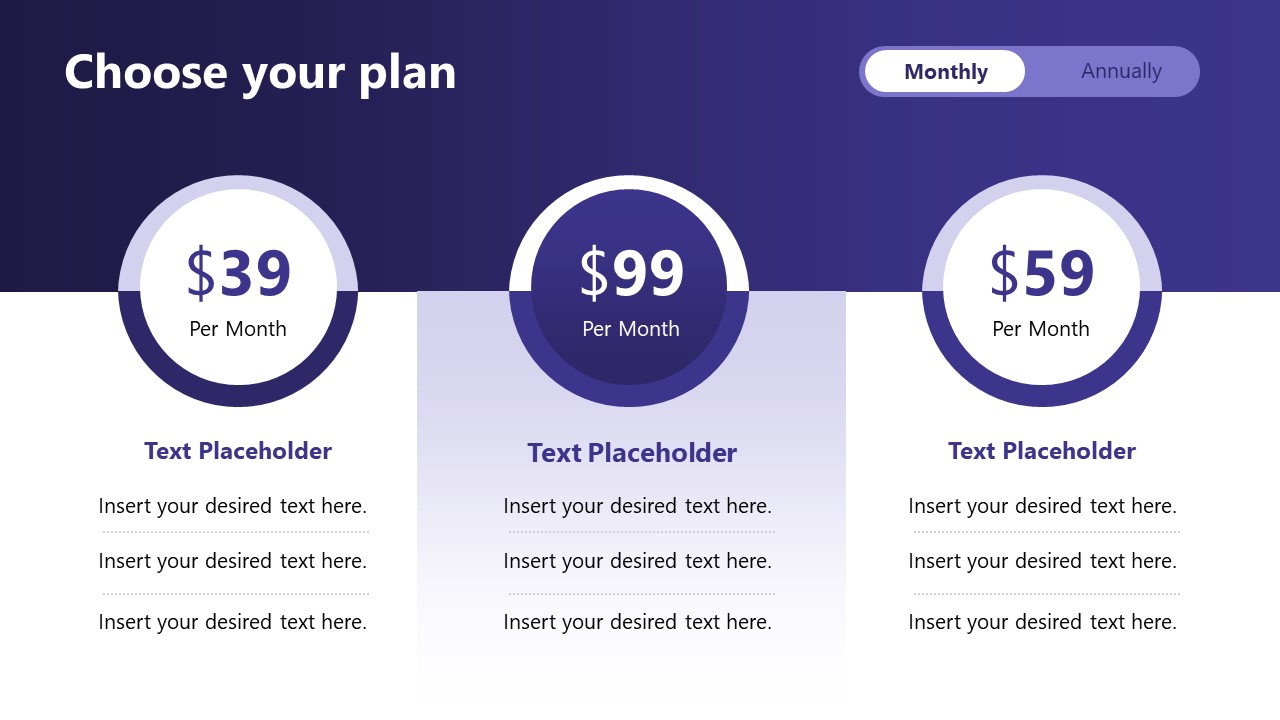
- A managed services presenter can use the team slide and monthly or annual pricing cards to introduce delivery roles and package options after explaining the playbook.
Features
- 100% editable presentation template
- Compatible with Microsoft PowerPoint
- 16:9 aspect ratio slides
- Scalable vector shapes, icons and illustrations
- AI-Ready for Microsoft Copilot and Claude
- Instant access and download
Frequently asked questions
Q: How should a presenter organize the IT playbook story with this deck?
A: Start by using the table of contents and project overview to define scope, owners, and objectives. Then move through infrastructure, key components, KPIs, policies, security, and recovery planning before discussing improvement actions. This order helps the audience first understand the operating environment, then the rules, risks, metrics, and next steps.
Q: Who is this template best suited for in an IT organization?
A: It fits IT leaders, DevOps managers, infrastructure owners, and technology project managers who need to explain how an IT function runs. The infrastructure diagram, procedures slide, KPI comparison table, and disaster recovery timeline support audiences that need governance, operational clarity, and shared response expectations rather than a high-level sales overview.
Q: Why do the icon timelines, circular diagrams, and tables work well for an IT playbook?
A: The visual metaphors separate complex operational content into recognizable patterns. Timelines show sequence, circular callouts show connected measures, and tables make responsibilities and metrics easier to compare. For an IT playbook, this reduces cognitive load because processes, technology layers, risks, and follow-up actions are not forced into long text blocks.






IT Playbook PowerPoint Template
22-slide IT playbook presentation template with infrastructure diagrams, KPI tables, and procedure workflows
IT Playbook PowerPoint Template is a 22-slide 16:9 presentation for documenting IT operations, infrastructure, procedures, and plans. It includes a table of contents, project overview, infrastructure map, KPI comparison table, disaster recovery timeline, continuous improvement table, technology stack diagram, team slide, pricing slides, and contact page for Microsoft PowerPoint.
- Category
- Business PowerPoint Templates
- Rating

 Loading...
- Aspect ratio
- 16:9
- Item ID
- 85099-01
- Colors
 Microsoft PowerPoint
 Microsoft Copilot
 Claude for PowerPoint
Other formats supported
Subscribe today and get immediate
access to download our PowerPoint templates.