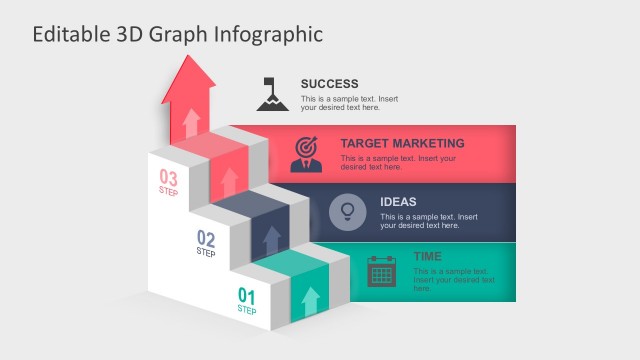
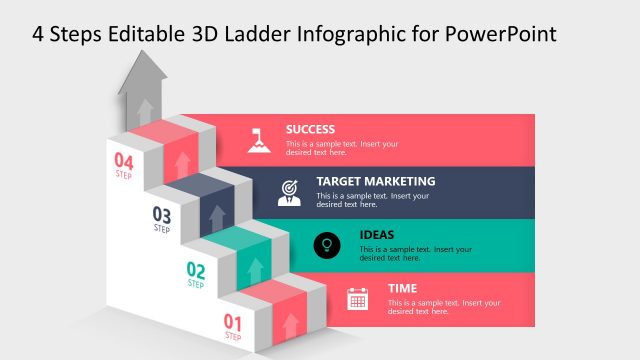
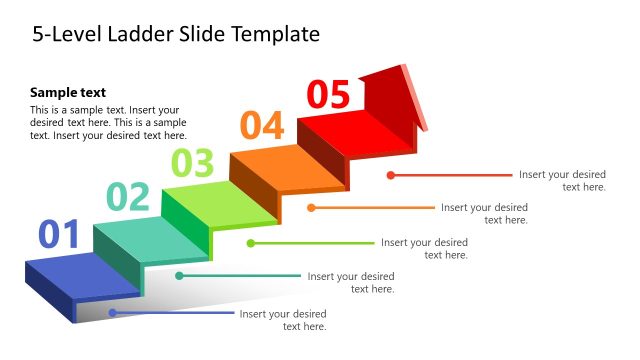
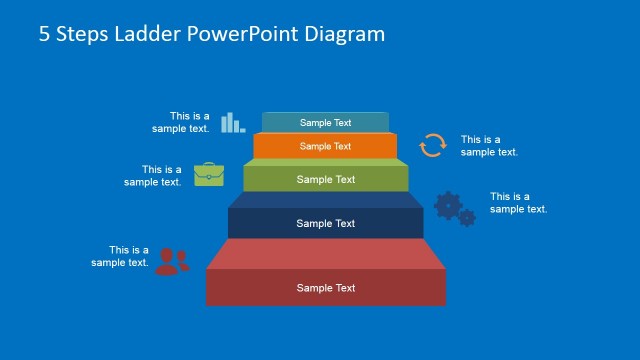
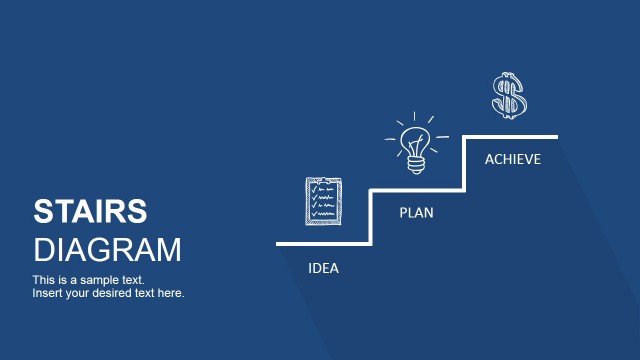
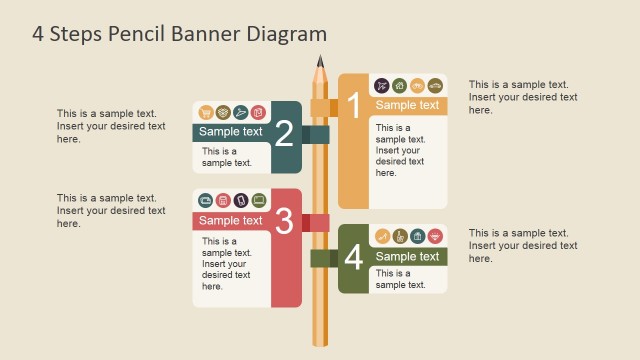
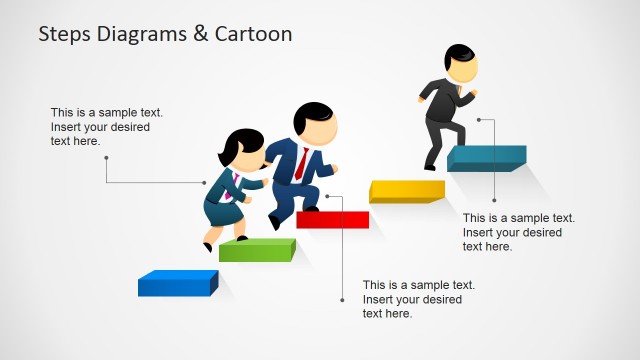
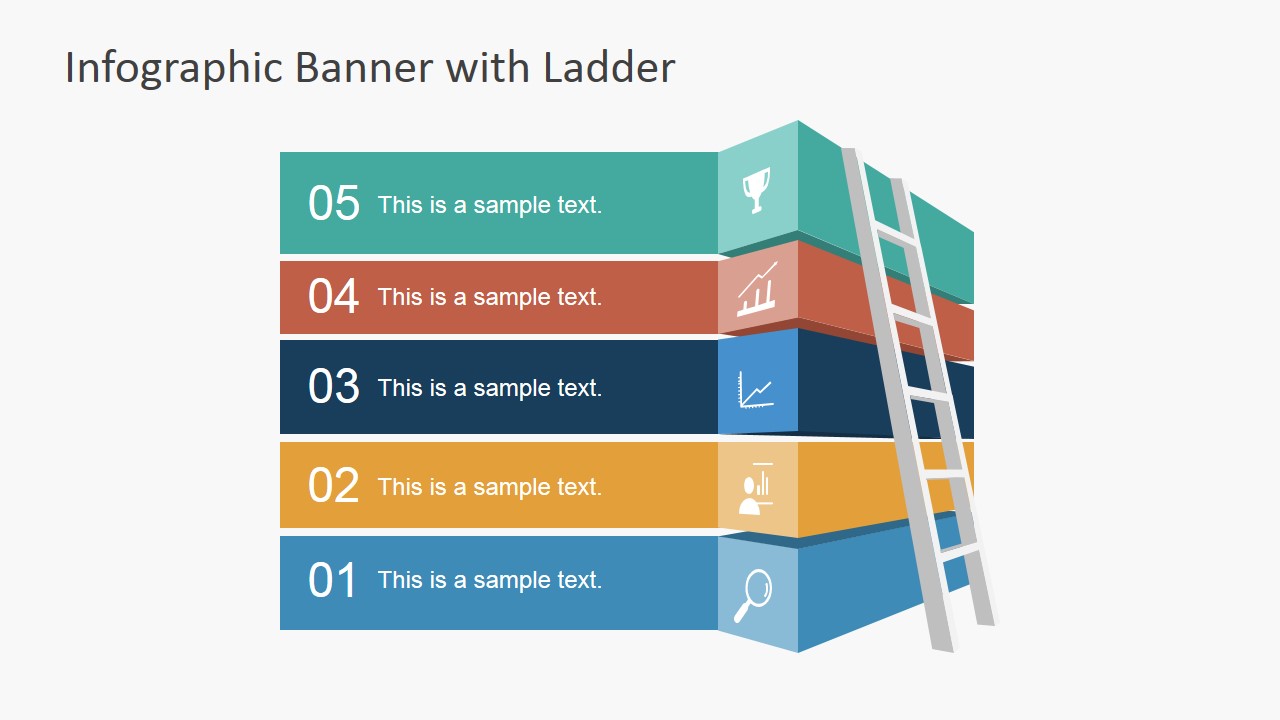
Infographic Banner Template with Ladder for PowerPoint is a presentation design containing banner shapes in PowerPoint with text placeholders and a ladder illustration that you can use to represent a business process or steps.
Alternatively, you can download other creative ladder PowerPoint templates and slide designs created with shapes and and creative ladder & step stair slides.
What’s inside this template
Example presentation scenarios
- A project manager can use the stacked numbered ribbons to explain five implementation phases and show how the team moves from an initial task to a final milestone.
- A trainer can use the ladder banner to introduce a five-part learning path, with each icon panel marking a lesson, behavior, or skill objective.
- A consultant can use the five-step process layout to summarize a client improvement plan, pairing each step number with a concise recommendation.
- A sales or customer success presenter can use the ladder metaphor to describe a client maturity path, from discovery through adoption and measurable progress.
Features
- 100% editable presentation template
- Compatible with Microsoft PowerPoint and Google Slides
- 16:9 aspect ratio slides
- Scalable vector shapes, icons and illustrations
- AI-Ready for Microsoft Copilot and Claude
- Instant access and download
Frequently asked questions
Q: How should a presenter explain the five steps without overcrowding the banner?
A: Treat each ribbon as one decision, action, or milestone. Keep the text placeholders short, then explain the supporting detail verbally or in speaker notes. The ladder already signals upward progress, so the slide works best when the wording is brief and the presenter connects each step to the next.
Q: Who is this ladder banner template best suited for?
A: It fits presenters who need to explain a simple ordered path: project managers outlining phases, trainers introducing a learning sequence, consultants framing an improvement plan, or team leads presenting milestones. The five-step structure is strongest when the audience needs orientation, not a dense operating manual.
Q: Why does the ladder metaphor help this process message?
A: The ladder makes progress visible before the audience reads the text. Each stacked ribbon feels like a rung or level, while the numbered order sets direction from 01 through 05. That visual metaphor helps frame the content as growth, advancement, or step-by-step completion.

Infographic Banner Template with Ladder for PowerPoint
2-slide presentation template for a 5-step ladder banner process in PowerPoint and Google Slides
This 2-slide infographic banner template presents a five-step ladder process with stacked numbered ribbons, folded icon panels, and a ladder illustration. It is built for presenters explaining business stages, milestones, onboarding steps, or progress paths in Microsoft PowerPoint and Google Slides.
- Category
- Shapes
- Rating


 Loading...
- Aspect ratio
- 16:9
- Item ID
- 6896-01
- Colors
 Microsoft PowerPoint
  Microsoft Copilot
  Claude for PowerPoint
 Other formats supported
Subscribe today and get immediate
access to download our PowerPoint templates.