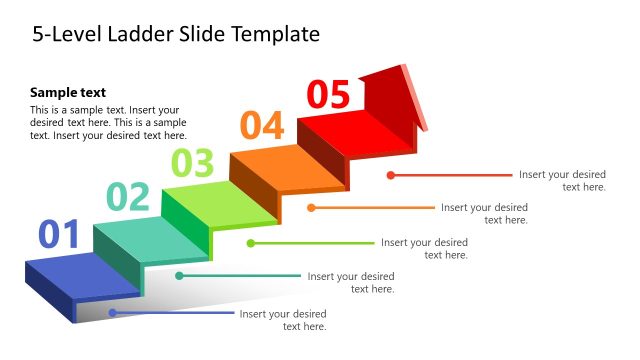
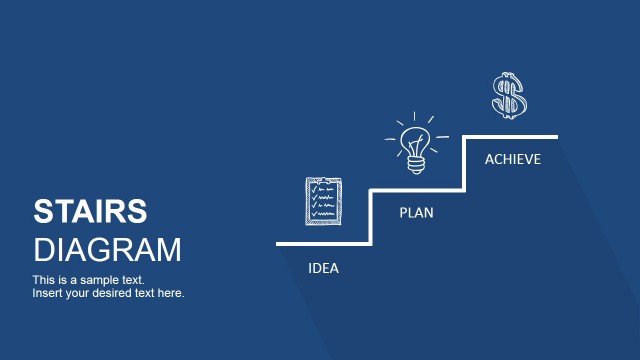
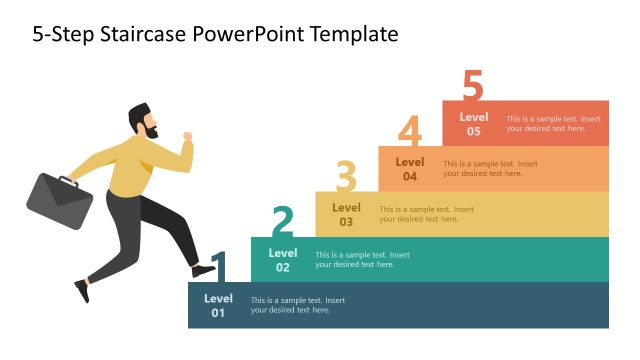
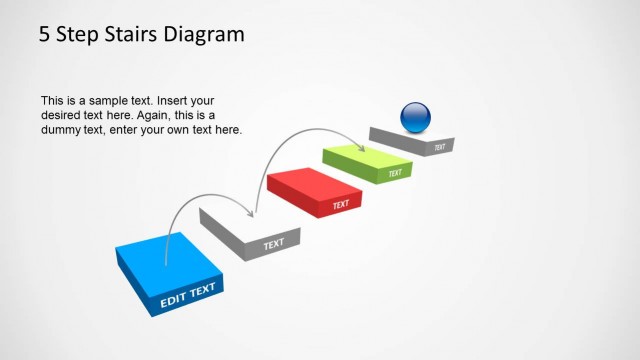
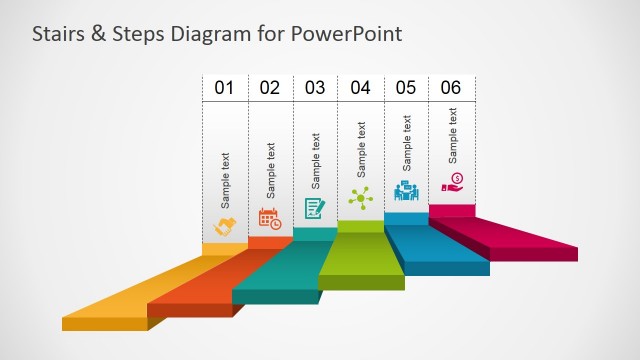
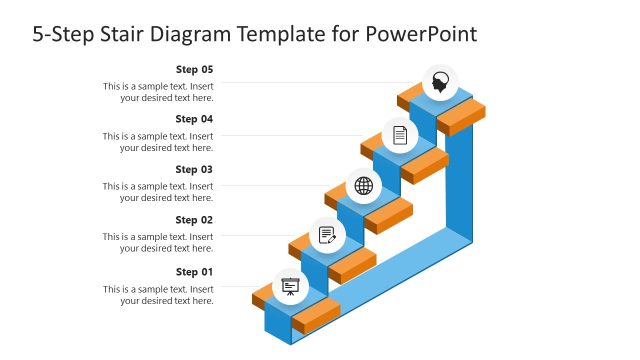
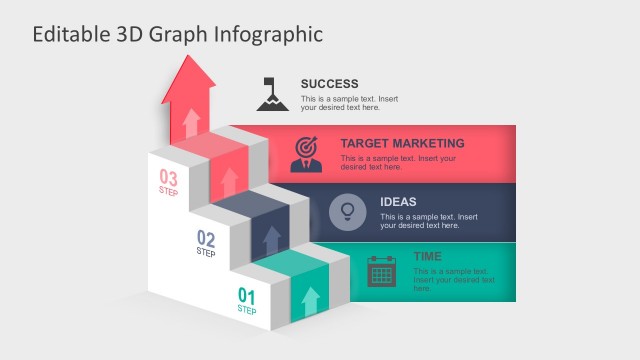
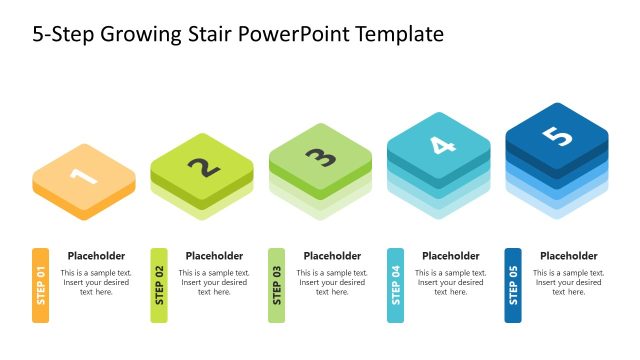
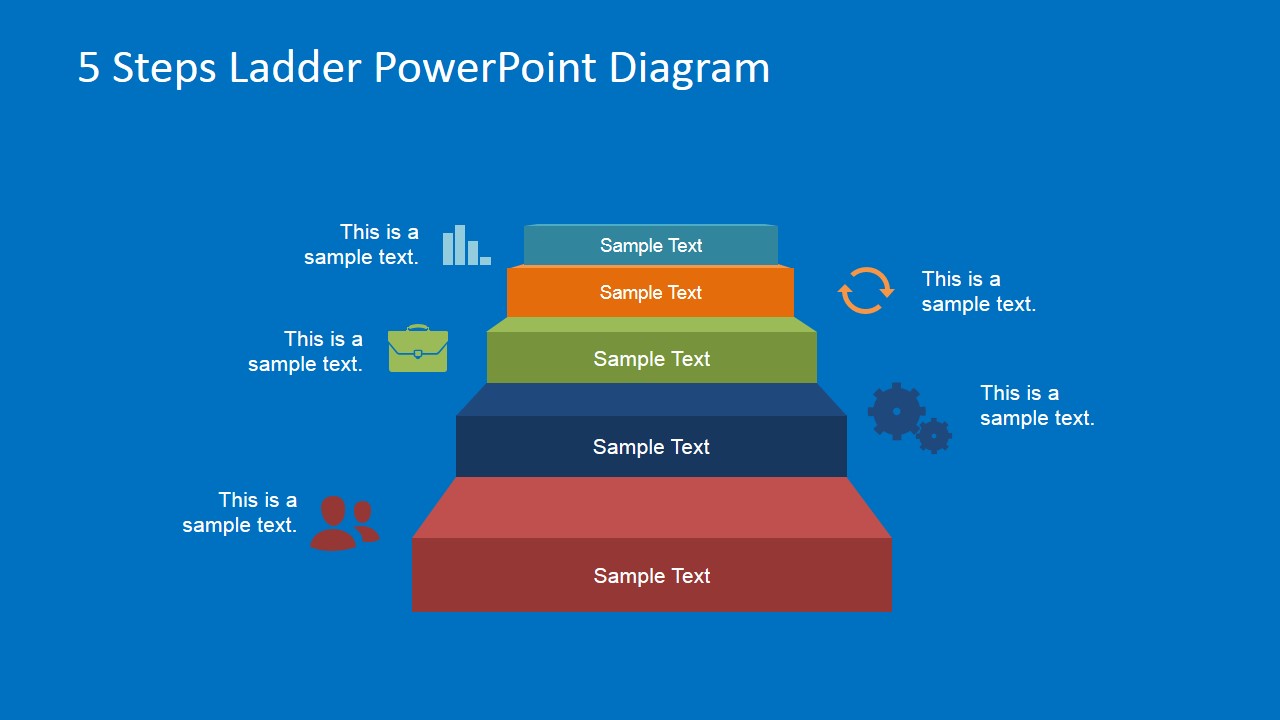
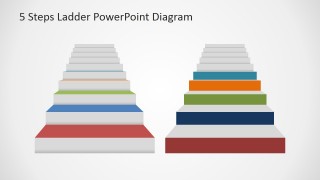
5 Steps Ladder PowerPoint Diagram – Make a snappy business presentation with the “5 Steps Ladder PowerPoint Diagram.” This PowerPoint template is made of expertly designed PowerPoint ladder object that signifies the growth and progress in business related topics. There are a lot business ideas and theories that have a huge potential in contributing to a company’s growth. However, most of the time, the unwanted results from these ideas are brought by its misunderstood concepts or confusing details. This PowerPoint template is a great tool in organizing the necessary steps in implementing these business initiatives. The template design allows for a detailed guidelines needed in completing each steps or stage in a particular process being presented. Combining this template with our other PowerPoint Diagrams will make a much more impressive presentation.
The concise design of this template is perfect for business presentations such as steps on how to start a business, checklist for a successful franchise as well as presentations for different stages in marketing plans. These checklist and guidelines serve as an important tool in maximizing the efficiency of the actions made by the concerned parties. It helps in organizing action plans and operational strategies that are applicable to their current status. The awareness of their current status allows them to take appropriate steps that will result in advancing to the next level or stage in the procedure. This way, all efforts made will maintain its value at all times.
Another great use for this PowerPoint template is for presentations on career growth. This type is presentation is a great motivational plan to encourage employees in considering a long-term commitment to the company. It inspires the team in doing the best work results in each stage of their employment for the pursuit their ultimate goals. This type of presentations also boosts the overall morale of the organization by radiating a kind of nurturing work environment where the whole organization cares about its employees’ growth.
What’s inside this template
Example presentation scenarios
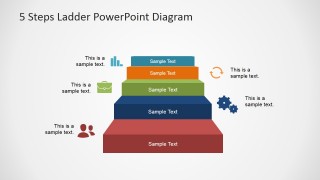
- A project manager can explain an implementation plan by placing each milestone on the five-step ladder and using the side callouts to show responsibilities or decision points.
- An HR leader can present a career progression framework to employees, using the ascending ladder tiers to show skills, roles, or readiness levels.
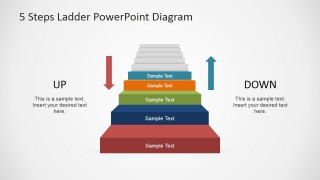
- A marketing manager can outline campaign phases with the colored ladder levels, then use the up/down slide to distinguish desired progress from risks or regression.
- A consultant can compare current and target capability with the two-ladder layout, showing the client where they are now and what the next stage requires.
Features
- 100% editable presentation template
- Compatible with Microsoft PowerPoint and Google Slides
- 16:9 aspect ratio slides
- Scalable vector shapes, icons and illustrations
- AI-Ready for Microsoft Copilot and Claude
- Instant access and download
Frequently asked questions
Q: How should I structure a five-step message with this ladder diagram?
A: Start with the lowest rung as the current state or first action, then move upward with one clear idea per level. Keep labels short on the ladder and place explanations in the surrounding callouts. This keeps the audience focused on sequence while giving the presenter space to explain criteria, owners, or expected outcomes.
Q: Who is this ladder format best suited for?
A: This format fits managers, consultants, trainers, and HR presenters who need to explain staged progress rather than detailed scheduling. It works well for maturity models, onboarding paths, business launch checklists, and capability development because the ladder makes advancement visible and easy to discuss.
Q: Why use a ladder metaphor instead of a basic numbered list?
A: A ladder suggests effort, upward movement, and increasing capability, which makes it stronger than a flat list for growth stories. The colored tiers separate the five stages visually, while the up/down slide helps contrast forward progress with setbacks or alternative outcomes.



5 Steps Ladder PowerPoint Diagram
6-slide ladder diagram presentation template for five-step processes, progress paths, and stage comparisons
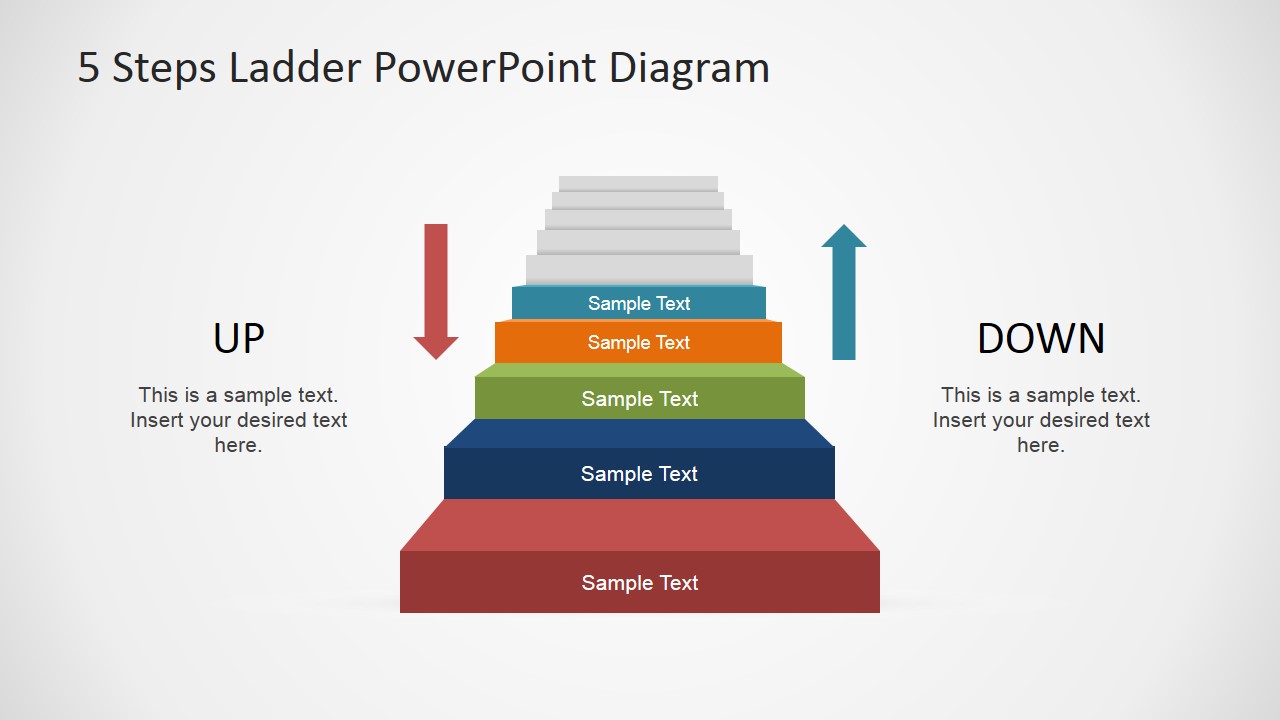
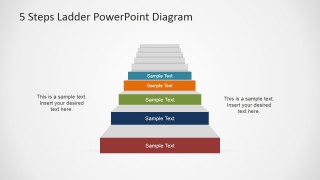
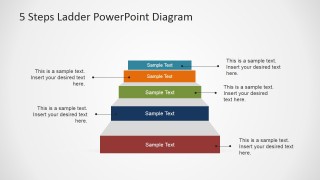
The 5 Steps Ladder PowerPoint Diagram is a 6-slide diagram template for presenting staged progress and process guidance. It includes a five-step ladder pyramid, icon callout ladder, up/down comparison, side annotation layout, and two-ladder comparison. It is built for business presenters using Microsoft PowerPoint or Google Slides.
- Category
- Diagrams
- Rating


 Loading...
- Aspect ratio
- 16:9, 4:3
- Item ID
- 6591-01
- Colors
 Microsoft PowerPoint
  Microsoft Copilot
  Claude for PowerPoint
 Other formats supported
Subscribe today and get immediate
access to download our PowerPoint templates.