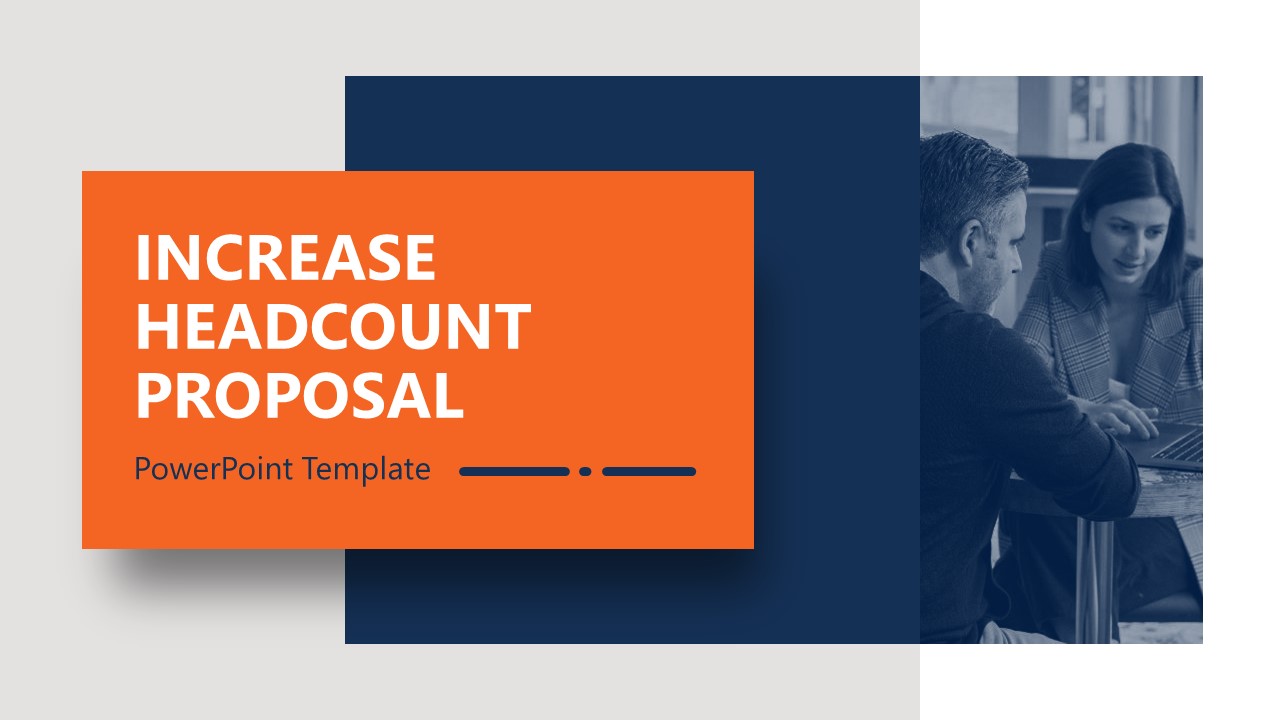
The Increase Headcount Proposal PowerPoint Template provides a slide deck for presenting a hiring proposal. Due to increased projects and work burden, companies often outsource their hiring processes to consultation & HR firms. This recruitment industry hunts for required talent and screens them through a highly selective process to make them a part of the client company. This hire proposal template carries an editable slide design for such teams to showcase their services, processes, timeline template, protocols, and similar details. Professionals can also use this layout in business presentations to discuss why they need a headcount increase, its benefits, needs, and other essential points. All slides of this increase headcount proposal slide deck are entirely editable with all PowerPoint versions, Google Slides, and Keynote.
This Increase Headcount Proposal PowerPoint Template has decent & simple graphical features created using two contrasting color tones, i.e., blue and orange. It contains slides with the following titles:
- Content – Checklist slide to mention areas covered in the presentation
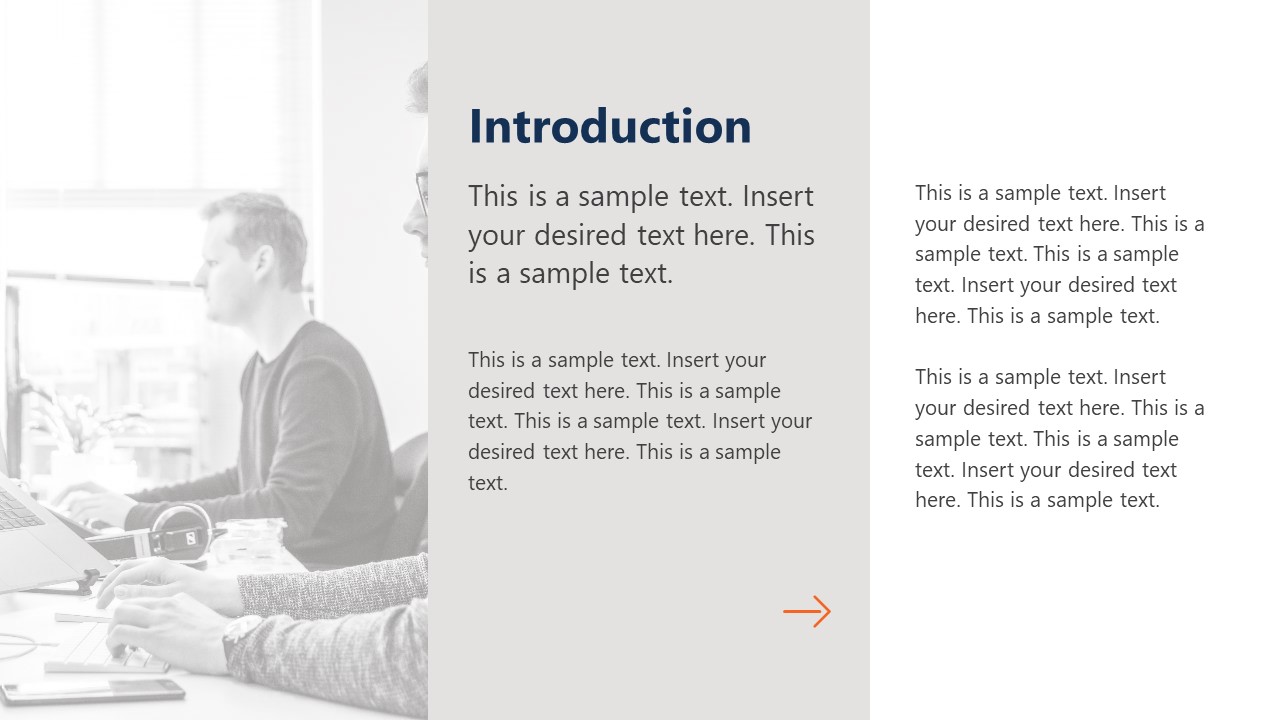
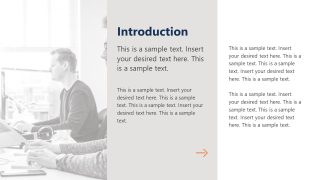
- Introduction – Image slide for firm introduction
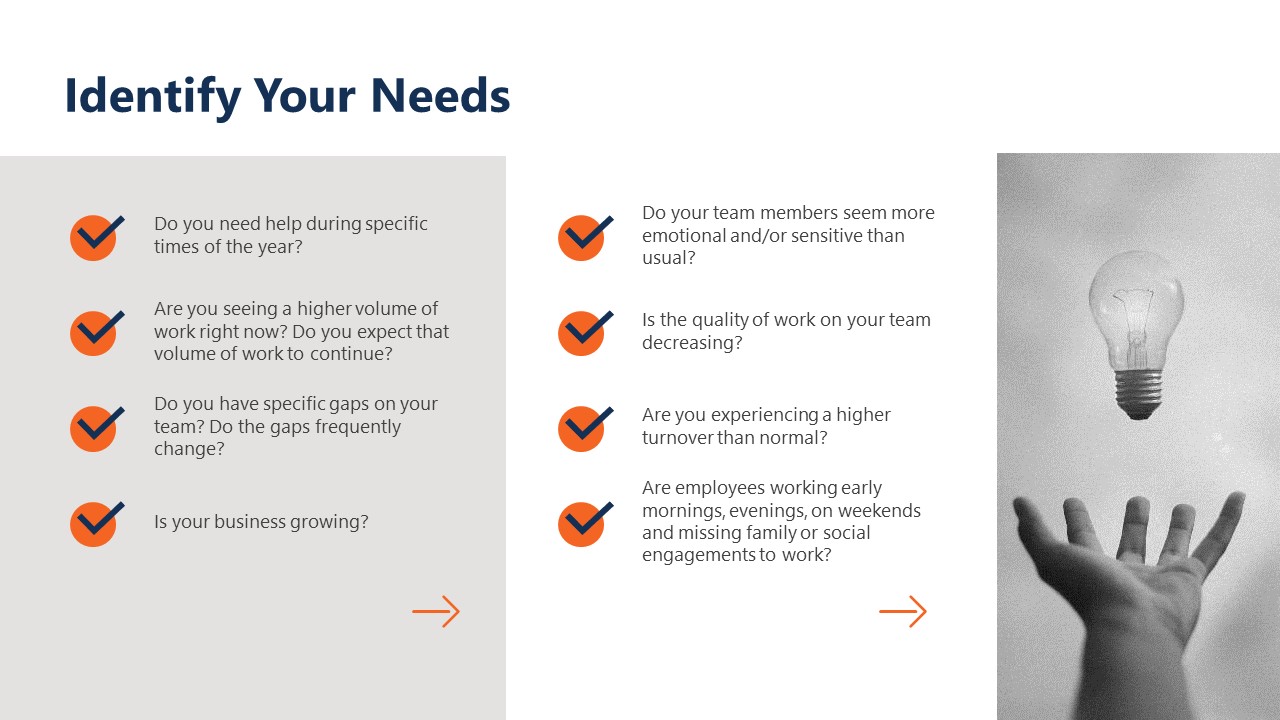
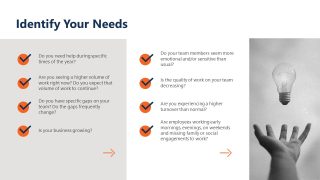
- Identify Your Needs – Slide with image and bullet points to showcase needs
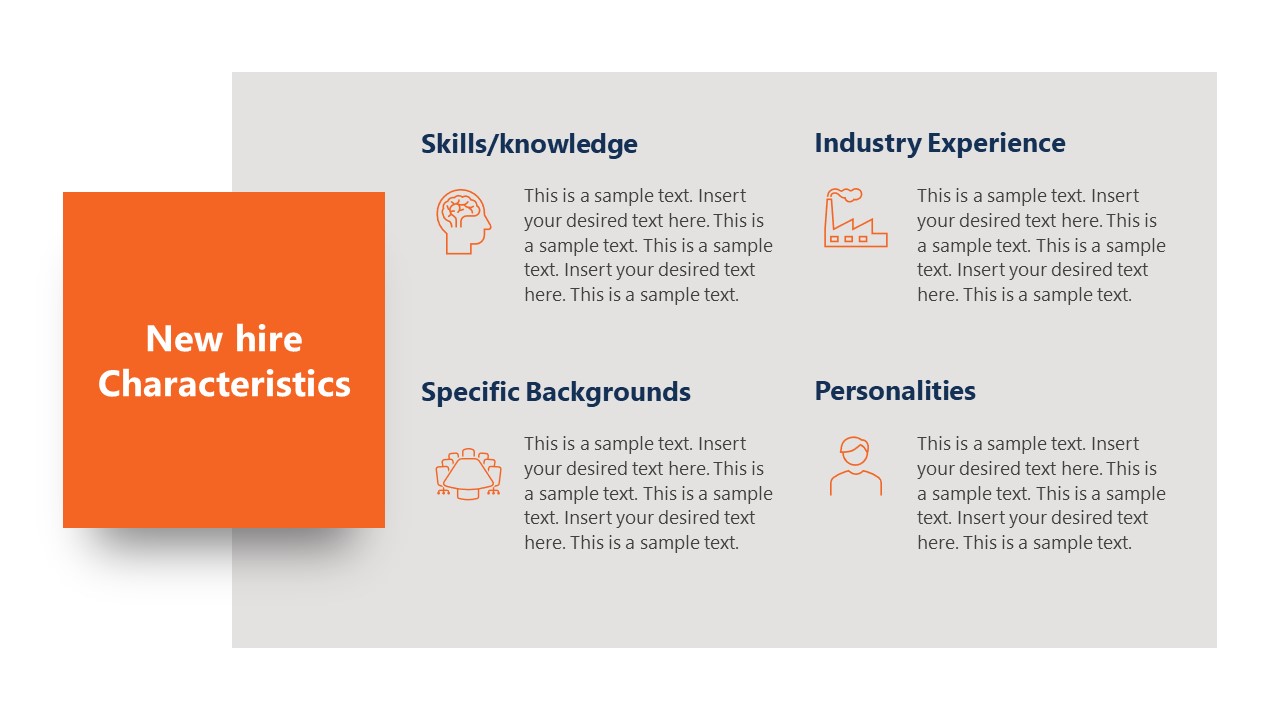
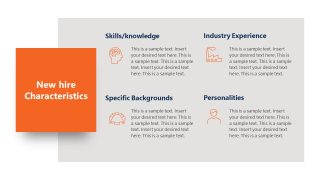
- New Hire Characteristics – Layout to discuss the required talent
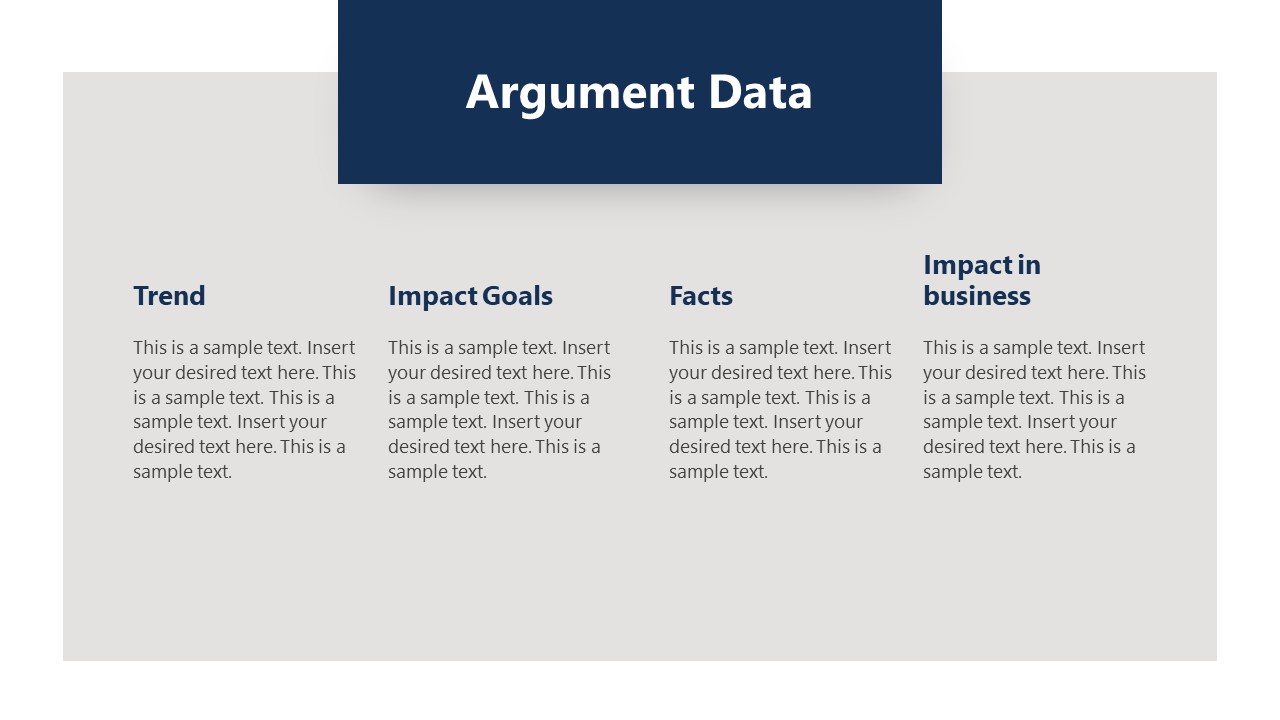
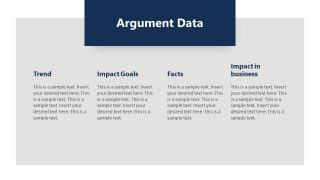
- Argument Data – Page for presenting the goals & impacts
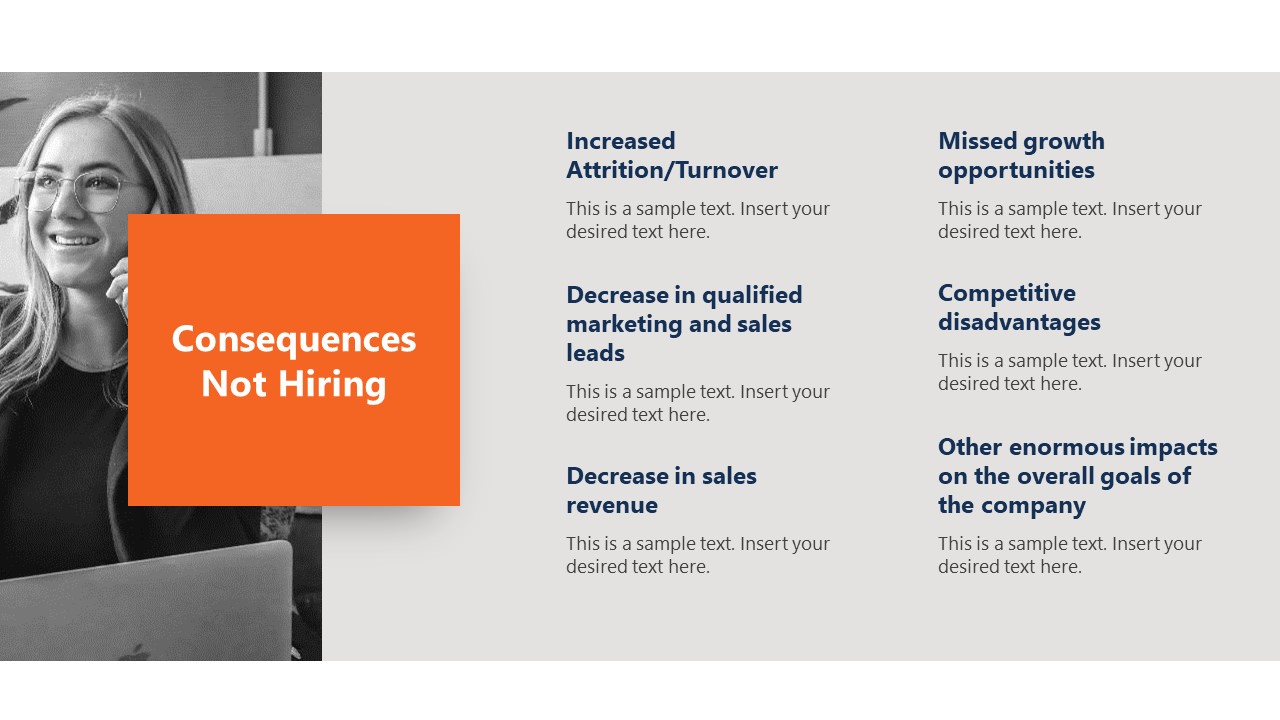
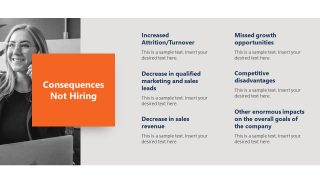
- Consequences Not Hiring – An image slide to present the drawbacks of not hiring
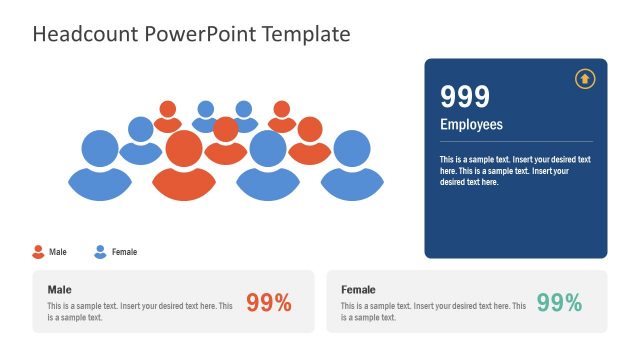
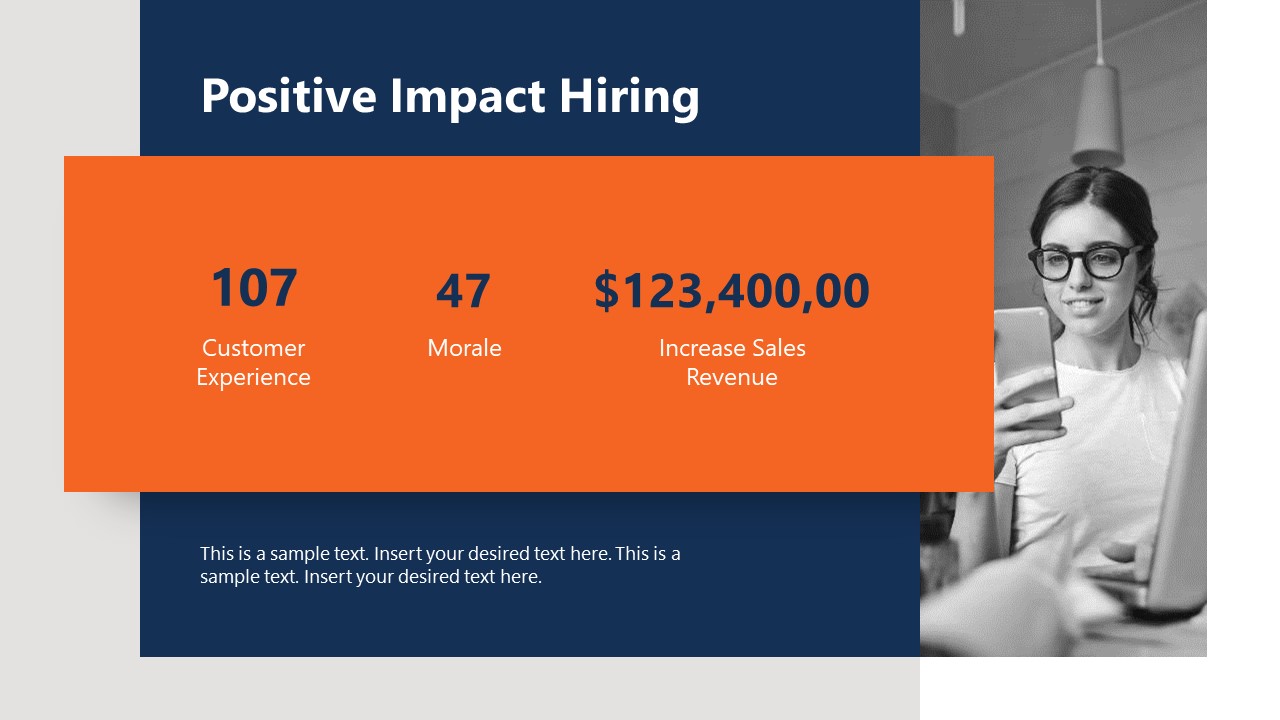
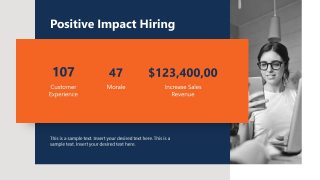
- Positive Impact Hiring – Slide with numerical figures to display the benefits of hiring
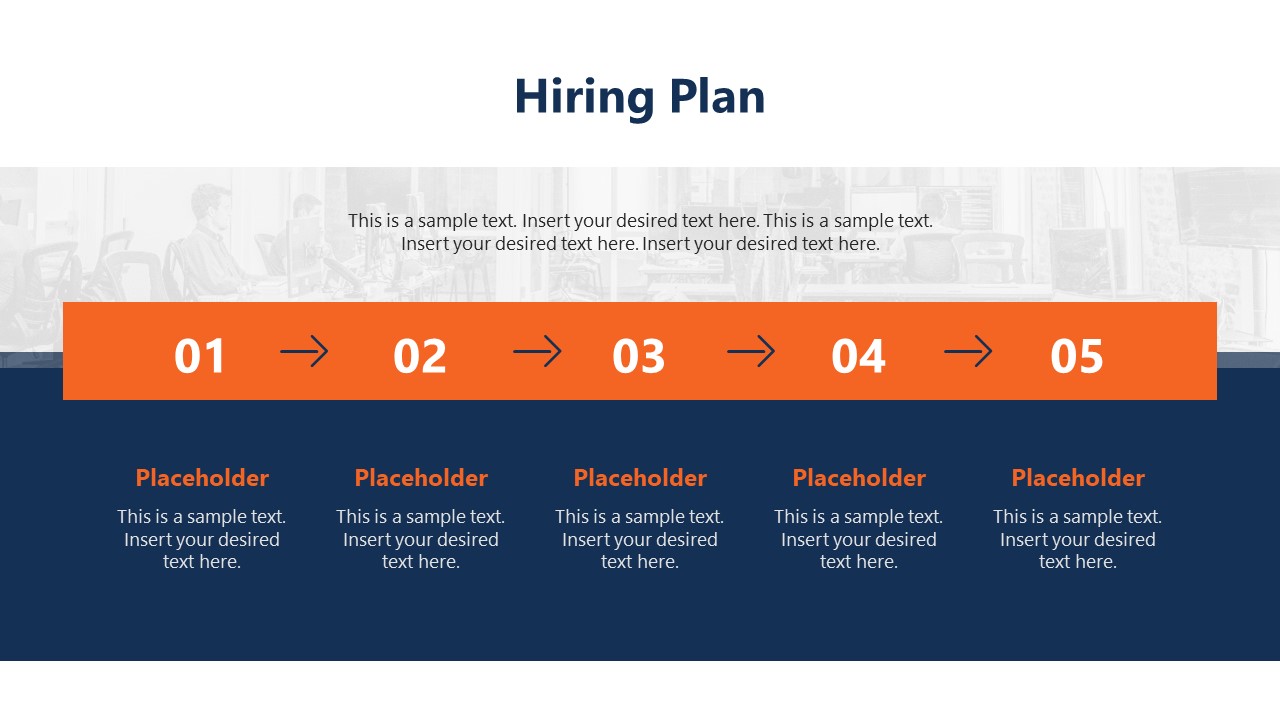
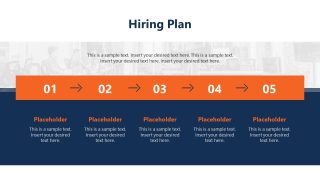
- Hiring Plan – Process diagram to present the stepwise hiring process
So, these cool slides cover each aspect of a hiring business case presentation. In addition, HR managers and other professionals can use these slides for human resource management presentations. It can help showcase the services, elaborate on needs, highlight the key benefits, etc. Likewise, different departments can present their increase headcount needs with these editable slides. The color scheme, font styles, and infographic icons can be altered according to the presentation’s needs. The images used on the slides are placeholders and can be replaced with the desired collection. Presenters can conveniently use this widescreen design for online webinars, meetings, and conferences.
What’s inside this template
Example presentation scenarios
- An HR manager can present a staffing request to executives by using the needs checklist, consequences slide, and positive impact metrics to connect workload pressure with business outcomes.
- A recruitment consultant can pitch hiring support to a client by adapting the introduction slide, new hire characteristics matrix, and hiring plan timeline around the client's talent requirements.
- A department head can request approval for additional roles by showing current gaps on the Identify Your Needs slide and then explaining required competencies on the New hire Characteristics slide.
- An operations leader can compare risk and payoff by pairing the Consequences Not Hiring slide with the Positive Impact Hiring metrics slide during a leadership review.
Features
- 100% editable presentation template
- Compatible with Microsoft PowerPoint and Google Slides
- 16:9 aspect ratio slides
- Scalable vector shapes, icons and illustrations
- AI-Ready for Microsoft Copilot and Claude
- Instant access and download
Frequently asked questions
Q: How should a presenter build a convincing headcount argument with this template?
A: Start with the checklist to set the decision path, then use the needs assessment to show pressure points before discussing the desired hire profile. Place the argument data slide before the consequences and positive impact slides so the audience sees evidence, risk, and benefit in that order before reviewing the hiring plan.
Q: Who is this template best suited for in a staffing approval conversation?
A: This deck fits HR managers, department leaders, and consultants who need to ask for hiring approval without turning the meeting into a spreadsheet review. The needs checklist, role characteristics grid, and five-step hiring plan help translate staffing pressure into a decision-ready proposal for senior leaders.
Q: Why does the design use checkmarks, photo panels, and orange callout cards?
A: The checkmarks make the staffing need feel diagnostic, while the photo panels keep the topic connected to people rather than only headcount numbers. Orange callout cards isolate the proposal, risks, metrics, and closing message, giving the audience clear visual anchors as the presenter moves from problem to action.



Increase Headcount Proposal PowerPoint Template
10-slide proposal presentation template for headcount planning, hiring impact, and HR approval
The Increase Headcount Proposal PowerPoint Template is a 10-slide hiring request deck for HR teams, consultants, and department leaders. It includes a checklist, introduction page, needs assessment, new hire characteristics matrix, argument data layout, consequences page, impact metrics, five-step hiring plan, and closing slide for Microsoft PowerPoint and Google Slides.
- Category
- Business PowerPoint Templates
- Rating


 Loading...
- Aspect ratio
- 16:9
- Item ID
- 21661-01
- Colors
 Microsoft PowerPoint
 Microsoft Copilot
 Claude for PowerPoint
Other formats supported
Subscribe today and get immediate
access to download our PowerPoint templates.