Slide 1 of 5 from Honeycomb Diagram PowerPoint Template
Honeycomb Diagram PPT Slide Template
Honeycomb Diagram with Steps for Presentations
- Diagram
- Honeycomb
- Process Slide
- 16:9
- 100% Editable
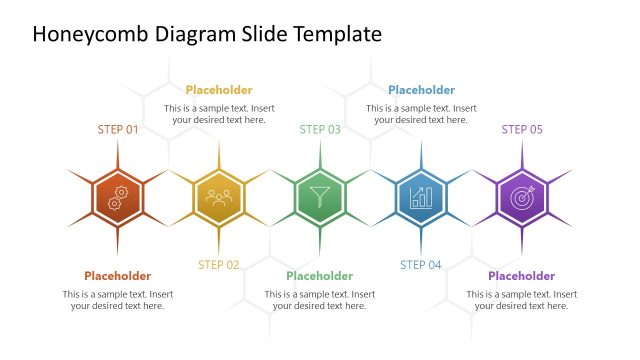
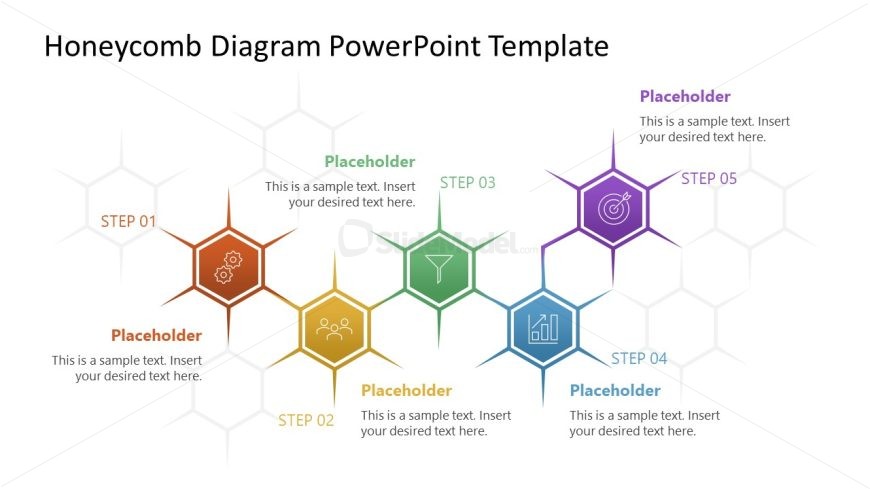
The Honeycomb Diagram with Steps slide from the Honeycomb Diagram PowerPoint Template offers a clear and visually structured process illustration using editable shapes and vector icons. This slide layout is well-suited for business presentations focused on project management and strategic planning, providing a balanced design that highlights sequential steps within a slide deck.
What’s on This Slide
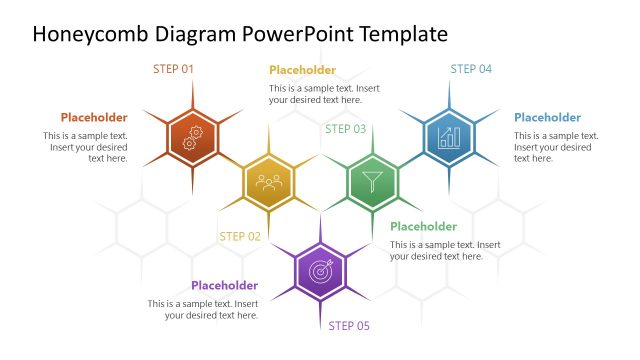
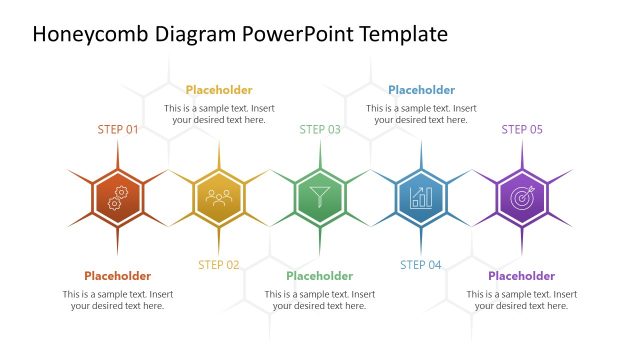
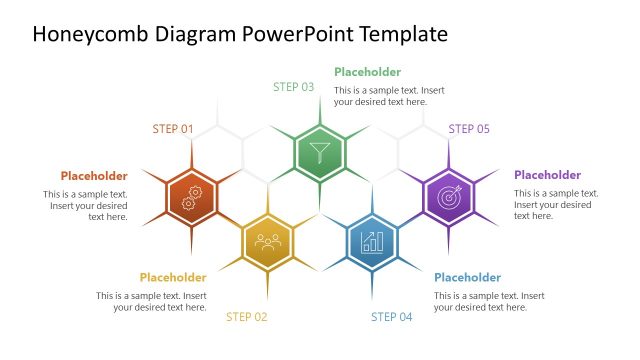
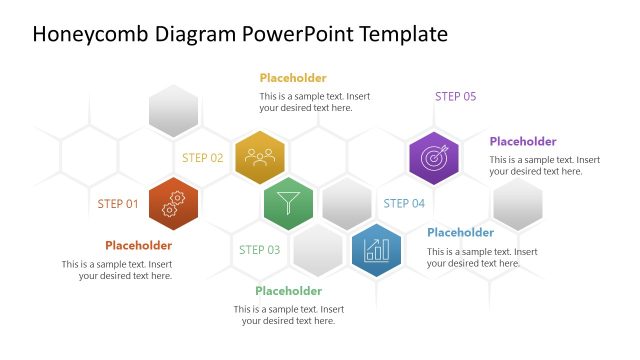
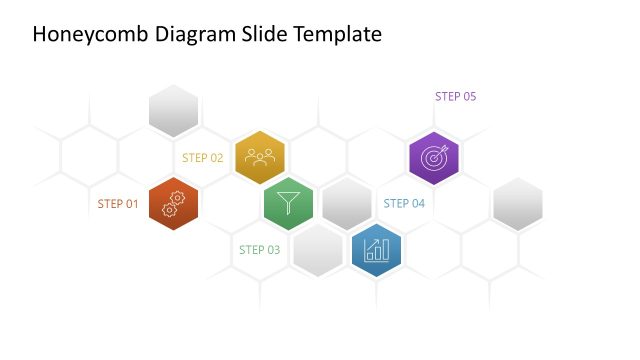
The layout features a honeycomb diagram with five hexagonal nodes arranged in a central cluster. Each node contains a step label, such as 'STEP 01' and corresponding icons. The nodes are colored in a gradient from orange to purple, creating a visual hierarchy. Text placeholders are positioned below each step label, aligned centrally within their respective nodes. The background is light, enhancing visibility. Connecting lines are minimal, emphasizing the distinctiveness of each step. The overall composition is balanced, with ample spacing between nodes.
How to Use It
This layout serves as a sequential process diagram, ideal for illustrating steps in a project or strategy. It fits well in presentations that require a clear representation of interconnected stages. Use this structure in business contexts like project management, product development, or strategic planning. It effectively communicates the flow of actions or phases, making it suitable for both detailed discussions and high-level overviews.
Text Placeholders & Capacity
Keep your copy within these limits so it fits without resizing. Node body slots can accommodate roughly 10-12 words each.
| Placeholder | Count | Max characters (approx.) |
|---|---|---|
| Item heading | 5 | 20 |
| Item body | 5 | 50 |
Slide Keywords
Download unlimited PowerPoint templates, charts and graphics for your presentations with our annual plan.
DOWNLOADReturn to Honeycomb Diagram PowerPoint Template.