Slide 3 of 5 from Honeycomb Diagram PowerPoint Template
Customizable Honeycomb Diagram PPT Template
Honeycomb Diagram with Steps for Presentations
- Diagram
- Honeycomb
- Process Slide
- 16:9
- 100% Editable
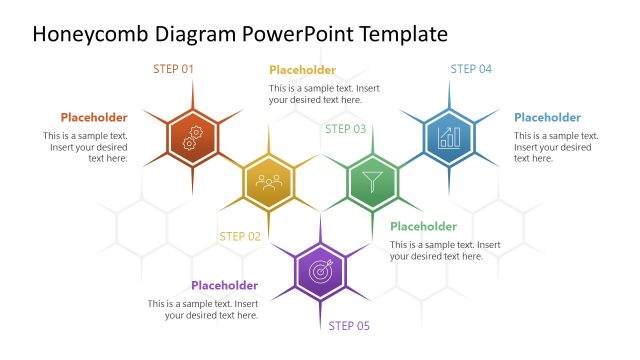
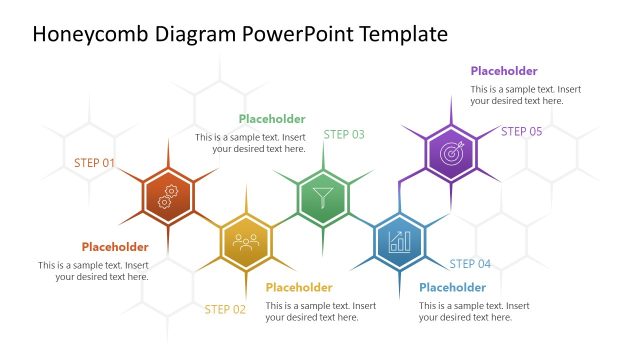
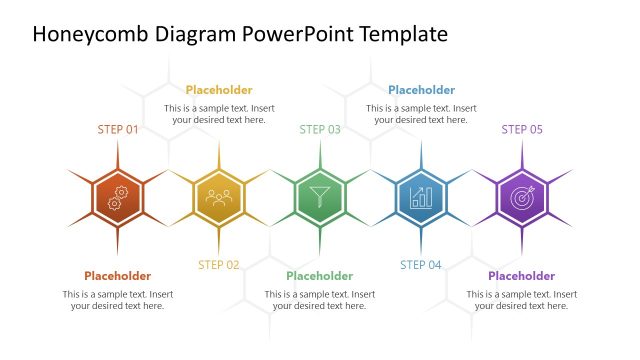
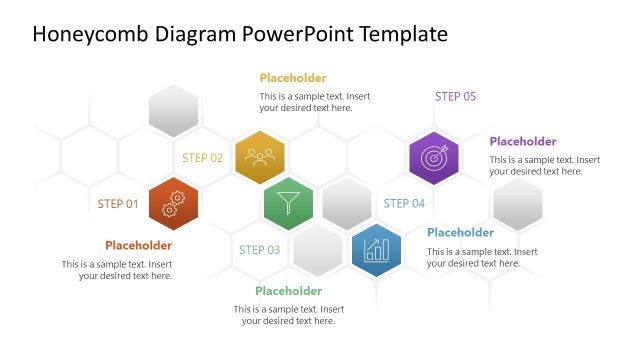
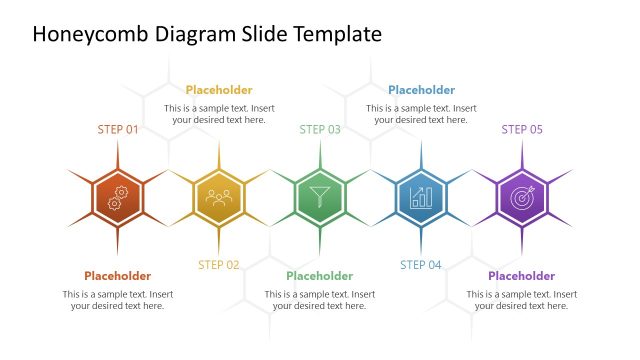
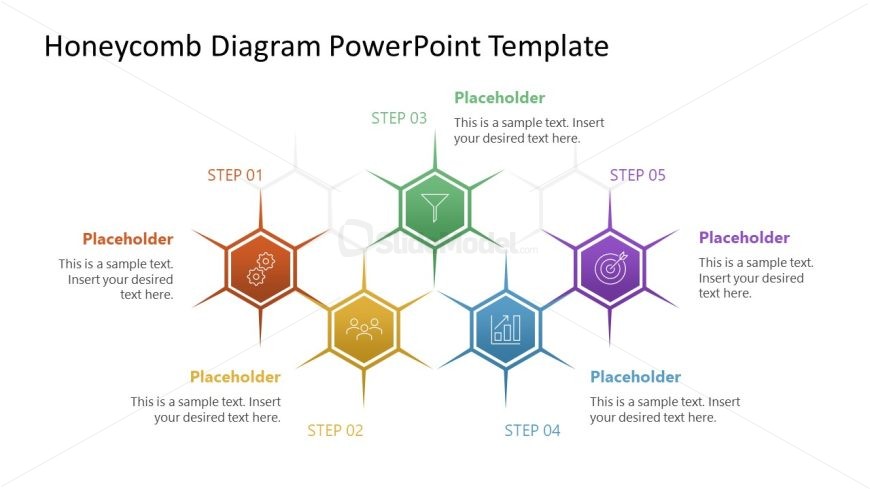
The Honeycomb Diagram with Steps slide from the Honeycomb Diagram PowerPoint Template offers a structured way to present sequential processes using editable shapes. This slide layout features a clear visual hierarchy with five colorful hexagons representing distinct steps, making it suitable for business presentations and strategic initiatives. It integrates seamlessly into slide decks that require clear process explanations, supporting effective communication in corporate presentations and pitch deck templates.
What’s on This Slide
The layout features a honeycomb diagram with five hexagonal shapes arranged in a cluster. Each hexagon represents a step, labeled from STEP 01 to STEP 05, positioned in a horizontal sequence. The hexagons are colored differently, with corresponding text placeholders below each step for descriptions. The background is white, ensuring high contrast with the colorful shapes. The visual hierarchy is clear, with step labels prominently displayed above each hexagon. The placeholders are centrally aligned within each hexagon, maintaining uniformity across the design.
How to Use It
This layout serves as a sequential representation of a process or stages in a project. It fits well in presentations that outline methodologies, workflows, or strategic initiatives. Ideal for business contexts, it can be used to explain product development stages, marketing strategies, or project timelines. This format allows for easy comprehension of complex information by breaking it down into distinct steps, making it suitable for both team meetings and client presentations.
Text Placeholders & Capacity
Keep your copy within these limits so it fits without resizing. Each node can hold a title and body text, roughly 20 and 100 characters respectively.
| Placeholder | Count | Max characters (approx.) |
|---|---|---|
| Item heading | 5 | 20 |
| Item body | 5 | 100 |
Slide Keywords
Download unlimited PowerPoint templates, charts and graphics for your presentations with our annual plan.
DOWNLOADReturn to Honeycomb Diagram PowerPoint Template.