Download the modern Honeycomb Diagram PowerPoint Template to visualize multiple project success KPIs or process stages in executive presentations. The honeycomb diagram represents the connected steps in the business process or project. You can showcase linked ideas for the next strategic initiatives.
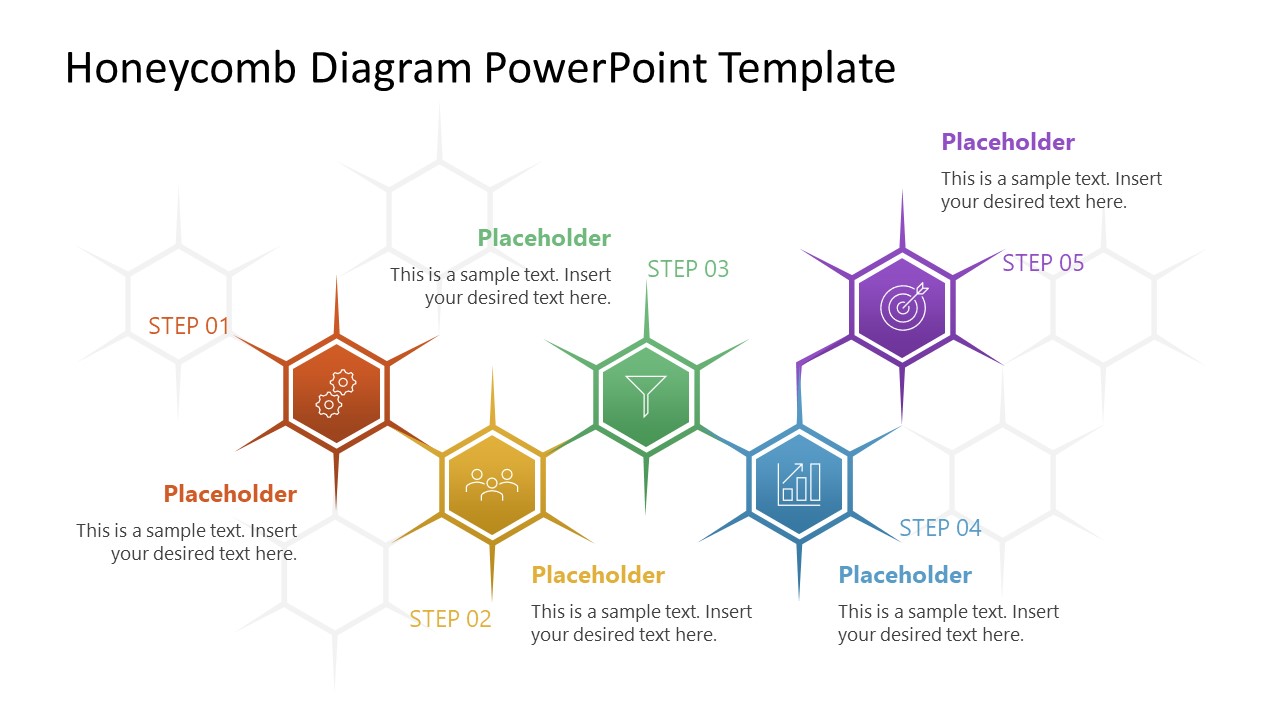
This honeycomb slide template features a honeycomb layout composed of many hexagonal shapes. On the honeycomb, colored hexagons represent the components of the marketing campaign. Each hexagon corner also shows an extended colorful outline line that highlights the point better. You can use infographics in the hexagons to visually display the concept. Project managers edit the placeholder text and step number labels to display the sequence of milestones in the project lifecycle. Our users can also apply the honeycomb diagram with legacy versions of Microsoft PowerPoint.
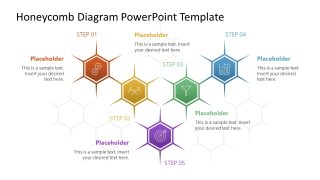
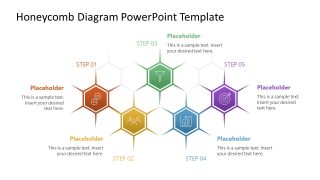
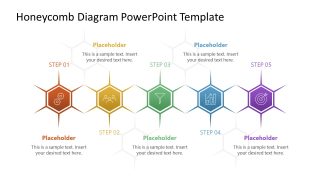
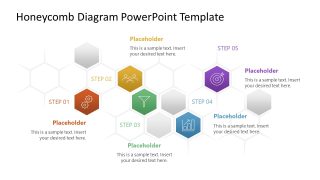
The Honeycomb Diagram PowerPoint Template has five slides, each with the same honeycomb background, but the sequence of highlighted stages differs. The first slide has a zigzag pattern, the second has a V-shaped layout, and the other slides also feature unique arrangements of focused hexagon buttons.
- Strategy leaders in their team presentations edit the hexagon text to communicate an organizational growth framework in five steps.
- HR directors use the linear array of shapes on the honeycomb to present the stages of the talent acquisition process with clarity.
- In product presentations, SaaS product directors showcase the feature prioritization plan using a stepwise PPT diagram template. Furthermore, we have a collection of editable diagrams to help you communicate your ideas more easily in stakeholder presentations. Also, you can modify the slide elements to match your theme needs.
- Download the honeycomb diagram template layout to display the go-to-market strategy in investor presentations.
Alternatively, you can download other PowerPoint infographics and presentation slides compatible with PowerPoint and Google Slides.
What’s inside this template
Example presentation scenarios
- A project manager can present a milestone sequence to stakeholders using the zigzag honeycomb slide to connect five deliverables with short notes.
- A strategy leader can explain an organizational growth framework to executives using the V-shaped honeycomb layout to show how separate initiatives converge.
- An HR director can describe a talent acquisition process to department heads using the linear honeycomb slide for a clear step-by-step flow.
- A product manager can prioritize a feature roadmap for a SaaS team using the clustered honeycomb slide to separate core stages from supporting items.
Features
- 100% editable presentation template
- Compatible with Microsoft PowerPoint and Google Slides
- 16:9 aspect ratio slides
- Scalable vector shapes, icons and illustrations
- AI-Ready for Microsoft Copilot and Claude
- Instant access and download
Frequently asked questions
Q: How should a presenter choose the best honeycomb variation for a business process?
A: Use the linear slide when the audience must follow a simple order from step 1 to step 5. Use the zigzag or arched layouts when the process has a more dynamic relationship between stages. Use the clustered slide when some elements are central stages and others are supporting inputs.
Q: Who is this honeycomb diagram template best suited for?
A: It fits presenters who need to explain connected business components without using a dense workflow. Project managers, HR directors, marketing leads, and product owners can map five process steps, campaign elements, hiring stages, or feature priorities while keeping each idea short and visually tied to the whole framework.
Q: Why does the honeycomb metaphor work for stage and KPI communication?
A: The honeycomb shape suggests connected cells that form one larger system, so it is useful when separate actions support a shared result. The repeated hexagons create visual consistency, while color and icon changes help the audience distinguish each step without losing the sense of connection.


Honeycomb Diagram PowerPoint Template
5-slide honeycomb diagram presentation template for process stages and KPI mapping
Honeycomb Diagram PowerPoint Template is a 5-slide diagram set for showing connected steps, KPIs, or strategic initiatives. Visible layouts include zigzag, V-shaped, arched, linear, and clustered five-step honeycomb diagrams with icons and text callouts. It is built for business presenters using Microsoft PowerPoint or Google Slides.
- Category
- Diagrams
- Rating

 Loading...
- Aspect ratio
- 16:9
- Item ID
- 23731-01
- Colors
 Microsoft PowerPoint
  Microsoft Copilot
  Claude for PowerPoint
 Other formats supported
Subscribe today and get immediate
access to download our PowerPoint templates.