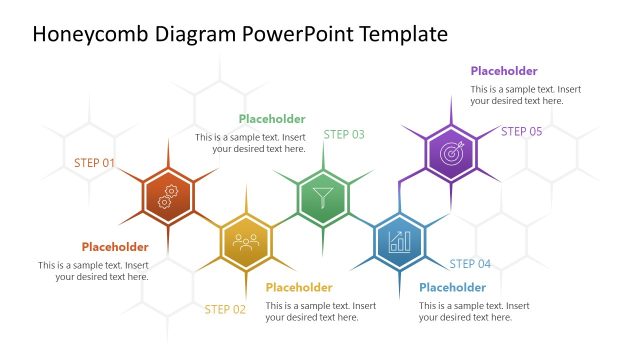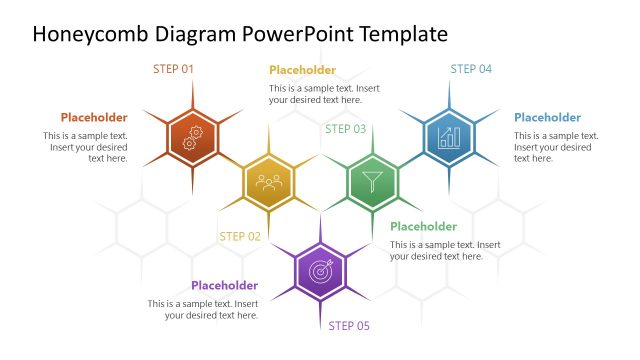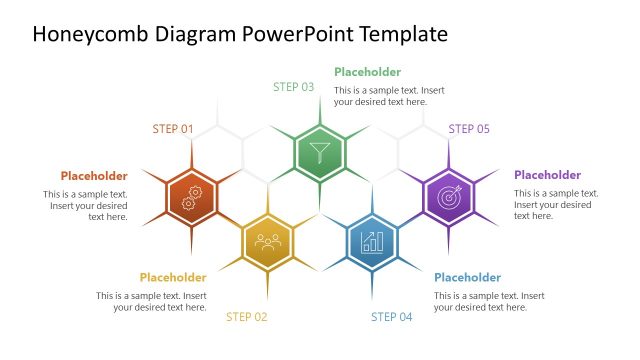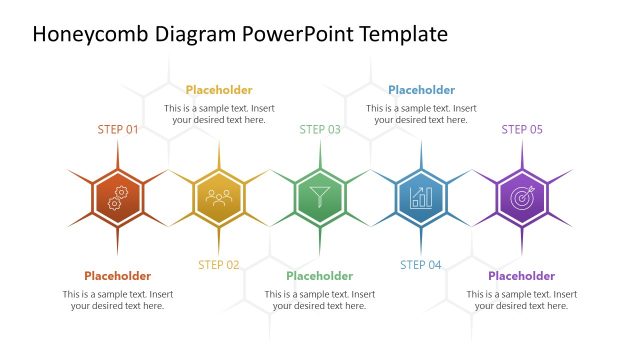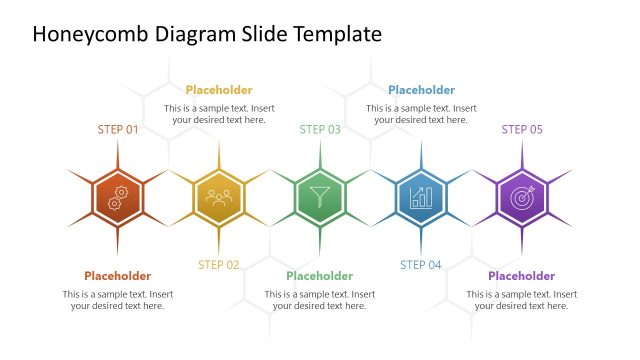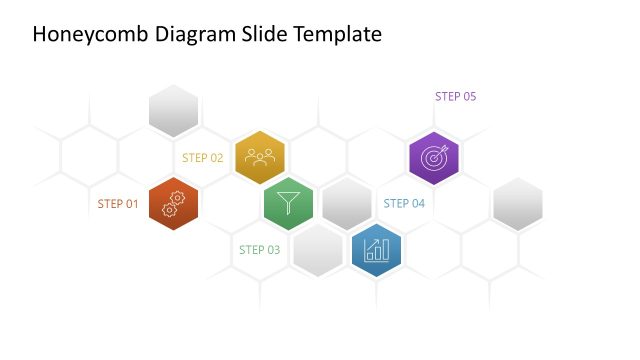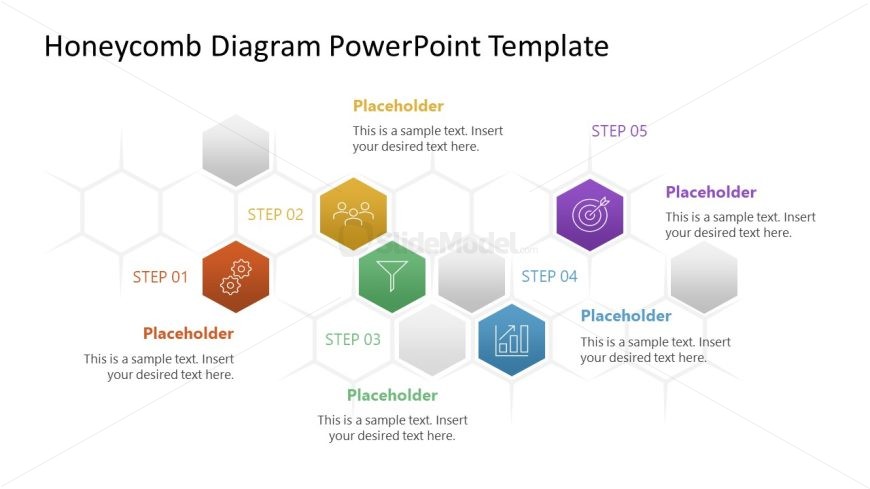
Slide 5 of 5 from Honeycomb Diagram PowerPoint Template
Dispersed Blocked in Honeycomb Diagram Template
Honeycomb Diagram with Steps for Presentations
- Diagram
- Honeycomb
- Process Slide
- 16:9
- 100% Editable
The Honeycomb Diagram with Steps slide from the Honeycomb Diagram PowerPoint Template offers a clear process illustration using editable shapes arranged in a distinctive honeycomb pattern. This layout is suitable for business presentations, project management, and strategic planning, providing a structured way to visualize sequential steps within a corporate presentation or training session.
What’s on This Slide
The layout features a honeycomb diagram with five hexagonal nodes arranged in a 2-3 pattern. Each node contains a label indicating a step, with the first node at the bottom left labeled 'STEP 01' and the last node at the top right labeled 'STEP 05'. The nodes are colored differently, with placeholders for text positioned beneath each node. The background is white, providing contrast to the colored shapes. The visual hierarchy emphasizes the steps through size and color differentiation, while the placeholders are centrally aligned within their respective hexagons.
How to Use It
This layout serves as a sequential diagram to illustrate processes or stages in a presentation. It is ideal for business contexts where a clear representation of steps is necessary, such as project management or strategic planning. This slide fits well at the conclusion of a presentation, summarizing key points or outlining next steps. It can also be used in training sessions to highlight learning phases or in marketing to showcase product features in a stepwise manner.
Text Placeholders & Capacity
Keep your copy within these limits so it fits without resizing. Node labels can hold up to 10 characters, while body text can accommodate around 50 characters.
| Placeholder | Count | Max characters (approx.) |
|---|---|---|
| Item heading | 5 | 10 |
| Body paragraph | 5 | 50 |
Slide Keywords
Download unlimited PowerPoint templates, charts and graphics for your presentations with our annual plan.
DOWNLOADReturn to Honeycomb Diagram PowerPoint Template.