Slide 1 of 2 from Free Honeycomb Diagram Slide Template for PowerPoint
Free Honeycomb Diagram Editable PPT Template Slide
Honeycomb Diagram Slide Template Overview
- Diagram
- Honeycomb
- Process Slide
- 16:9
- 100% Editable
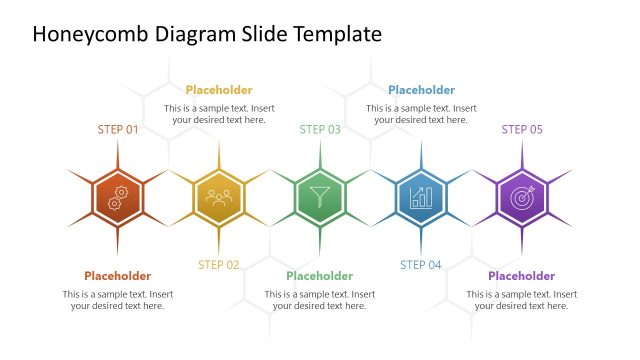
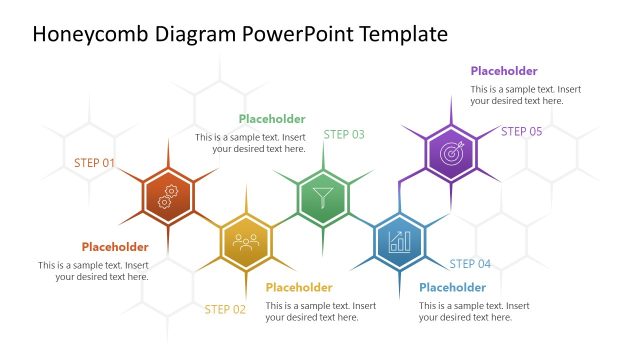
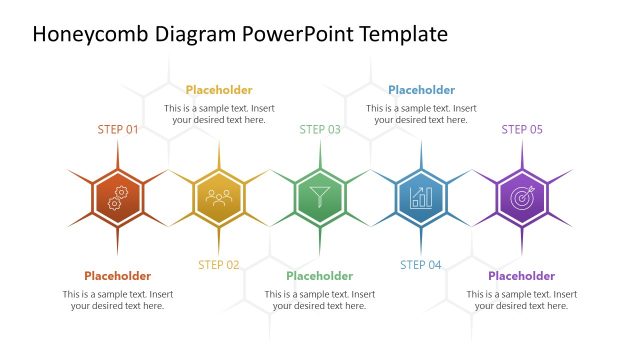
The Honeycomb Diagram with Steps slide from the Free Honeycomb Diagram Slide Template for PowerPoint offers a clear visual layout for illustrating sequential processes. This editable slide features a staggered arrangement of hexagonal nodes, each representing a distinct project step, making it suitable for business presentations, marketing process illustrations, and training session outlines. Its design supports effective communication of multi-step workflows using editable shapes and vector icons within a professional slide deck.
What’s on This Slide
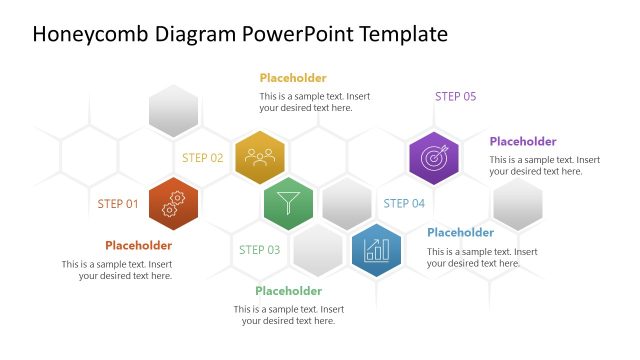
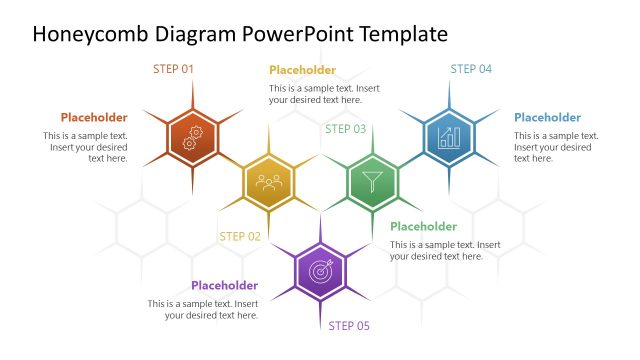
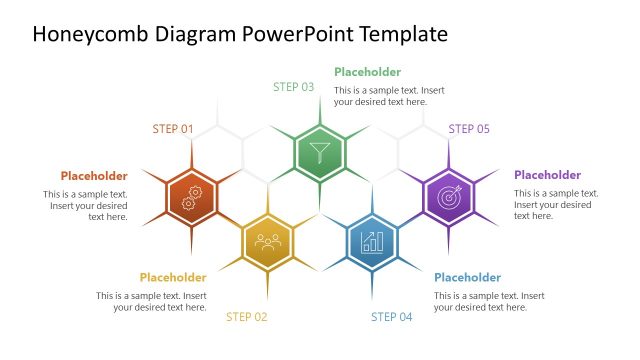
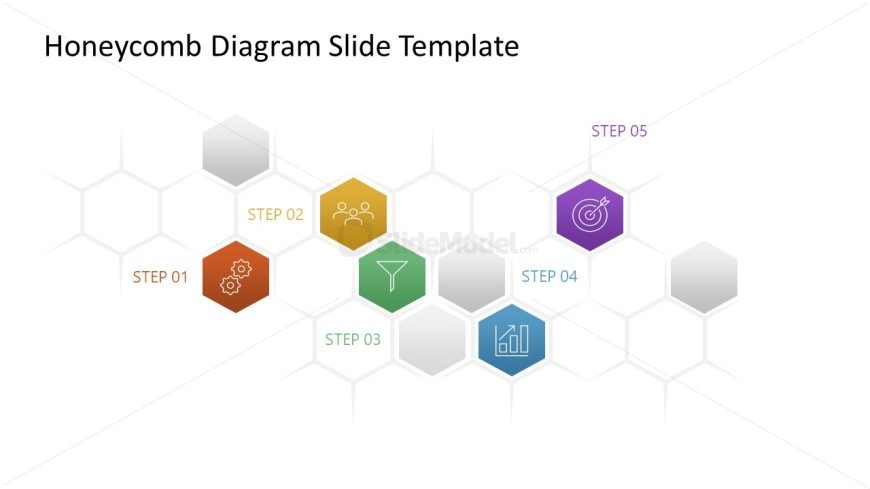
The layout features a honeycomb diagram with five hexagonal nodes arranged in a staggered pattern. The first node at the bottom left is colored orange and labeled 'STEP 01'. Adjacent to it, a yellow node represents 'STEP 02'. Above these, a green node labeled 'STEP 03' is positioned centrally. To the right, a blue node indicates 'STEP 04', and a purple node at the top right is labeled 'STEP 05'. Each node contains icons relevant to the steps. The background is light with a subtle gradient, enhancing visual clarity. Text placeholders exist for the title and node labels, aligned centrally and within each hexagon.
How to Use It
This layout serves as a process flow diagram, ideal for illustrating sequential steps in a project or strategy. It fits well in presentations that require a visual representation of a multi-step process, such as marketing strategies, product development phases, or operational workflows. The honeycomb structure allows for easy grouping of related concepts while maintaining clarity. This slide is particularly useful in business contexts where clear communication of steps is essential, such as training sessions or project kick-offs.
Text Placeholders & Capacity
Keep your copy within these limits so it fits without resizing. Node labels can hold roughly 2 words each.
| Placeholder | Count | Max characters (approx.) |
|---|---|---|
| Slide title | 1 | 40 |
| Item heading | 5 | 10 |
Slide Keywords
Download unlimited PowerPoint templates, charts and graphics for your presentations with our annual plan.
DOWNLOADReturn to Free Honeycomb Diagram Slide Template for PowerPoint.