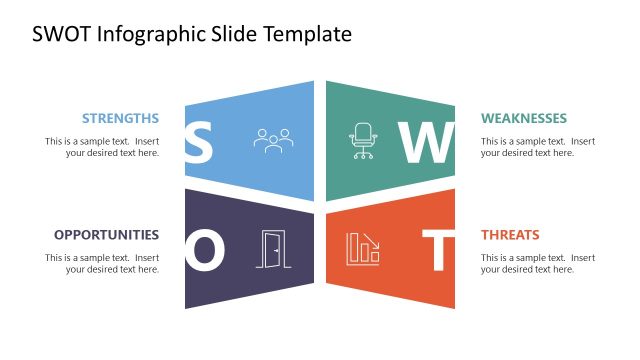
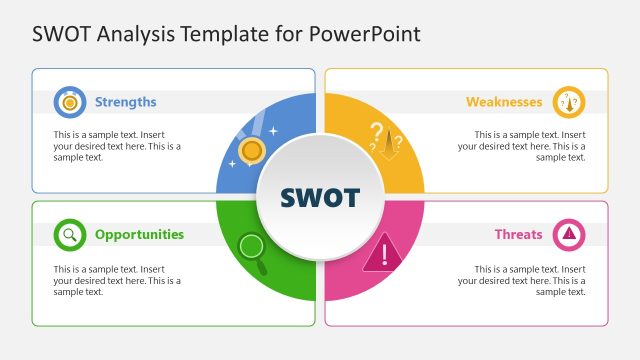
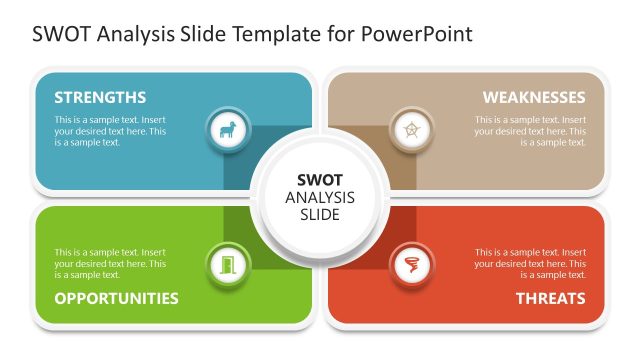
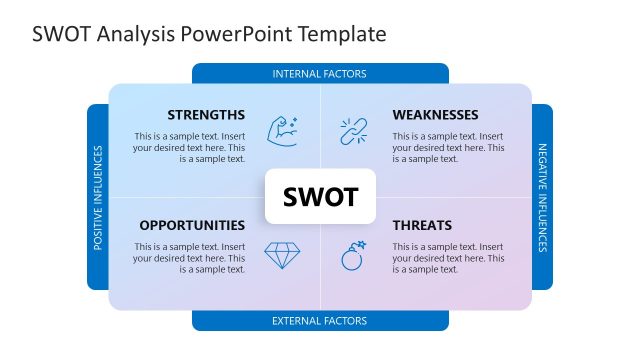
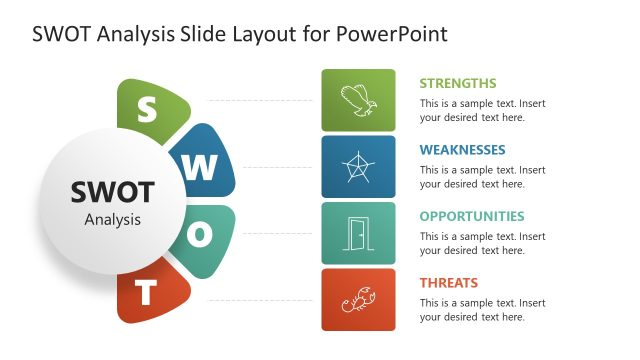
Present your company’s SWOT Analysis outcomes with a 3D diagram using our Hexagonal SWOT Diagram PowerPoint Template. SWOT is an acronym that stands for strengths, weaknesses, opportunities, and threats. A SWOT analysis is a business performance tool used to assess an organization’s current capabilities and shortcomings. It also focuses on external factors, such as available opportunities and potential threats to the company. We have created this SWOT PPT template for professionals to outline the SWOT results in a compelling format. This enables stakeholders to identify areas for improvement and eliminate threats or hazards to the business system. Additionally, by identifying key strengths, professionals can bid on relevant projects to boost revenue and expand their income streams. Users can also represent their personal SWOT analysis results using this clean and simple layout.
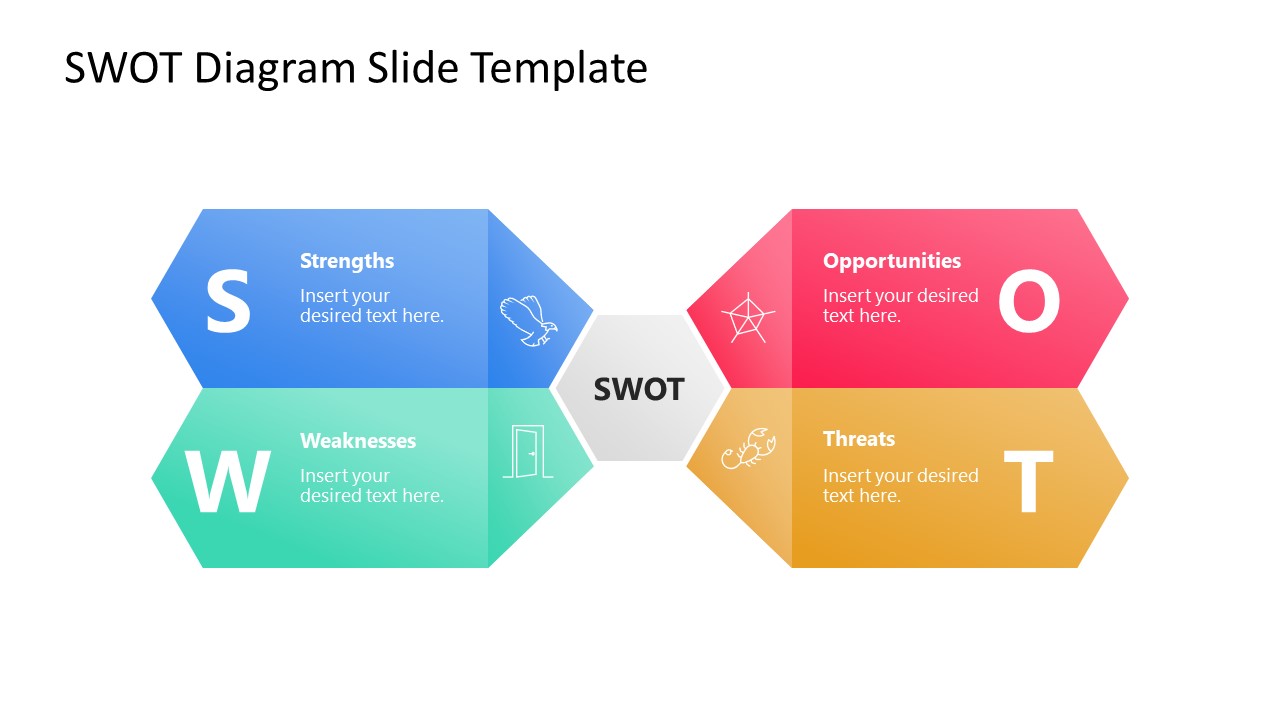
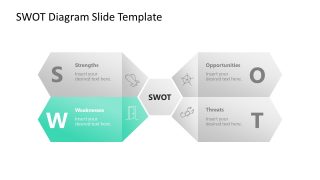
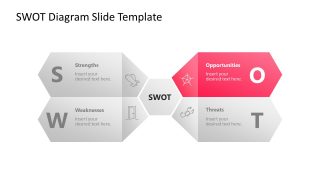
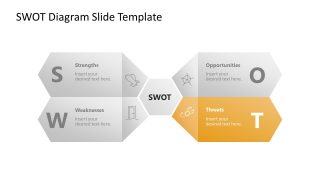
The Hexagonal SWOT Diagram PowerPoint Template contains 100% editable PPT elements, which you can also edit with Google Slides, Keynote, and other versions of Microsoft PowerPoint. The diagram shows a small hexagon shape in the slide center, which professionals can use to mention the topic of the presentation. Next, four surfaces emerge from the four sides of the hexagon (two on each side, left and right). These contain infographic icons relevant to the point of discussion. The surfaces bend and form large arrows pointing outward, containing placeholder text to describe each component of the SWOT analysis. Furthermore, we have provided four additional slides with the same 3D diagram, but with the spotlight effect, to discuss each SWOT segment separately. You can also modify the graphical arrangement of the template to fit your needs. Download the hexagonal SWOT template and personalize it for your executive meetings today!
What’s inside this template
Example presentation scenarios
- A strategy consultant can use the full-color SWOT overview diagram to summarize a client assessment before discussing the most important internal and external factors.
- A marketing manager can use the opportunities spotlight slide to present market openings, campaign ideas, or growth paths during an annual planning meeting.
- A department leader can use the strengths and weaknesses spotlight slides to guide a team discussion about capabilities, skill gaps, and areas for operational improvement.
- A startup founder can use the threats spotlight slide to explain competitive, regulatory, or execution risks to advisors or internal stakeholders.
Features
- 100% editable presentation template
- Compatible with Microsoft PowerPoint and Google Slides
- 16:9 aspect ratio slides
- Scalable vector shapes, icons and illustrations
- AI-Ready for Microsoft Copilot and Claude
- Instant access and download
Frequently asked questions
Q: How should a presenter structure the discussion with this SWOT diagram?
A: Start with the full-color overview slide to frame all four SWOT categories at once, then move into the spotlight slides one category at a time. Keep each arrow segment to a short headline and a few proof points. The grayed-out sections help the audience stay oriented while the presenter focuses attention on the active category.
Q: Who is this template best suited for, and in what type of meeting?
A: This template is best for business presenters who need to report SWOT findings without building a large strategy deck. Consultants, managers, founders, and analysts can use it in executive reviews, planning workshops, or market opportunity discussions where the goal is to explain strengths, weaknesses, opportunities, and threats clearly and quickly.
Q: Why does the hexagonal arrow design work for SWOT communication?
A: The central hexagon acts as the shared strategic topic, while the four outward arrows show SWOT factors radiating from the same business context. The spotlight slides use contrast as a simple visual metaphor: one issue area is in focus while the rest remain visible as context, reducing confusion during category-by-category discussion.


Hexagonal SWOT Diagram PowerPoint Template
5-slide SWOT diagram presentation template with hexagonal arrows and spotlight segment layouts
The Hexagonal SWOT Diagram PowerPoint Template is a 5-slide diagram template for presenting SWOT findings with a central hexagon and four outward arrow segments. It includes an overview SWOT diagram and four spotlight slides for strengths, weaknesses, opportunities, and threats. Business presenters can edit vector shapes and icons in Microsoft PowerPoint or Google Slides.
- Category
- Diagrams
- Rating


 Loading...
- Aspect ratio
- 16:9
- Item ID
- 23037-01
 Microsoft PowerPoint
  Microsoft Copilot
  Claude for PowerPoint
 Other formats supported
Subscribe today and get immediate
access to download our PowerPoint templates.