Slide 3 of 4 from Grunge Venn Diagram for PowerPoint
3-Part Venn Diagram Slide Design for PowerPoint (Editable)
Venn Diagram with 3 Sets for Presentations
- Diagram
- Venn
- Comparison Slide
- 16:9
- 100% Editable
The Venn Diagram with 3 Sets slide from the Grunge Venn Diagram for PowerPoint template offers a clear visual tool for comparing features and illustrating relationships. Designed with overlapping colored circles and editable shapes, this slide supports brainstorming sessions and strategic planning in business presentations. Its balanced layout and text placeholders make it suitable for corporate presentations requiring detailed comparison and analysis using professional slide templates.
About This Slide
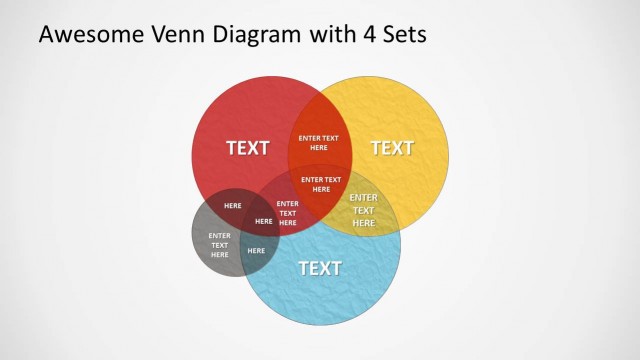
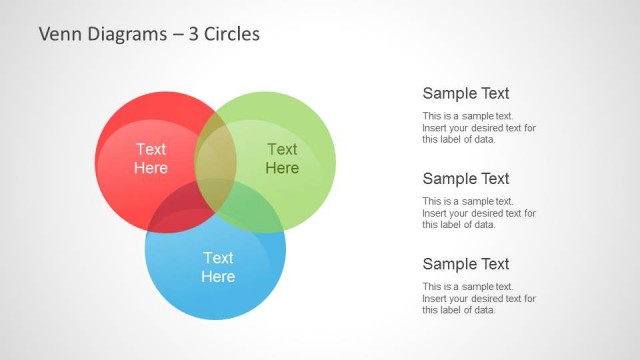
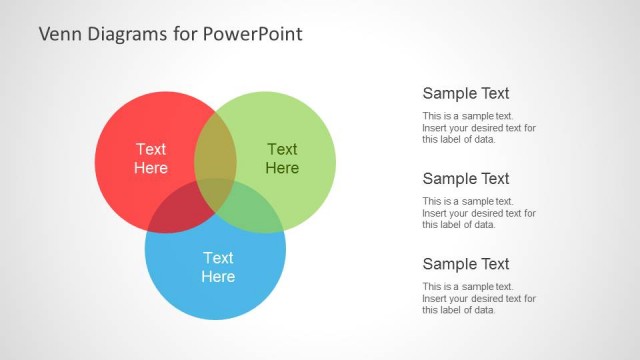
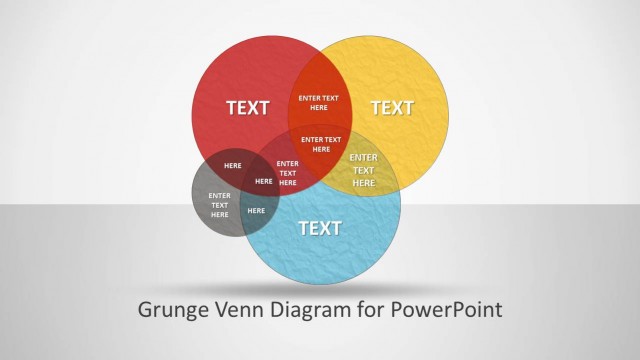
A 3-part editable Venn diagram with 3 circles and showing intersections between each of the circles. The diagram has different colors that are customizable and and grunge effect.
Alternatively, you can download other 3 circle venn diagram template designs for PowerPoint & Google Slides.
What’s on This Slide
The layout features three overlapping circles arranged in a triangular formation. Each circle is a different color: red, yellow, and blue, with a textured background. The circles intersect at various points, creating overlapping areas where text placeholders are positioned. The title is centered at the top, while the circles contain multiple text placeholders, aligned centrally within each shape. The overall composition is balanced, with clear visual hierarchy emphasizing the intersections. The background is a light gradient, enhancing the visibility of the colored circles.
How to Use It
This layout serves as a comparison tool, illustrating relationships among three distinct sets. It fits well in presentations discussing overlapping concepts, such as market analysis or product features. Use it to highlight shared attributes or differences among categories. This diagram is effective for brainstorming sessions or strategic planning discussions, allowing teams to visualize complex interrelations. It can also be used in educational contexts to explain concepts that involve intersections or shared characteristics.
Text Placeholders & Capacity
Keep your copy within these limits so it fits without resizing. Node labels can accommodate around 20 characters each.
| Placeholder | Count | Max characters (approx.) |
|---|---|---|
| Slide title | 1 | 30 |
| Item heading | 6 | 20 |
Slide Keywords
Download unlimited PowerPoint templates, charts and graphics for your presentations with our annual plan.
DOWNLOADReturn to Grunge Venn Diagram for PowerPoint.