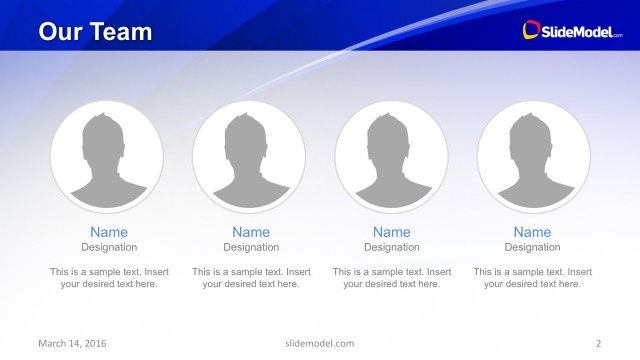
Slide 2 of 15 from Green Stripes Business PowerPoint Template
10015-green-stripes-slidemodel-template-0001-2
Team Member Overview Slide
- Media Layout
- Other
- Team Slide
- 16:9
- 100% Editable
The Team Member Overview slide from the Green Stripes Business PowerPoint Template offers a structured layout ideal for corporate presentations and project introductions. Featuring editable shapes and vector icons arranged horizontally, this slide template supports clear team introductions within a business presentation or pitch deck template. Its design balances visual hierarchy and text placeholders to enhance communication of individual roles effectively.
What’s on This Slide
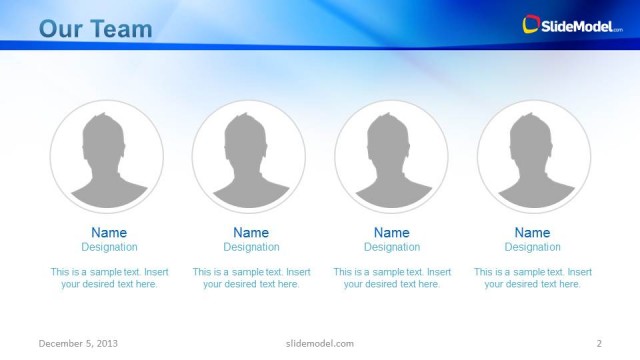
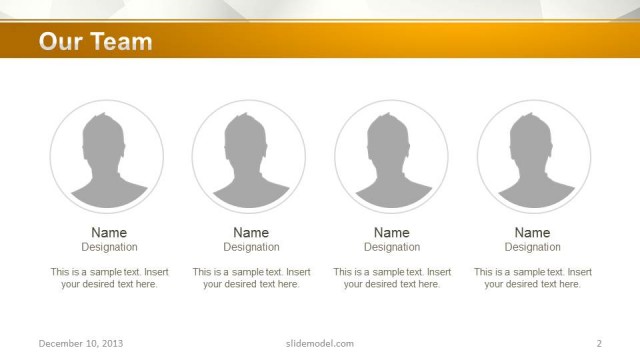
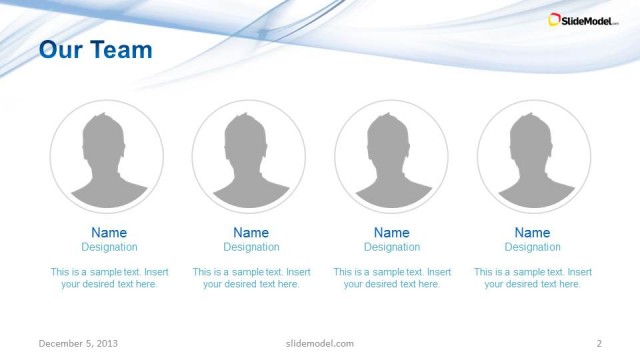
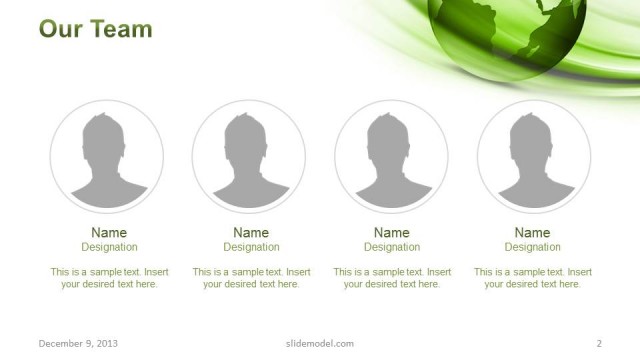
The layout features four circular image placeholders aligned horizontally at the center. Each circle contains a silhouette icon representing a team member. Below each icon, there are text placeholders for names and designations, aligned centrally. The background has a gradient of green stripes, providing a subtle texture. The title 'Our Team' is positioned at the top in bold, green text, creating a strong visual hierarchy. Additional text placeholders are located at the bottom for further details, maintaining a balanced composition throughout the slide.
How to Use It
This layout serves as a team member overview, suitable for introducing key personnel in a business presentation. It fits well after a company introduction slide and can be used in contexts such as team presentations, corporate profiles, or project introductions. This format is effective for showcasing individual roles and contributions within a team, enhancing audience understanding of team dynamics.
Text Placeholders & Capacity
Keep your copy within these limits so it fits without resizing. Node labels can hold about 20 characters each, while body text can fit around 50 characters.
| Placeholder | Count | Max characters (approx.) |
|---|---|---|
| Item heading | 4 | 20 |
| Item body | 4 | 50 |
| Slide title | 1 | 15 |
| Footer | 1 | 30 |
Slide Keywords
Download unlimited PowerPoint templates, charts and graphics for your presentations with our annual plan.
DOWNLOADReturn to Green Stripes Business PowerPoint Template.