Slide 9 of 11 from Corporate Overview PowerPoint Template
Customizable Case Study Slide
Case Study Overview Slide for Presentations
- Text Layout
- Other
- Context Slide
- 16:9
- 100% Editable
What’s on This Slide
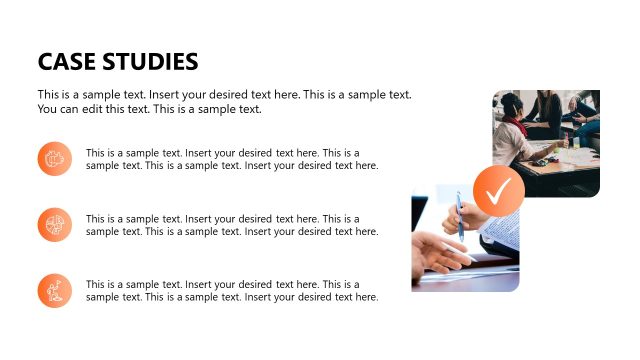
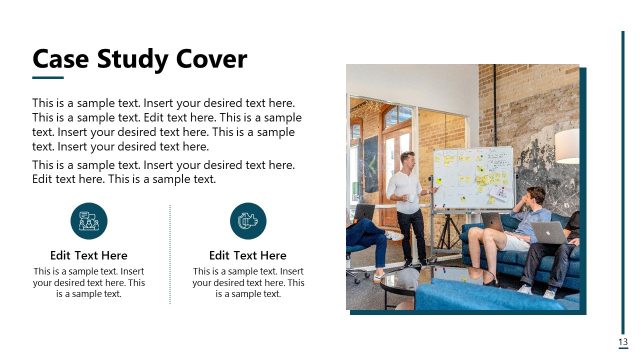
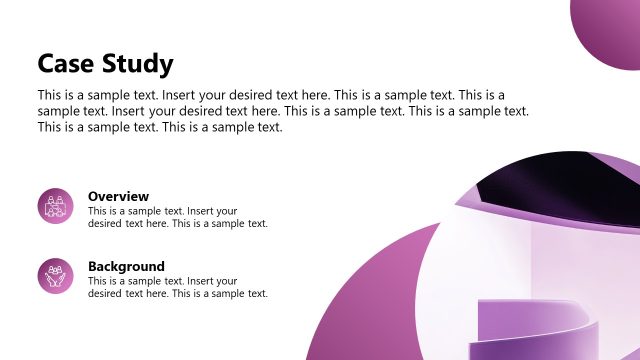
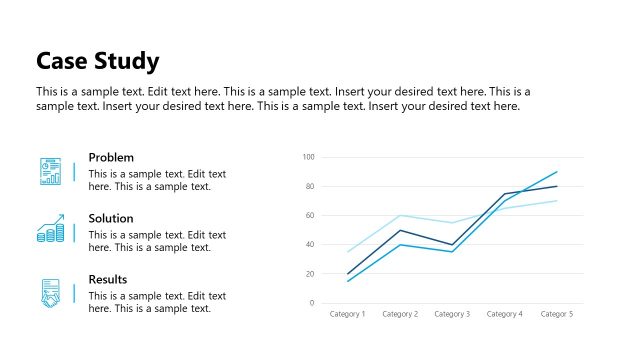
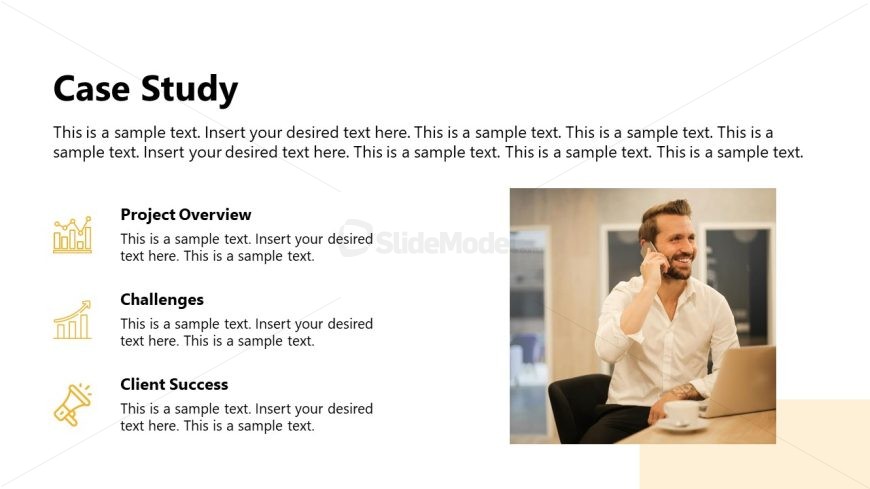
The layout features a title at the top center labeled 'Case Study.' Below, three sections are arranged vertically on the left side, each containing an icon and a text placeholder. The icons represent 'Project Overview,' 'Challenges,' and 'Client Success,' with the text placeholders aligned to the right of each icon. On the right side, there is a large image placeholder showing a person on a phone, occupying most of the right half of the slide. The background is light with a subtle gradient, enhancing the visual hierarchy.
How to Use It
This layout serves as a case study overview, suitable for presenting project details, challenges faced, and client outcomes. It fits well in a presentation sequence after discussing project goals and before outlining future plans. This structure is useful in business contexts such as client presentations, project reviews, or stakeholder updates, where summarizing key project elements is essential.
Text Placeholders & Capacity
Keep your copy within these limits so it fits without resizing. Node body slots can hold approximately 30-35 words each.
| Placeholder | Count | Max characters (approx.) |
|---|---|---|
| Slide title | 1 | 30 |
| Item heading | 3 | 20 |
| Item body | 3 | 150 |
Slide Keywords
Download unlimited PowerPoint templates, charts and graphics for your presentations with our annual plan.
DOWNLOADReturn to Corporate Overview PowerPoint Template.