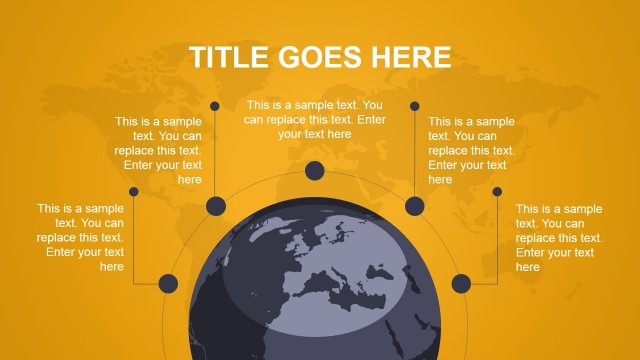
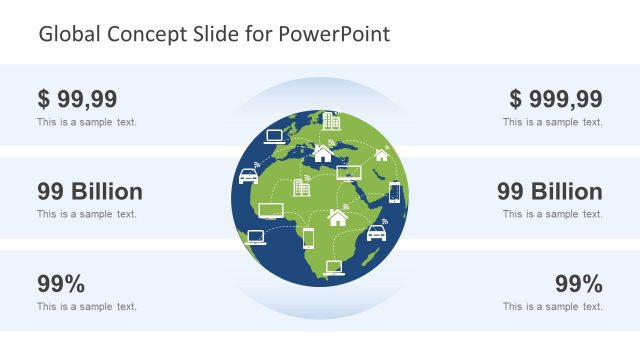
Create a Live educational concept presentation is now possible with the Global Education PowerPoint Template. Beautiful and contrasting colors make up the template design. Fascinating to the eyes of the audience, it can create a good and interactive atmosphere.
Education is the key to a better life. Although it is not one of the basic needs for physical survival, it is still necessary. An educated mind is always an edge. Education is a venue for learning. It is a systematic process where instructions are given and received. It comes in many forms. It can be education through experience, school, household and many more. In these modern times, it allows a person to be globally competitive. Every lesson is a stepping stone to success.
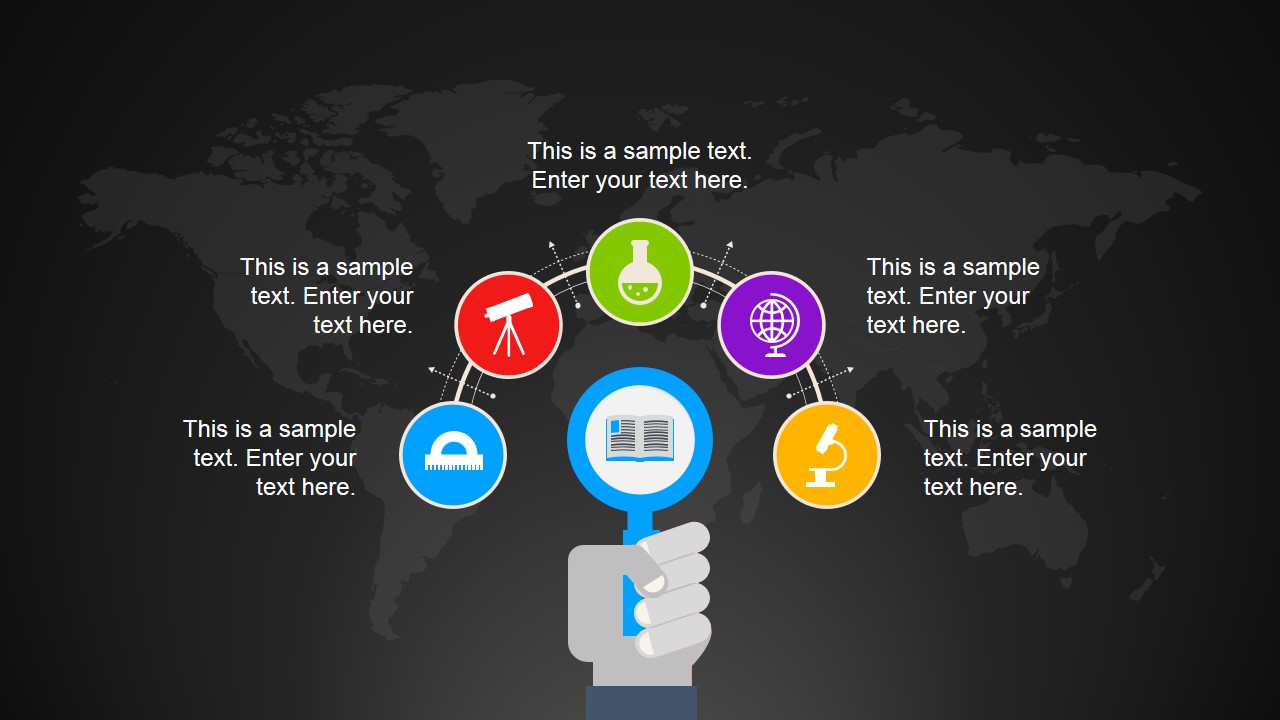
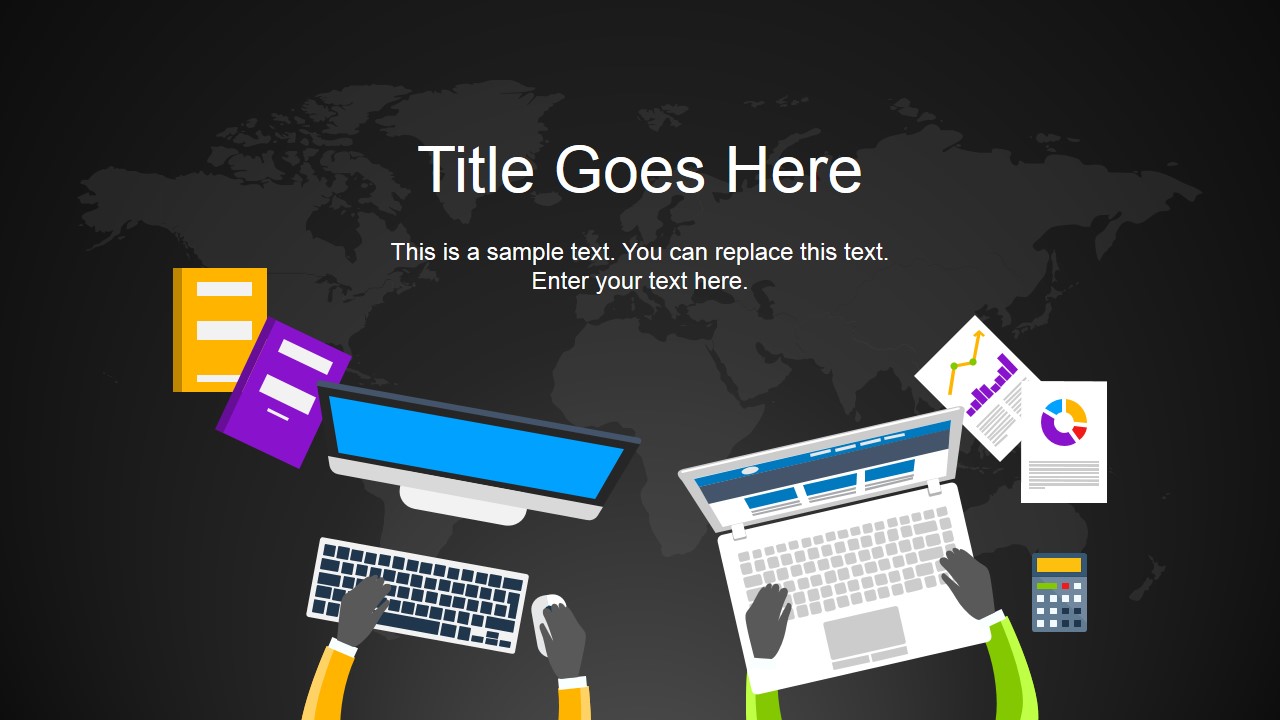
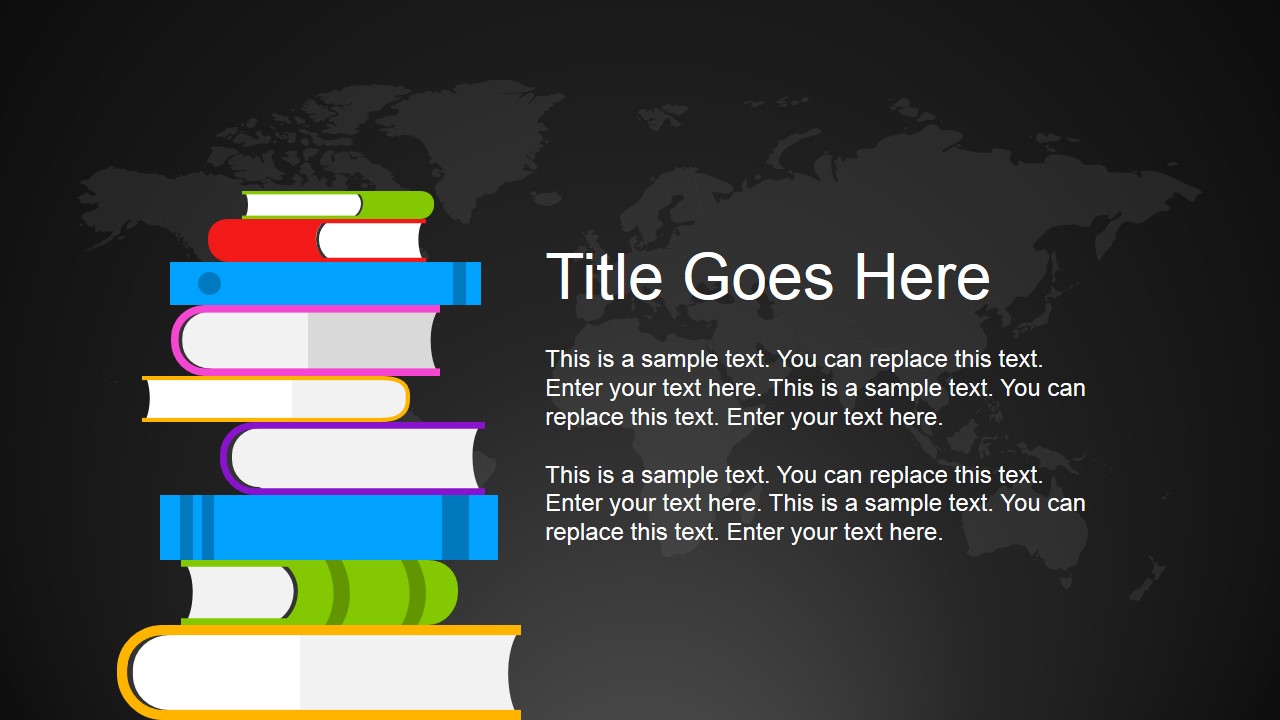
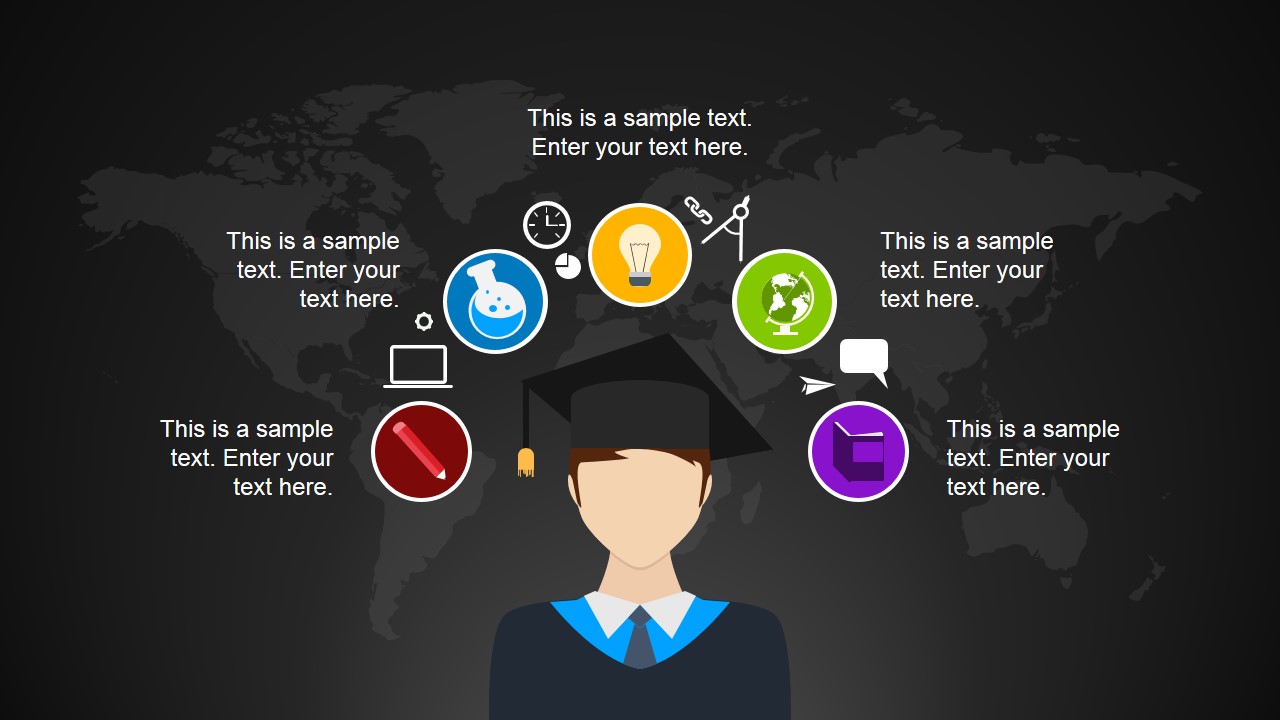
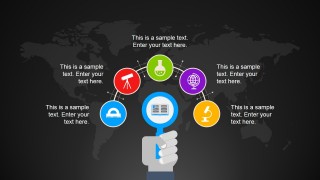
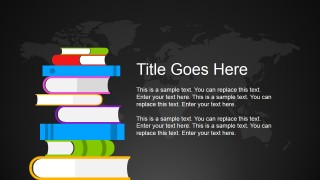
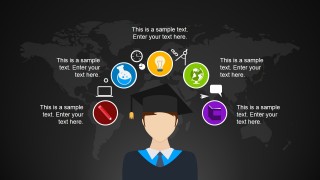
Numerous customizable shapes are available in the PowerPoint Template. It allows the user to fully personalize the report depending on the needs. It is composed of 8 slides with a world map silhouette in a dark background. The second to fifth slides illustrate the different references that a student can use. Computers, books, experience, smartphones, and other hard copy materials can all be used in learning. Lastly, the sixth slide shows a boy in a toga. This represents graduating which is the final step of the usual education path within schools and universities. The 8th slide can serve a dashboard while the presenter let the audience ask questions.
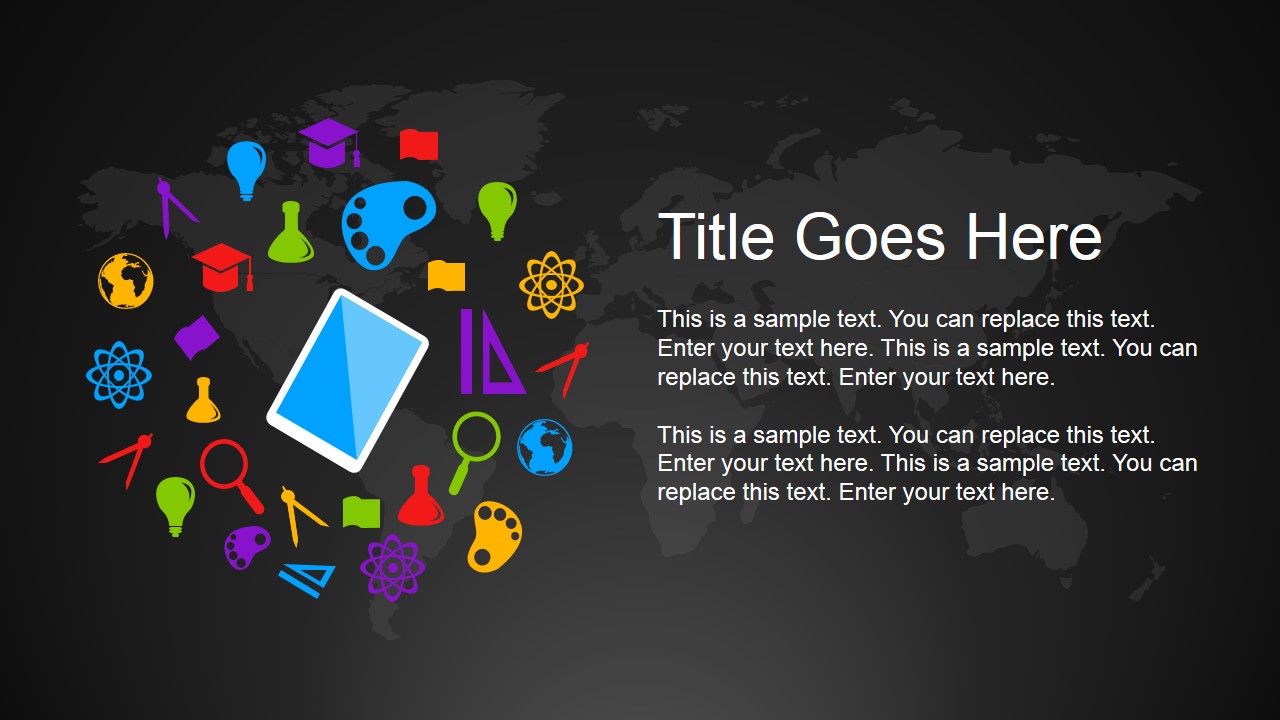
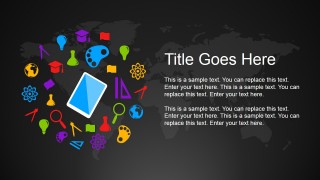
The PowerPoint template is ideal for use on institutions. It can be modified for educational awareness or sales. The icons present in the design are mostly related to math and science. They can be modified or replaced as well. This makes the template open-ended and can be used on a vast number of subjects.
Get creative with professional visual-aids from Global Education PowerPoint Template. Here is another awesome design from the SlideModel gallery: Back To School PowerPoint Template.
What’s inside this template
Example presentation scenarios
- A university administrator can introduce an international education initiative by starting with the world map icon orbit and then using the student knowledge network to show learning pathways.
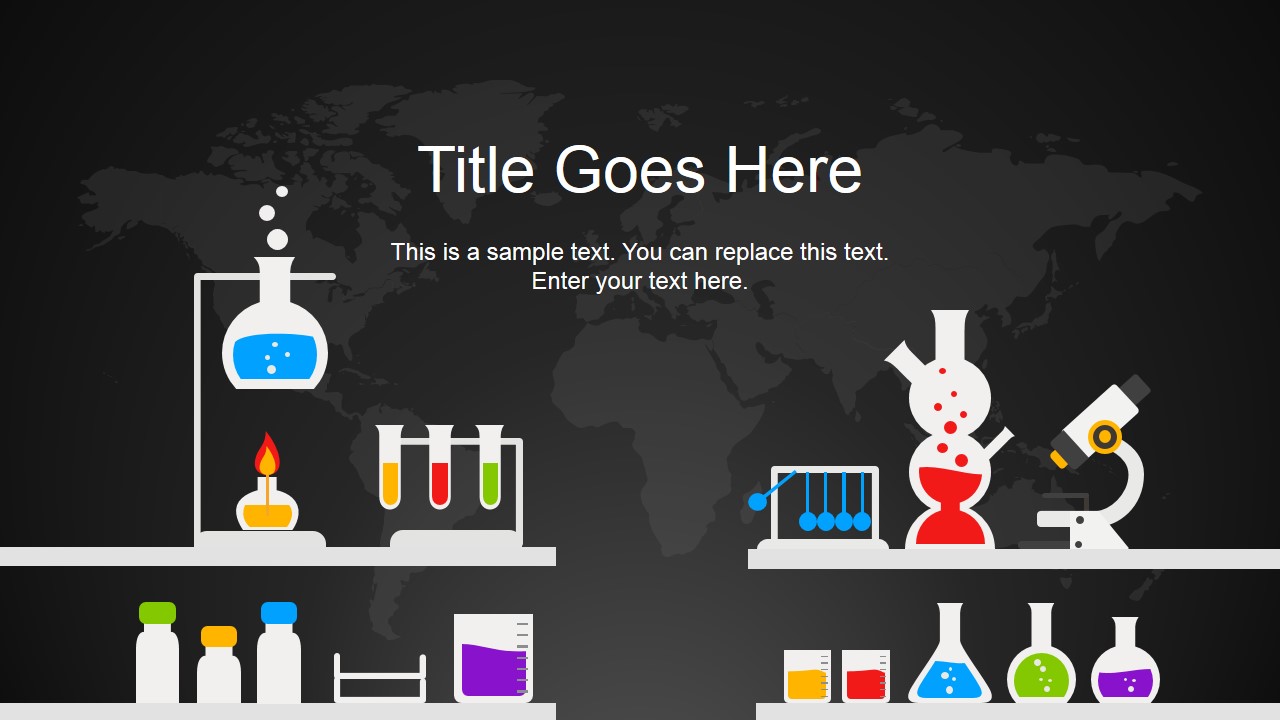
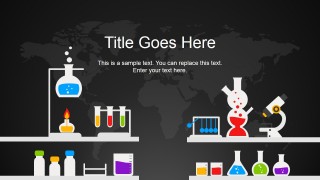
- A science teacher can open a STEM lesson with the lab bench title slide and use the icon collage slide to preview topics such as physics, chemistry, and research.
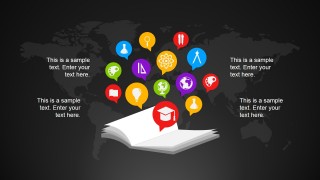
- An education technology presenter can explain digital learning resources with the desktop workspace slide, tablet icon collage, and open book concept slide.
- A school counselor or graduation coordinator can present student success themes with the graduate profile slide and the figure stepping across books.
Features
- 100% editable presentation template
- Compatible with Microsoft PowerPoint and Google Slides
- 16:9 aspect ratio slides
- Scalable vector shapes, icons and illustrations
- AI-Ready for Microsoft Copilot and Claude
- Instant access and download
Frequently asked questions
Q: How should a presenter organize an education talk with these slides?
A: Start with the world map icon orbit to define the global education theme, then move into the digital workspace and book stack slides to explain learning resources. Use the student knowledge network and open book slides for key ideas or pathways. Close with the graduate profile or lab slide depending on whether the message is student success or STEM-focused.
Q: Who is this template best suited for?
A: This template fits educators, academic program leads, training teams, and education nonprofit presenters who need to explain learning concepts without heavy data. The visuals point to global education, books, digital study, science labs, and graduation, making it appropriate for school introductions, awareness sessions, STEM previews, and student success discussions.
Q: Why use a dark world map with bright education icons?
A: The map works as a global context metaphor, while the bright icons signal specific learning domains such as science, books, technology, and graduation. This contrast helps the audience separate the broad theme from the talking point on each slide. The repeated background also keeps the deck consistent while the icon groups change.




Global Education PowerPoint Template
8-slide education presentation template with world map backgrounds, science icons, and classroom learning visuals
Global Education PowerPoint Template is an 8-slide education presentation template with a dark world map background, bright science and learning icons, and editable vector illustrations. It includes an icon orbit, desktop learning scene, book stack layout, student knowledge network, graduate profile, and lab bench title slide for schools, universities, and training teams in Microsoft PowerPoint and Google Slides.
- Category
- Template Backgrounds
- Rating


 Loading...
- Aspect ratio
- 16:9
- Item ID
- 4129-01
- Colors
 Microsoft PowerPoint
  Microsoft Copilot
  Claude for PowerPoint
 Other formats supported
Subscribe today and get immediate
access to download our PowerPoint templates.