Slide 13 of 15 from Global Company Profile PowerPoint Template
6085-01-company-profile-template-13
Bar Chart for Company Profile Presentation
- Chart
- Bar Vertical
- Evaluation Slide
- 16:9
- 100% Editable
The Bar Chart slide from the Global Company Profile PowerPoint Template offers a clear visualization of financial performance and market trends over multiple years. This slide template is designed for corporate presentations and pitch decks, featuring editable slides that highlight key yearly data with vector icons and a clean layout. It supports effective communication of business insights in a professional slide deck format.
What’s on This Slide
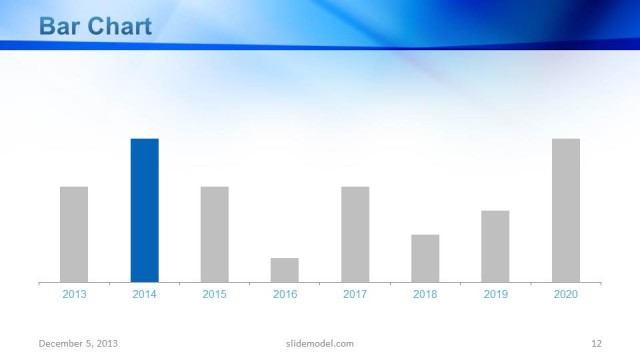
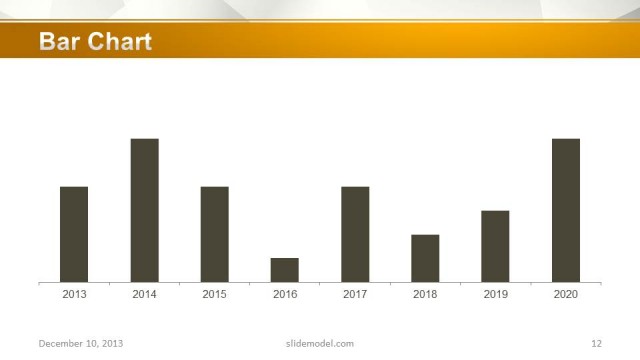
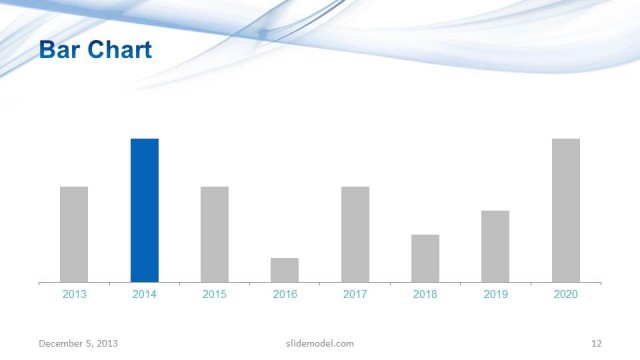
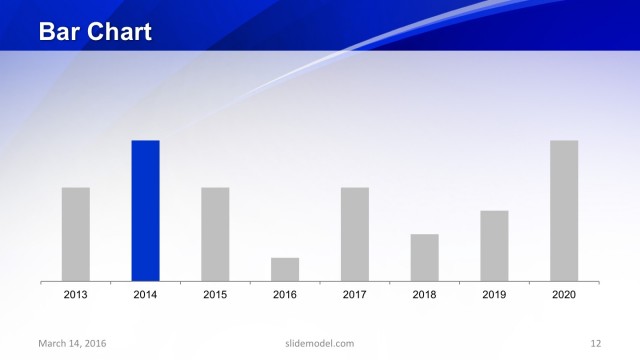
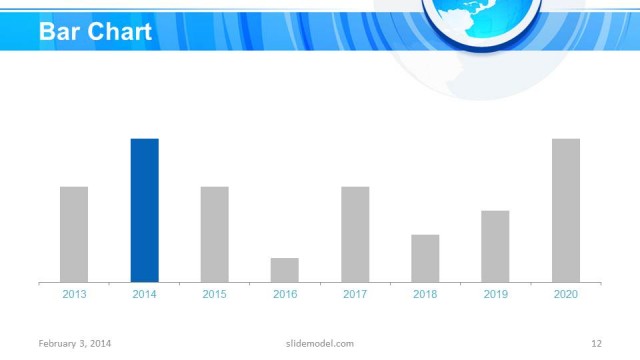
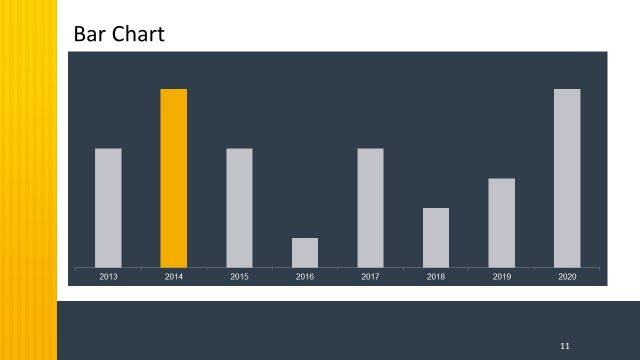
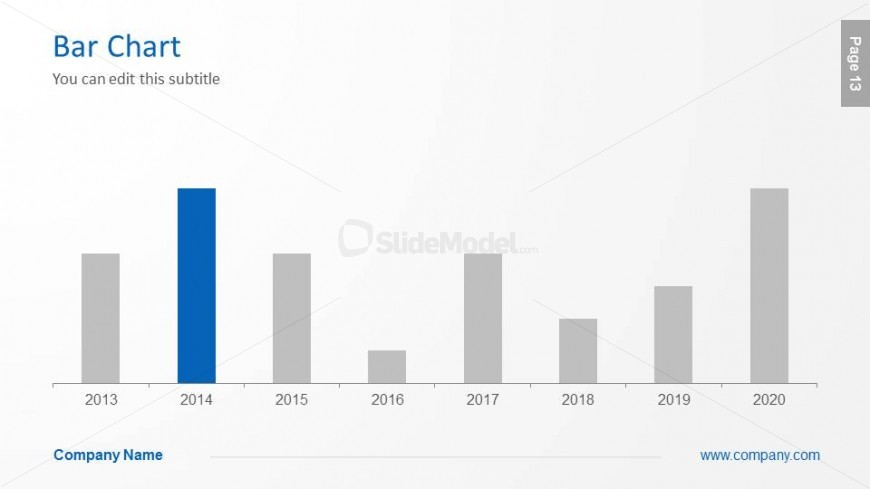
The slide features a bar chart positioned centrally, displaying data across the years 2013 to 2020. The chart has a prominent blue bar for the year 2014, while other years are represented by gray bars. The title 'Bar Chart' is aligned to the top left, with a subtitle placeholder below it. A footer area includes a placeholder for the company name, centered at the bottom. The background is light, enhancing the visibility of the chart. The overall layout emphasizes the chart as the focal point.
How to Use It
This layout serves as a data visualization tool, ideal for presenting quantitative information in a clear format. It fits well in a presentation sequence after introducing key metrics or results. This slide is useful for business scenarios such as performance reviews, financial summaries, or market analysis. It allows for easy comparison of values over time, making it effective for stakeholders assessing growth or trends.
Text Placeholders & Capacity
Keep your copy within these limits so it fits without resizing. Title and subtitle slots are tight, roughly 5-8 words each.
| Placeholder | Count | Max characters (approx.) |
|---|---|---|
| Slide title | 1 | 20 |
| Subtitle | 1 | 40 |
| Footer | 1 | 30 |
Slide Keywords
Download unlimited PowerPoint templates, charts and graphics for your presentations with our annual plan.
DOWNLOADReturn to Global Company Profile PowerPoint Template.