Slide 12 of 15 from Orange Business PowerPoint Template
6085-06-orange-gray-company-profile-12
Bar Chart Visualization for Business Data
- Chart
- Bar Vertical
- Evaluation Slide
- 16:9
- 100% Editable
The Bar Chart slide from the Orange Business PowerPoint Template offers a clear and editable slide layout for visualizing sales performance and market trends. This slide template features a vertical bar chart ideal for corporate presentations and pitch decks, allowing users to effectively communicate financial data and business evaluations with customizable vector icons and shapes.
What’s on This Slide
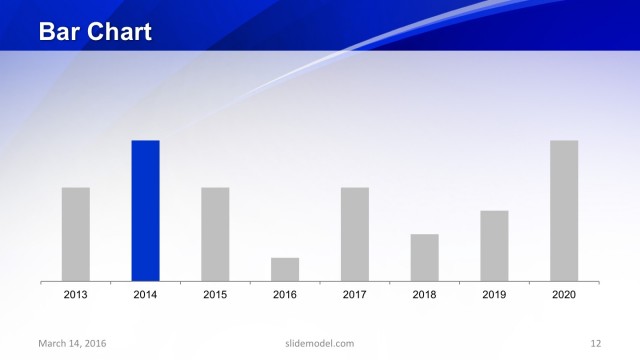
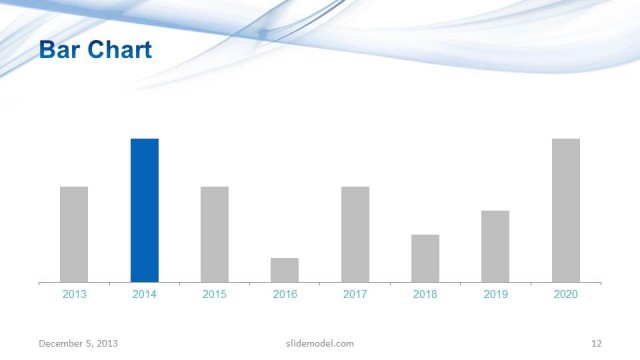
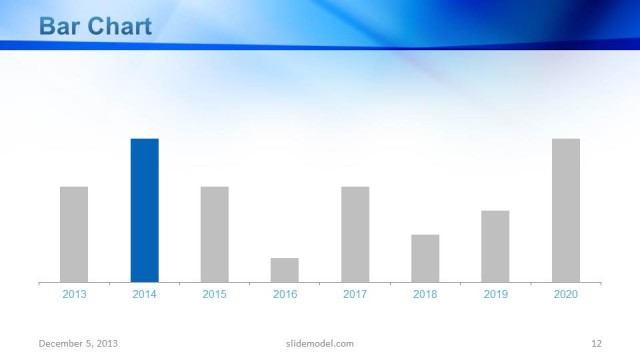
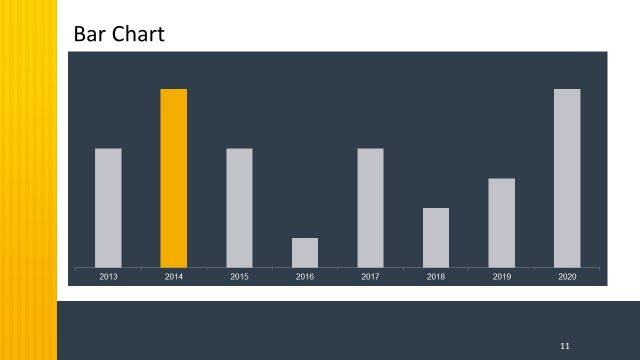
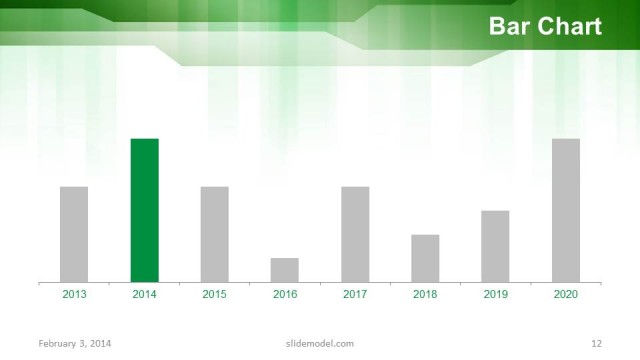
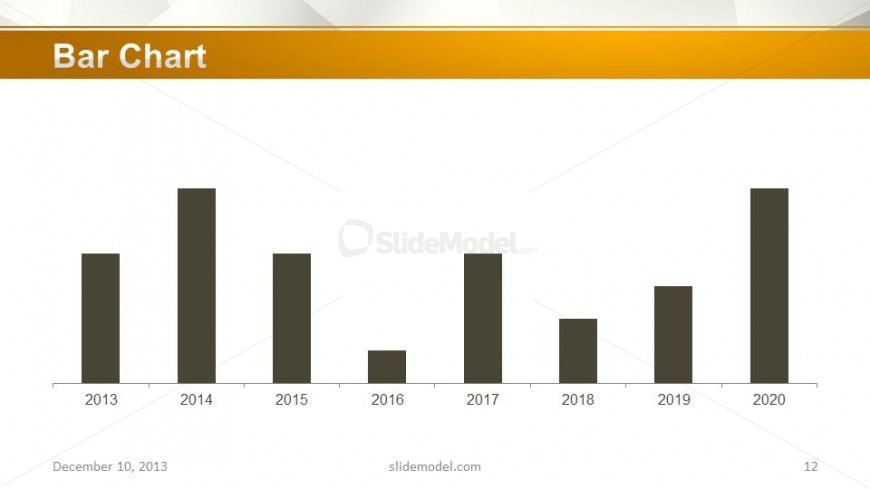
The slide features a horizontal bar chart positioned centrally. The chart displays five vertical bars representing data from the years 2013 to 2020. Each bar varies in height, indicating different values for each year. The x-axis is labeled with the years, while the y-axis represents the data values, though specific values are not shown. Above the chart, there is a title placeholder aligned to the left. The background is light with a subtle pattern, and a prominent orange band runs along the top, enhancing visual hierarchy.
How to Use It
This layout serves as a data visualization tool, ideal for presenting trends over time. It fits well in a presentation sequence following an introduction to a business concept or strategy. This bar chart can be used in various business scenarios, such as showcasing sales growth, comparing performance metrics, or illustrating market trends. It is particularly effective in investor presentations or company profiles where clear data representation is essential.
Text Placeholders & Capacity
Keep your copy within these limits so it fits without resizing. Chart title slot can hold about 4 words; node labels are tight, roughly 4 characters each.
| Placeholder | Count | Max characters (approx.) |
|---|---|---|
| Chart title | 1 | 20 |
| Item heading | 5 | 4 |
Slide Keywords
Download unlimited PowerPoint templates, charts and graphics for your presentations with our annual plan.
DOWNLOADReturn to Orange Business PowerPoint Template.