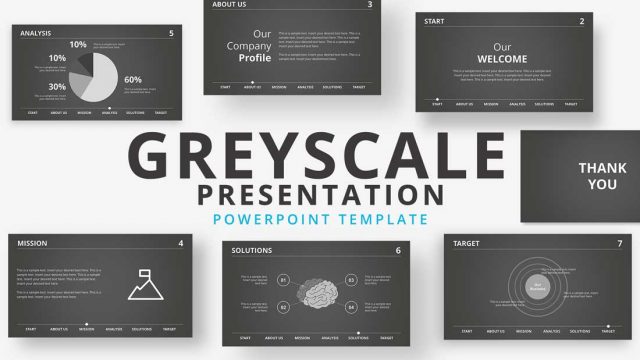
Genesis PowerPoint Template
What’s inside this template
Example presentation scenarios
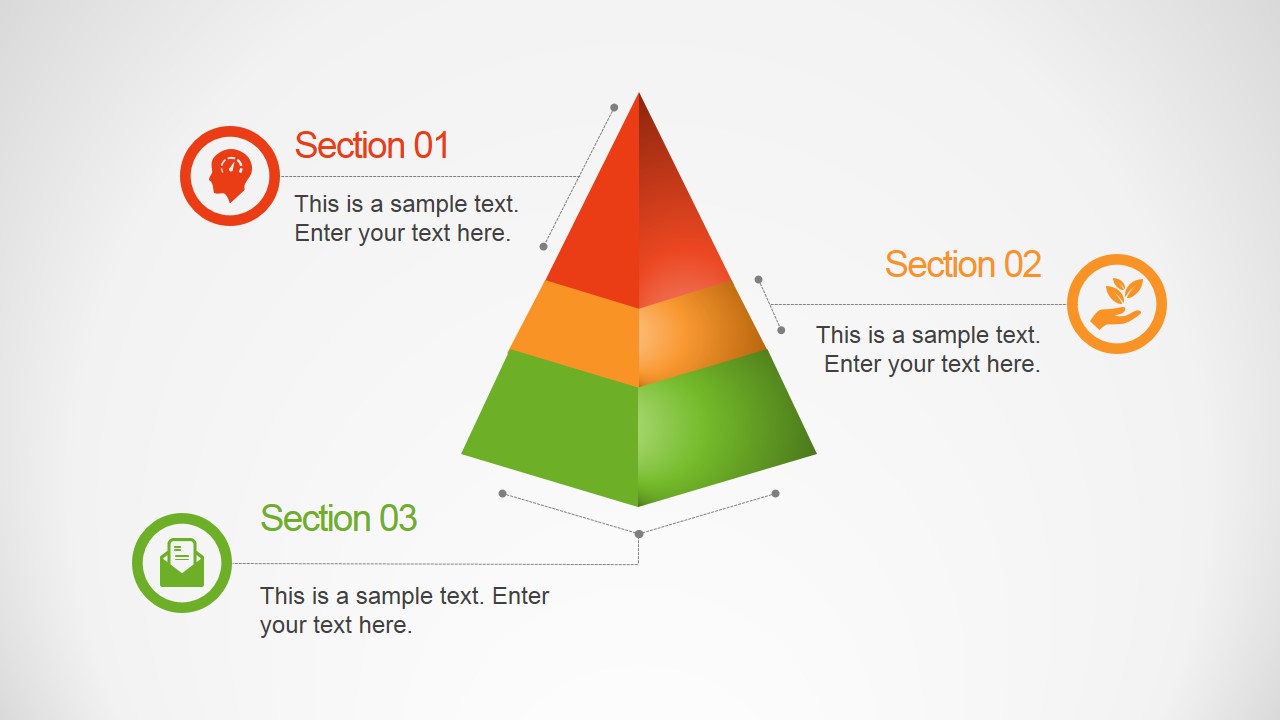
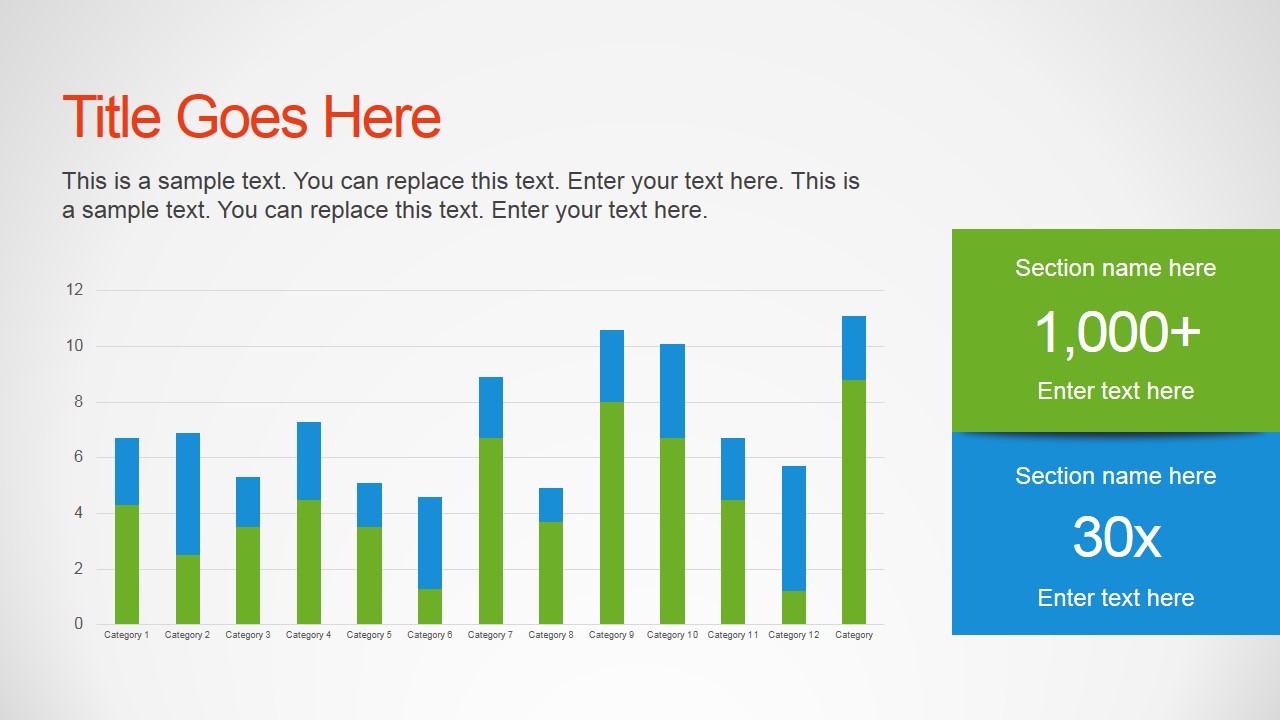
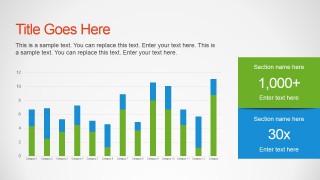
- A business manager can present quarterly priorities by opening with the 3D pyramid, then showing progress with the bar chart and KPI tiles.
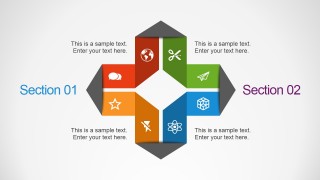
- A consultant can explain a client operating model using the circular chevron process diagram and the hub-and-spoke network graphic.
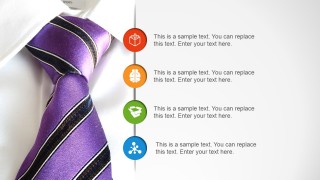
- A training lead can introduce a course outline with the education icon network, then map delivery milestones through the vertical timeline slide.
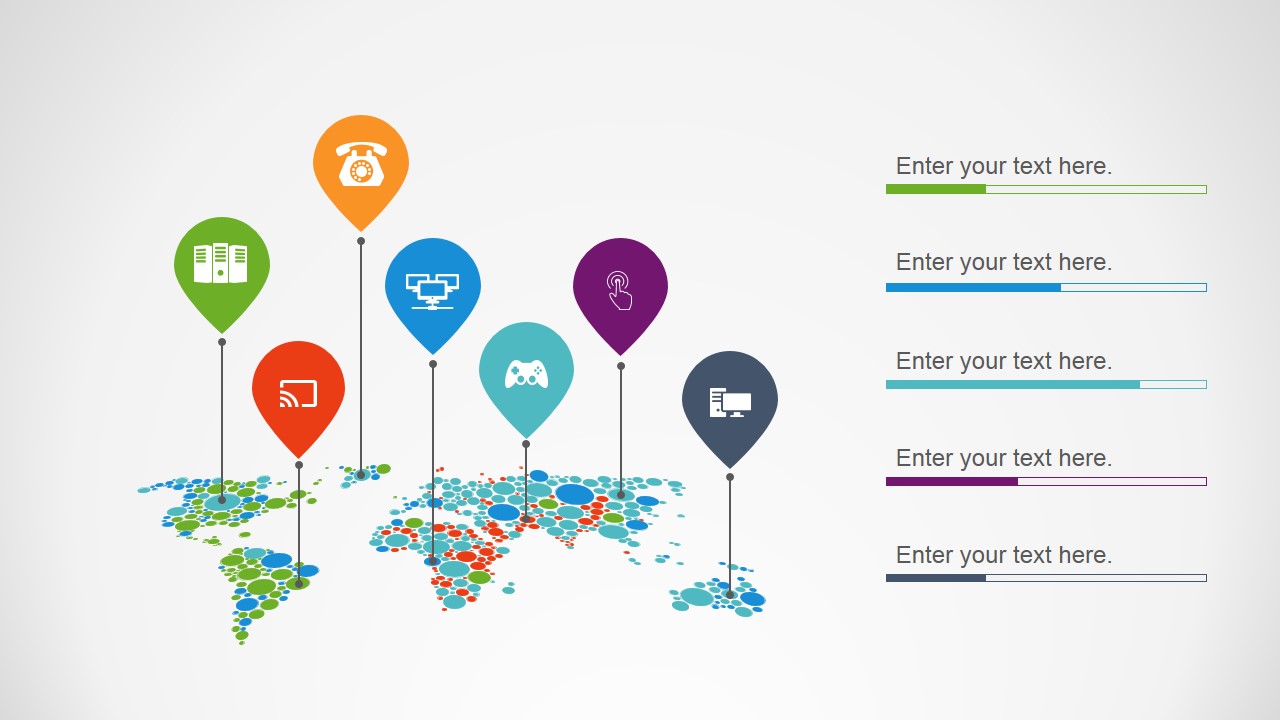
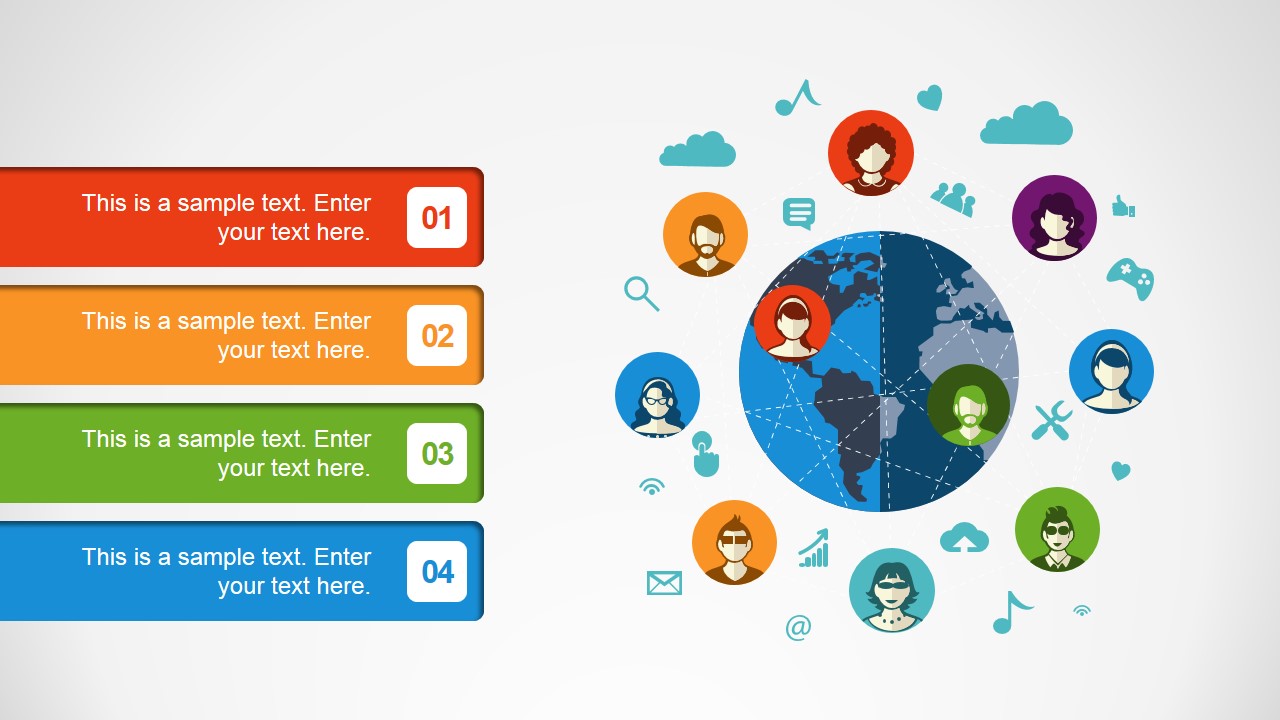
- A sales or regional leader can discuss market coverage with the world map pins and close with the social globe audience graphic.
Features
- 100% editable presentation template
- Compatible with Microsoft PowerPoint and Google Slides
- 16:9 aspect ratio slides
- Scalable vector shapes, icons and illustrations
- AI-Ready for Microsoft Copilot and Claude
- Instant access and download
Frequently asked questions
Q: How should a presenter organize a short message with these slides?
A: Start with the pyramid when the audience needs hierarchy or priority context, then move to the bar chart and KPI tiles for evidence. Use the network, chevron cycle, or timeline to explain how the work happens. Save the map or social globe for reach, audience, or ecosystem points so the deck closes with scale.
Q: What type of business communication is this template best suited for?
A: This template works best for presenters who need a broad visual framework rather than a single specialized report. Managers, consultants, trainers, and sales leads can use it for concise overviews, internal briefings, course introductions, and market summaries because the slides cover priorities, metrics, process steps, geography, and stakeholder networks.
Q: Why do the visual metaphors in this deck help communication?
A: The pyramid makes levels and priorities easy to compare, the map pins translate coverage into location, and the hub-and-spoke graphics show connected topics without long paragraphs. These metaphors reduce cognitive load because the audience can recognize the relationship first, then read the short text blocks for detail.





Genesis PowerPoint Template
8-slide presentation template with pyramid, bar chart, maps, and icon process layouts
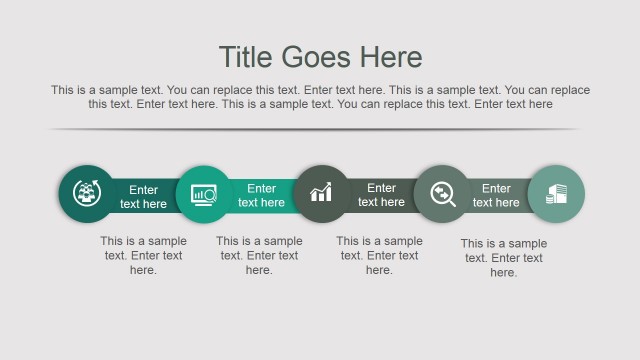
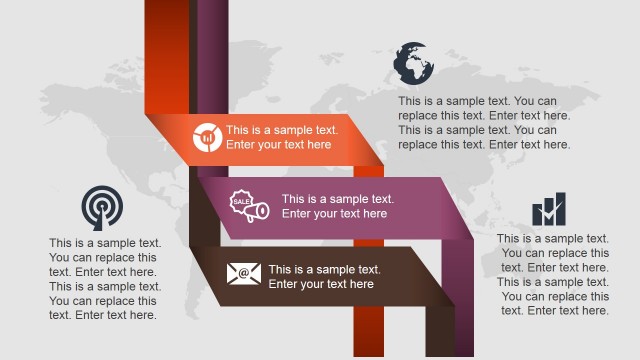
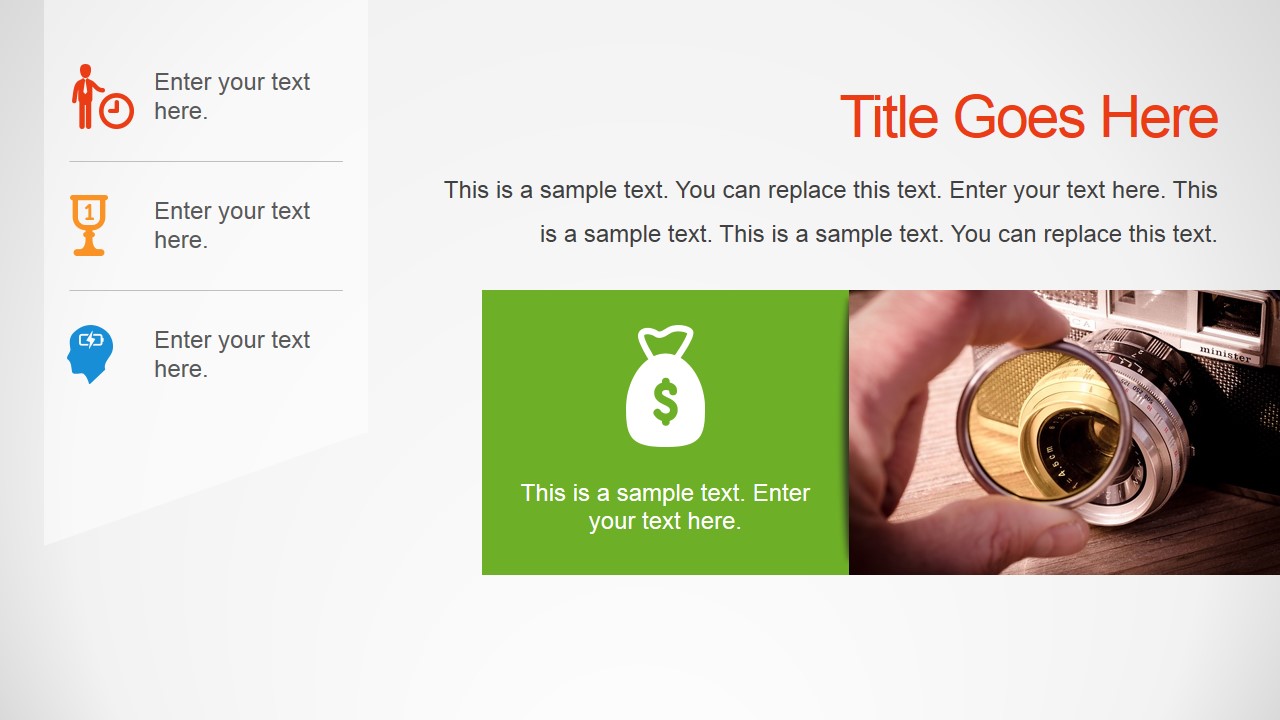
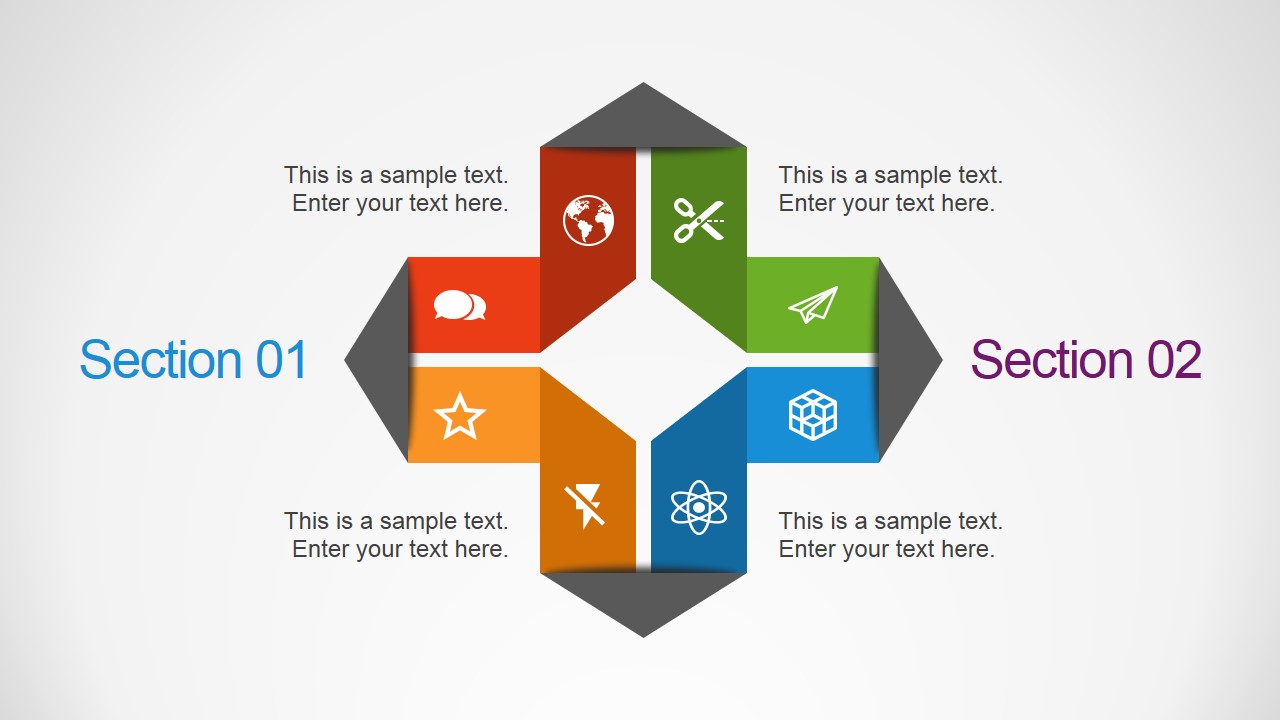
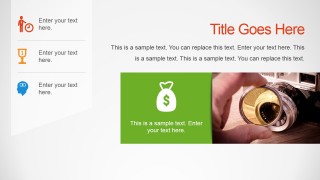
Genesis PowerPoint Template is an 8-slide 16:9 business presentation template with infographic backgrounds for general corporate messages. It includes a 3D pyramid, bar chart with KPI tiles, icon callout slide, hub-and-spoke network, chevron cycle, vertical timeline, world map markers, and social globe graphic for PowerPoint and Google Slides.
- Category
- Template Backgrounds
- Rating

 Loading...
- Aspect ratio
- 16:9
- Item ID
- 4147-01
- Colors
 Microsoft PowerPoint
  Microsoft Copilot
  Claude for PowerPoint
 Other formats supported
Subscribe today and get immediate
access to download our PowerPoint templates.