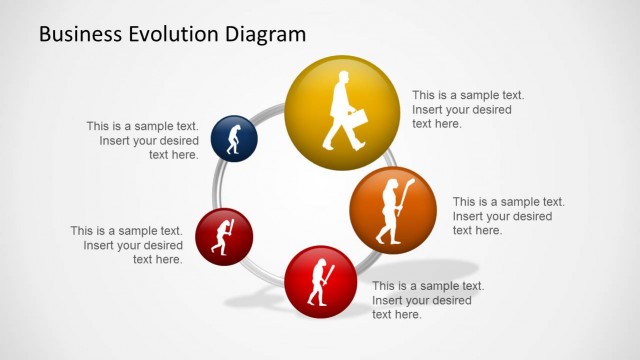
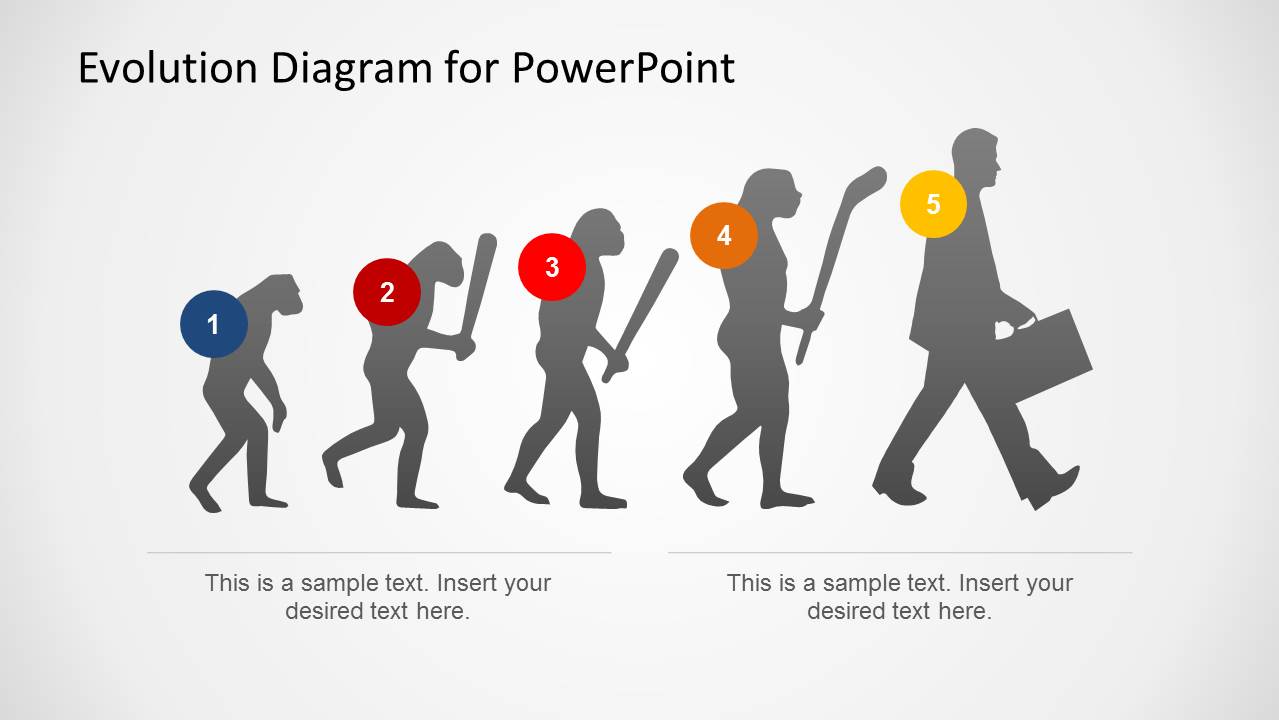
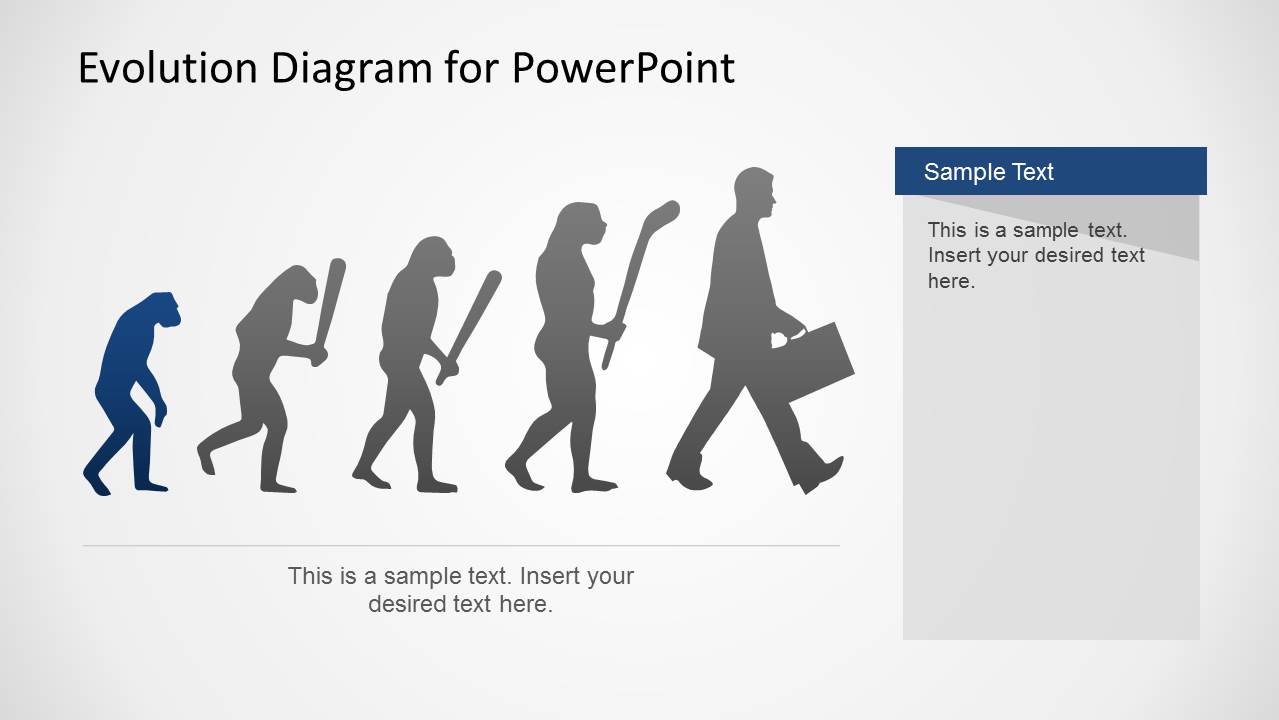
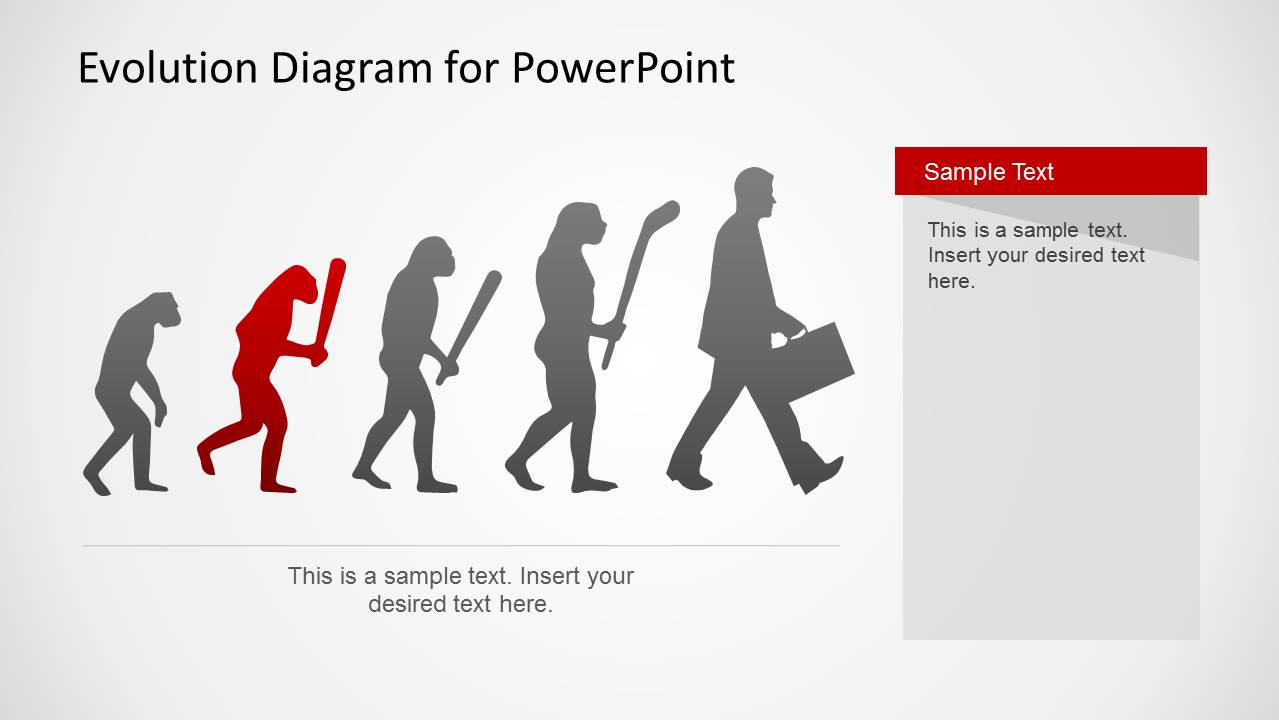
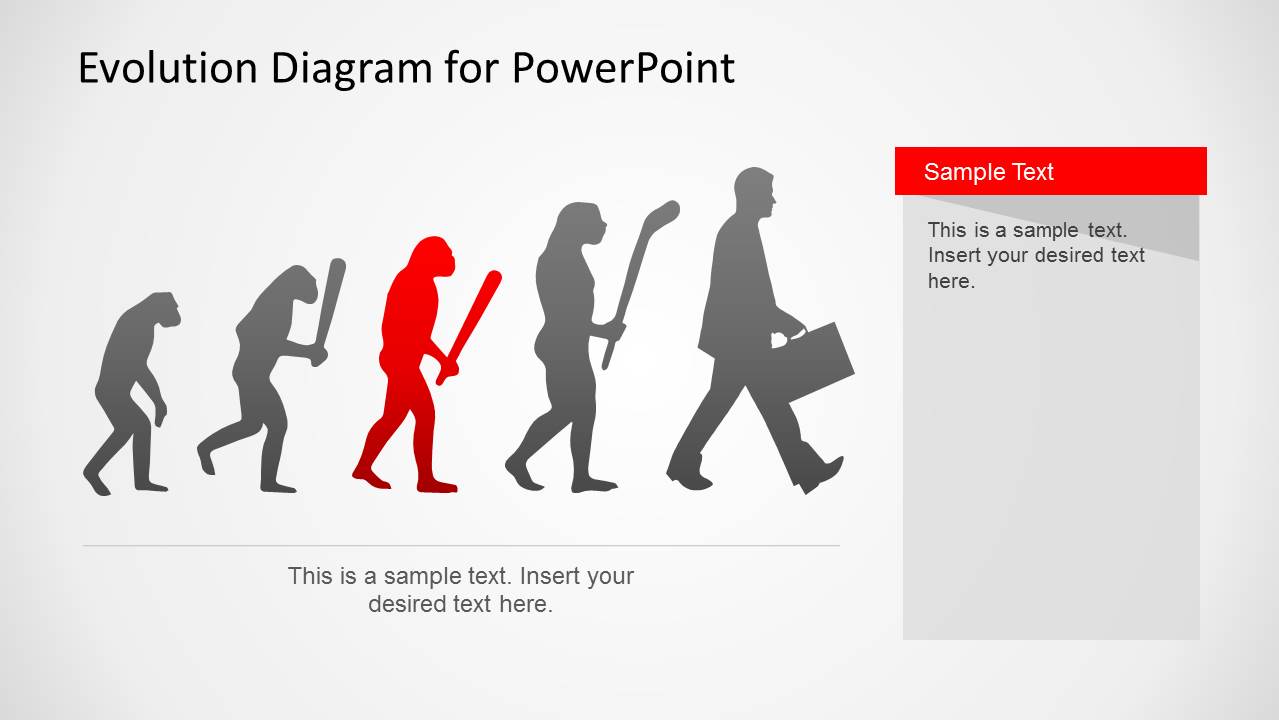
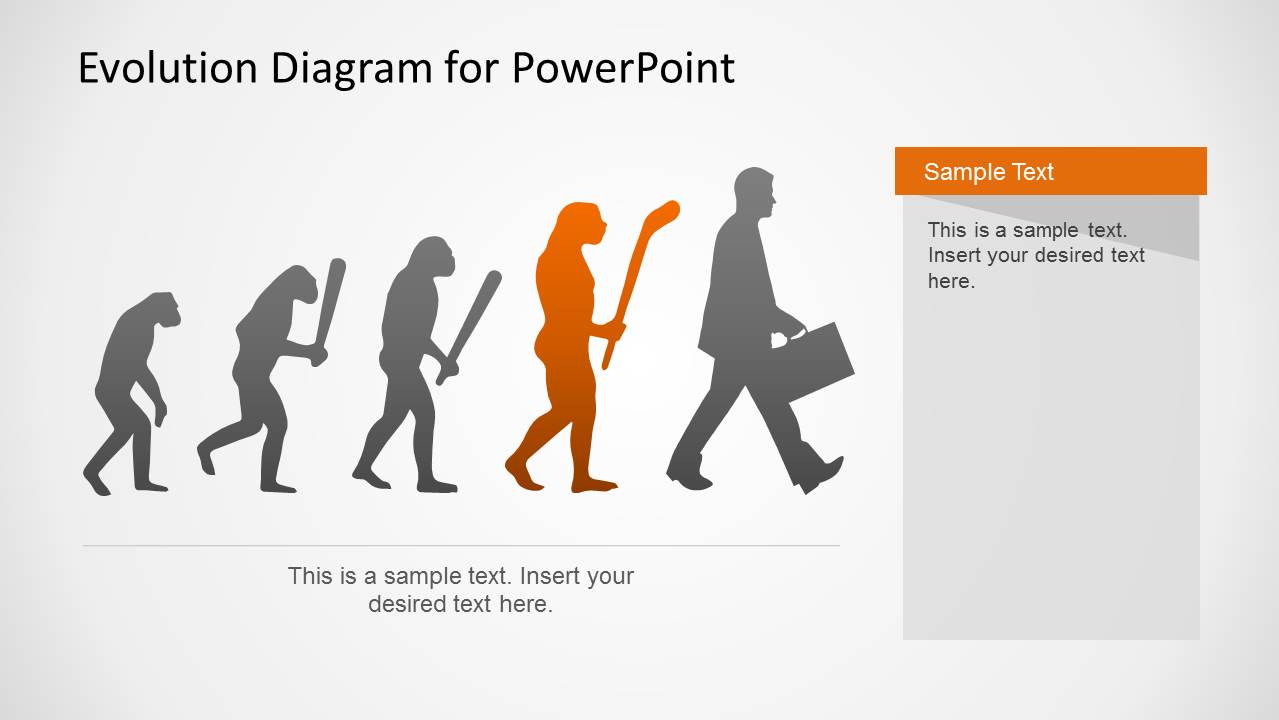
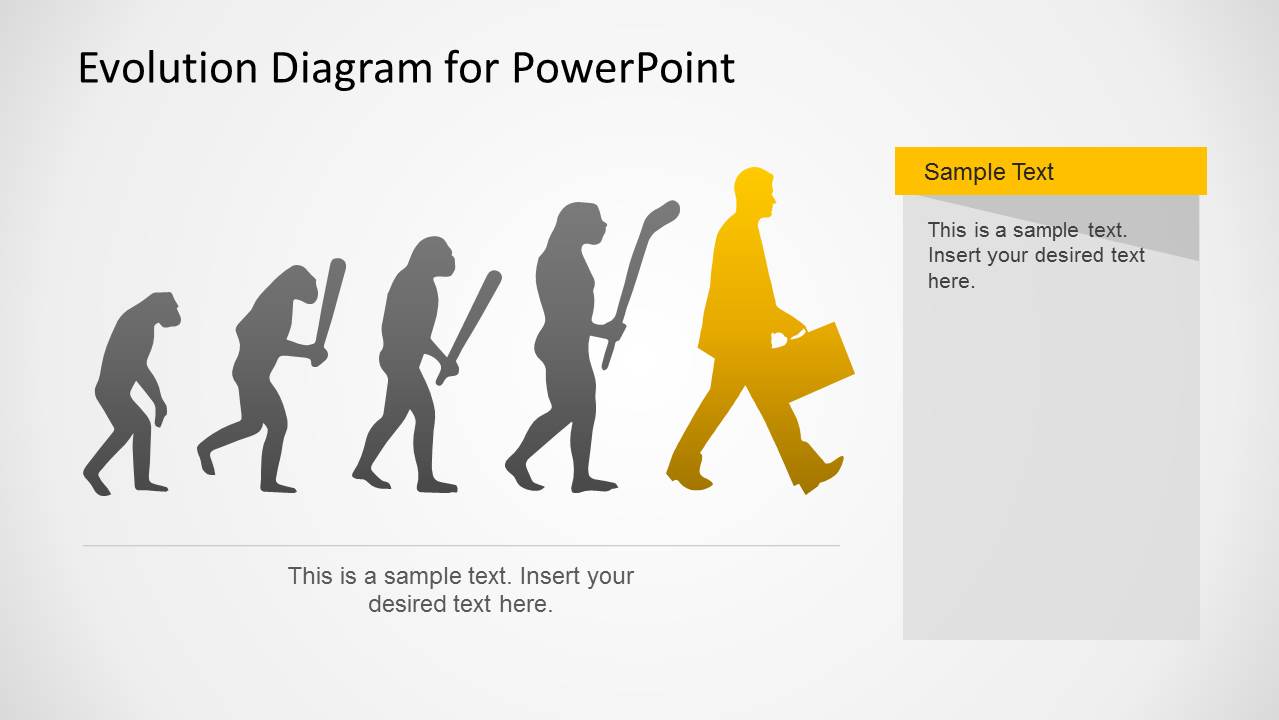
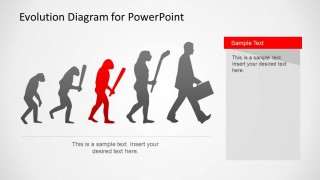
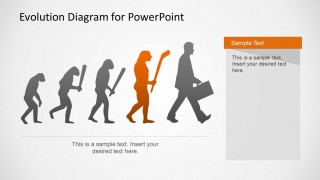
Evolution PowerPoint Template is a presentation design for PowerPoint containing useful slides with evolution illustrations and diagrams. The evolution PPT template was inspired by the illustration representing the road to Homo Sapiens, also known as The March of Progress, created as a presentation slide template. The illustration in this slide presents 25 million years of human evolution, but in this slide template, we included an image of a contemporary business man at the right of the progress.
These diagrams come with an editable layout, and you can even change the color of individual objects within the sample diagrams. This template can be used for various presentation topics, as it offers generic slides with numerous placeholders for adding your own content.
You can use this Evolution Theory PPT template with captivating illustrations and diagrams centered around the concept of evolution, and use it in a variety of presentation topics, ranging from business, and finance to science, education, etc.
What’s inside this template
Example presentation scenarios
- A consultant can use the five-stage silhouette sequence to show how an organization moves from an early operating model to a more mature business capability.
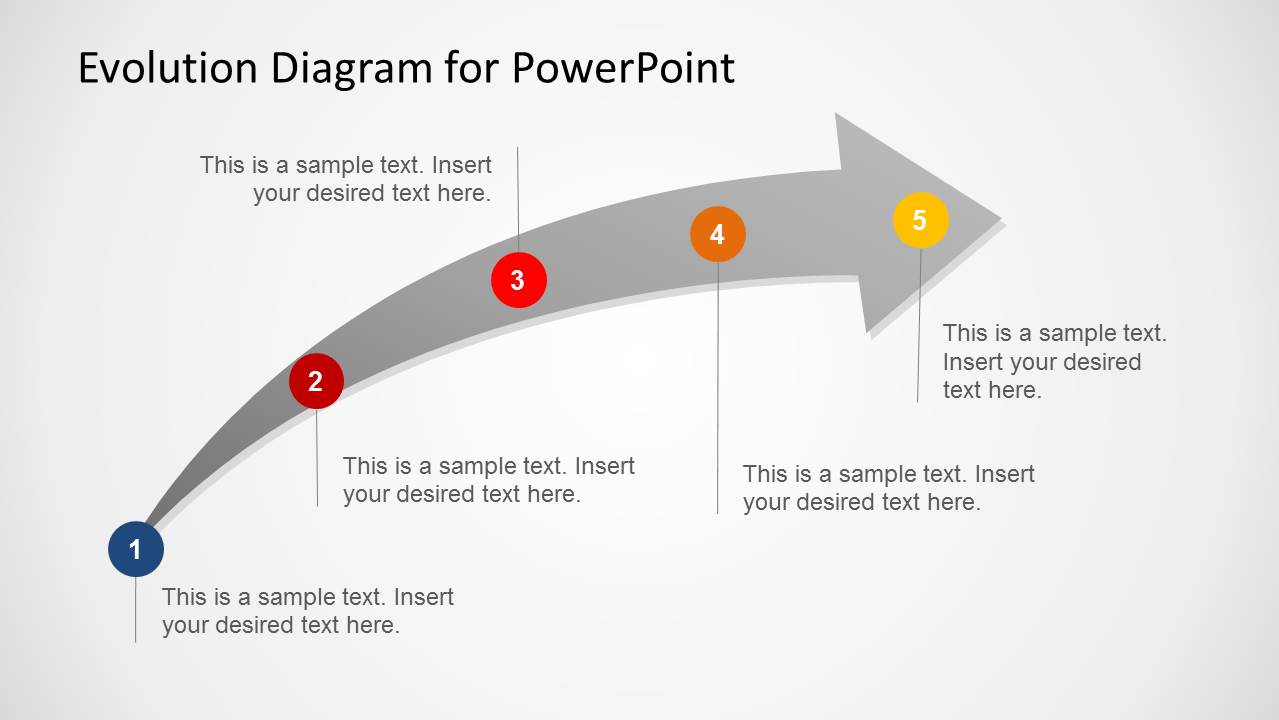
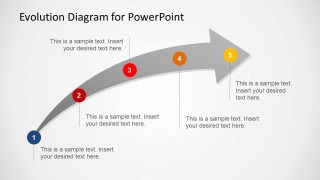
- An educator can present a lesson on evolution or historical development with the March of Progress imagery and the curved arrow timeline.
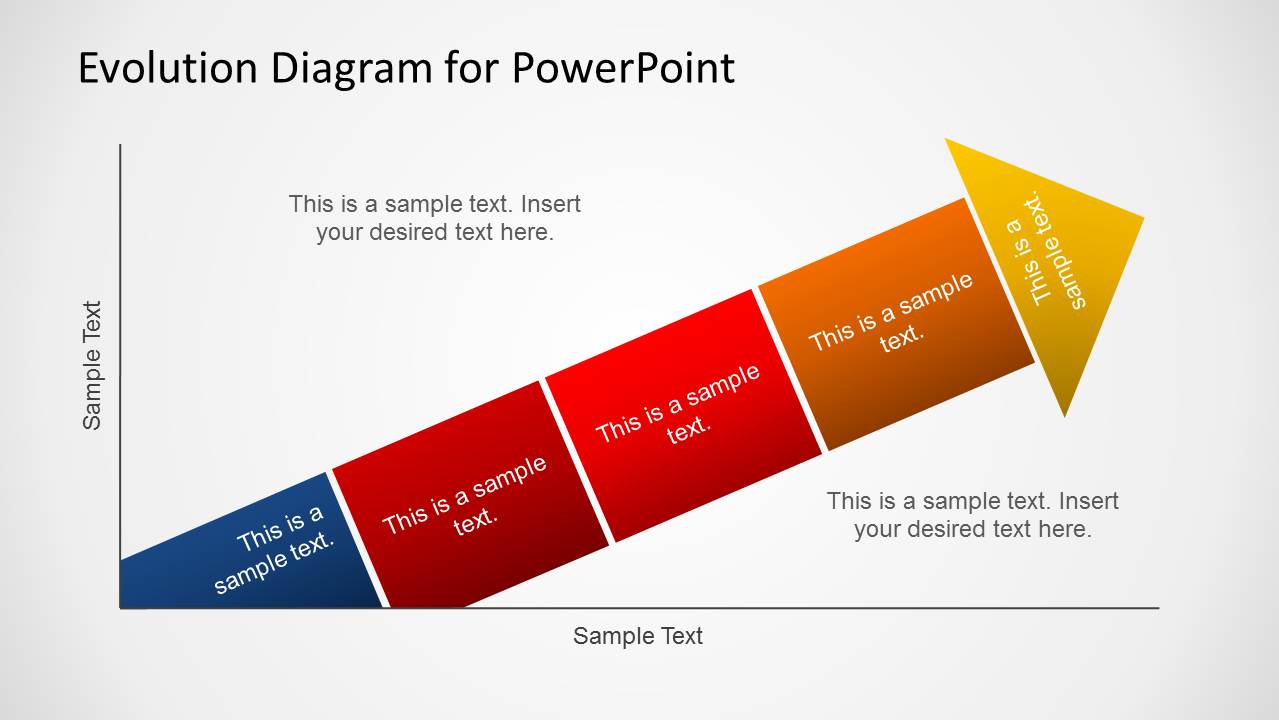
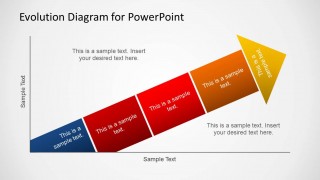
- A product manager can use the rising segmented arrow chart to explain product maturity stages, with each colored segment representing a phase of growth.
- A change management lead can use the highlighted silhouette slides to focus the audience on one stage at a time and explain required actions in the side panel.
Features
- 100% editable presentation template
- Compatible with Microsoft PowerPoint and Google Slides
- 16:9 aspect ratio slides
- Scalable vector shapes, icons and illustrations
- AI-Ready for Microsoft Copilot and Claude
- Instant access and download
Frequently asked questions
Q: How should a presenter use the evolution metaphor without oversimplifying the message?
A: Use the silhouette sequence as a high-level frame, then define what each stage means in business, training, or educational terms. The numbered markers and side panels should carry specific labels, behaviors, or outcomes. Avoid implying that progress is automatic; use the text areas to name the decisions or conditions that move the audience from one stage to the next.
Q: Who is this template best suited for?
A: This template fits presenters who need to explain development across clear stages rather than report dense data. Consultants, educators, trainers, and strategy teams can use the March of Progress slides, curved arrow timeline, and segmented arrow chart to show maturity, transformation, or historical change in a way that is quickly understood.
Q: Why does the March of Progress visual work for transformation presentations?
A: The human progression metaphor gives the audience an immediate visual cue: the topic is moving from an early state toward a more developed one. The repeated silhouettes create continuity, while colored highlights isolate the current stage. This helps presenters discuss one step at a time without losing the broader change narrative.




Evolution PowerPoint Template
9-slide presentation template with evolution silhouettes, progress arrows, and transformation diagrams for business or education
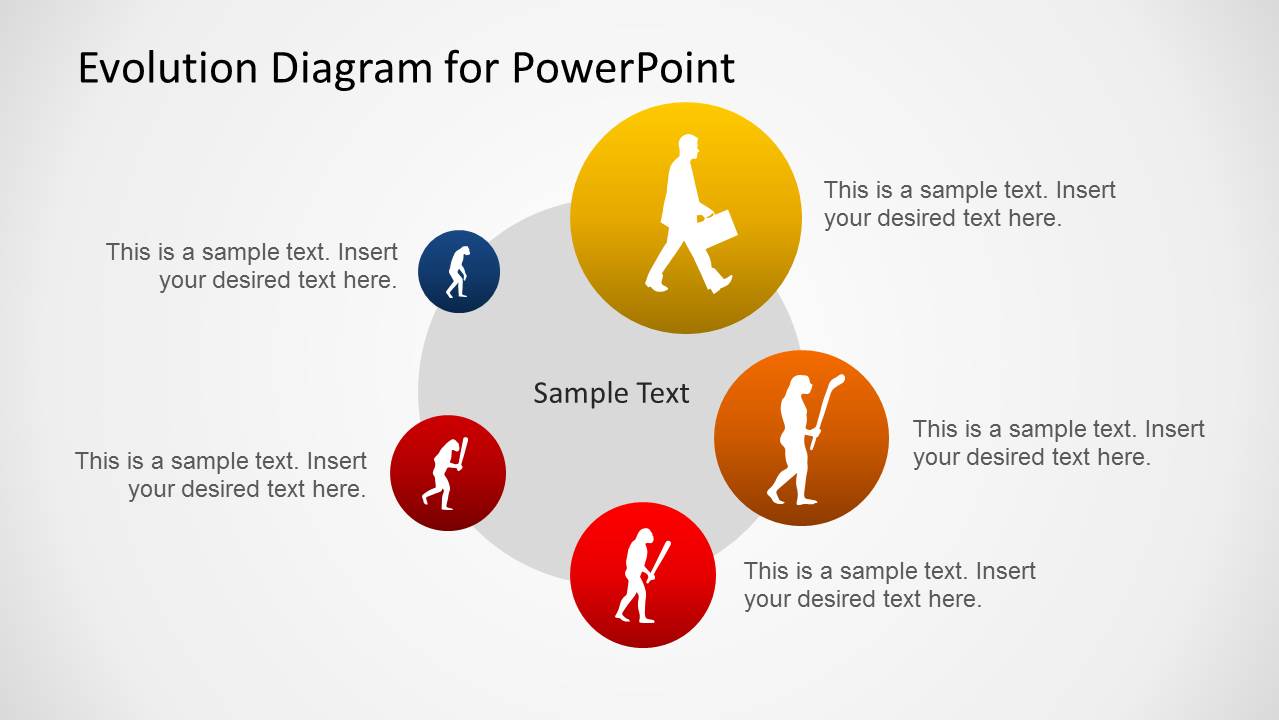
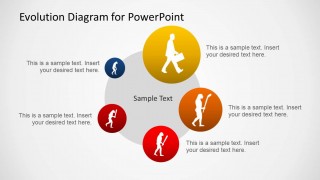
Evolution PowerPoint Template is a 9-slide diagram presentation for explaining change over time. It includes March of Progress silhouette sequences, a curved arrow timeline, a circular evolution diagram, and a rising segmented arrow chart. It is intended for business, education, science, and strategy presenters using Microsoft PowerPoint or Google Slides.
- Category
- Shapes
- Rating


 Loading...
- Aspect ratio
- 16:9
- Item ID
- 6363-01
- Colors
 Microsoft PowerPoint
  Microsoft Copilot
  Claude for PowerPoint
 Other formats supported
Subscribe today and get immediate
access to download our PowerPoint templates.