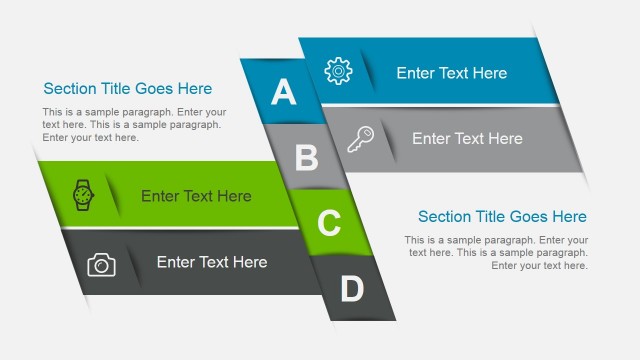
Evolution Business PowerPoint Template is a creative business PowerPoint template design that you can download to make compelling and effective business presentations, present a business plan or create educational PowerPoint slides to revamp your presentations with awesome styles.
This business presentation template contains 25 unique slide designs with awesome slide layouts that you can use to decorate your business plans and presentation slides. Inside this presentation bundle there are:
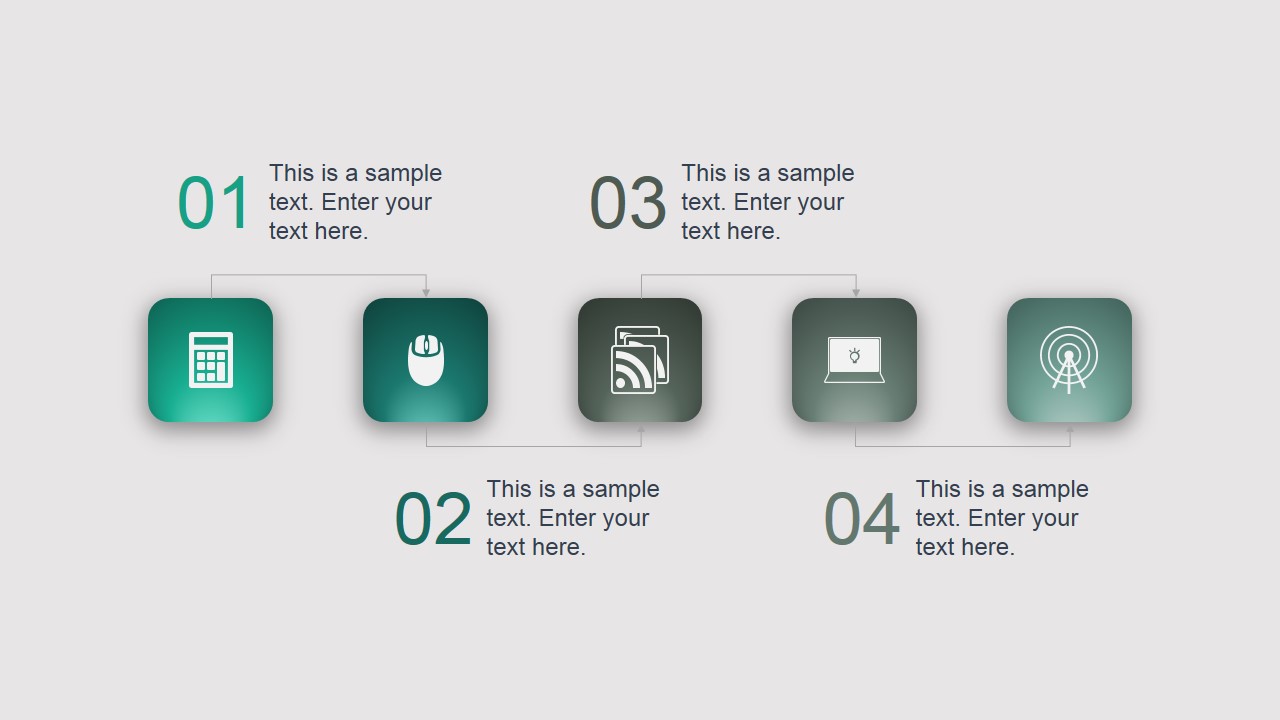
- Agenda and content presentation slide designs.
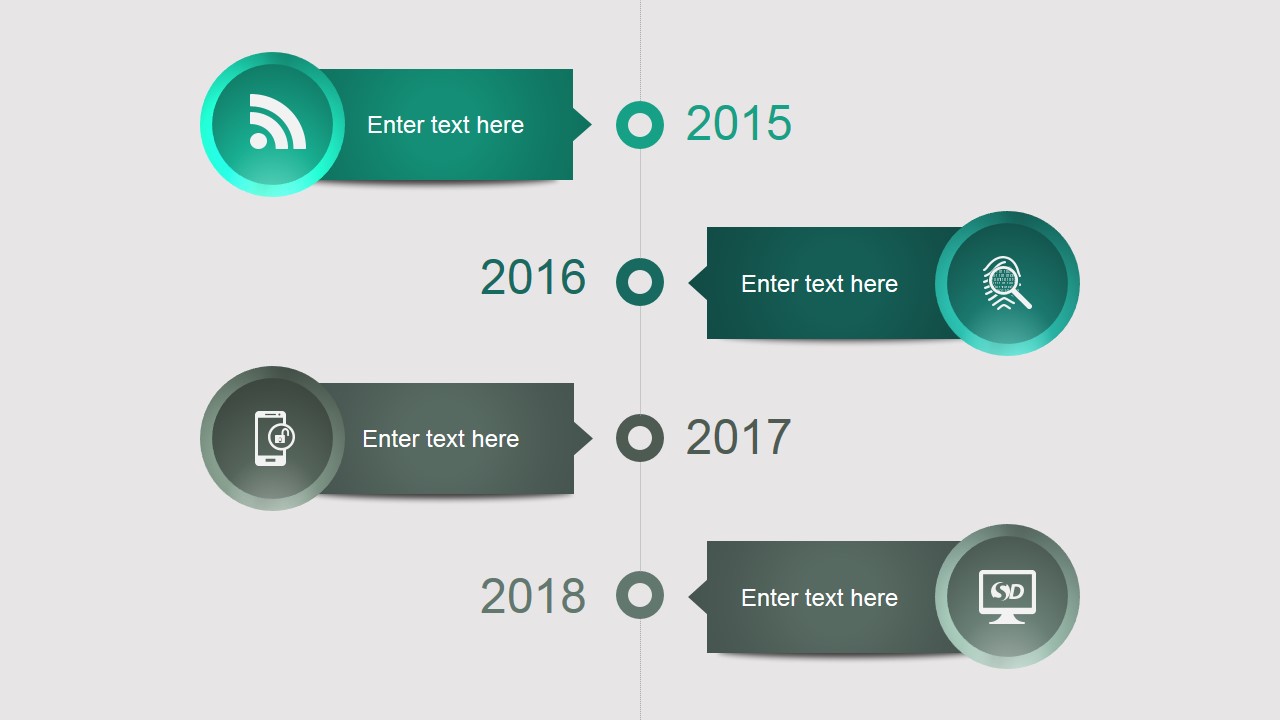
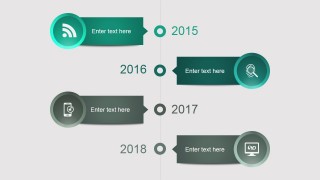
- Timeline and roadmap slide designs for PowerPoint with vertical and horizontal layouts.
- Comparison slides to compare two different concepts or opposite ideas.
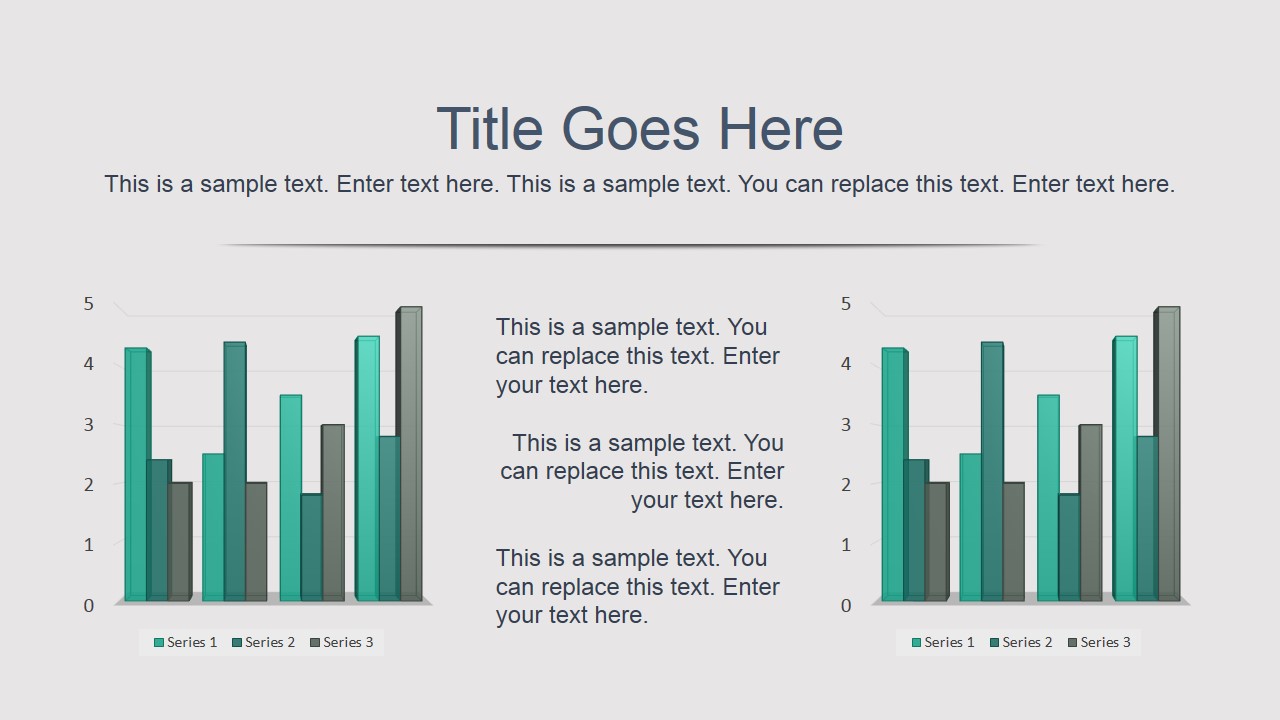
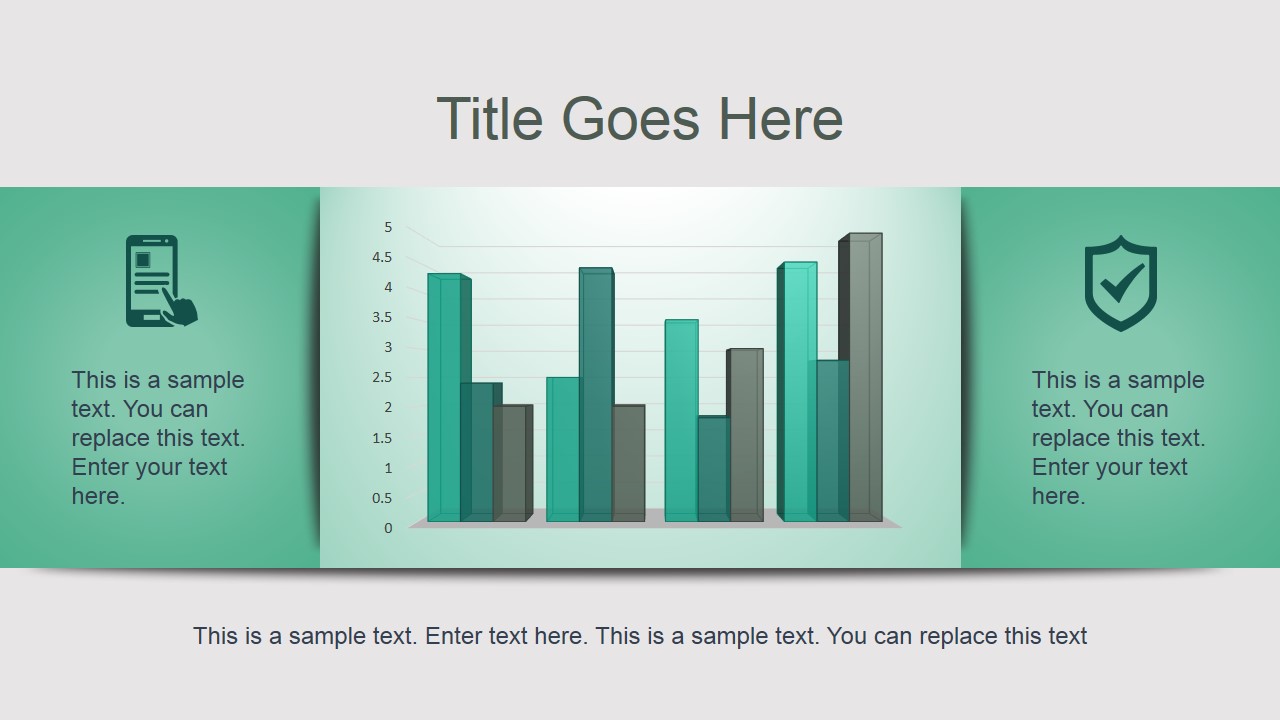
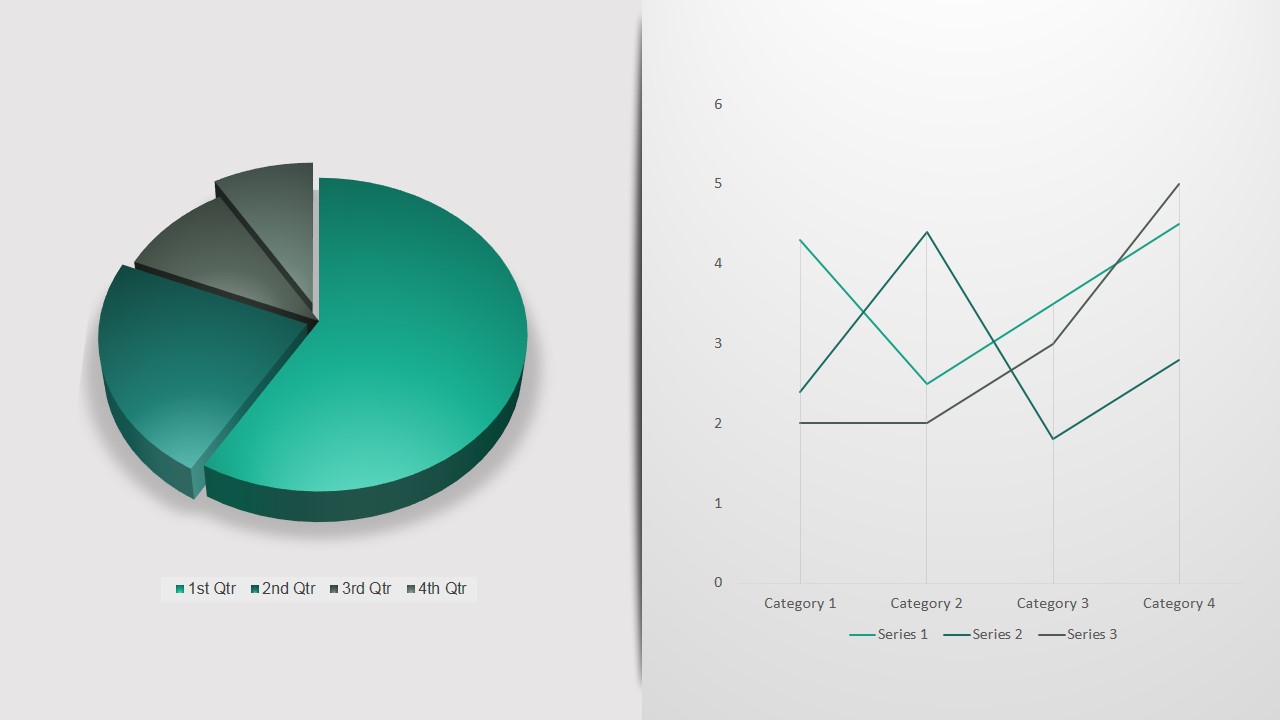
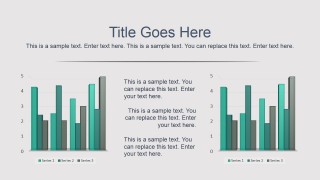
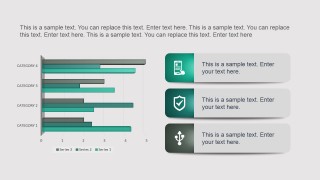
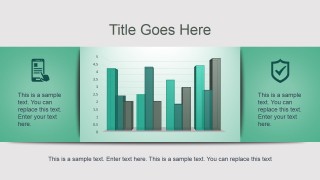
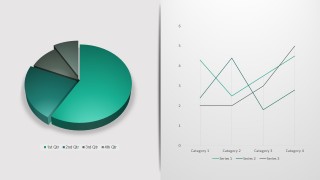
- Data-driven business charts (line chart, bar chart and pie charts).
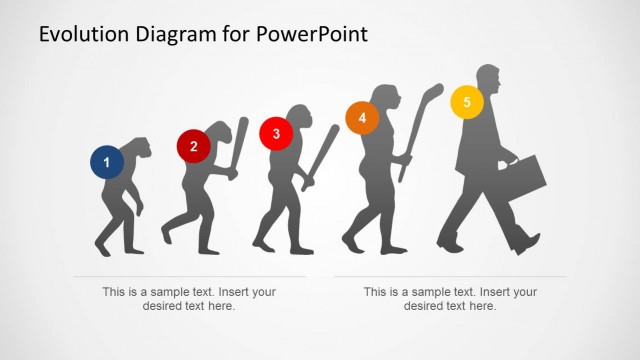
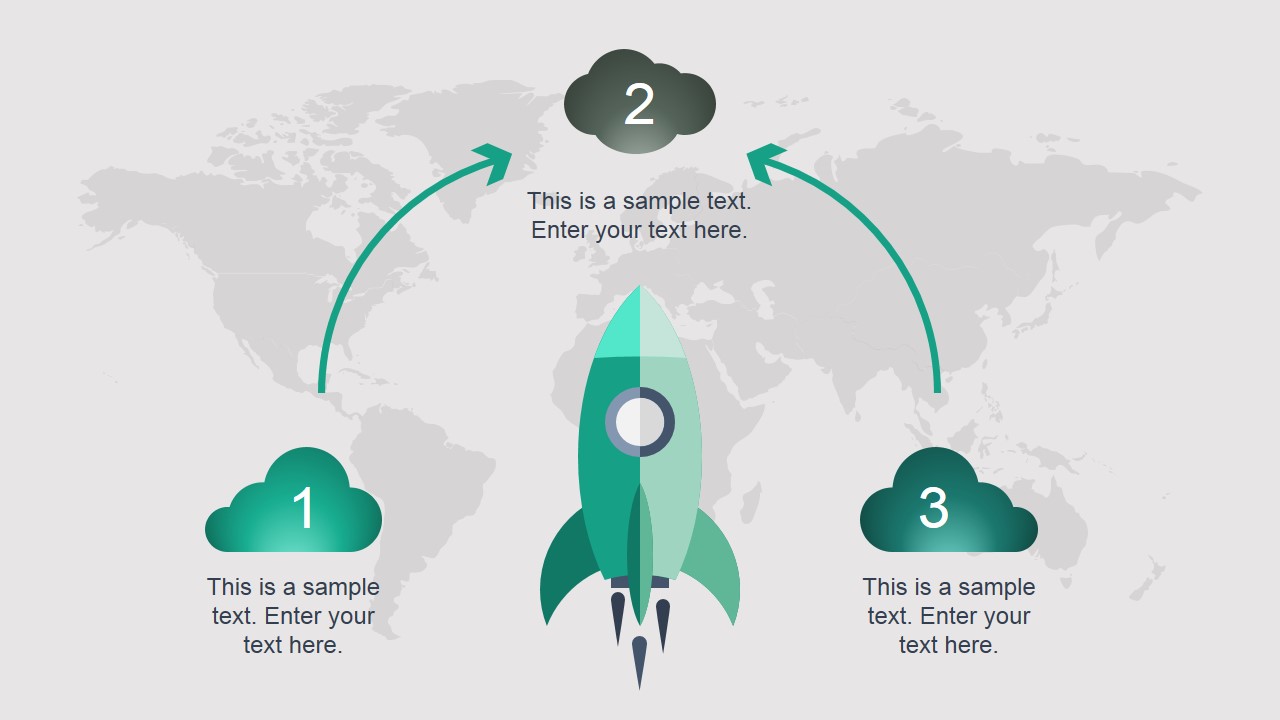
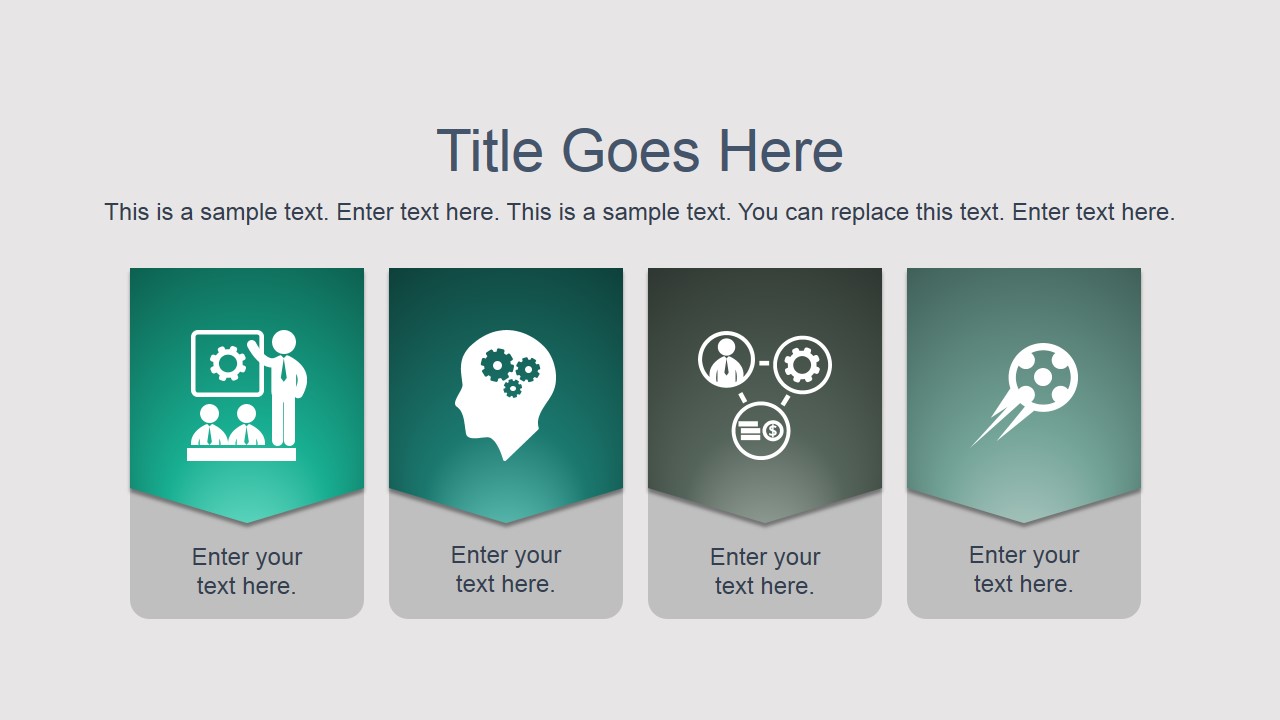
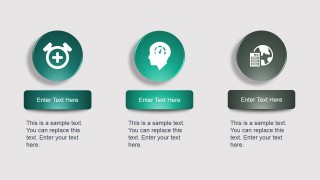
- Metaphor and concept slide designs including awesome PowerPoint icons and creative illustrations for PowerPoint.
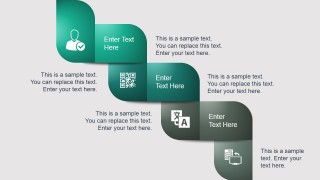
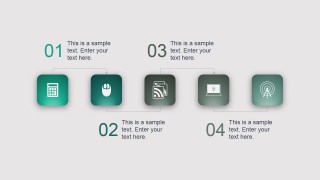
- Multi-staged diagram designs.
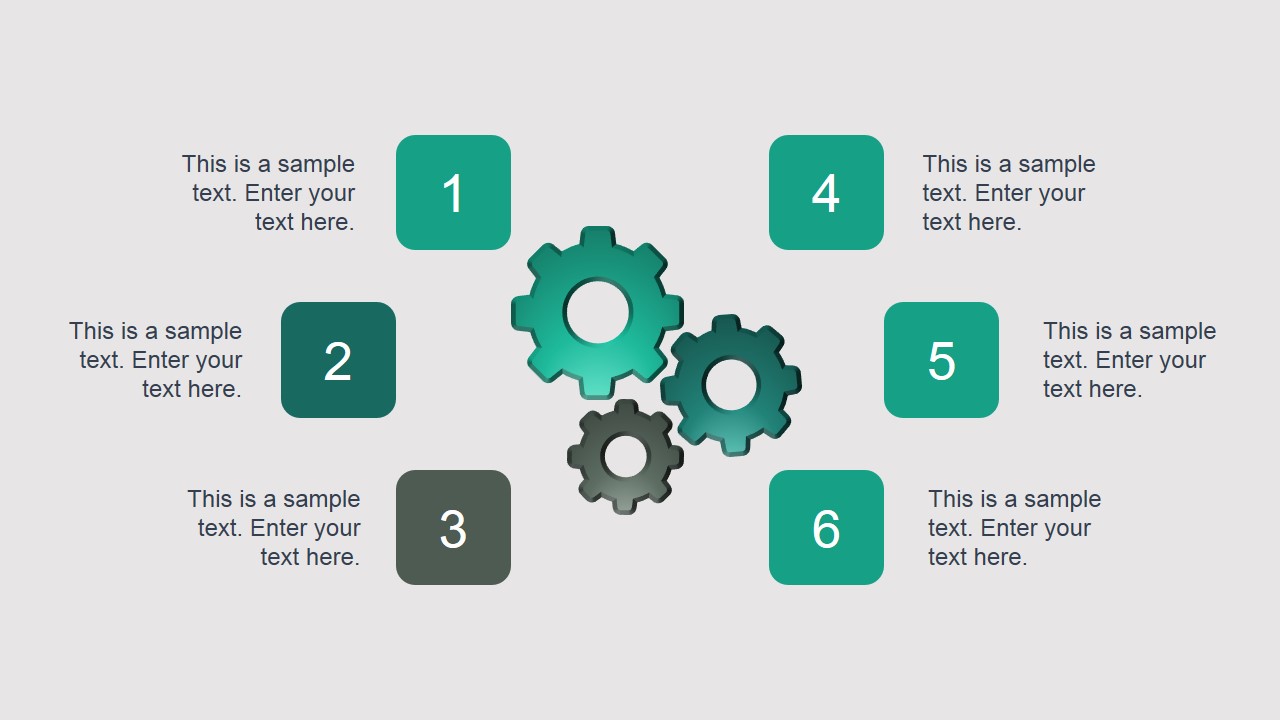
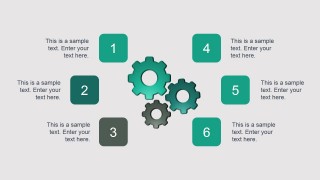
- PowerPoint slides for process flow & descriptions including gear icons.
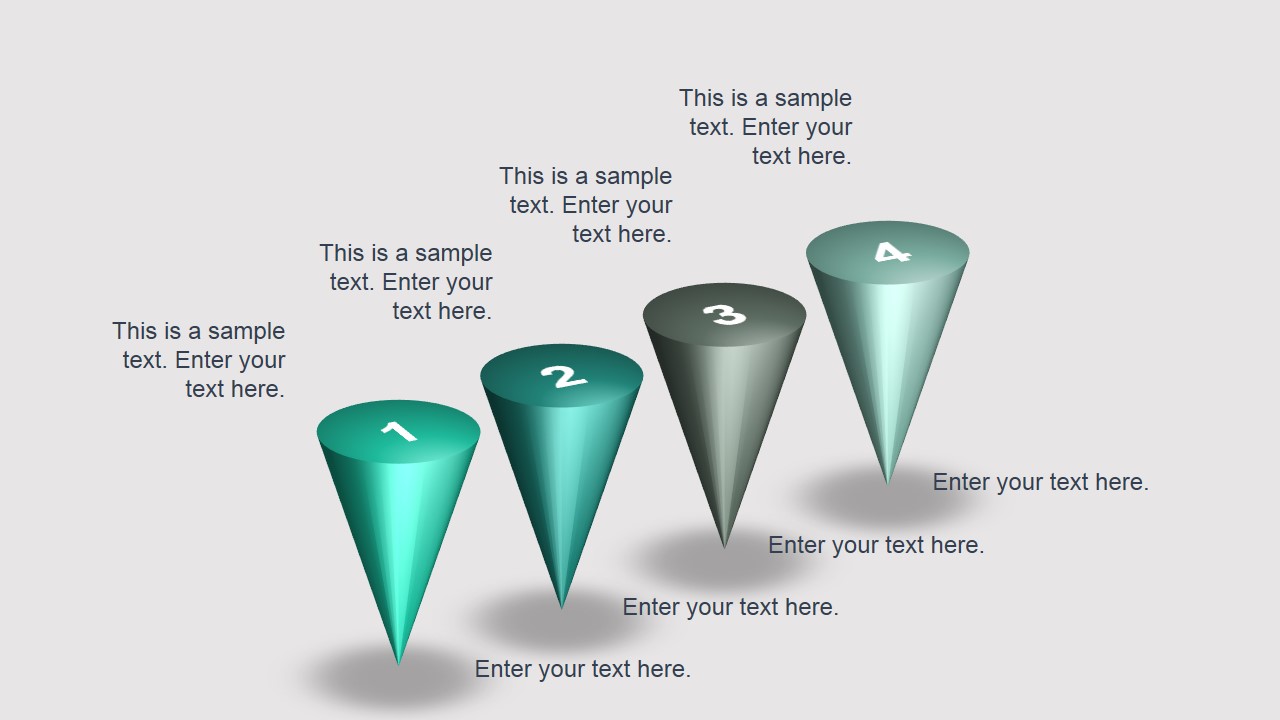
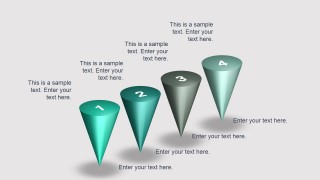
- Cone charts and slide layouts with 3D objects.
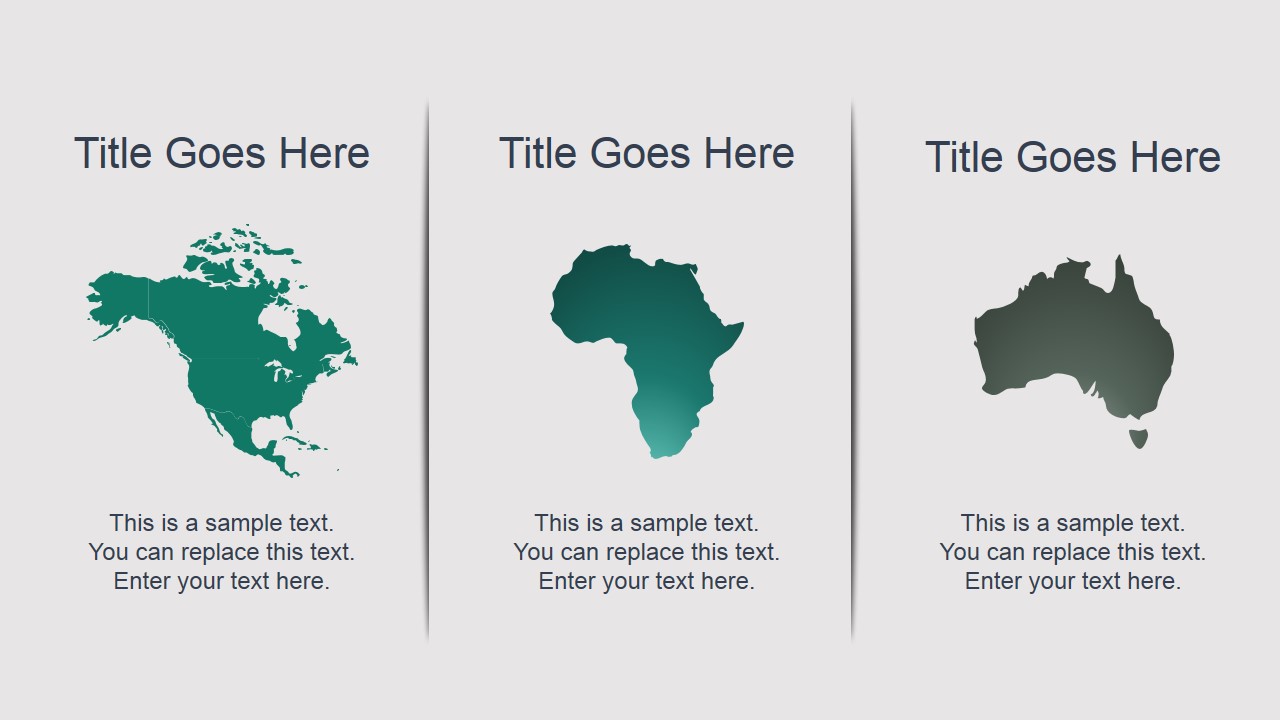
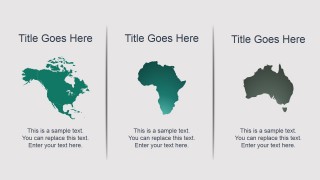
- Continent map outlines including North America, Africa and Australia. If you require any other shape or map design, you can consider to download our map templates for PowerPoint available as editable shapes & vectors.
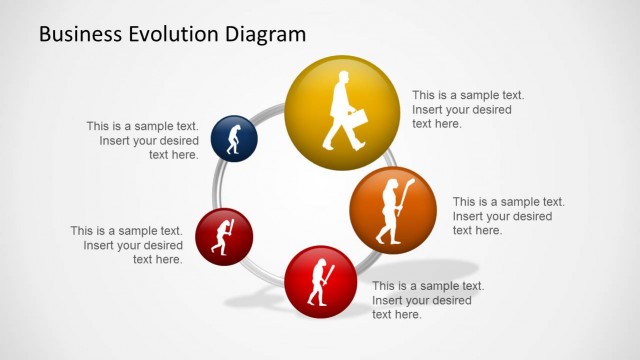
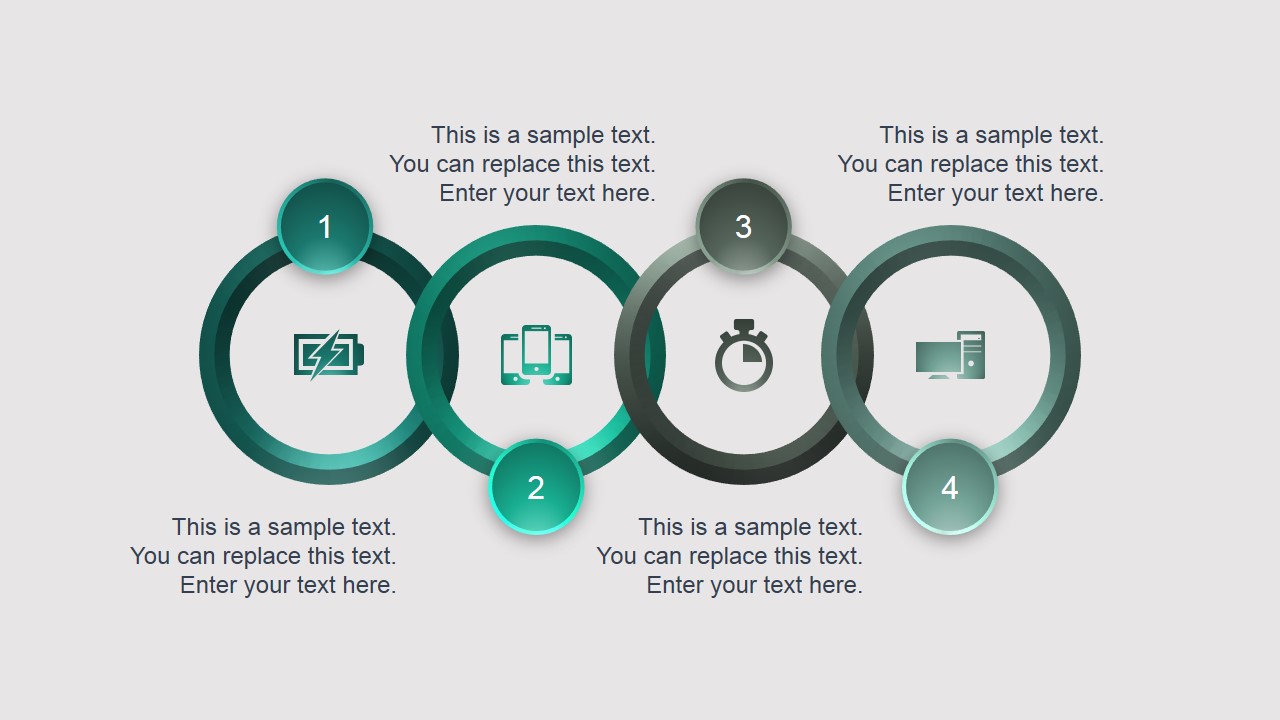
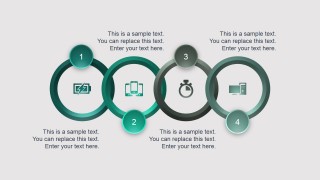
- Creative rings diagram for PowerPoint with four components.
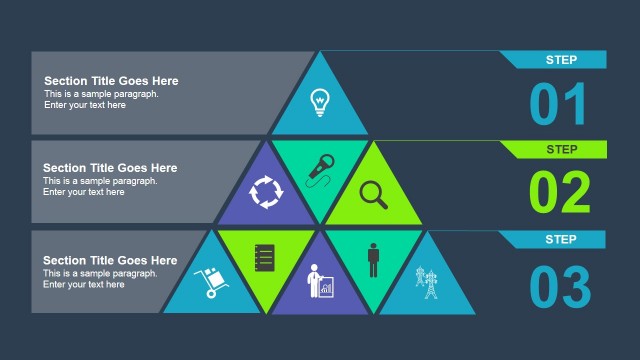
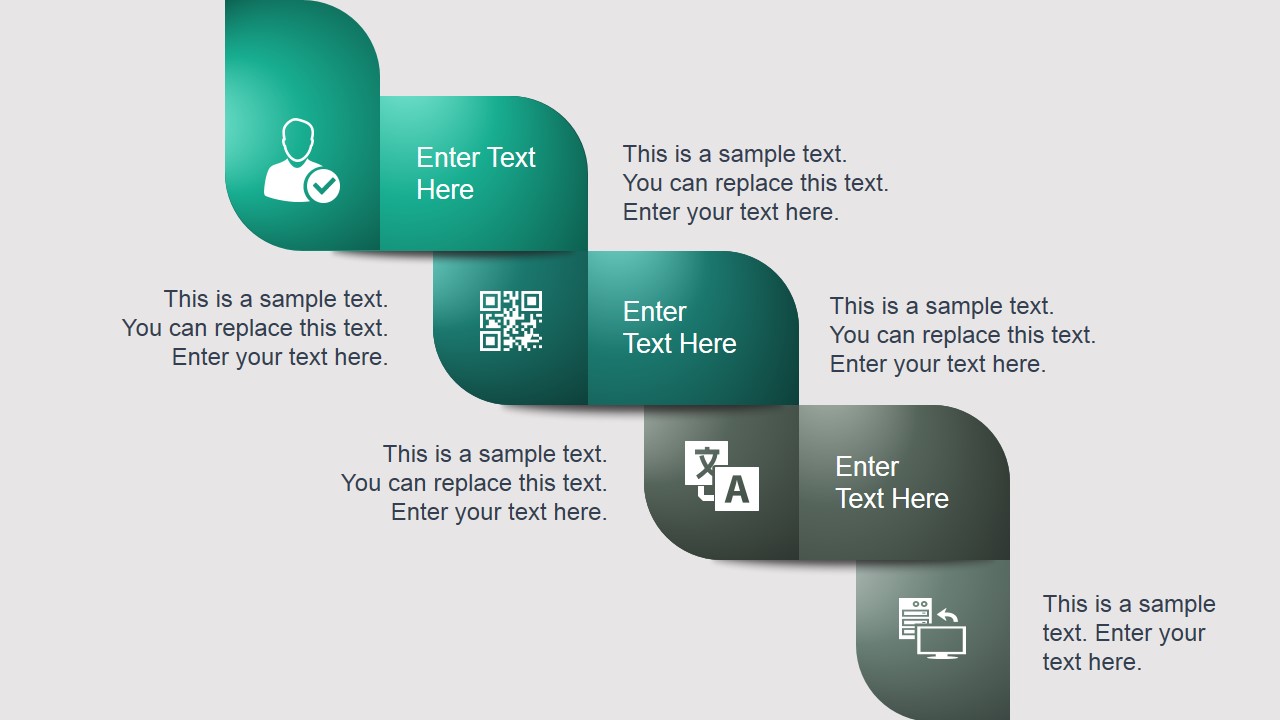
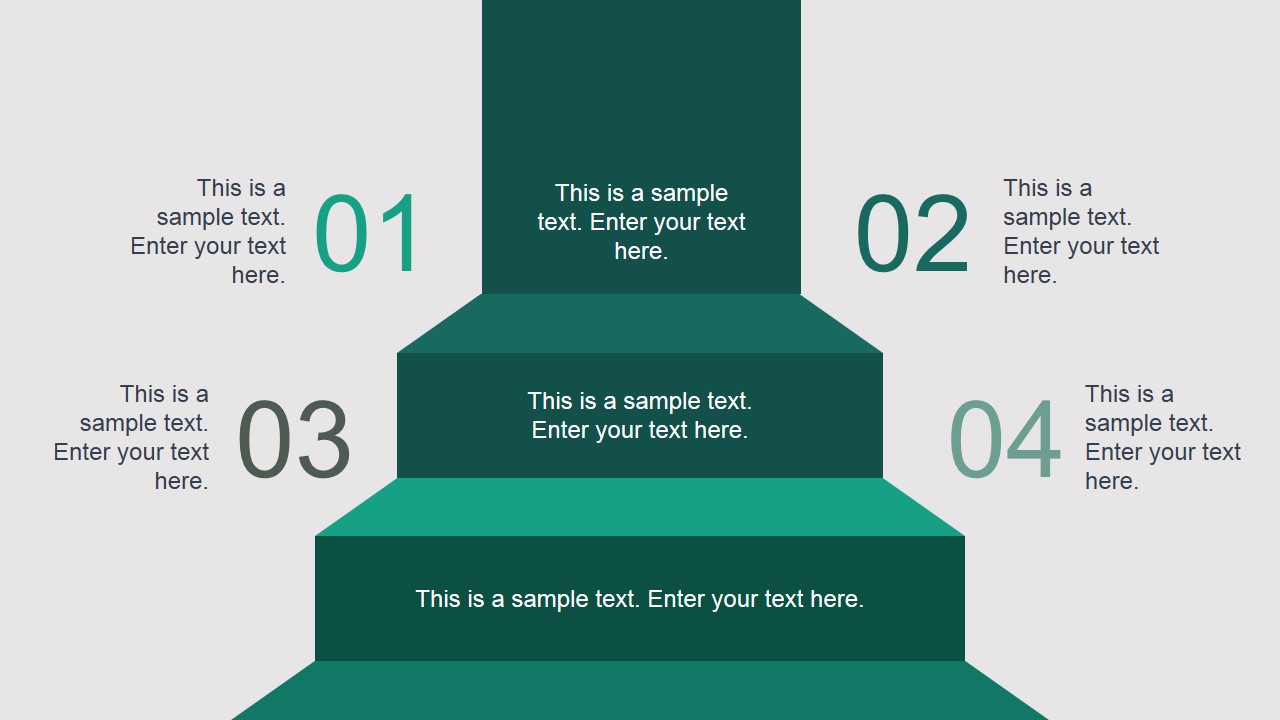
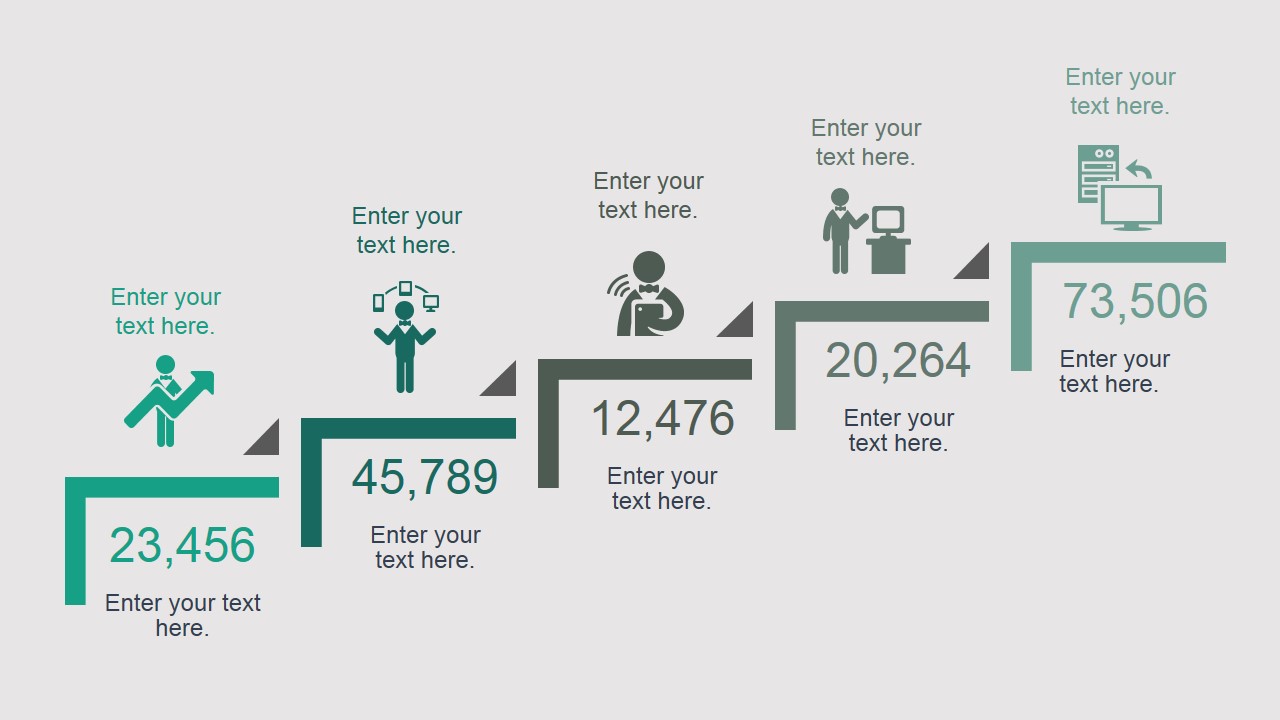
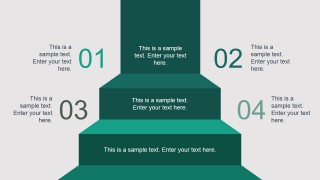
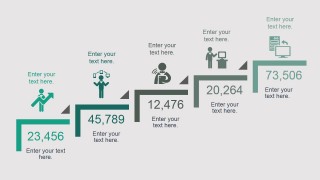
- Stairs diagram design for PowerPoint
Here you can see a live preview:
Alternatively you can download other business PowerPoint templates and slide designs to boost your presentation design process.
What’s inside this template
Example presentation scenarios
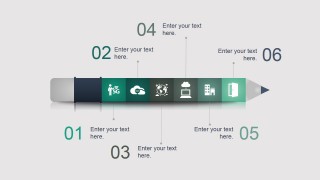
- A product manager can present a release plan by pairing the roadmap and vertical timeline layouts with the pencil-shaped process slide to show phases, milestones, and ownership.
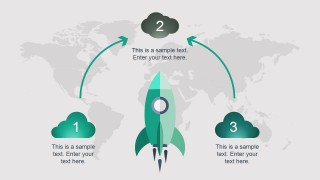
- A strategy consultant can explain business transformation by using the staircase diagram, rocket metaphor, and growth steps layout to show movement from current state to target state.
- A corporate trainer can introduce a new process by using the four-ring process diagram, gear diagram, and icon-based step slides to break abstract concepts into repeatable actions.
- An executive presenter can report performance and priorities by combining the bar chart, pie and line chart slide, map panels, and comparison layouts.
Features
- 100% editable presentation template
- Compatible with Microsoft PowerPoint and Google Slides
- 16:9 aspect ratio slides
- Scalable vector shapes, icons and illustrations
- AI-Ready for Microsoft Copilot and Claude
- Instant access and download
Frequently asked questions
Q: How should the presenter organize a business evolution story with this template?
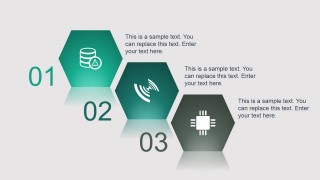
A: Start with the agenda strip to set the topics, then use the timeline or roadmap slides to place the change in sequence. Move into the staircase, hexagon, or gear diagrams to explain how the change happens. Close with chart slides or comparison panels so the audience can connect the concept to measurable progress.
Q: Who is this template best suited for in a business presentation setting?
A: This template fits product managers, consultants, executives, and trainers who need to explain progress rather than deliver a text-heavy report. The visible layouts support roadmap updates, transformation briefings, process training, and strategy overviews because they combine milestones, icons, charts, maps, and conceptual diagrams in a consistent visual system.
Q: Why do the visual metaphors in this deck help explain evolution and progress?
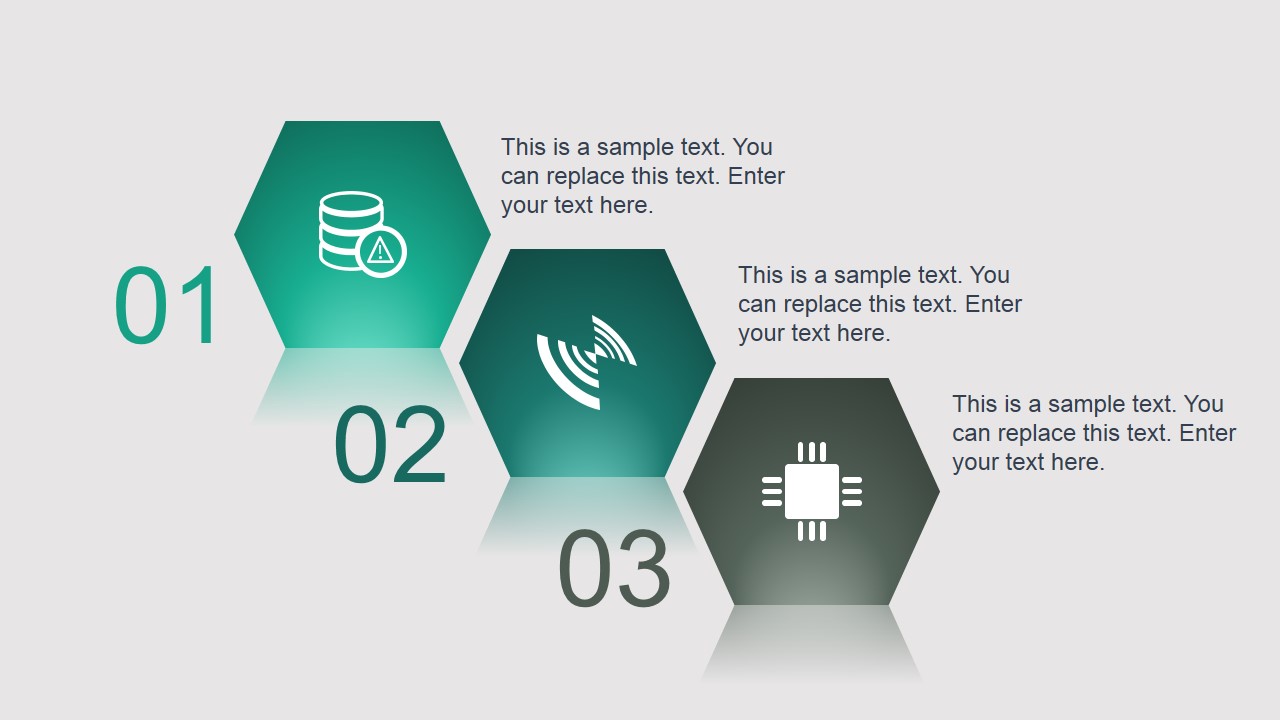
A: The staircase, rocket, pencil process, gears, rings, and cone diagrams give the audience concrete shapes for abstract movement. Each metaphor implies sequence, growth, launch, coordination, or filtering. That makes the message easier to follow because the audience reads the shape before reading the detailed text.
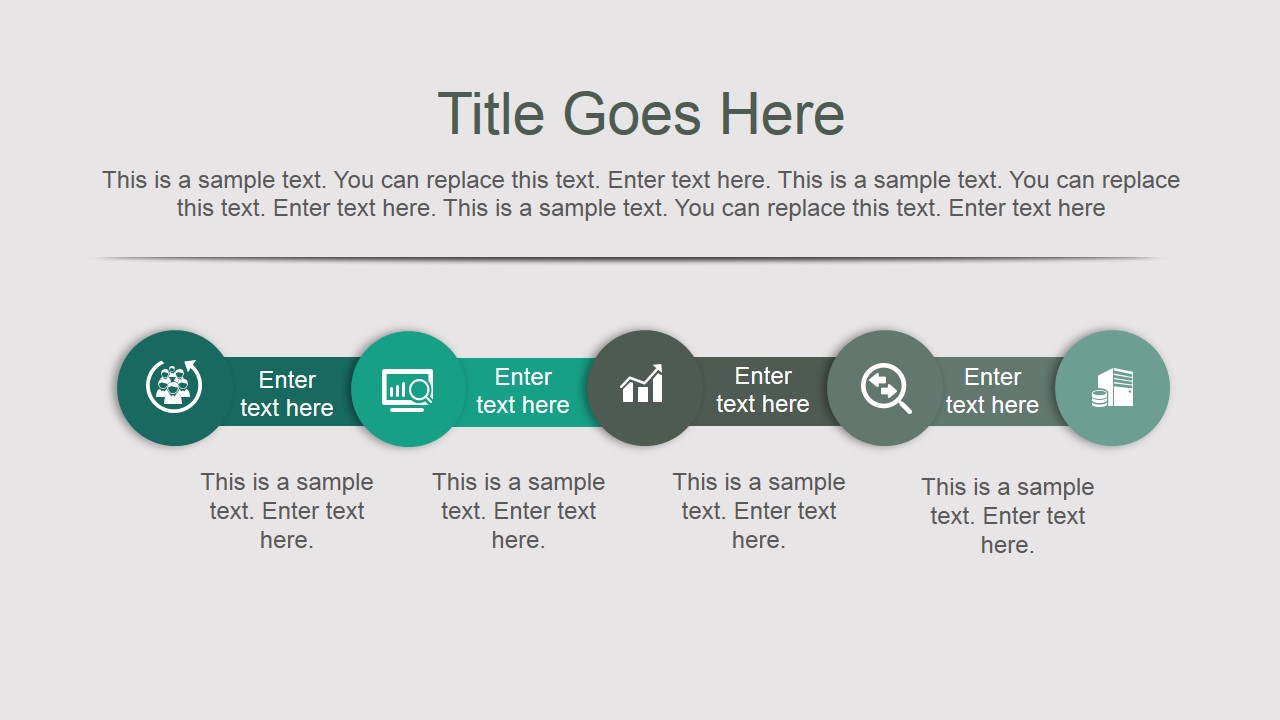
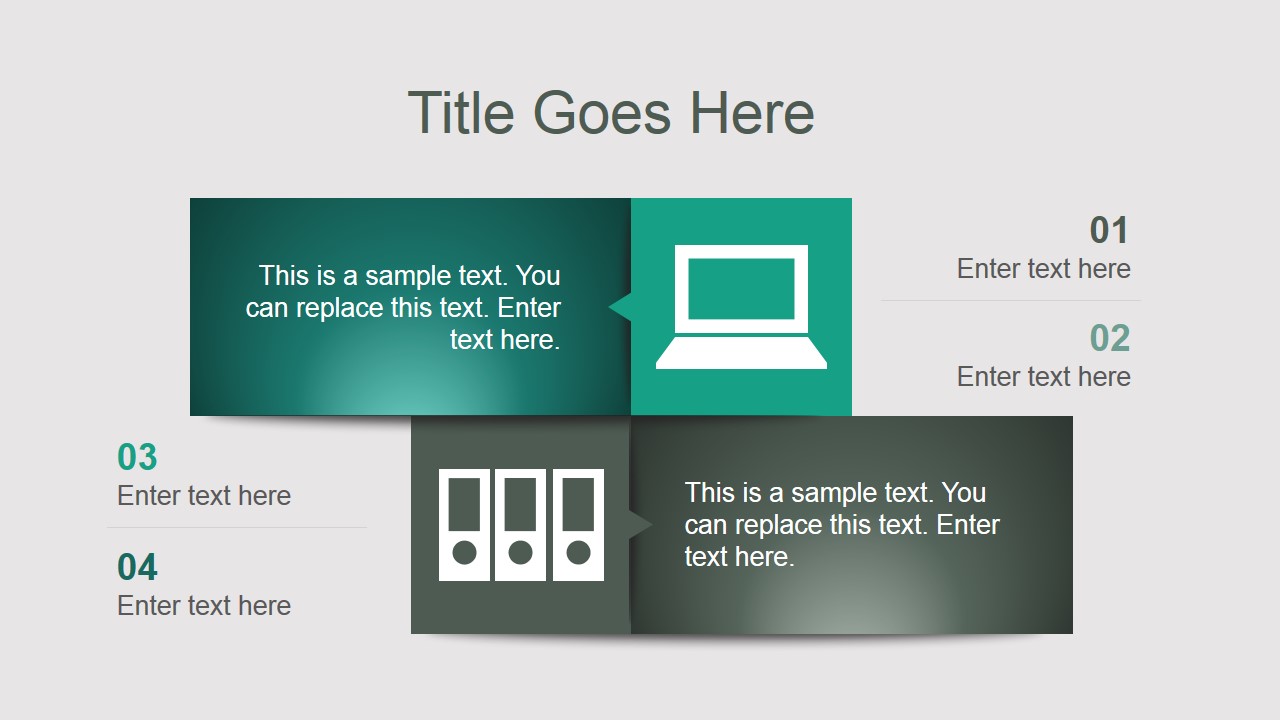




Evolution Business PowerPoint Template
25-slide presentation template for business evolution, timelines, roadmaps, and comparison diagrams
The Evolution Business PowerPoint Template is a 25-slide business presentation template for PowerPoint and Google Slides. It includes roadmap and timeline layouts, comparison panels, process diagrams, map slides, bar and pie chart pages, and gear or staircase metaphors for explaining business evolution, plans, product updates, or training topics.
- Category
- Template Backgrounds
- Rating


 Loading...
- Aspect ratio
- 16:9
- Item ID
- 4072-01
- Colors
 Microsoft PowerPoint
  Microsoft Copilot
  Claude for PowerPoint
 Other formats supported
Subscribe today and get immediate
access to download our PowerPoint templates.