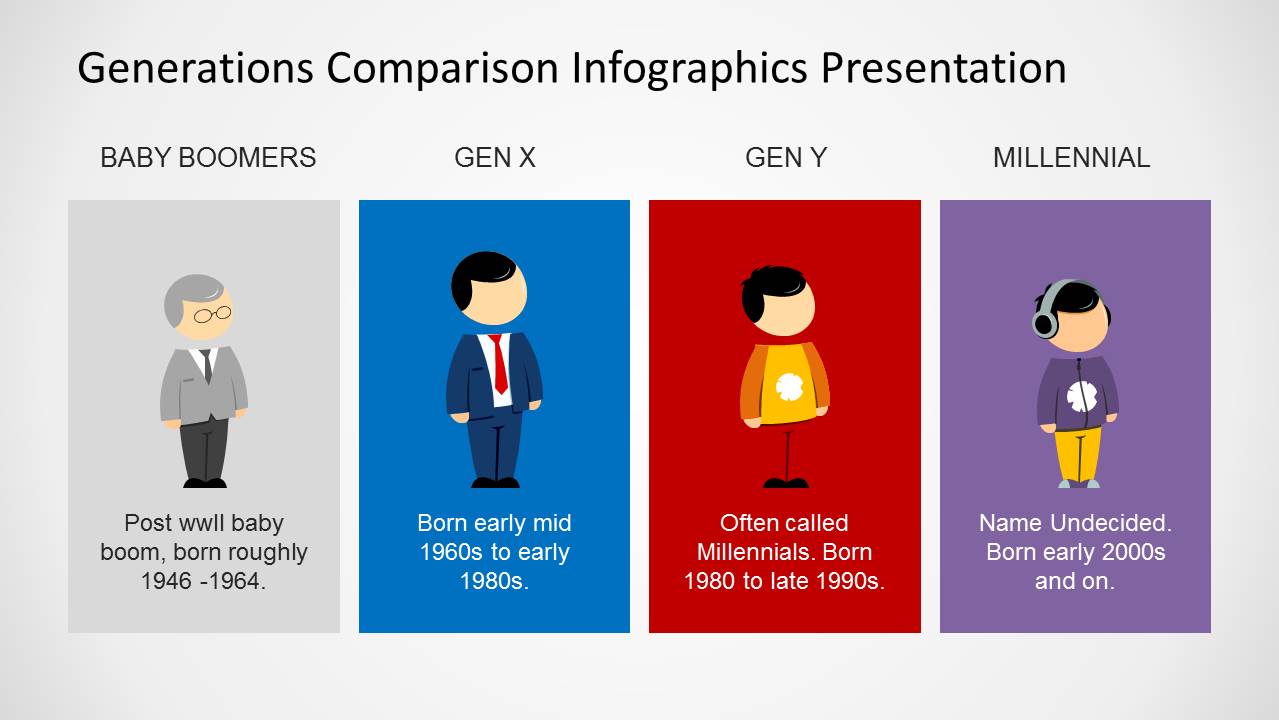
If you need to make a presentation or infographic on Millennials, Gen Y, Gen X, and Baby Boomers then this generations PowerPoint template can be helpful. Generations comparison template for PowerPoint contains creative slide designs that you can use to prepare presentations with generation charts and diagrams. For example you may use this Generations PowerPoint Template to highlight the major differences between each generation.
You can also enhance your presentations by adding generation charts with detailed information about generations salary, roles in society, usage of Internet and technology and use the slide designs in this PowerPoint template to highlight the differences between each generation.
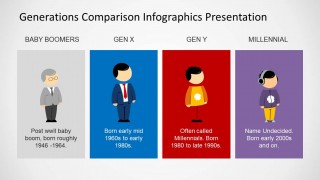
The generations template for PowerPoint comes with awesome cartoon illustrations so the presenter can identify easily the generation you are presenting. Alternatively you can download other nice cartoon PowerPoint templates and slide design like the slides with Mike, Jane or Steve.
What’s inside this template
Example presentation scenarios
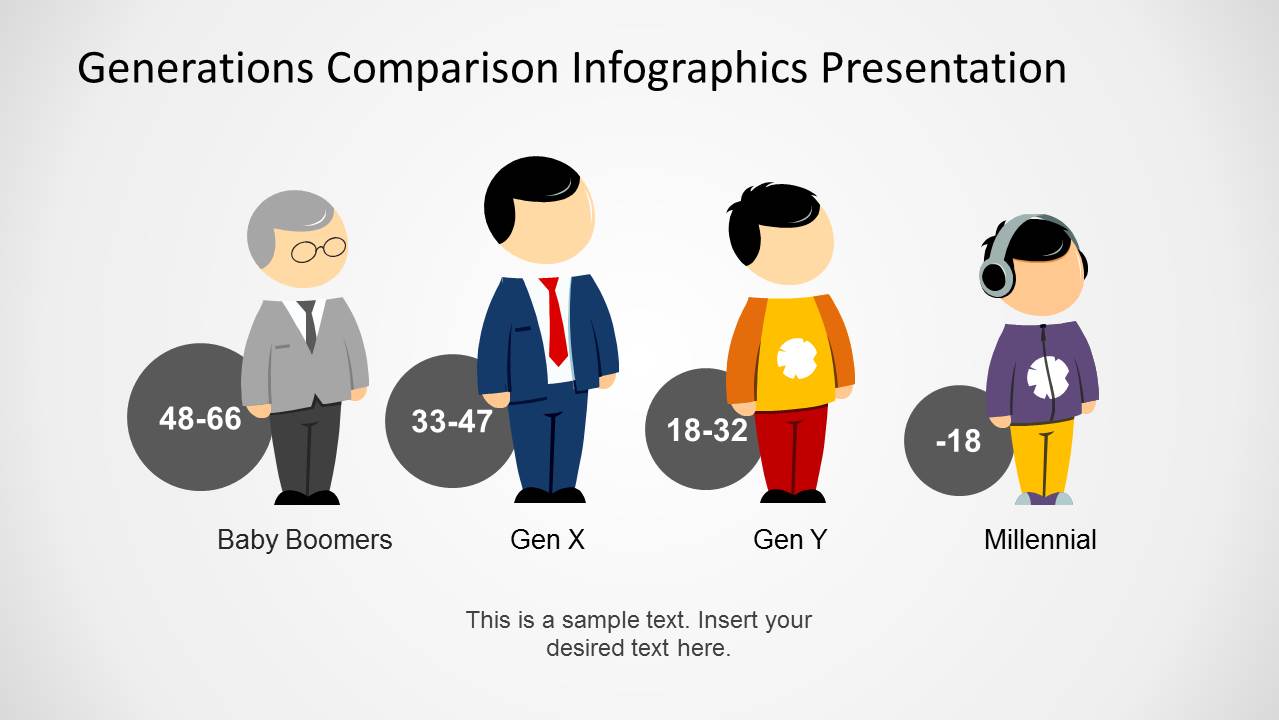
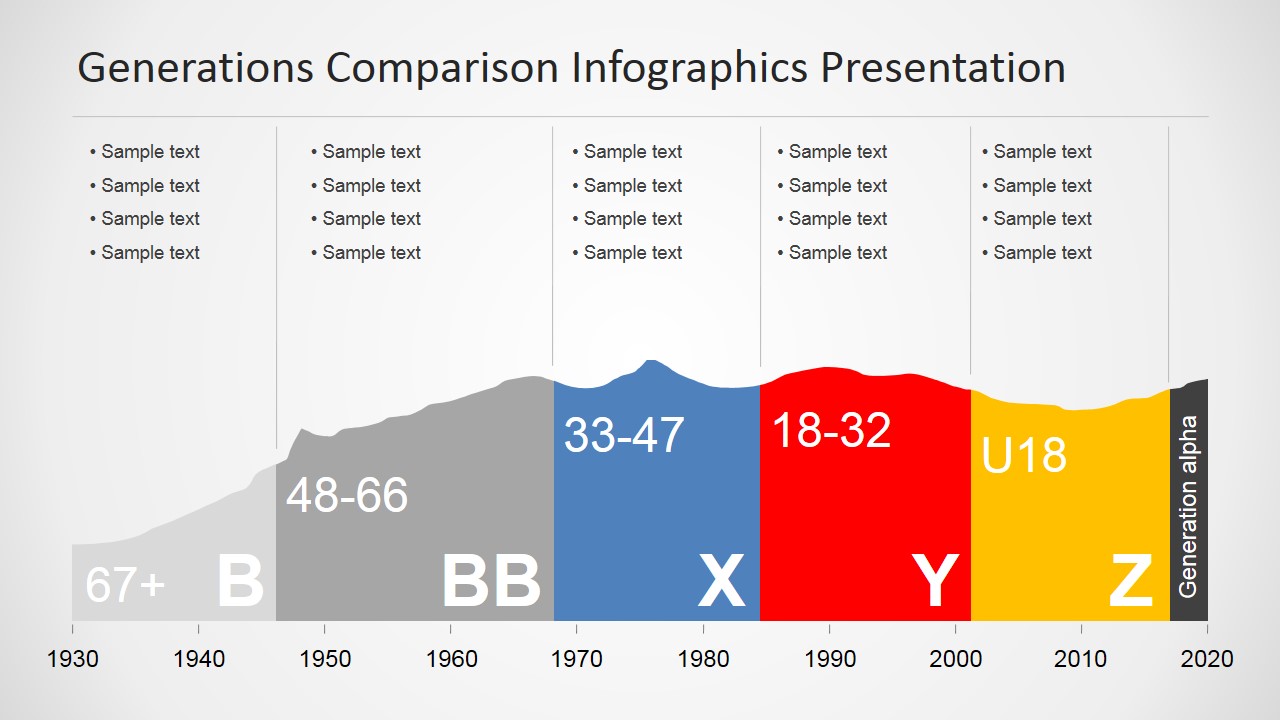
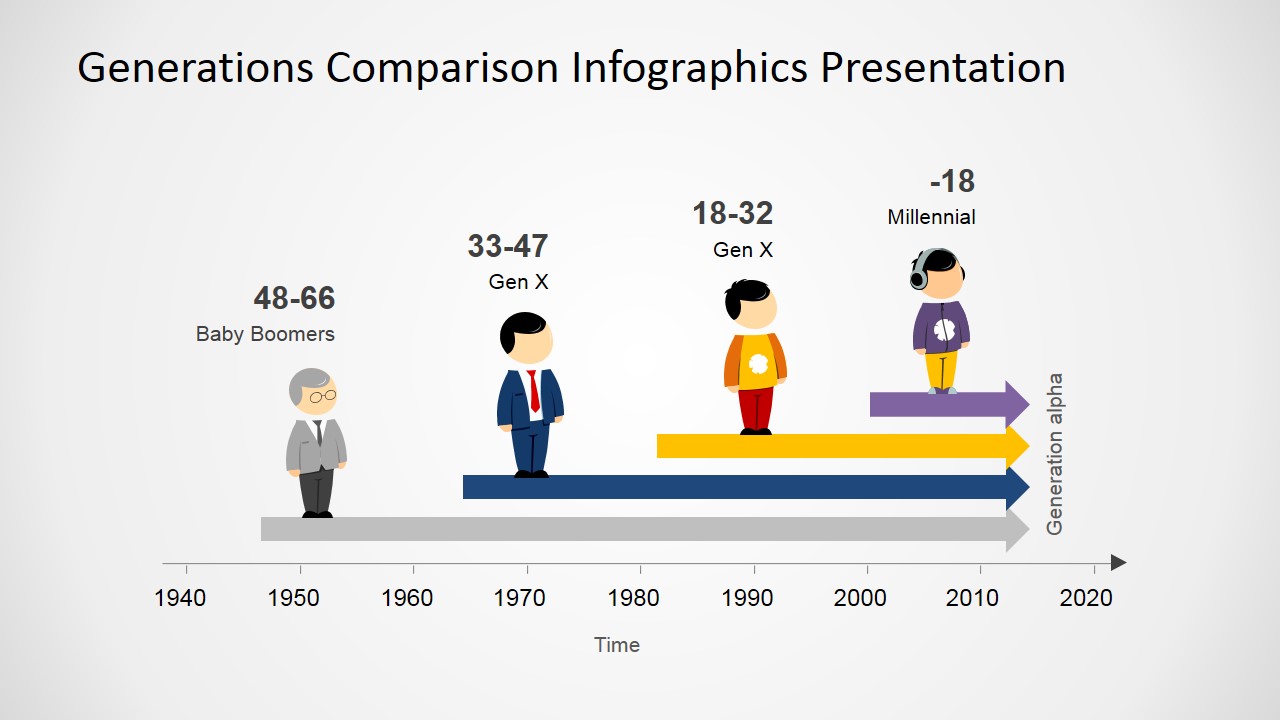
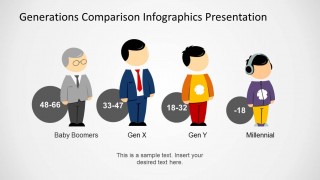
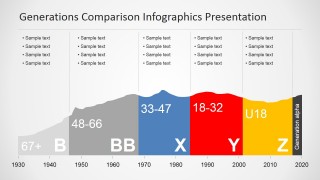
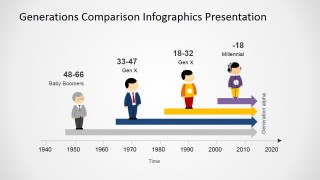
- An HR manager can use the character cards and age-band timeline to brief leaders on workforce composition and communication expectations across Baby Boomers, Gen X, Gen Y, and Millennials.
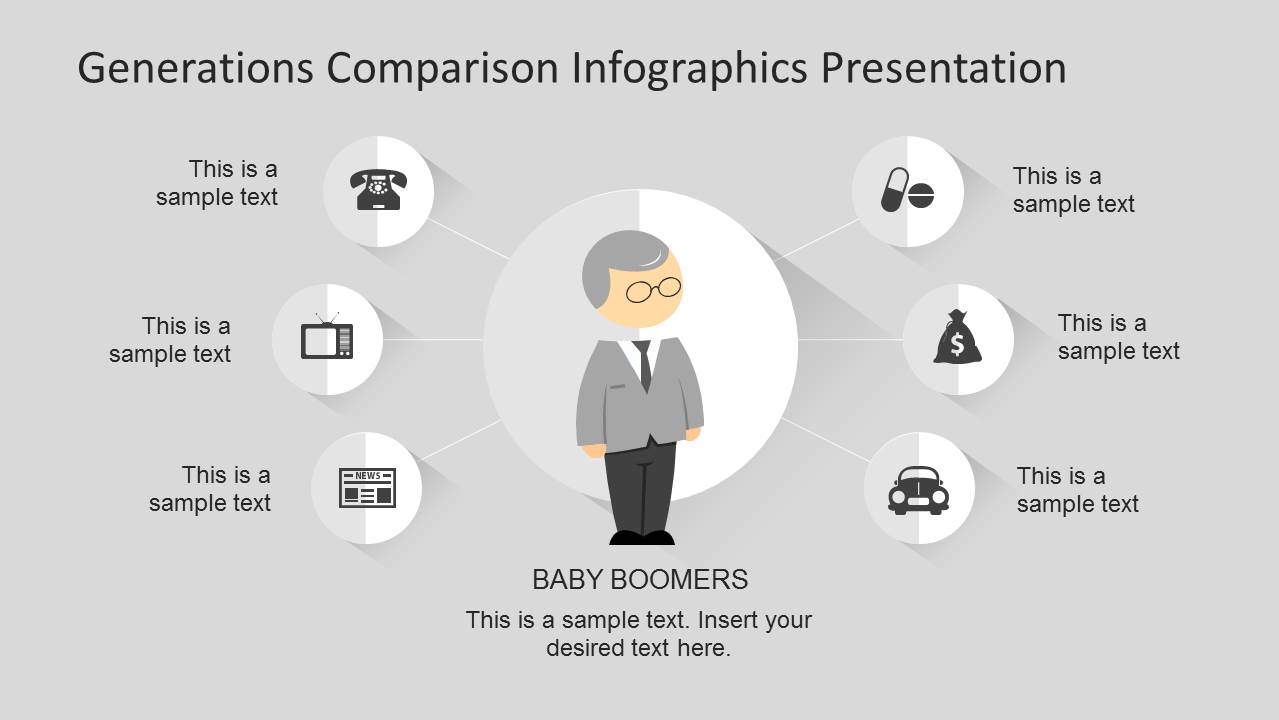
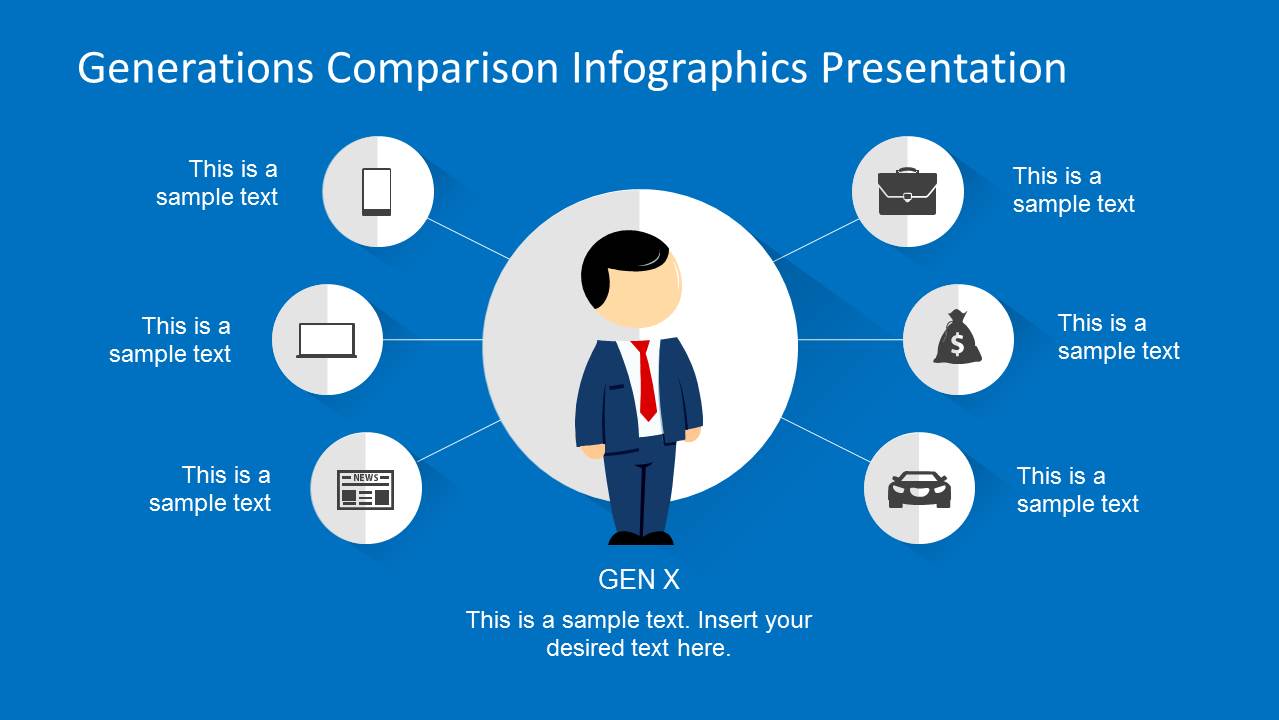
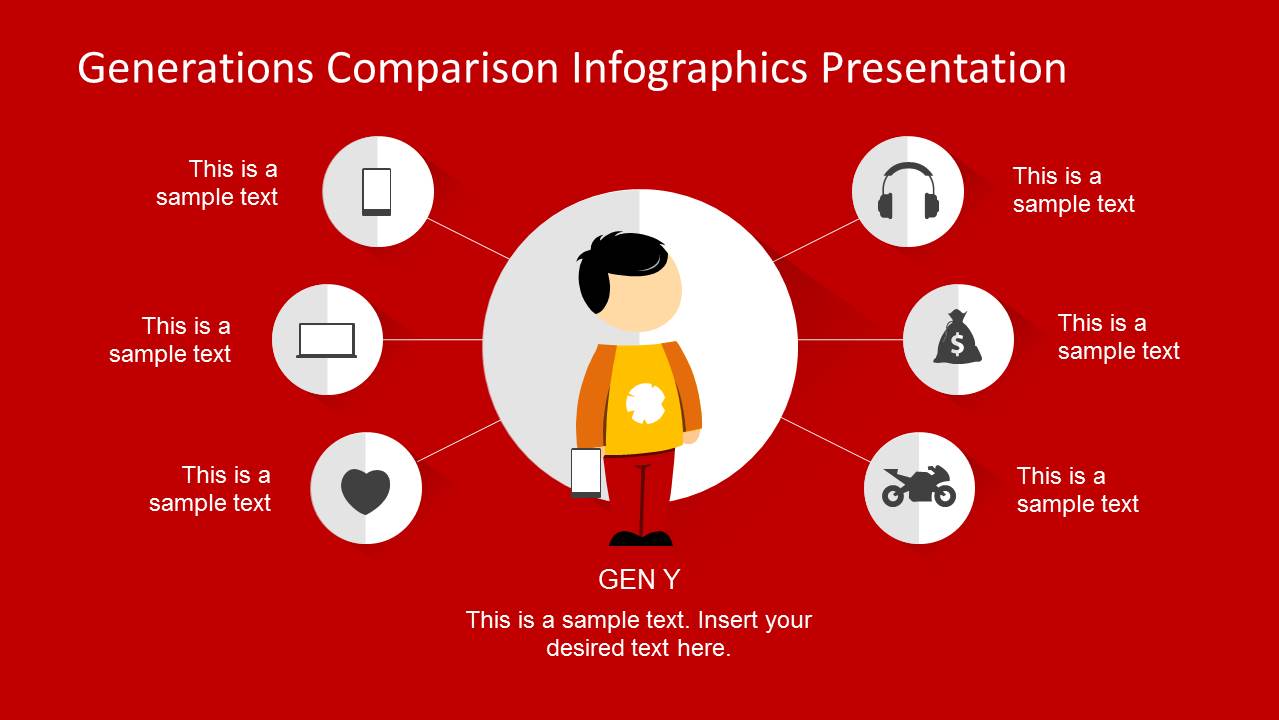
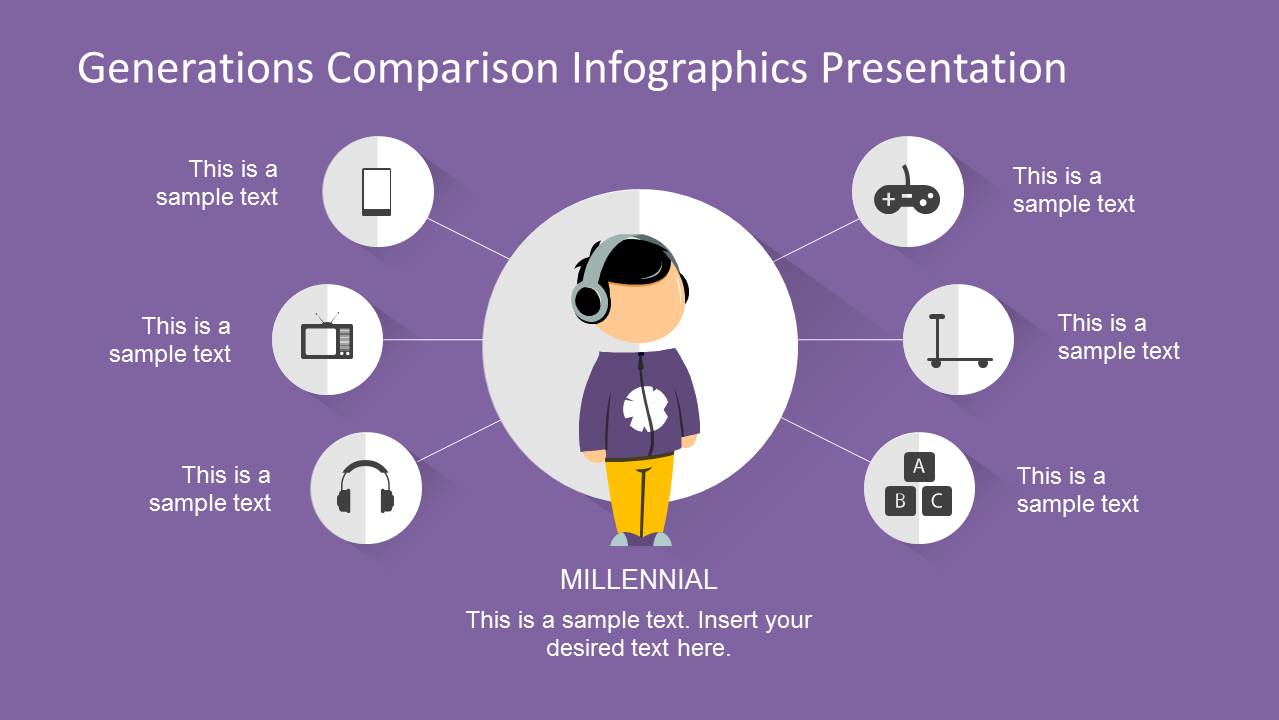
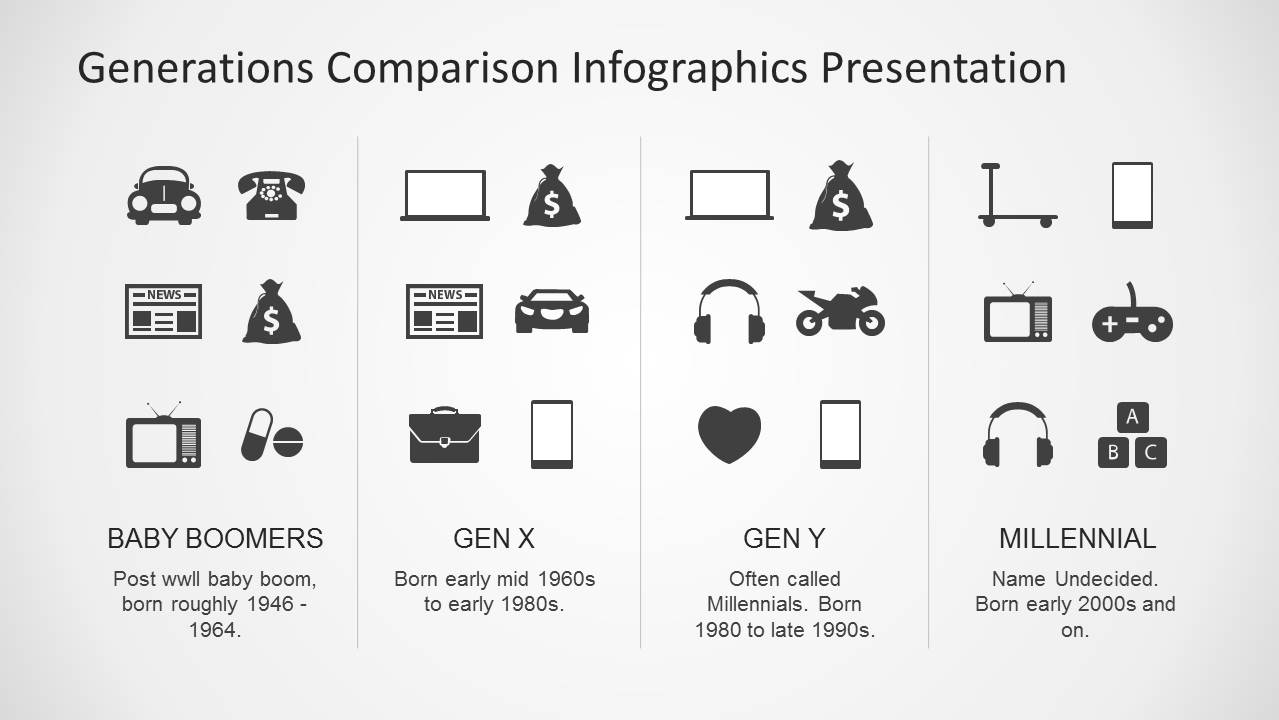
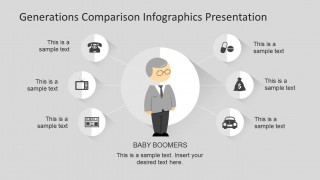
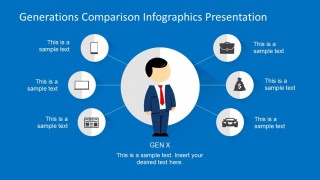
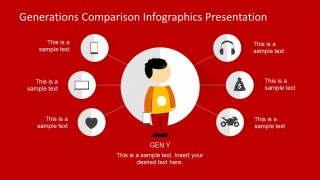
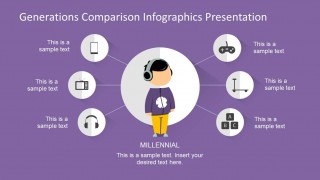
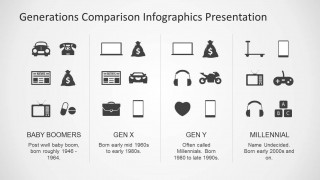
- A marketing strategist can use the radial profile diagrams and icon matrix to explain how age segments differ in technology, media, mobility, and purchasing cues.
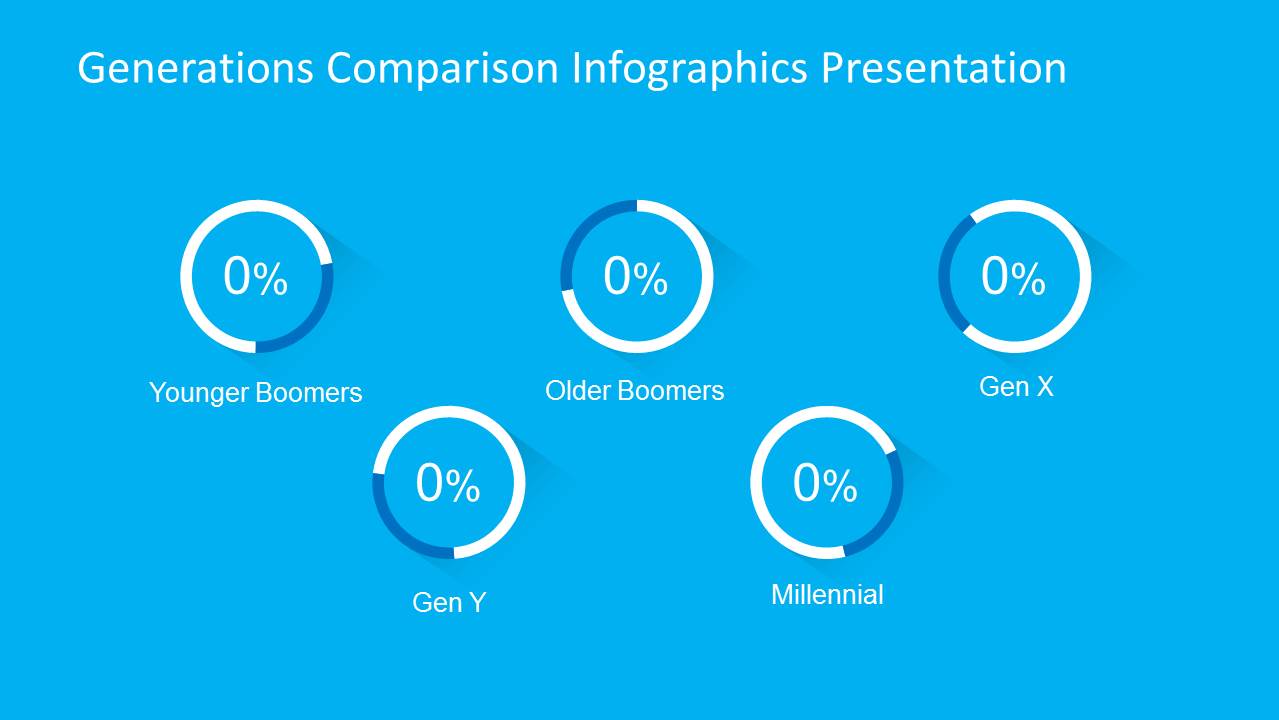
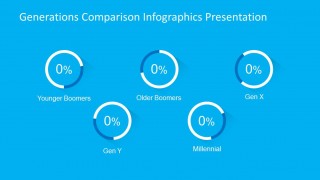
- A corporate trainer can use the title comparison and circular percentage indicators to introduce a workshop on intergenerational collaboration and audience awareness.
- An educator or researcher can use the cohort timeline and four-column comparison layout to explain how social, technology, and workplace labels are assigned to different generations.
Features
- 100% editable presentation template
- Compatible with Microsoft PowerPoint and Google Slides
- 16:9 aspect ratio slides
- Scalable vector shapes, icons and illustrations
- AI-Ready for Microsoft Copilot and Claude
- Instant access and download
Frequently asked questions
Q: How should a presenter communicate generational differences without reducing the audience to stereotypes?
A: Use the cohort cards as a framing device, then treat each profile slide as a discussion prompt rather than a fixed definition. Replace sample text with observed behaviors, sources, or workshop findings. The icons can represent tendencies such as media, devices, transport, and work preferences, while the presenter should acknowledge exceptions within every age group.
Q: Who is this template best suited for in a business or education setting?
A: The template fits presenters who need to explain age-based audience segments quickly, such as HR leaders, trainers, marketers, educators, and social researchers. The deck works well when the goal is to orient a room before a discussion about workforce expectations, communication style, technology adoption, or customer behavior by generation.
Q: Why do the cartoon characters, radial diagrams, and timelines make this comparison easier to follow?
A: The character illustrations give each cohort a recognizable visual anchor, while the radial diagrams keep related attributes close to the person being discussed. The timelines then shift from profile thinking to historical context. This sequence helps the audience compare cohorts without forcing them to read dense paragraphs or remember many labels at once.
Generations Comparison PowerPoint Template
10-slide presentation template for generation comparisons with timelines, character illustrations, and icon matrices
Generations Comparison PowerPoint Template is a 10-slide presentation template for explaining generational differences across Baby Boomers, Gen X, Gen Y, and Millennials. It includes character comparison cards, individual radial profile diagrams, circular percentage indicators, age-band timelines, and an icon matrix for educators, marketers, HR teams, and researchers using PowerPoint or Google Slides.
- Category
- Shapes
- Rating


 Loading...
- Aspect ratio
- 16:9, 4:3
- Item ID
- 6572-01
- Colors
 Microsoft PowerPoint
  Microsoft Copilot
  Claude for PowerPoint
 Other formats supported
Subscribe today and get immediate
access to download our PowerPoint templates.