Slide 1 of 8 from GE Matrix for PowerPoint
6011-01-ge-matrix-1
GE Matrix for PowerPoint Template
- Diagram
- Matrix Grid
- Strategic Analysis Slide
- 16:9
- 100% Editable
What’s on This Slide
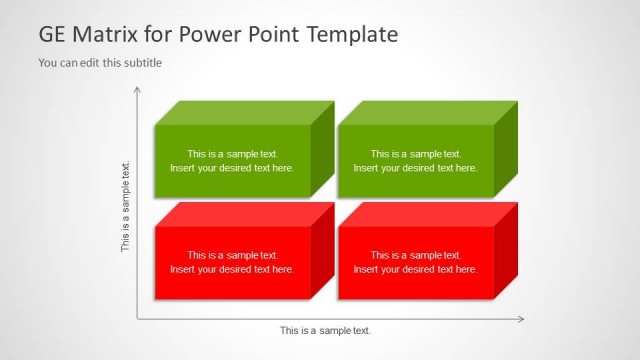
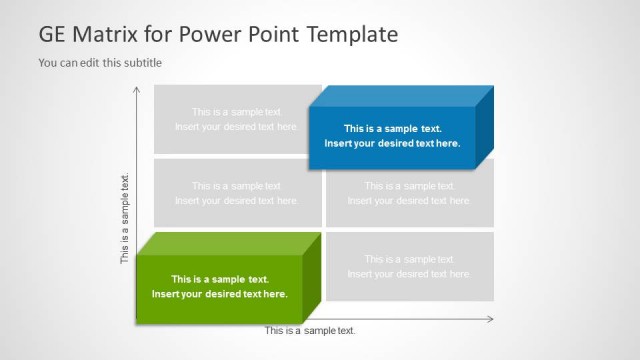
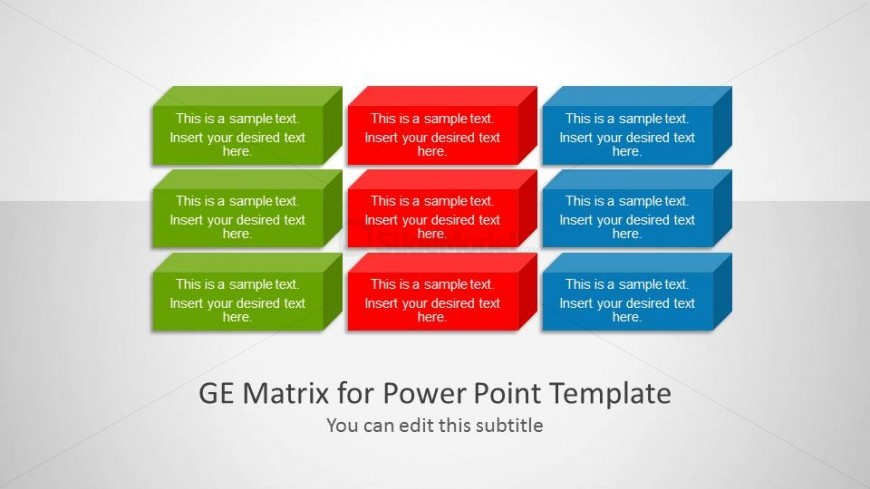
The layout features a grid of eight rectangular boxes arranged in two rows and four columns. The boxes alternate in color, with green and red in the top row, and red and blue in the bottom row. Each box contains a text placeholder centered within it, indicating where to insert desired text. The boxes are slightly raised, giving a 3D effect. The background is light gray, enhancing the visibility of the colored boxes. A title placeholder is positioned at the bottom center, with a subtitle directly below it.
How to Use It
This layout serves as a matrix for strategic analysis, suitable for presenting data comparisons or evaluations. It fits well in a presentation sequence following an introductory slide, providing a visual framework for discussing various strategic options. This structure is useful in business contexts such as product portfolio analysis, project prioritization, or resource allocation discussions. It allows for clear differentiation of categories or metrics across the matrix.
Text Placeholders & Capacity
Keep your copy within these limits so it fits without resizing. Node slots can hold about 10-12 words each, with tight spacing.
| Placeholder | Count | Max characters (approx.) |
|---|---|---|
| Item body | 8 | 60 |
| Slide title | 1 | 40 |
| Subtitle | 1 | 40 |
Slide Keywords
Download unlimited PowerPoint templates, charts and graphics for your presentations with our annual plan.
DOWNLOADReturn to GE Matrix for PowerPoint.