Slide 8 of 8 from GE Matrix for PowerPoint
6011-01-ge-matrix-8
GE Matrix for PowerPoint Slide
- Diagram
- Matrix Quadrant
- Strategic Analysis Slide
- 16:9
- 100% Editable
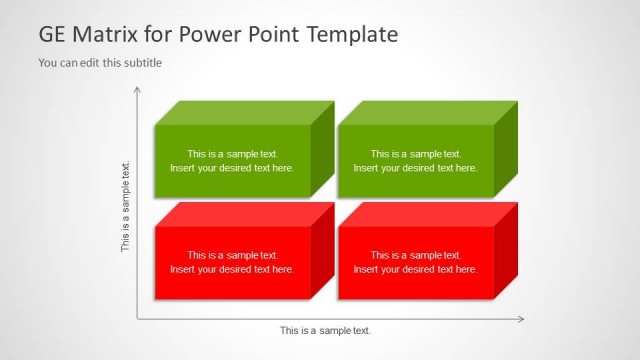
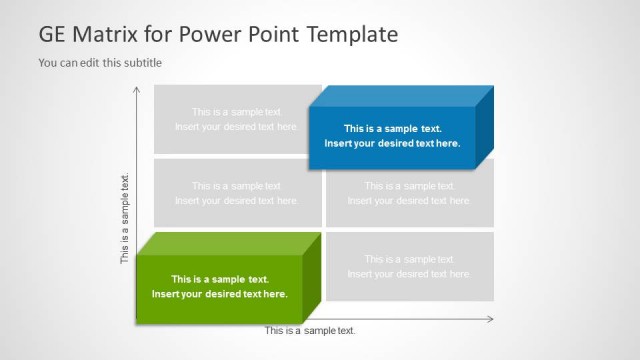
The GE Matrix Layout from the GE Matrix for PowerPoint template offers a structured diagram ideal for strategic analysis in business presentations. This slide template features a four-quadrant matrix with editable shapes and color-coded blocks to facilitate product portfolio analysis and market segmentation discussions. Designed for clarity, it integrates seamlessly into corporate presentation slide decks, supporting detailed evaluation of market attractiveness and business unit performance within a professional pitch deck template.
What’s on This Slide
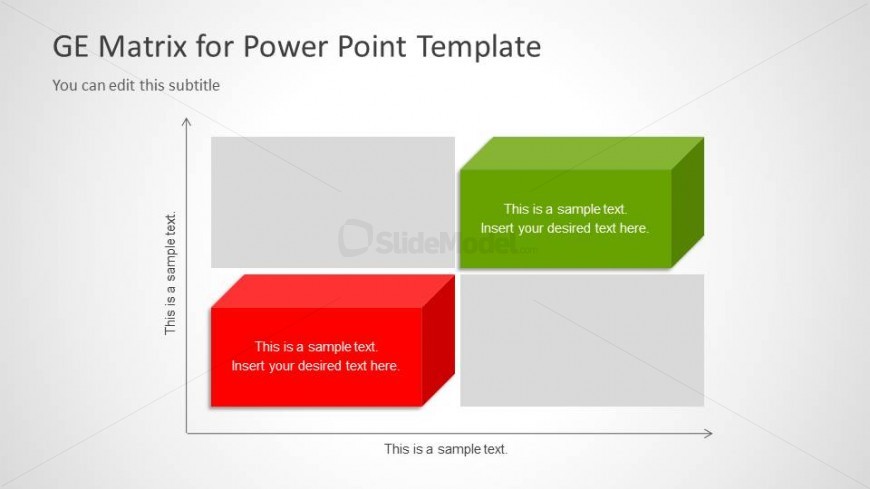
The layout features a four-quadrant matrix with two colored blocks positioned in the top right and bottom left. The top left and bottom right quadrants contain gray blocks. Each block has a text placeholder centered within it, with the top right block colored green and the bottom left block colored red. The slide title is positioned at the top, with a subtitle placeholder directly below it. The background is light and neutral, enhancing the visibility of the colored blocks. Overall, the design emphasizes a clear visual hierarchy.
How to Use It
This layout serves as a strategic analysis tool, commonly used to evaluate business units or products based on two dimensions. It fits well in presentations discussing market positioning or investment strategies. The matrix can be utilized to categorize items based on performance and market attractiveness. In a presentation sequence, this slide typically follows problem identification and analysis slides, leading into strategic recommendations or action plans.
Text Placeholders & Capacity
Keep your copy within these limits so it fits without resizing. Node body slots can hold about 6-8 words each.
| Placeholder | Count | Max characters (approx.) |
|---|---|---|
| Slide title | 1 | 30 |
| Subtitle | 1 | 50 |
| Item body | 4 | 40 |
Slide Keywords
Download unlimited PowerPoint templates, charts and graphics for your presentations with our annual plan.
DOWNLOADReturn to GE Matrix for PowerPoint.