Slide 6 of 8 from GE Matrix for PowerPoint
6011-01-ge-matrix-6
GE Matrix for PowerPoint Slide
- Diagram
- Matrix Quadrant
- Strategic Analysis Slide
- 16:9
- 100% Editable
The GE Matrix Layout from the GE Matrix for PowerPoint template offers a clear 2x2 grid design ideal for strategic analysis and product portfolio evaluation. This slide layout supports business presentations by enabling effective comparisons across market and resource dimensions. Its editable shapes and text placeholders make it adaptable for corporate presentations focused on market positioning and strategic planning within a professional slide deck.
What’s on This Slide
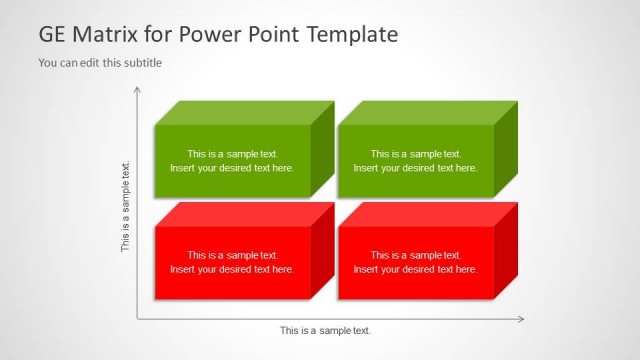
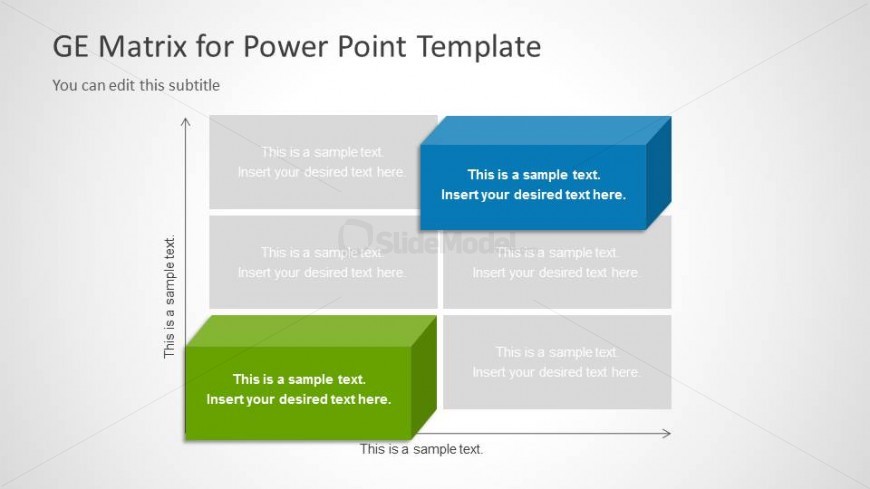
The layout features a 2x2 grid with four rectangular boxes arranged in two rows and two columns. The top row contains two boxes: one on the left and one on the right, with the left box being gray and the right box being blue. The bottom row has two boxes as well, with the left box being green and the right box gray. Each box contains a text placeholder aligned to the center, with additional text placeholders below the grid for titles and subtitles. The background is light gray, creating a neutral canvas for the colored boxes.
How to Use It
This layout serves as a matrix for evaluating business strategies or product portfolios. It fits well in presentations discussing strategic analysis or resource allocation. The structure allows for clear comparisons between two dimensions, making it suitable for scenarios like market positioning or product evaluation. It can be used to illustrate the GE Matrix, showing business units or products across different strategic categories.
Text Placeholders & Capacity
Keep your copy within these limits so it fits without resizing. Node body slots can hold about 30 characters each.
| Placeholder | Count | Max characters (approx.) |
|---|---|---|
| Item body | 4 | 30 |
| Slide title | 1 | 50 |
| Subtitle | 1 | 50 |
Slide Keywords
Download unlimited PowerPoint templates, charts and graphics for your presentations with our annual plan.
DOWNLOADReturn to GE Matrix for PowerPoint.