Present different types of statistical information using the Social Media Plan PowerPoint Slides. Create slides that are tailored to data on social media. The simple graphs and charts on the slides are easy to understand, and therefore, easy to interpret in making effective business decisions.
Social media is one of the prevailing methods of spreading information. Most internet users use social media as a method of connecting with peers. Because of this, social media has grown as an important tool in marketing strategies. By analyzing various information related to social media use, marketing teams are able to design their social media plans for maximum media presence, thus increasing their advertising through cheaper means, as compared to television and printed advertising materials.
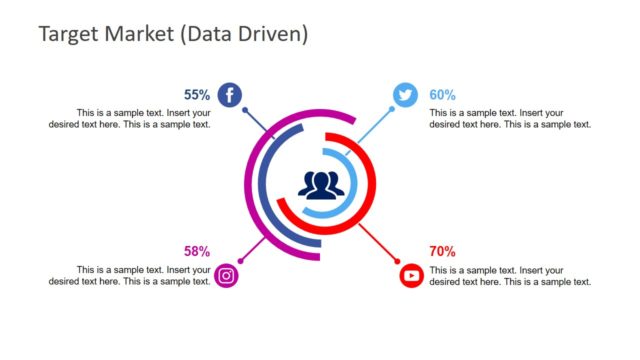
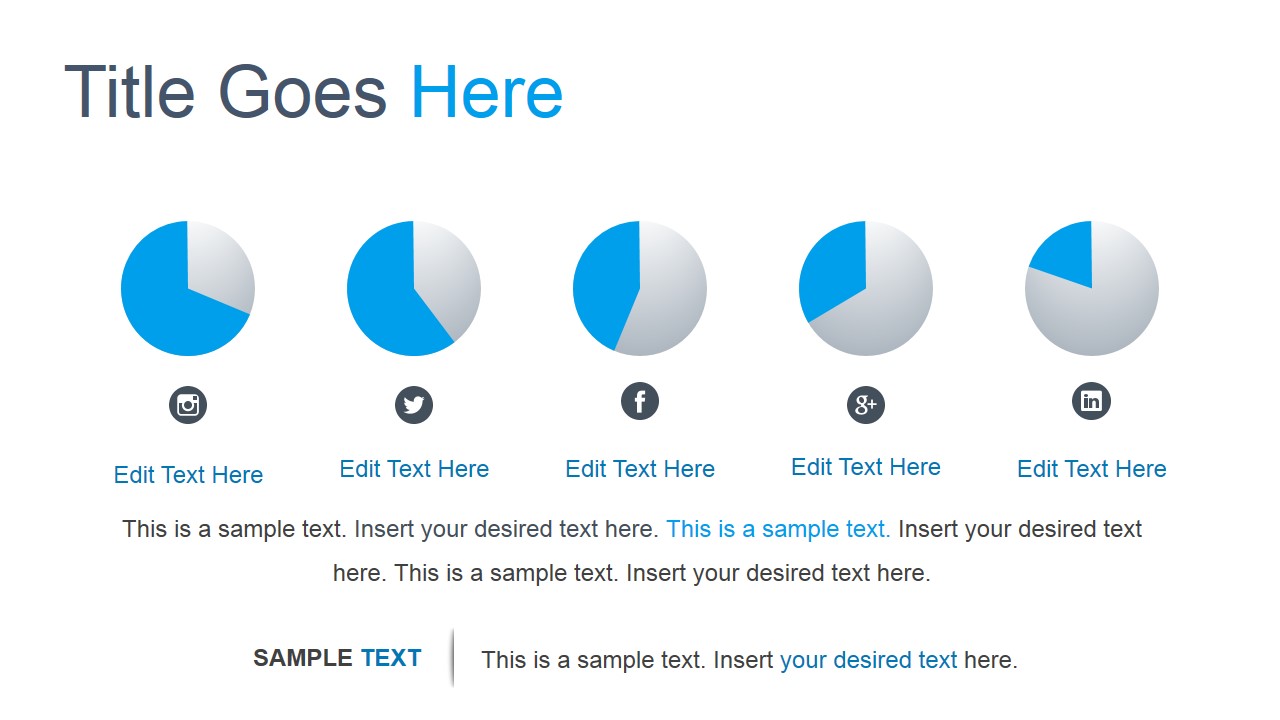
The slides contain several editable text boxes and charts for presenting information. The presenter can use these slides to present four methods related to social media, such as online conferences, video streaming, and networking. Percentages referring to the use of a specific type of media can be presented and the actions to achieve reach objectives. The same can be shown of a certain customer demographic or target market. Using the social media plan, the presenter can demonstrate, through graphical representations, the market coverage of certain social media networks, such as Instagram, Twitter, Google+, and LinkedIn.
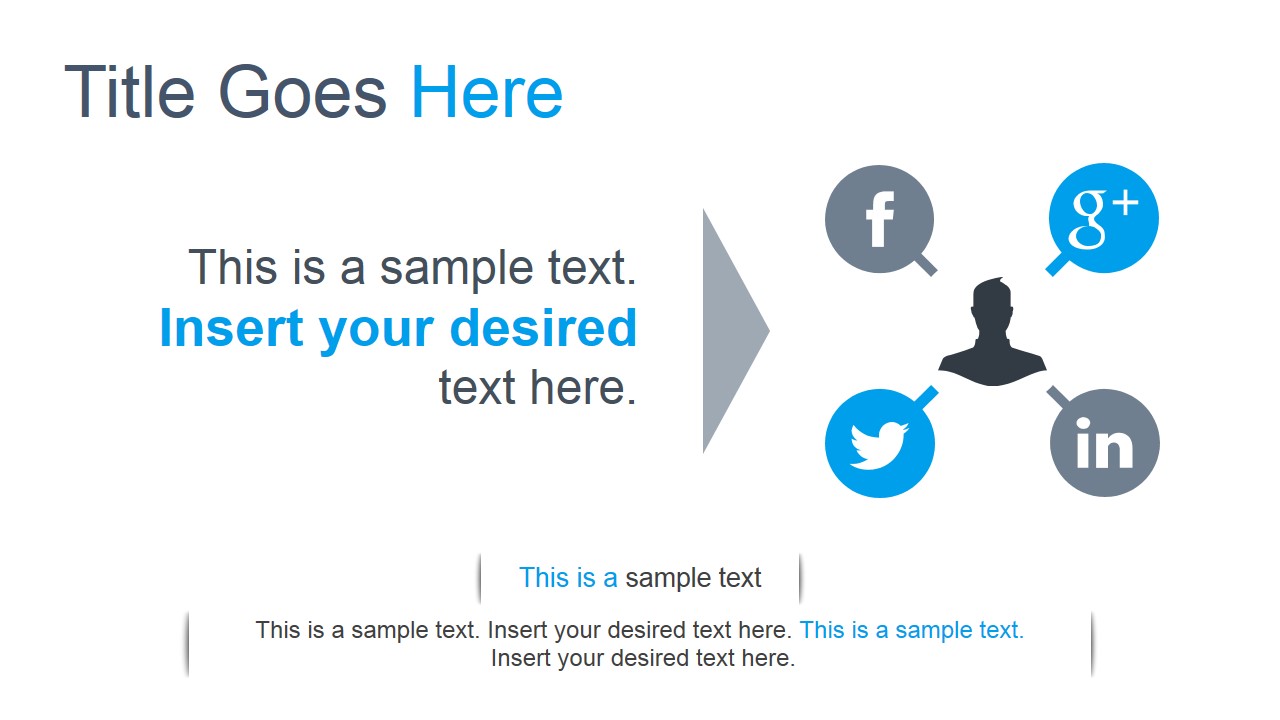
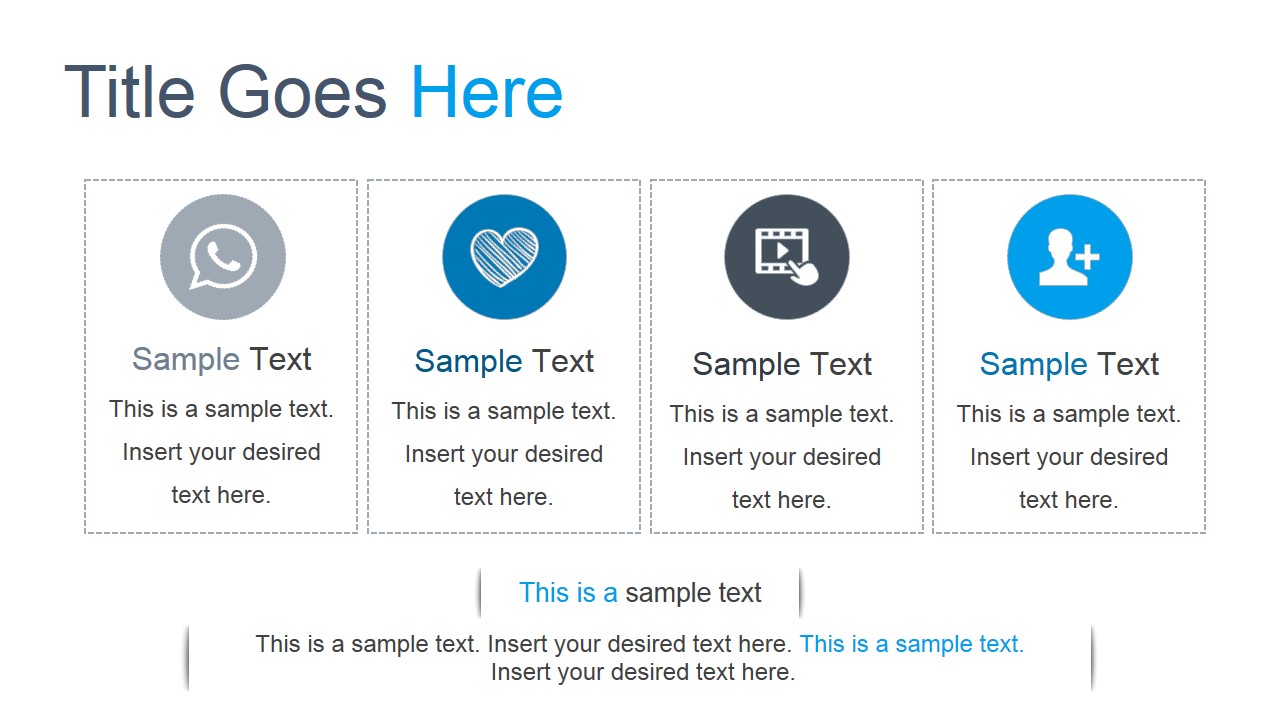
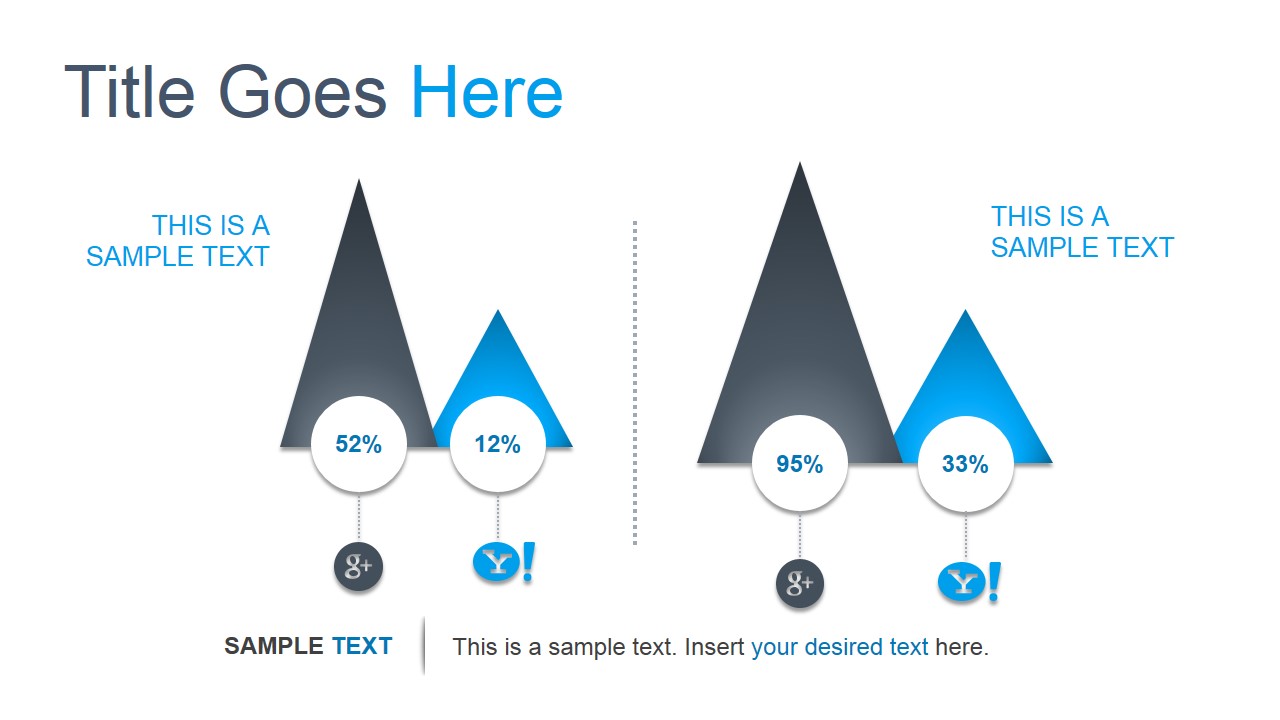
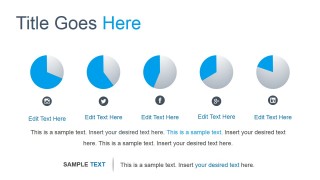
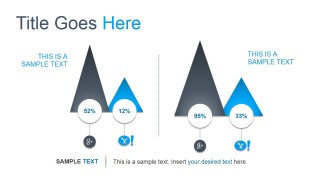
The template contains seven slide leyouts. The first of which features a minimalist drawing of a person, connected to three bubbles with familiar social network icons. These icons represent Facebook, Google+, Twitter, and LinkedIn. The second slide ha a series of four text boxes, with symbols such as a calling logo, a heart, a video, and a Friend Request. Slides featuring percentages and statistical information can be found in the template. These include a series of five pie charts, and two vertical bar graphs, shown for comparison.
The Social Media Plan PowerPoint Slides are useful for presentations regarding marketing plans and strategies. The presenter can edit the position or arrangement of the PowerPoint icons depending on his need or preference. Any modification will not affect the image resolution of the design.
What’s inside this template
Example presentation scenarios
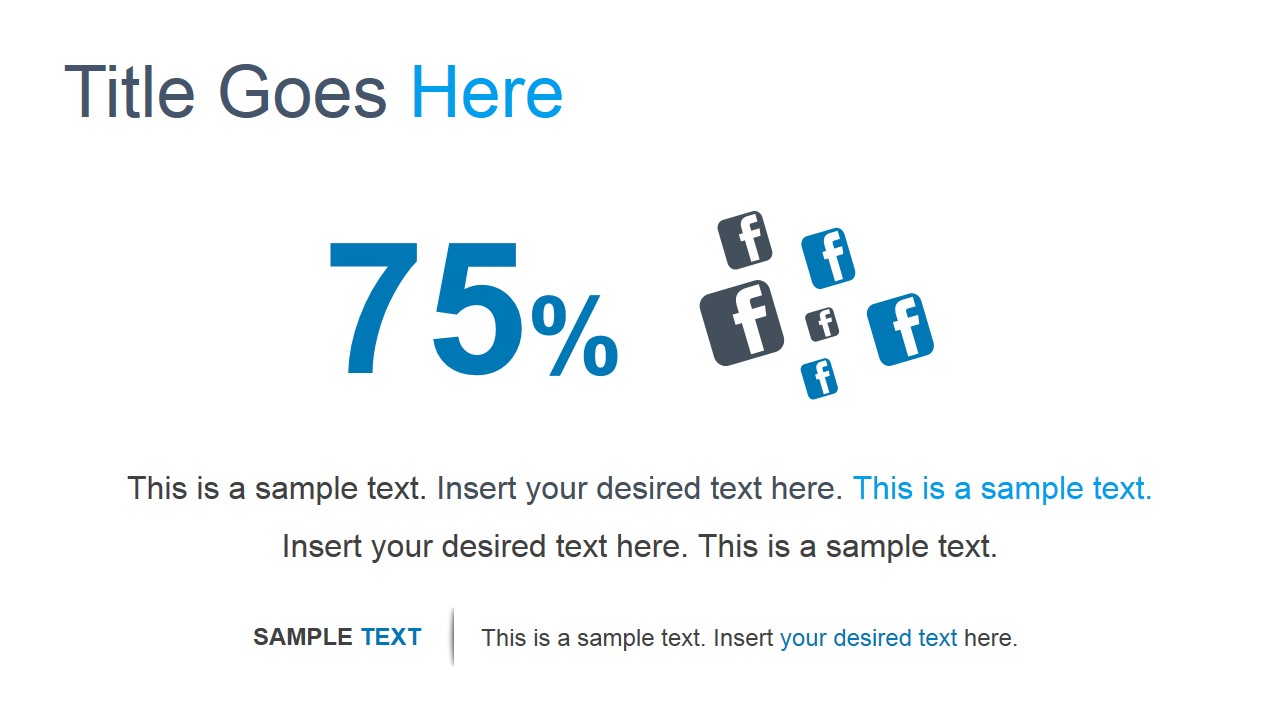
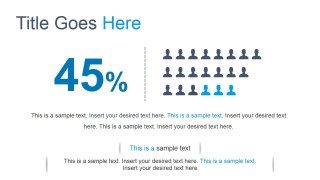
- A social media manager can present campaign reach to leadership using the 75% and 45% KPI callout slides with platform icons and audience pictograms.
- A digital agency can explain a client's channel mix using the five pie chart slide and the platform comparison graphics with editable percentage badges.
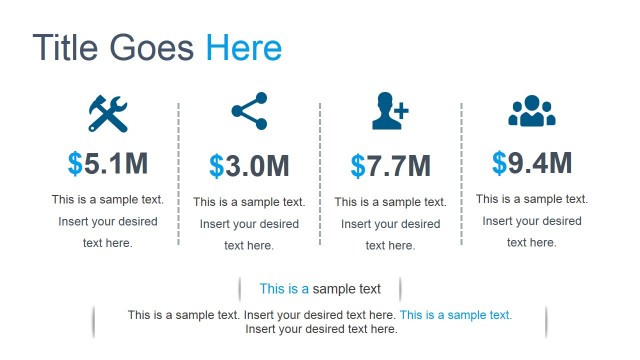
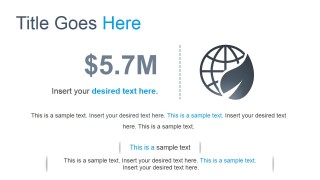
- A marketing director can brief executives on social media investment value using the $5.7M metric slide and the connected network diagram.
- A communications team can organize a launch plan by mapping content methods on the four icon card slide for chat, engagement, video, and contact growth.
Features
- 100% editable presentation template
- Compatible with Microsoft PowerPoint and Google Slides
- 16:9 aspect ratio slides
- Scalable vector shapes, icons and illustrations
- AI-Ready for Microsoft Copilot and Claude
- Instant access and download
Frequently asked questions
Q: How should a presenter turn these social media visuals into a clear planning story?
A: Start with the connected user network diagram to frame the social media ecosystem, then use the four icon cards to define campaign methods. Move into the KPI callouts and pie charts only after the audience understands the plan. End with the comparison slide to make the channel decision or recommendation explicit.
Q: Who is this template best suited for in a business presentation?
A: This template fits marketing managers, social media strategists, and agencies that need to summarize campaign reach, channel mix, or audience behavior without building a full analytics dashboard. The large percentage slides and platform icons work best when the message is about directional performance, adoption, or priority social networks.
Q: Why do the social icons, pictograms, and percentage graphics help the message?
A: The design uses familiar network symbols and simple numeric callouts to reduce interpretation time. The user diagram shows connection, the people grid makes audience share tangible, and the pie charts compare channels at a glance. These metaphors help non-technical stakeholders understand marketing implications before reviewing detailed data elsewhere.
You may also like:
- Digital Marketing Slide Deck
- Social Word Cloud Picture for PowerPoint
- Flat Social Networks PowerPoint Template
- Social Media Presentation Slides
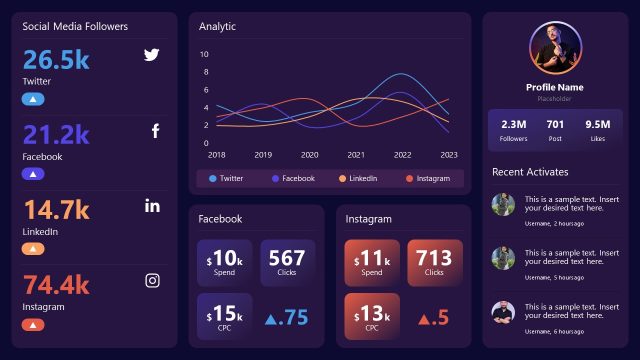
- Digital Marketing Dashboard PowerPoint Template
- RACE Digital Marketing Planning Framework PowerPoint Template
- Social Mobile Analytics Cloud PowerPoint Template
- Social Media Word Cloud Picture for PowerPoint
- Integrated Marketing Communications PowerPoint Template



Social Media Plan PowerPoint Slides
7-slide social media plan presentation template with KPI callouts, pie charts, and network icons
Social Media Plan PowerPoint Slides is a 7-slide presentation template for marketing and communications teams planning social network campaigns. Visible layouts include a connected user network diagram, four icon cards, percentage KPI callouts, five pie charts, a revenue metric slide, and platform comparison graphics for Microsoft PowerPoint and Google Slides.
- Category
- Shapes
- Rating


 Loading...
- Aspect ratio
- 16:9, 4:3
- Item ID
- 13035-01
- Colors
 Microsoft PowerPoint
  Microsoft Copilot
  Claude for PowerPoint
 Other formats supported
Subscribe today and get immediate
access to download our PowerPoint templates.