Organize complicated surveys with the Segmented Question Mark Design for PowerPoint. It is ideal for any type of marketing survey, or feasibility study. The presenter can summarize the content of the survey into a quick and easy question mark PowerPoint clipart. This reduces dead air in the presentation, and provides visual cues for the presenter. It can be used in all kinds of decision analysis to guide the survey questions and improve work efficiency.
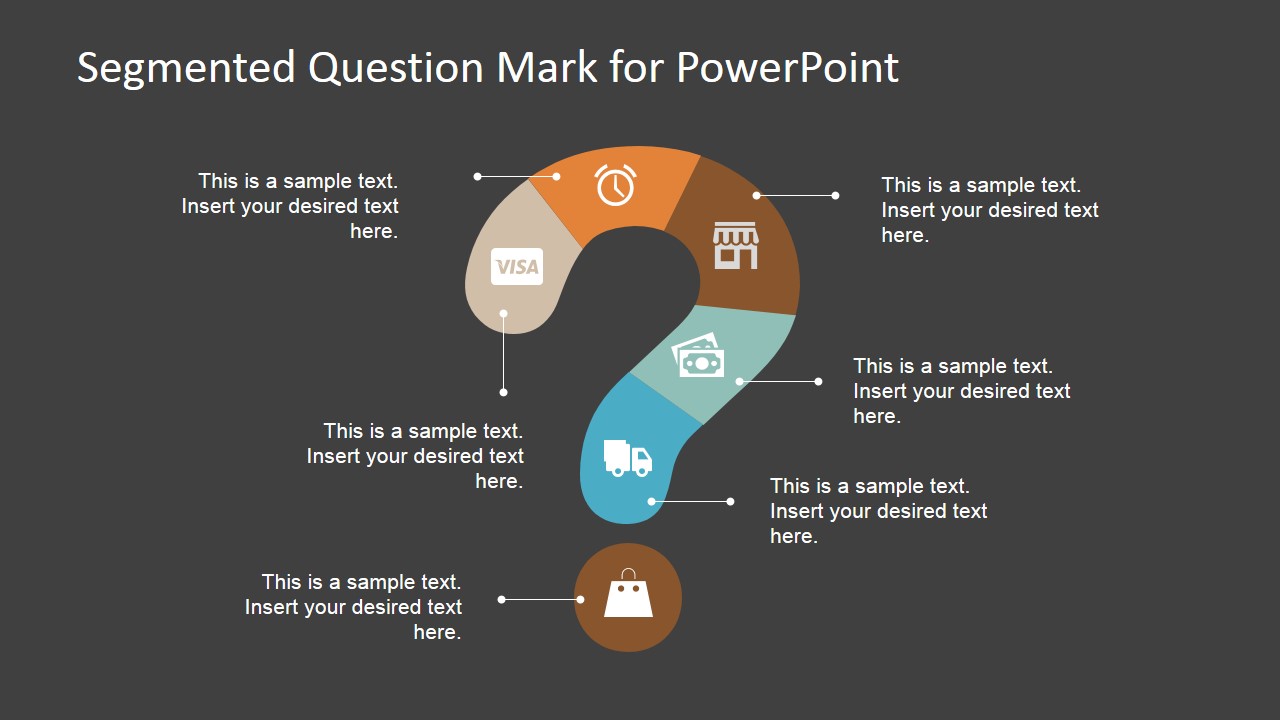
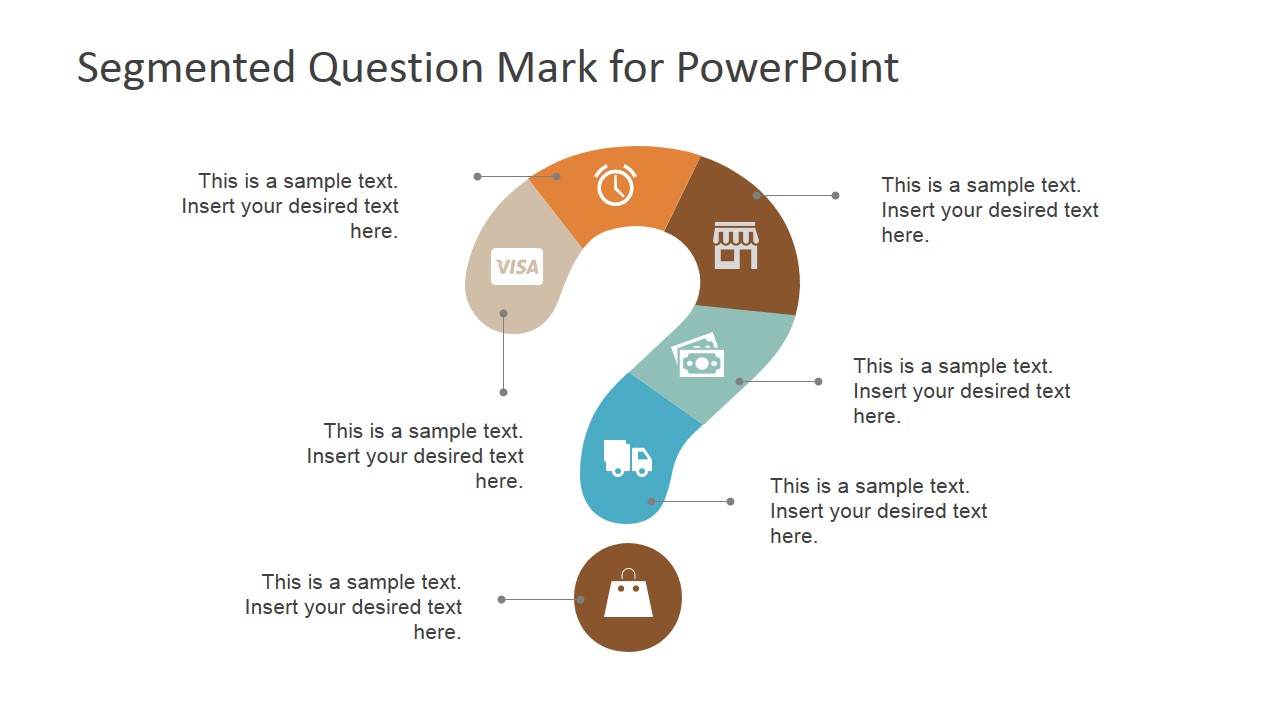
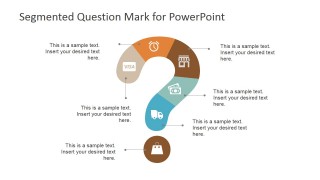
The Presentation template makes use of generic minimalist icons located in different segments of a question mark clipart. The presenter can base the poll questions off the sequence of the icons. Each symbol may be discussed one by one, starting from the end of the question mark. This is represented by a Visa card icon, which in turn, signifies the initial purchase of the item. The presenter can them go through the overview of the survey, by following the flow of the question mark.
The purchase is succeeded by an allotment of time for processing the order. This question slide is represented by the alarm clock icon. The remaining PowerPoint icons, then symbolize the acquisition of the goods from the store or warehouse of the company; the cash payment, either from the credit card company or the customer; the delivery of the item; and finally, the arrival of the item to its intended destination.
Each of these steps can be and discussed in detail, guided through the presentation design. The presenter can go through the frequently asked questions in each phase. This way, the presenter can form poll questions in a systematic and organized manner.
The user can also opt to download other PowerPoint presentations to organize content. An example is the 3D Gear Diagram Template for PowerPoint.
The topic of the survey can range from obtaining feedback from customers about the purchasing process to acquiring comments suggestions about company protocol from the company employees. The survey generally aims to gain this information in order to inform management of any improvements or deficiencies which may not have been spotted otherwise. It gives an objective, new angle of company processes, which reveals imperfections in the company processes.
Using the Segmented Question Mark Design for PowerPoint, the presenter can organize poll questions and allow a better composition and order of questions. The contents of the PowerPoint template are created as PowerPoint objects, allowing the presenter to edit them to suit his/her specific needs.
What’s inside this template
Example presentation scenarios
- A marketing manager can use the segmented question mark diagram to present customer survey areas, with each icon segment representing a stage such as purchase, timing, store interaction, payment, delivery, or receipt.
- A business analyst can use the light background question mark slide to lead a feasibility study discussion, placing key questions in the callout text areas around the diagram.
- A customer experience team can use the dark question mark layout to run an FAQ workshop, moving through the icons as prompts for issues in ordering, payment, fulfillment, and delivery.
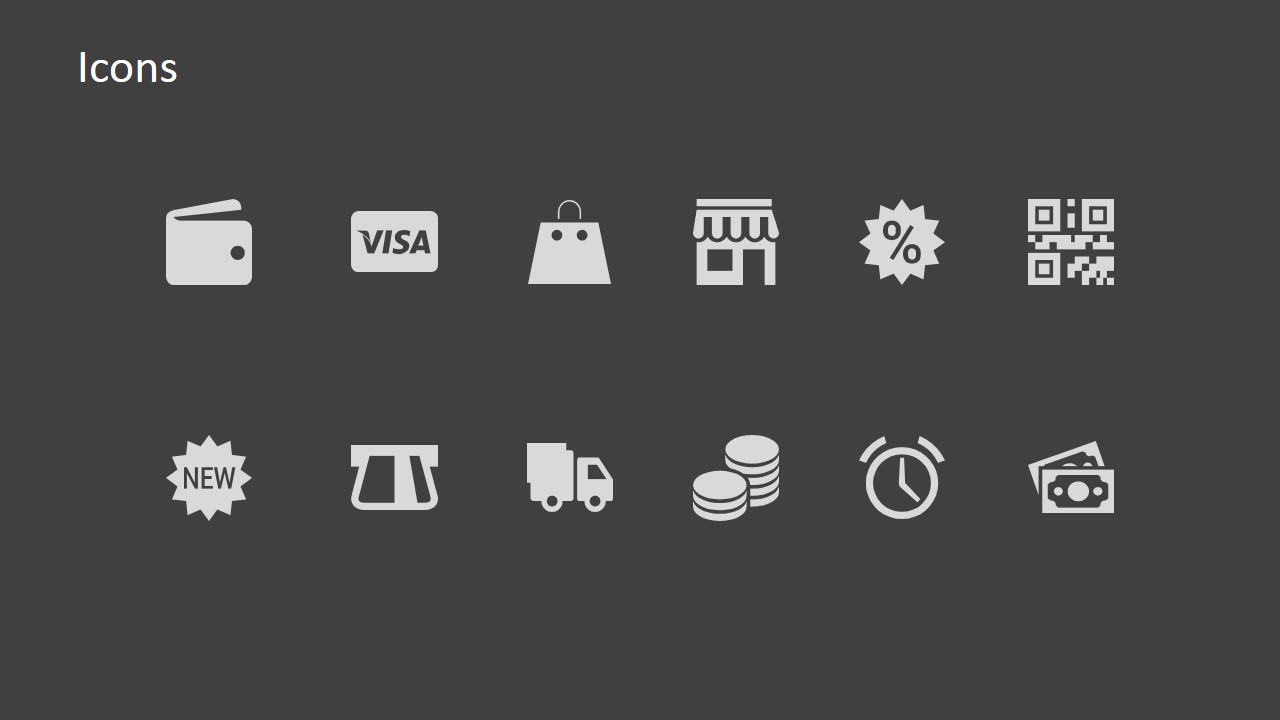
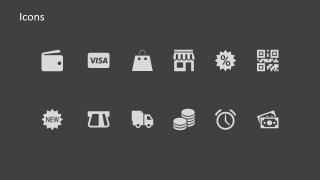
- An operations presenter can use the icon library slide to build a consistent question framework for process reviews, selecting symbols that match each checkpoint.
Features
- 100% editable presentation template
- Compatible with Microsoft PowerPoint and Google Slides
- 16:9 aspect ratio slides
- Scalable vector shapes, icons and illustrations
- AI-Ready for Microsoft Copilot and Claude
- Instant access and download
Frequently asked questions
Q: How should a presenter use the segmented question mark to make the discussion clear?
A: Treat each question mark segment as one discussion prompt, not as decoration. Start with the lowest icon or the first business step, then move segment by segment through the callout labels. Keep each label short, such as one question or one issue, so the audience can follow the sequence without reading long paragraphs.
Q: Who is this template best suited for?
A: This template works best for presenters who need to structure inquiry rather than report a fixed answer. Marketing teams can frame survey questions, customer experience teams can map FAQ topics, and operations teams can review process checkpoints. The visible commerce icons make it especially useful for purchase, payment, store, and delivery discussions.
Q: Why use a question mark metaphor instead of a standard list?
A: The question mark creates an immediate visual cue that the session is about investigation, feedback, or uncertainty. The segmented design turns that abstract idea into ordered parts, while the icons anchor each part to a recognizable action. This helps audiences see both the main question and the specific areas being examined.
Segmented Question Mark Design for PowerPoint
3-slide presentation template with segmented question mark diagrams and survey question icons
Segmented Question Mark Design for PowerPoint is a 3-slide diagram template for structuring questions, surveys, and decision discussions. It includes dark and light segmented question mark layouts with icon markers, callout text labels, and a separate icon set. The template is built for Microsoft PowerPoint and Google Slides.
- Category
- Diagrams
- Rating


 Loading...
- Aspect ratio
- 16:9, 4:3
- Item ID
- 6822-02
- Colors
 Microsoft PowerPoint
  Microsoft Copilot
  Claude for PowerPoint
 Other formats supported
Subscribe today and get immediate
access to download our PowerPoint templates.