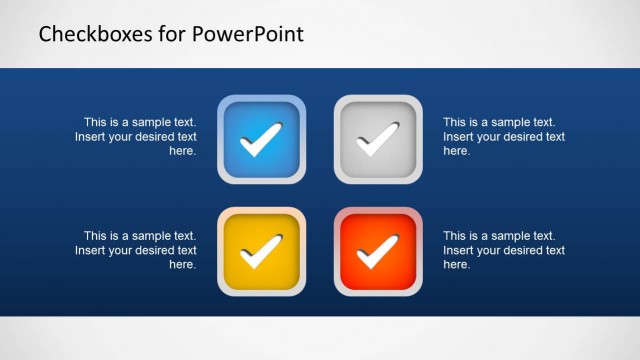
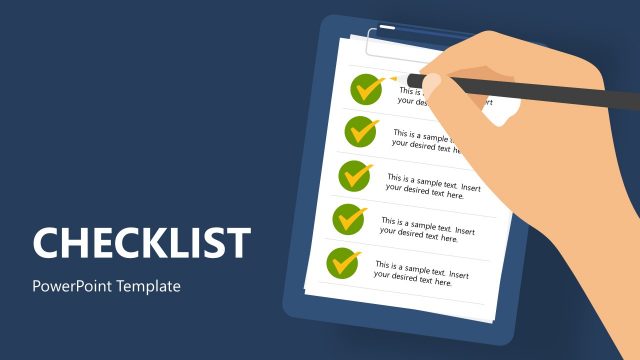
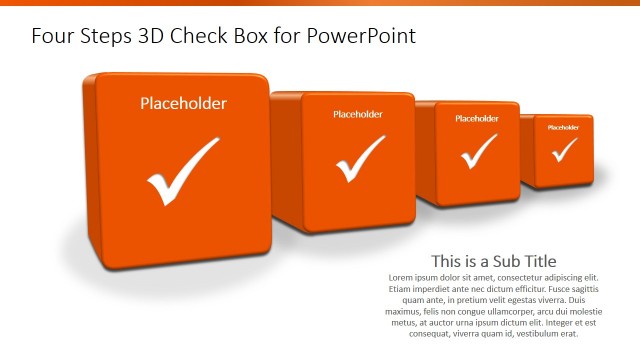
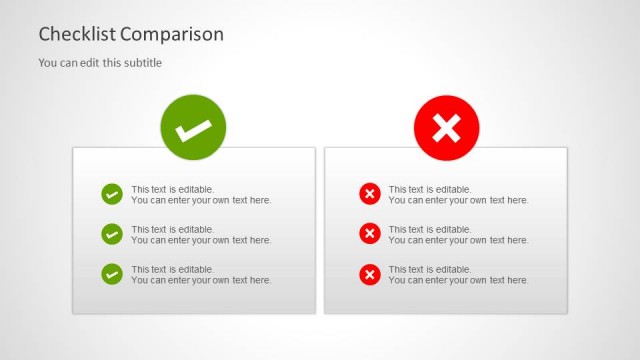
3D Check Marks Template for PowerPoint is a presentation template containing reusable check marks that you can copy and paste into your presentations. You can make presentations on task management using creative 3D Check Mark illustrations for PowerPoint created with PowerPoint Shapes, so you can easily change the colors and shape properties.
Present important business information with the 3D Check Marks Template for PowerPoint, which is carefully designed to be able to show financial and statistical data in a neat, organized manner. The well-structured organization of the PowerPoint graphics provide an opportunity for the presenter to show critical information in a concise method which still allows for colorful visual effects to retain audience attention for longer periods.
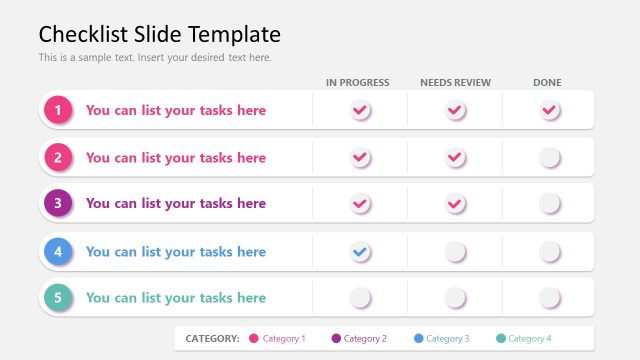
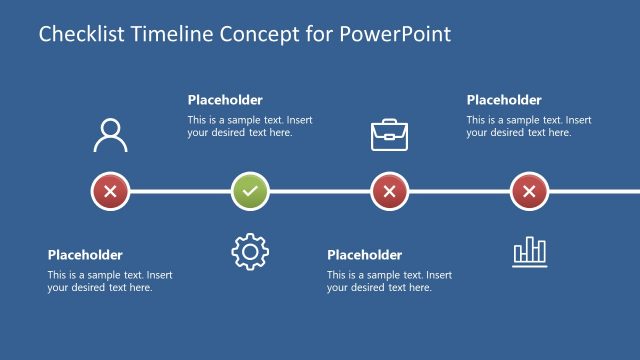
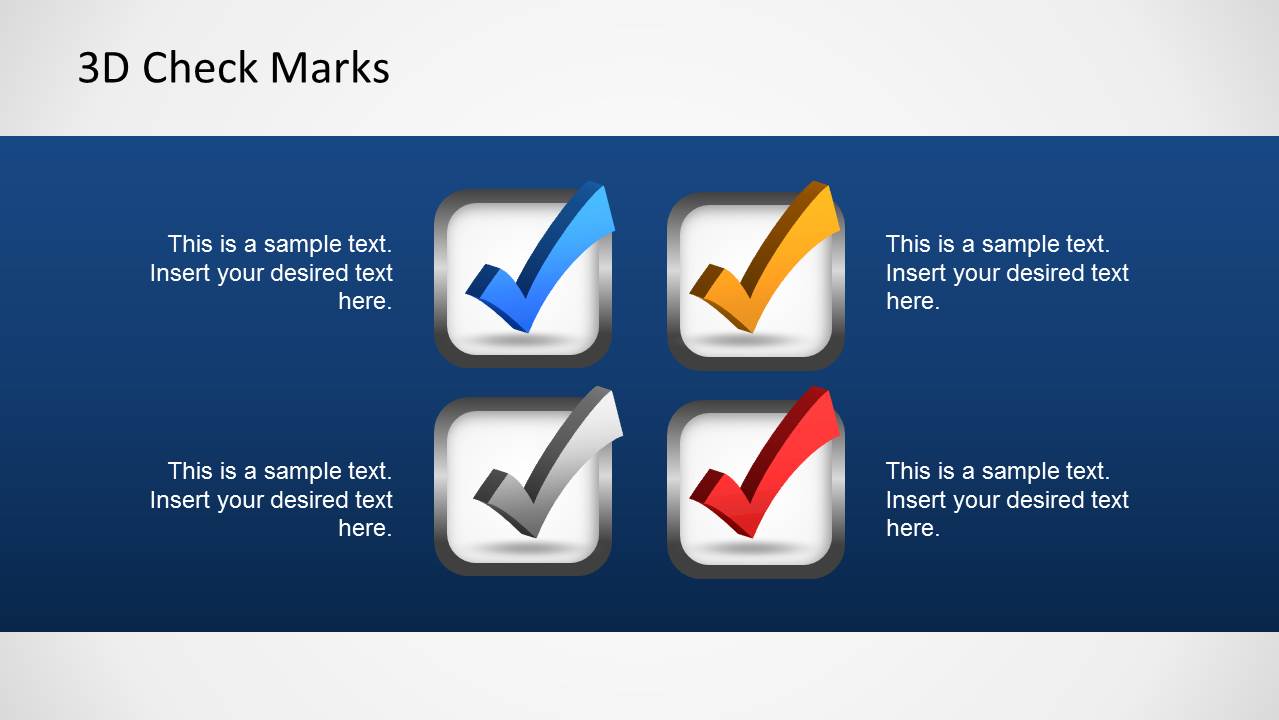
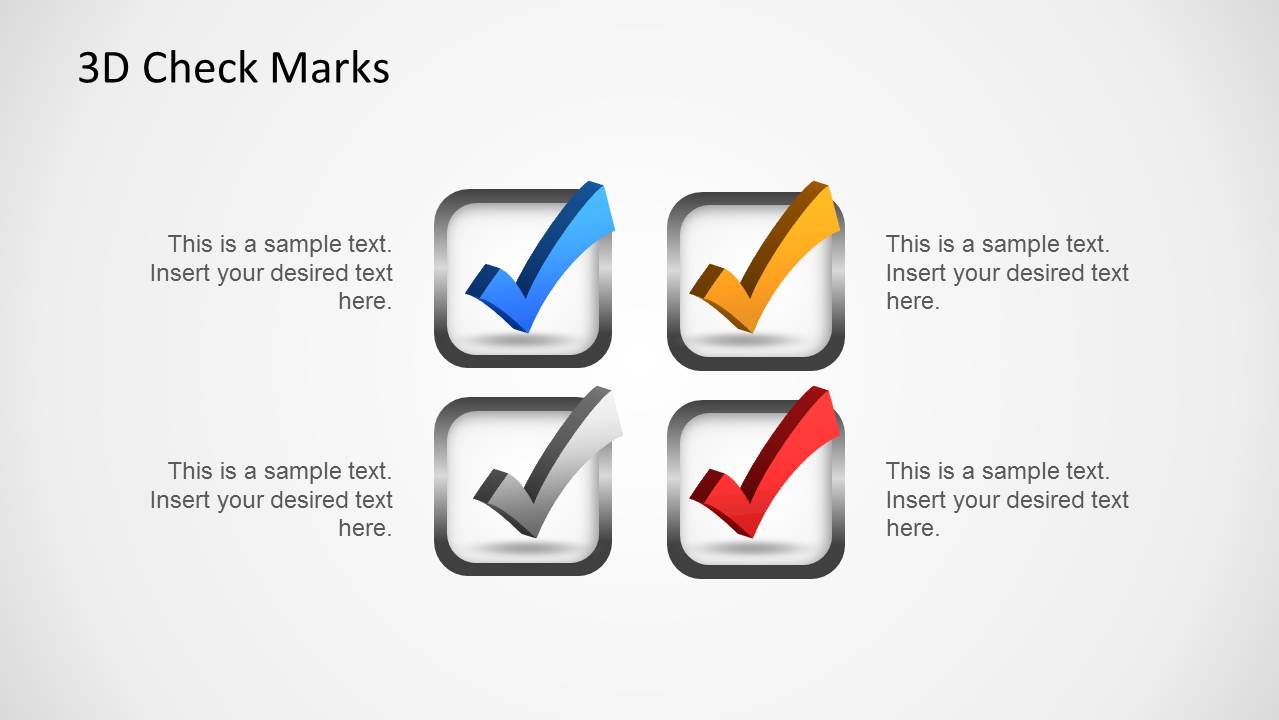
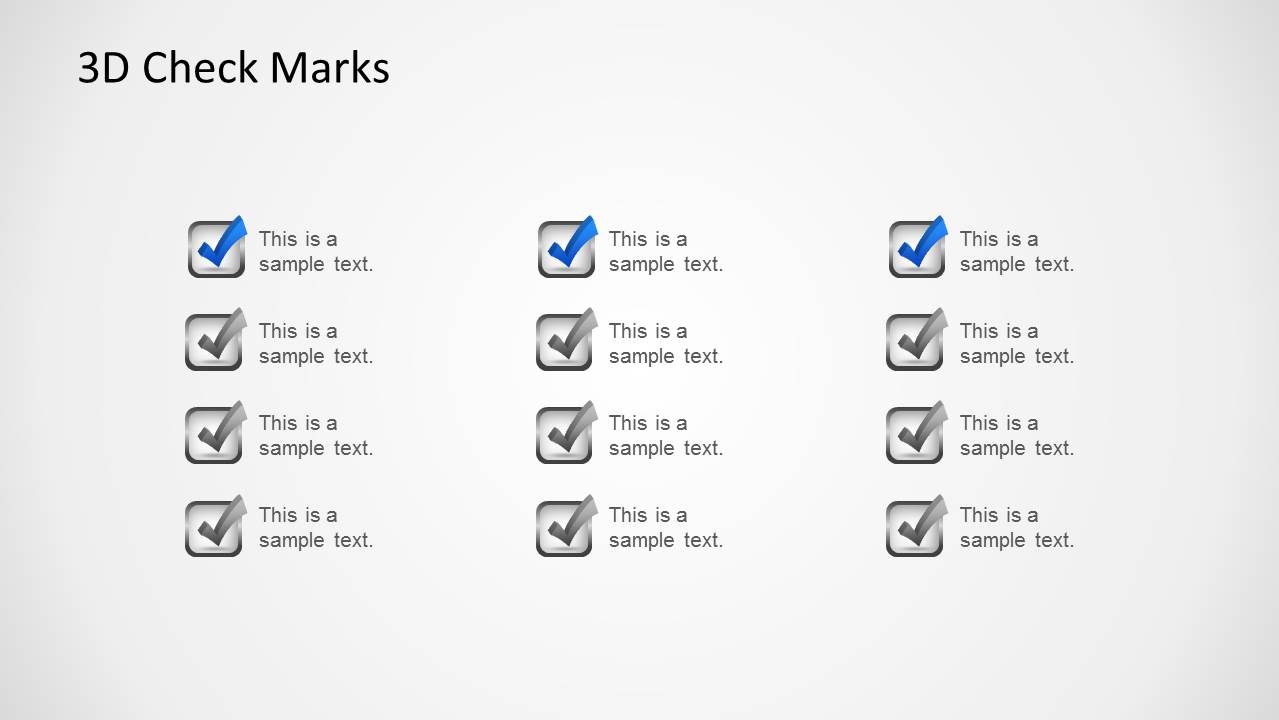
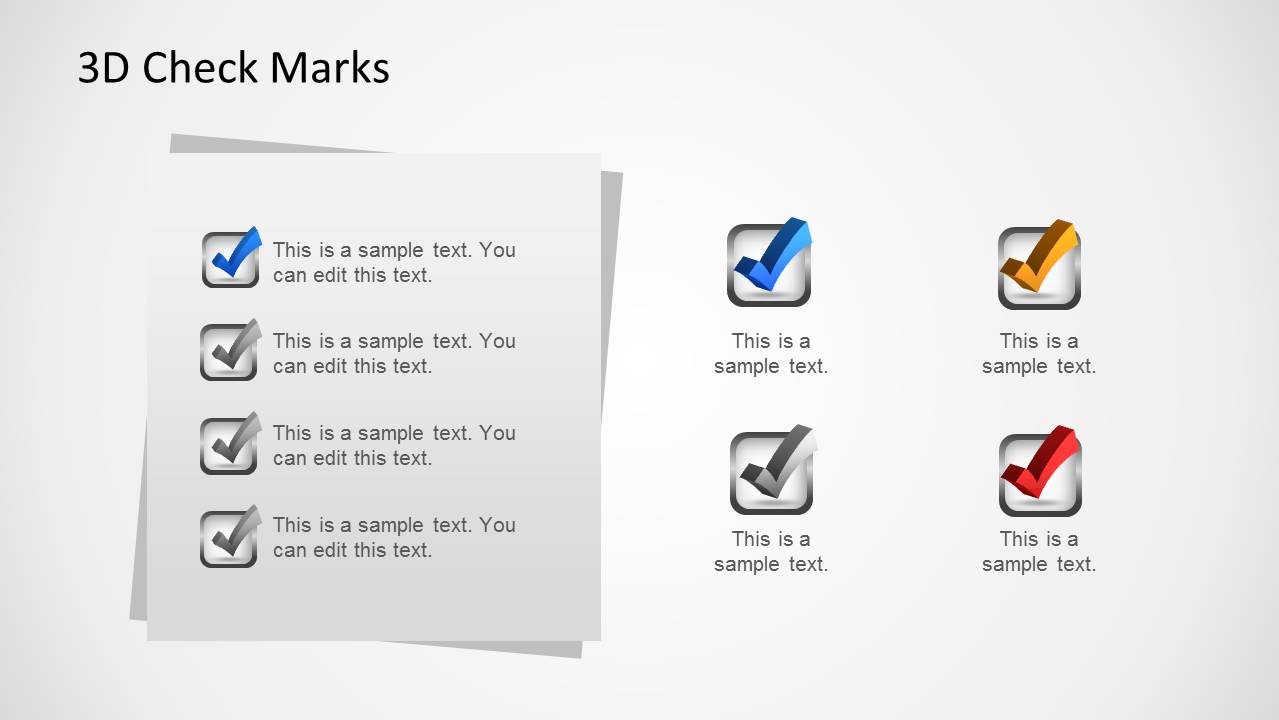
The slide designs in the PowerPoint Template allow the presenter to showcase a checklist using vibrant check mark graphics. The PowerPoint slides may be used to present a series of activities that the business organization has planned to or is planning to undertake, with corresponding symbols to indicate whether or not they have been approved and implemented.
The Office template may also be used to show an overview of requirements and goals which the key members of the company must seek to meet, so as to be able to align their own departmental objectives properly with those of the organization.
Another use for the PowerPoint template is the proper organization and classification of specific objectives to their general groups, in order to simplify the processes. This allows the employees and other members of the organization to gain a better, clearer understanding of the presentation as a whole.
The PowerPoint objects may be edited to be made to bring focus to specific elements, and streamline the goal of the template itself. The presenter may bring to light any single component to be found on the PowerPoint slides in order to give emphasis to the more important aspects of the presentation design.
Ideal for marketing presentations involving several key objectives, the 3D check marks template for PowerPoint may be modified so that its graphics and other content may become in line with the goals of the presenter, to fit specific environmental and situational needs, and produce a visually-striking presentation with the 3D check marks template for PowerPoint.
What’s inside this template
Example presentation scenarios
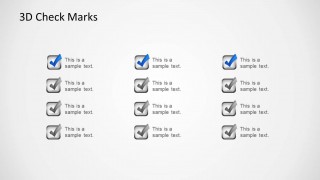
- A project manager can report sprint or milestone completion by using the checklist grid to show which tasks are done, pending, or approved.
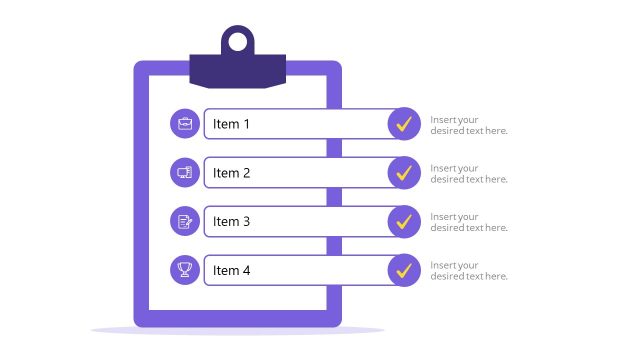
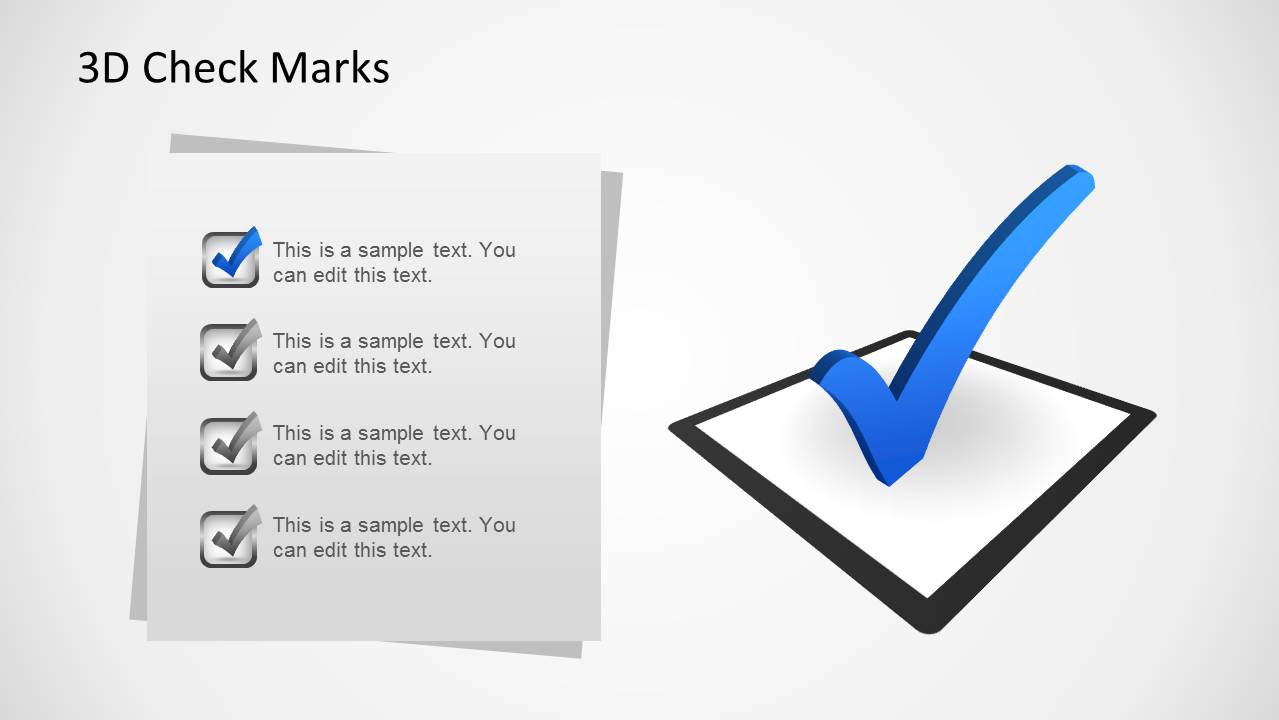
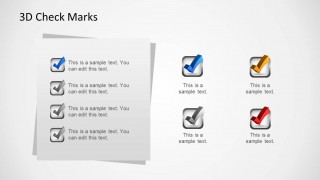
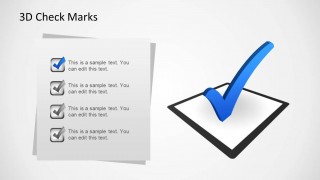
- An operations lead can review requirements with a team by placing each requirement on the paper-note checklist and using the large check mark as the approval cue.
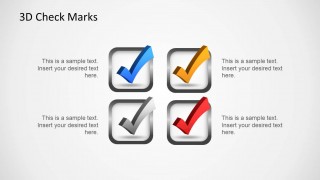
- A marketing manager can compare campaign objectives by assigning each four-icon layout to a workstream, owner, or approval stage.
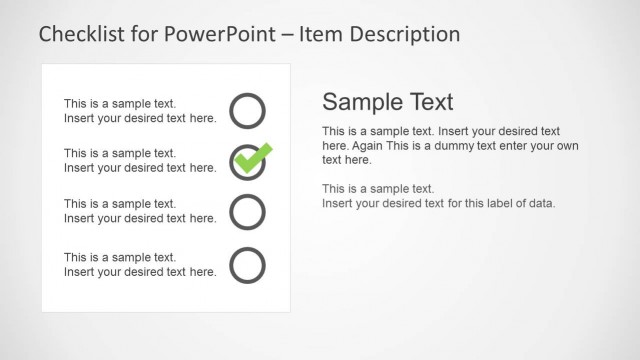
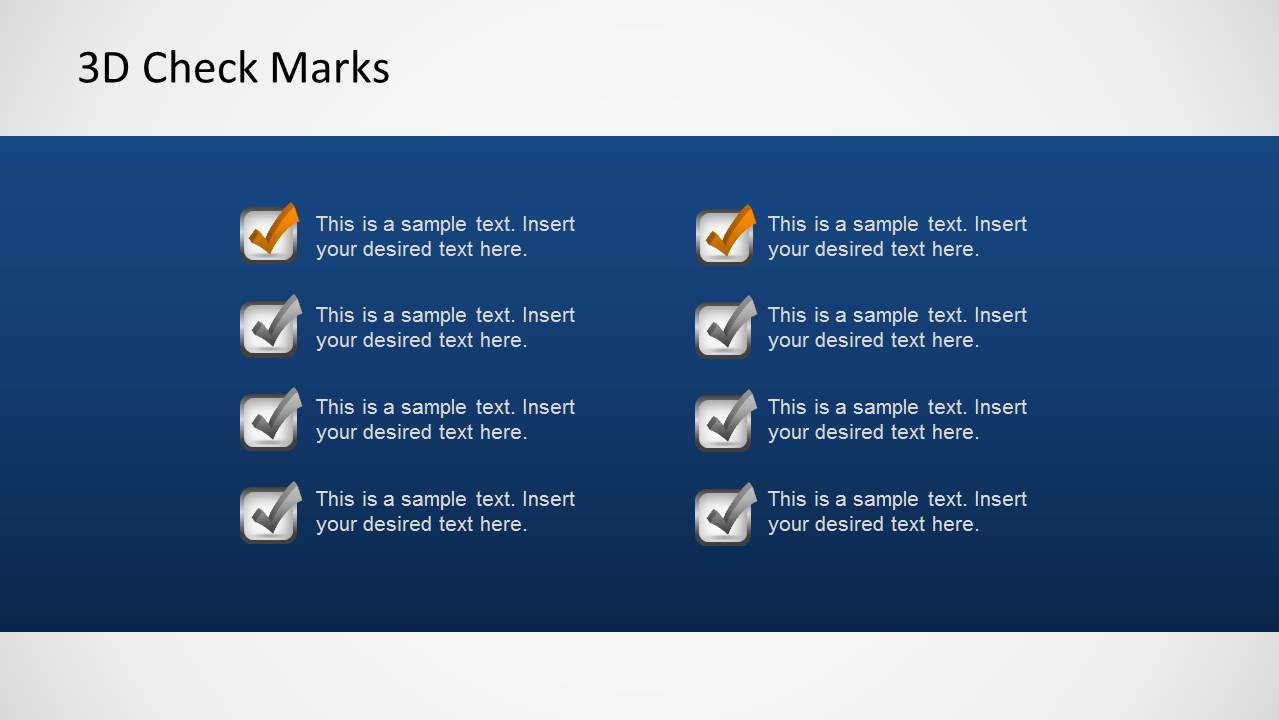
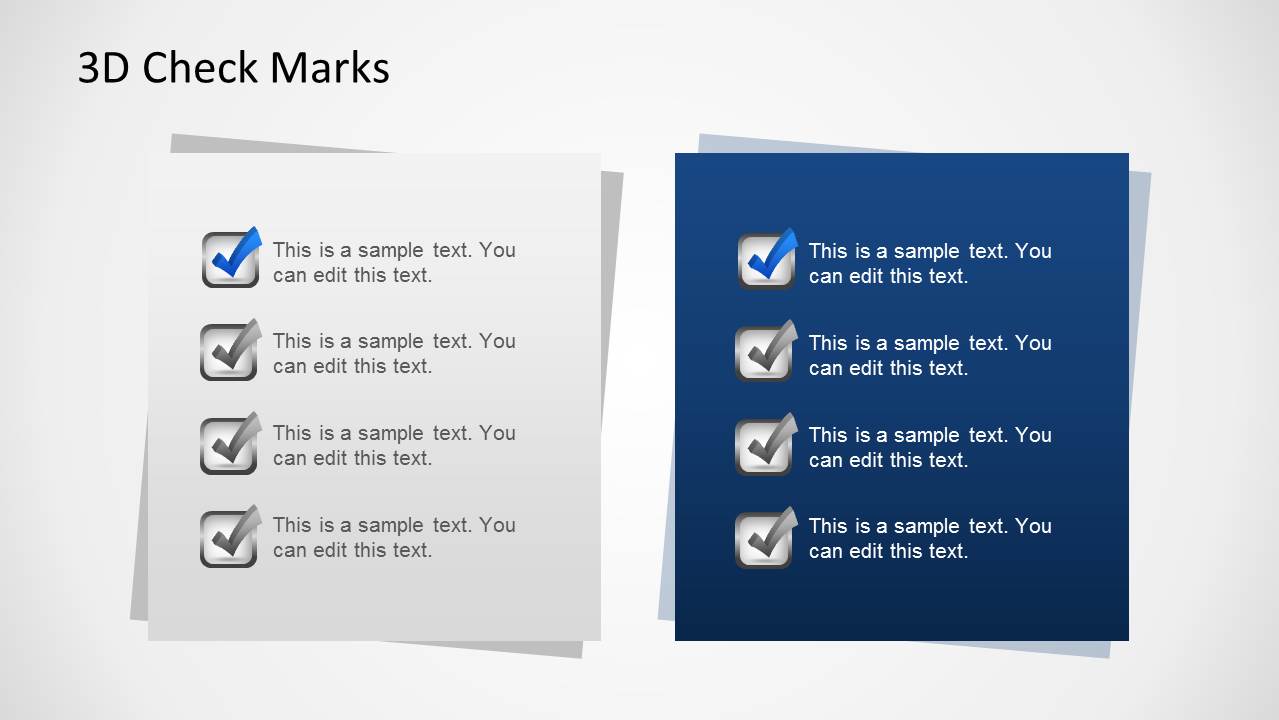
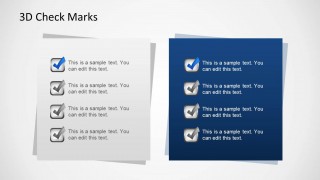
- A consultant can summarize client action items with the side-by-side checklist panels, separating completed recommendations from open follow-up tasks.
Features
- 100% editable presentation template
- Compatible with Microsoft PowerPoint
- 16:9 aspect ratio slides
- Scalable vector shapes, icons and illustrations
- AI-Ready for Microsoft Copilot and Claude
- Instant access and download
Frequently asked questions
Q: How should a presenter use this template to make a task update clear?
A: Use one check mark meaning at a time. For example, define blue as approved, gray as pending, and red as blocked before showing the checklist grid or paper-note list. Keep each text line short, group related tasks together, and reserve the oversized check mark slide for the final decision or completed milestone.
Q: Who is this template best suited for?
A: This template fits presenters who need to communicate completion, approval, or readiness without building a full project dashboard. Project managers, operations leads, marketing managers, and consultants can use the checklist grids and paper-note panels to turn action items, requirements, or objectives into a status-focused discussion.
Q: Why does the check mark metaphor work well in these layouts?
A: A check mark is a fast visual signal for completion, acceptance, or confirmation. The 3D treatment and shadows make the symbols stand apart from text, while the paper-note panels imply an actionable to-do list. This helps the audience scan status before reading every detail.


3D Check Marks Template for PowerPoint
8-slide PowerPoint presentation template with 3D check marks, checklist grids, and approval icons
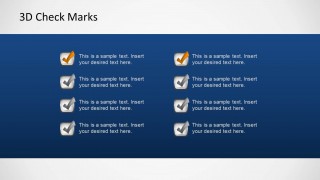
3D Check Marks Template for PowerPoint is an 8-slide presentation template with reusable 3D check mark graphics for task lists and approvals. It includes four-icon comparison layouts, a multicolor tick icon sheet, checklist grids, paper-note lists, and side-by-side checklist panels for presenters building task management or status update slides in Microsoft PowerPoint.
- Category
- Text & Tables
- Rating


 Loading...
- Aspect ratio
- 16:9, 4:3
- Item ID
- 6370-02
- Colors
 Microsoft PowerPoint
  Microsoft Copilot
  Claude for PowerPoint
 Other formats supported
Subscribe today and get immediate
access to download our PowerPoint templates.