Eco-Friendly Infographic PowerPoint Template is a professional presentation featuring modern eco friendly Illustrations to create infographics. It can be applied in green subjects presentations or presentations for eco-friendly products. Produce slide designs that are both visually-appealing and incredibly informative. The neat, organized structure of the presentation allows the user to place important facts and figures in an engaging layout.
The PowerPoint template has a green color palette, and different clipart depicting eco-friendly symbols. Both of which make slides more interesting to view, and assert the environmental theme of the presentation.
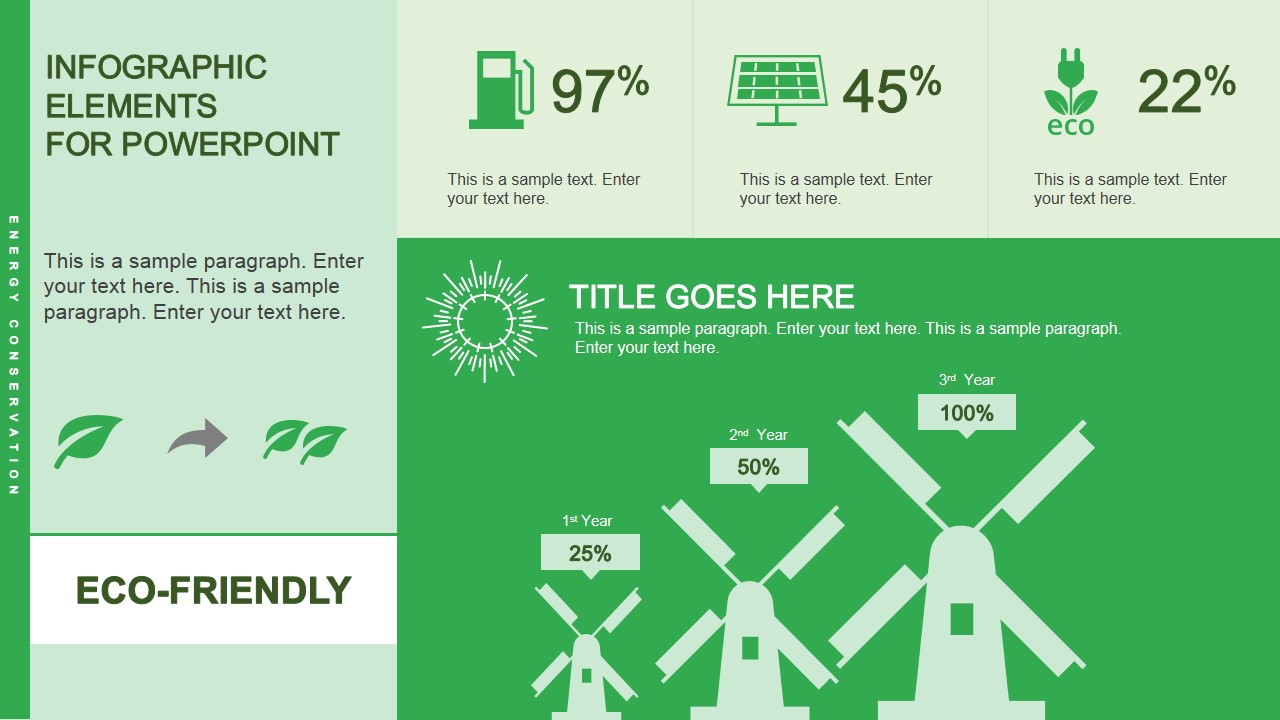
Included in the template are different kinds of graphical representations. Some, like the windmill graphics, can be used as an alternative to bar charts. This unique way of presenting the data also provides context for the viewers, already giving them the idea that this set of bars is referring to something related to wind energy and renewable fuels.
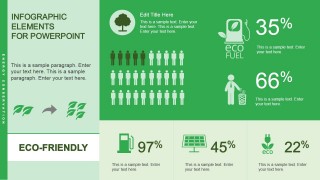
A set of people icons can also be found in the template. There are thirty icons of this type, grouped together at the center of the slide. Five of these are colored differently from the rest. This graphic is commonly used to refer to percentages. For example, the presenter can state that five out of every thirty people use a certain kind of fuel. This information can be backed up by the additional icons and placeholders located in the slide.
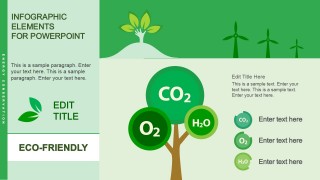
Another notable feature of the PowerPoint template is a vector drawing of a tree, whose leaves are formed by three overlapping green circles of varying sizes. These circles contain the chemical symbols for oxygen, water, and carbon dioxide. This part of the presentation can be used to show the composition of the elements processed by trees and other plants, in order to maintain the balance in the ecosystem.
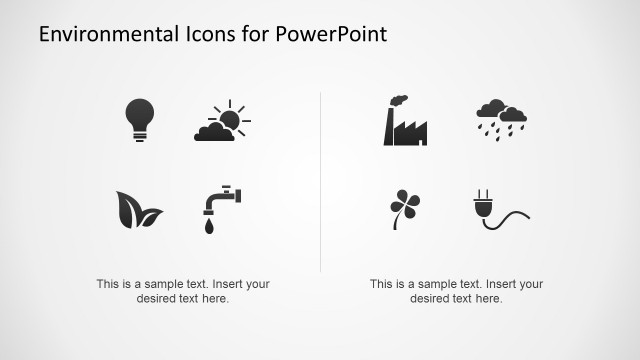
The Eco-Friendly Infographic PowerPoint Template can be applied in several environment-related presentations. It is most ideal for reports on current advances in the alternative fuel technology, as well as providing information relating to the state of fuel prices and related data. The content of the PowerPoint template, such as the graphics and placeholders, can be edited to become more suitable for the purposes of the presenter. The user can also download other PowerPoint templates to aid the presentation. Templates such as Environmental Icons for PowerPoint can be downloaded from the Slide Model Gallery.
What’s inside this template
Example presentation scenarios
- A sustainability manager can explain energy mix progress to executives using the windmill percentage infographic and the fuel, solar, and eco KPI icon cards.
- A green product marketer can present customer adoption or behavior metrics with the people icon array, eco fuel percentage, and short sidebar explanation.
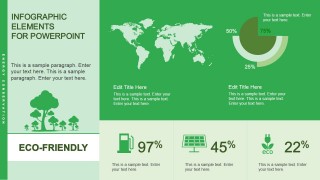
- An environmental consultant can summarize global impact or regional context with the world map, circular percentage rings, and editable text blocks.
- An educator can teach basic ecosystem exchange by using the CO2, O2, and H2O tree diagram with the legend callouts.
Features
- 100% editable presentation template
- Compatible with Microsoft PowerPoint and Google Slides
- 16:9 aspect ratio slides
- Scalable vector shapes, icons and illustrations
- AI-Ready for Microsoft Copilot and Claude
- Instant access and download
Frequently asked questions
Q: How should a presenter organize the message across these eco infographic slides?
A: Start with the windmill slide to introduce the main sustainability metric, then move to the people icon array to translate the issue into human behavior. Use the map slide for geographic or market context, and close with the CO2 tree diagram to explain the environmental mechanism behind the message.
Q: Who is this template best suited for in a business presentation?
A: It fits sustainability teams, renewable energy presenters, green product managers, educators, and nonprofit communicators who need to turn a few key environmental facts into visual evidence. The template works best when the message can be expressed through percentages, adoption counts, geographic context, or a simple ecosystem concept.
Q: Why do the windmill, tree, map, and people metaphors improve the communication?
A: The visual metaphors reduce interpretation time. Windmills cue renewable energy before the presenter explains the data, people icons make proportions feel concrete, the map signals global or regional scope, and the CO2 tree connects chemistry to nature. These cues help the audience classify each point quickly.


Eco-Friendly Infographic PowerPoint Template
4-slide eco-friendly infographic presentation template with sustainability metrics, windmill graphics, and a CO2 tree diagram
Eco-Friendly Infographic PowerPoint Template is a 4-slide 16:9 infographic deck for sustainability and environmental data presentations. It includes windmill percentage graphics, a people icon array, a world map with circular percentage rings, and a CO2 tree diagram. Built for Microsoft PowerPoint and Google Slides.
- Category
- Shapes
- Rating


 Loading...
- Aspect ratio
- 16:9
- Item ID
- 4009-02
- Colors
 Microsoft PowerPoint
  Microsoft Copilot
  Claude for PowerPoint
 Other formats supported
Subscribe today and get immediate
access to download our PowerPoint templates.