Recycle Icons Template for PowerPoint is a presentation design containing a collection of recycle icons and trash cans that you can download to make presentations on green products and renewable energy.
This recycle template for PowerPoint contains creative slide designs with recycle icons and trash can that you can use in your green presentations. Alternatively you can download other green PowerPoint templates, eco friendly presentation designs for PowerPoint and recycle PowerPoint templates.
What’s inside this template
Example presentation scenarios
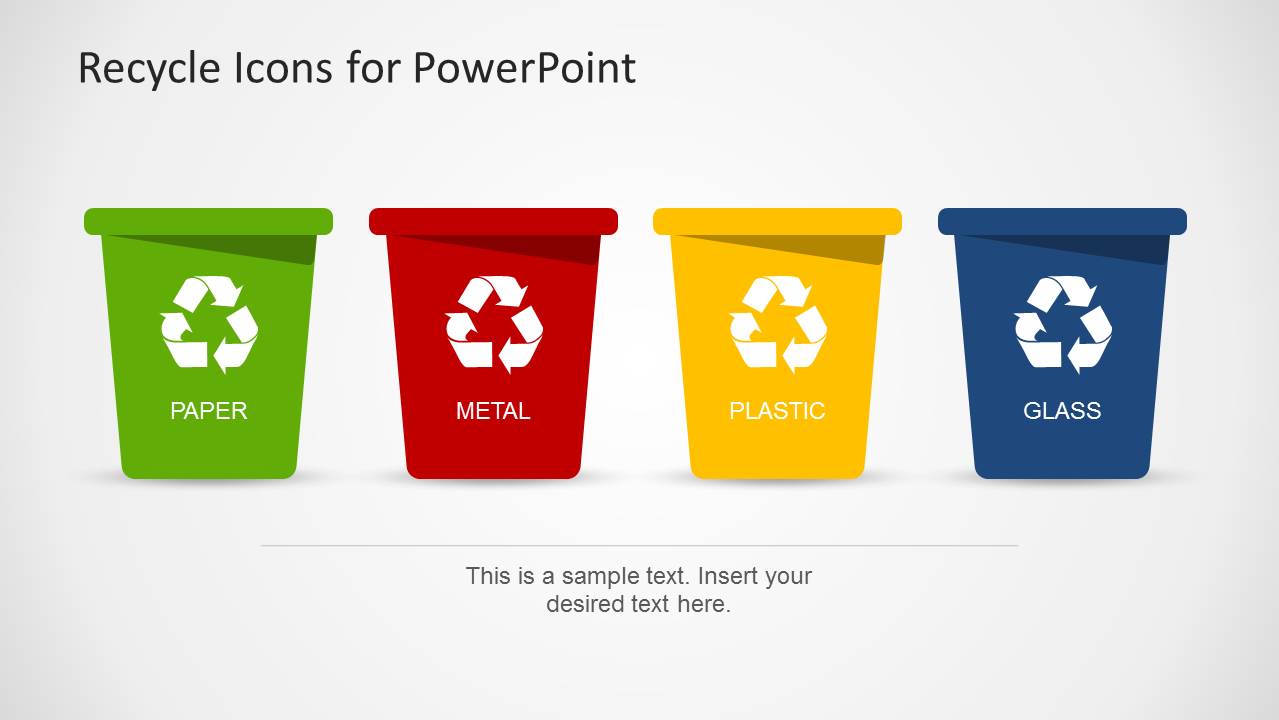
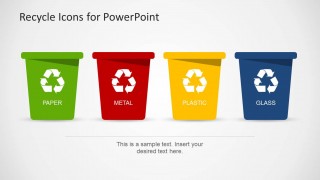
- A sustainability manager can introduce an office recycling program by opening with the four-bin overview and then explaining paper, metal, plastic, and glass rules on the category callout slides.
- An environmental educator can teach waste separation by using the color-coded bin icons as memory anchors and adding examples or rules inside the large text panels.
- A green product marketer can present packaging disposal guidance by matching product materials to the paper, metal, plastic, and glass recycle bin slides.
- A facilities or operations presenter can brief employees on collection points by adapting the single-material slides into simple instructions for each bin type.
Features
- 100% editable presentation template
- Compatible with Microsoft PowerPoint and Google Slides
- Scalable vector shapes, icons and illustrations
- AI-Ready for Microsoft Copilot and Claude
- Instant access and download
Frequently asked questions
Q: How should a presenter organize a short recycling explanation with this template?
A: Start with the four-bin overview to establish the material categories before moving into the paper, metal, plastic, and glass slides. Keep each text panel focused on one behavior, such as what belongs in the bin or what to avoid. The repeated bin-and-arrow structure helps the audience compare rules without relearning the slide format.
Q: Who is this template best suited for?
A: This template fits presenters who need to explain recycling categories more than policy detail. Sustainability teams, educators, facilities managers, and green product marketers can use the bin icons to make waste sorting visible and memorable. It works best for awareness sessions, onboarding, product disposal guidance, and environmental campaign materials.
Q: Why does the recycle bin metaphor work well in this design?
A: The trash-can icons make the action concrete: put the right material in the right bin. Color coding separates the categories quickly, while the circular arrows add a recycling cue without needing extra explanation. The design keeps the message literal, which is useful when the goal is behavior change rather than abstract sustainability strategy.

Recycle Icons Template for PowerPoint
5-slide PowerPoint icons template for recycle bins, waste sorting, and category callouts
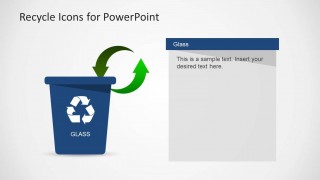
This is a 5-slide PowerPoint icons template for recycling presentations, built around editable waste-bin illustrations. Visible layouts include a four-bin overview, single-material callout slides, recycling arrow diagrams, and large text panels for paper, metal, plastic, and glass. It is suited to sustainability teams, educators, and green product presenters.


 Loading...
 Microsoft PowerPoint
  Microsoft Copilot
  Claude for PowerPoint
 Other formats supported
Subscribe today and get immediate
access to download our PowerPoint templates.