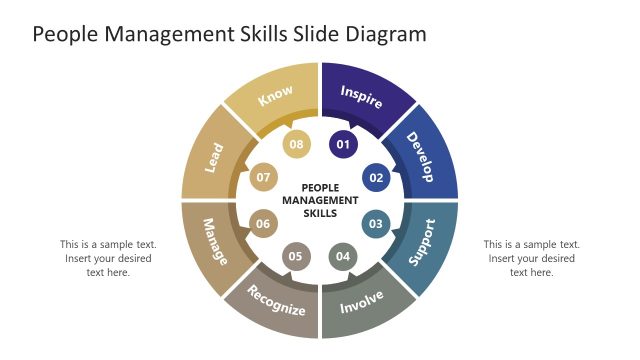
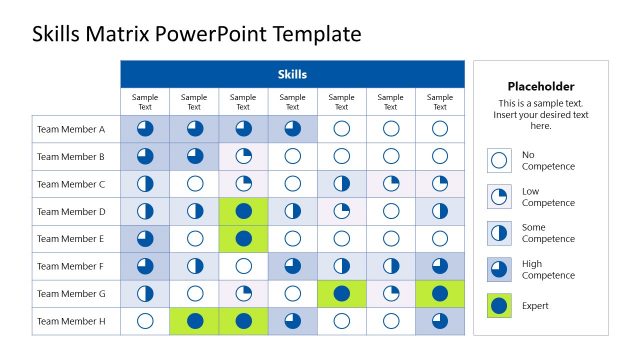
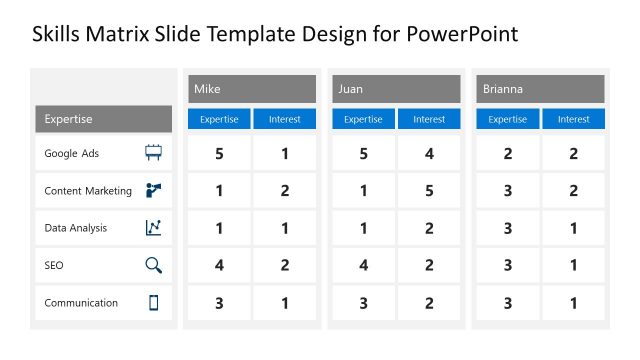
Employee Skills PowerPoint Template is an employee job performance PowerPoint template and slide template that you can use to make presentations on Performance Management and Human Resources. It contains several slide designs with many different illustrations and placeholders that you can edit to make a presentation on employee performance. You can use this PowerPoint template to make presentations on Performance Management processes and presentations on compensation systems.
What’s inside this template
Example presentation scenarios
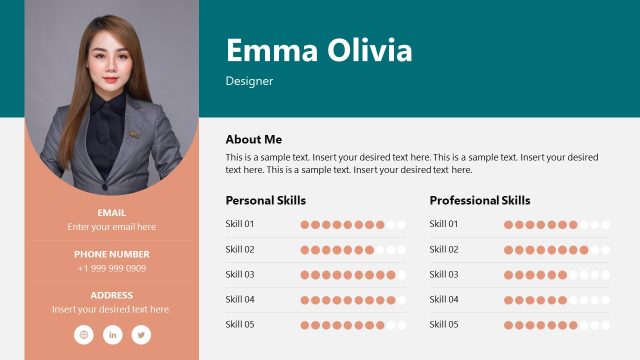
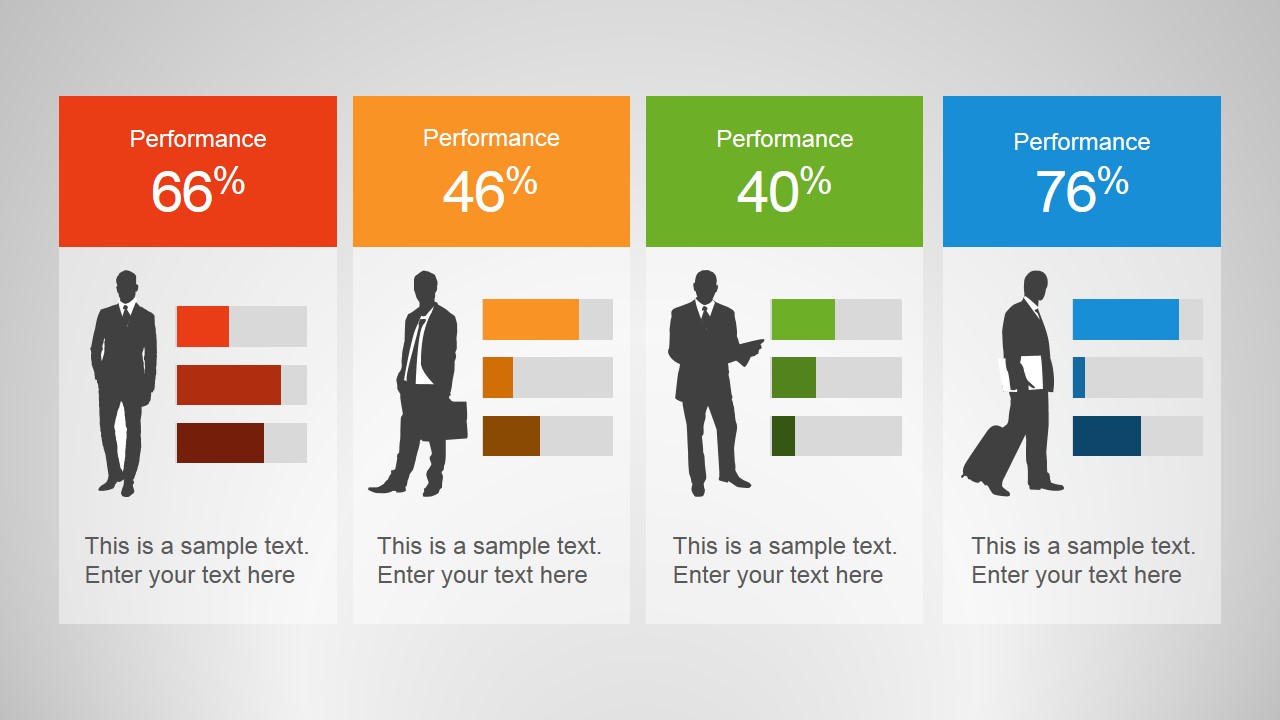
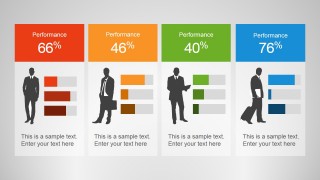
- An HR manager can use the performance cards to summarize employee scores and skill indicators before a quarterly talent review.
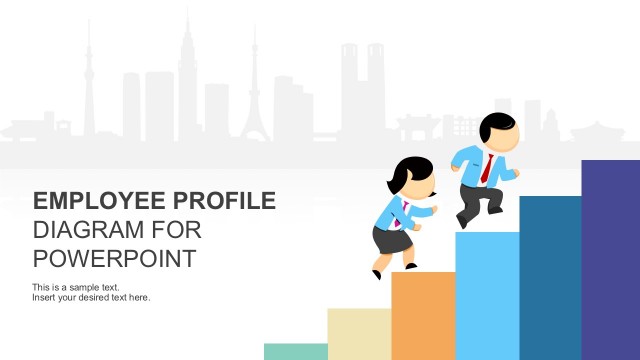
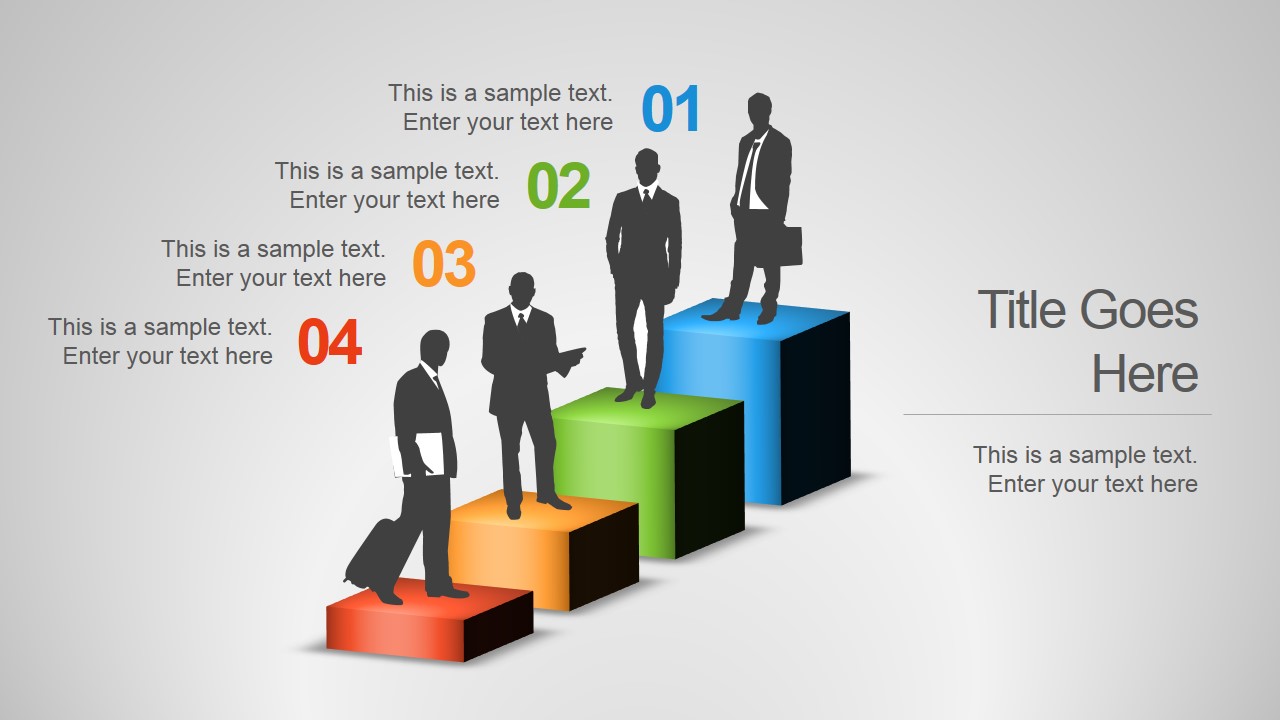
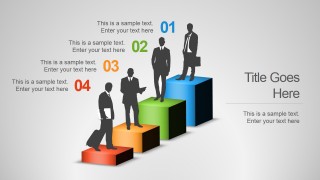
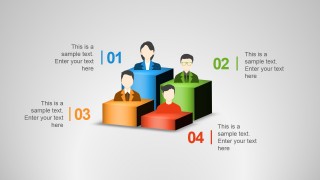
- A training manager can use the 3D step diagram to explain progression levels, certification stages, or capability maturity across a team.
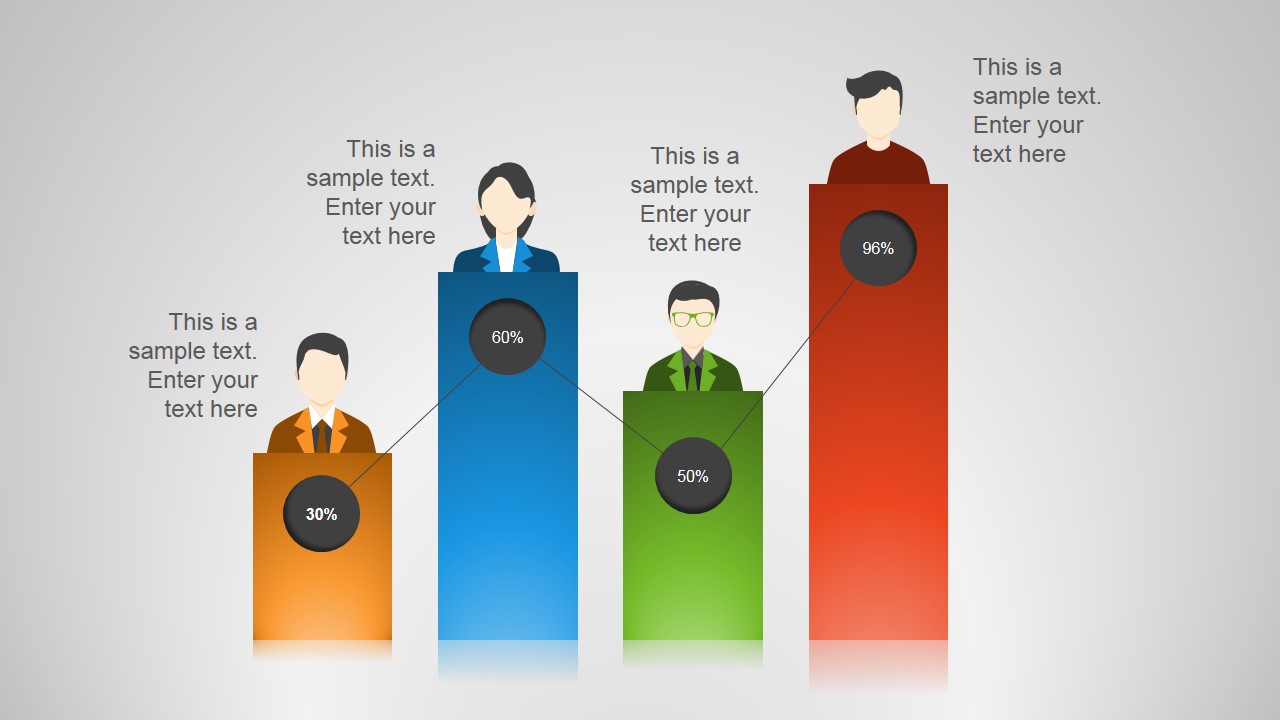
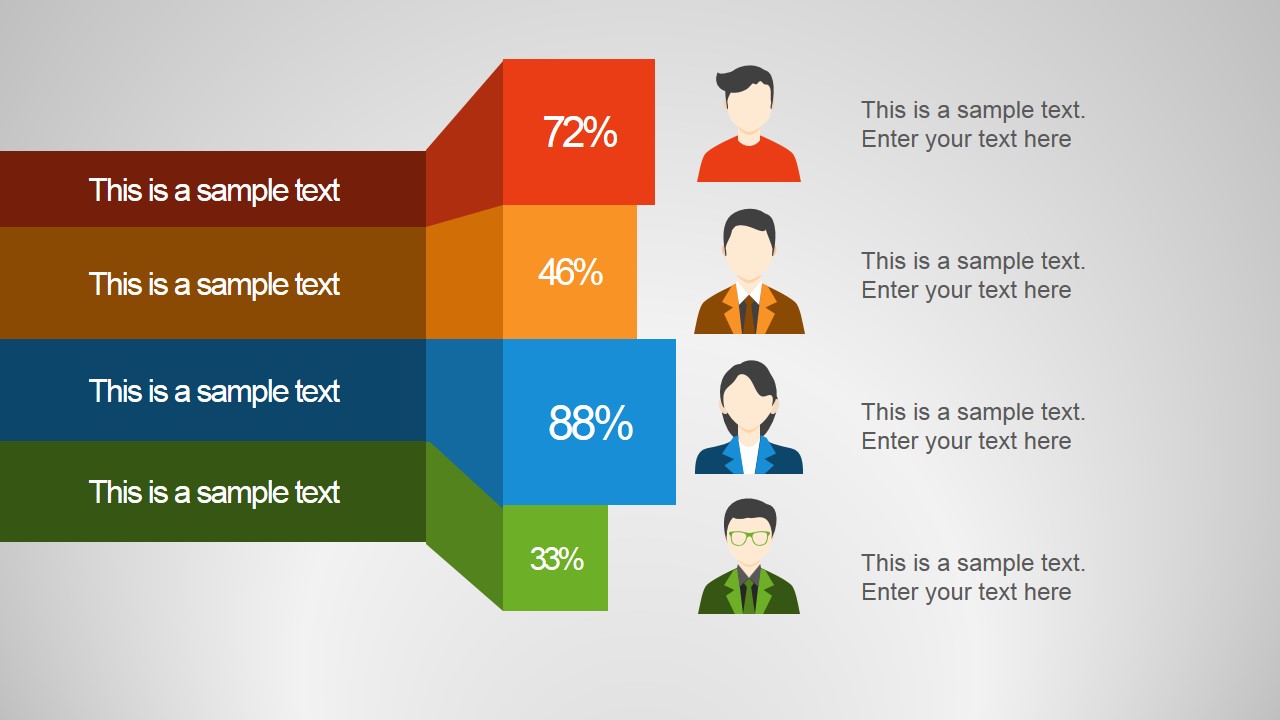
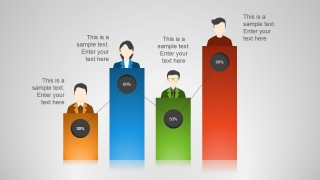
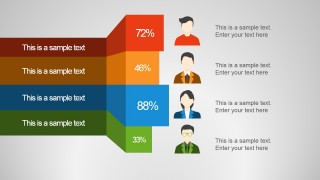
- A department head can use the vertical comparison chart and stacked percentage bars to compare role readiness, productivity status, or training completion.
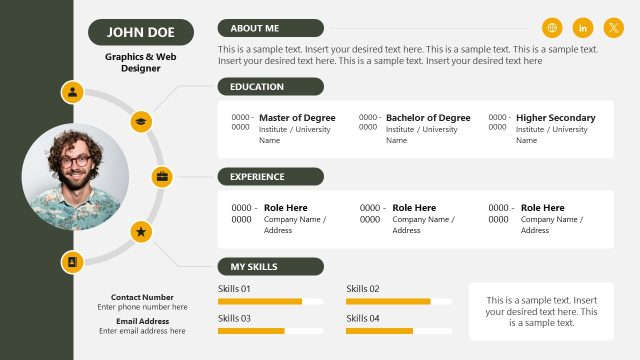
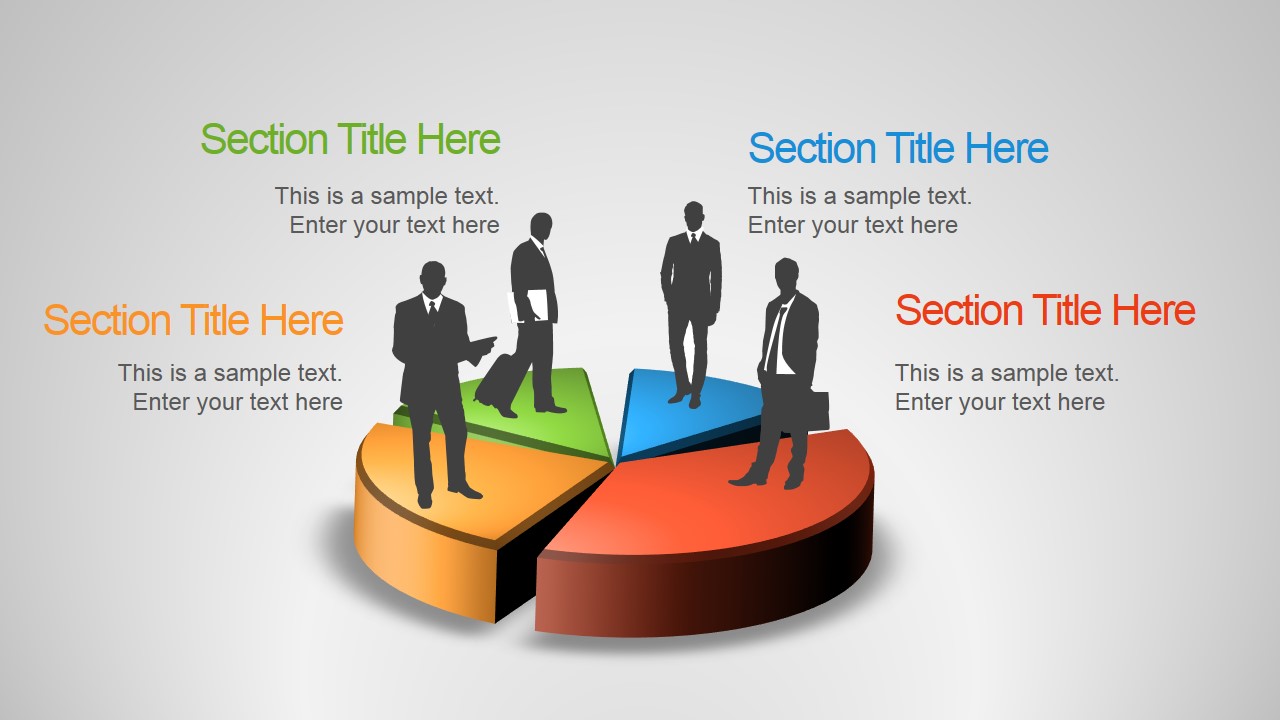
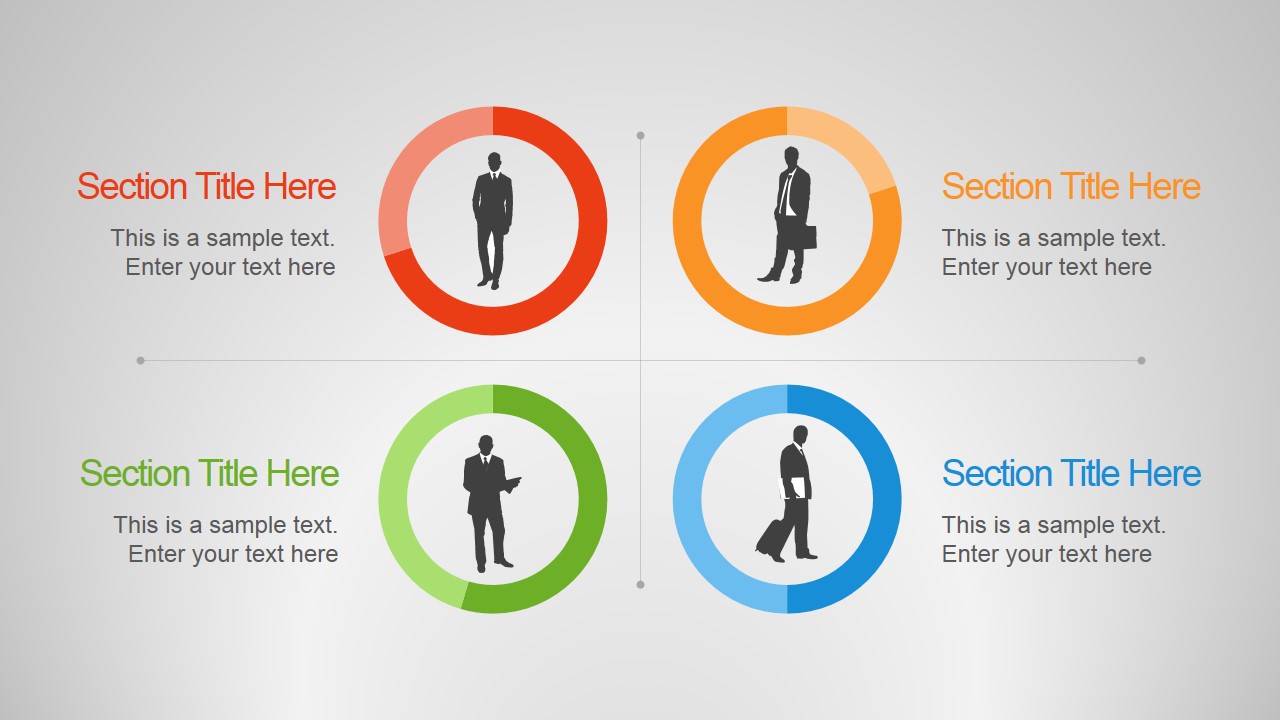
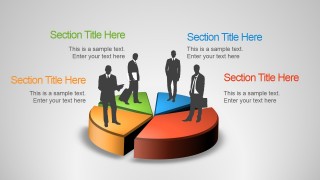
- A compensation committee presenter can use the profile matrix and circular status indicators to organize employee categories before discussing pay adjustments.
Features
- 100% editable presentation template
- Compatible with Microsoft PowerPoint and Google Slides
- 16:9 aspect ratio slides
- Scalable vector shapes, icons and illustrations
- AI-Ready for Microsoft Copilot and Claude
- Instant access and download
Frequently asked questions
Q: How should a presenter structure a performance review with this template?
A: Start with the performance cards to show the main comparison, then move to the 3D step diagram to explain skill progression or evaluation criteria. Use the profile matrix and percentage bar layouts for deeper comparisons. Keep each slide focused on one decision: recognize strength, identify a gap, or recommend a development action.
Q: Who is this template best suited for in an employee skills discussion?
A: This template fits HR managers, people operations teams, training leaders, and department heads who need to present employee status without a dense spreadsheet. The visible percentage cards, avatar comparisons, and circular indicators make it useful for talent reviews, training progress meetings, compensation planning, and team capability summaries.
Q: Why do the 3D blocks, steps, and circular indicators work for skills communication?
A: The 3D blocks create a ranking metaphor, so the audience can see relative performance quickly. The staircase layout implies development stages, while the circular indicators frame skills as status checkpoints. Together, these metaphors help translate performance categories into visuals that are easier to discuss in review meetings.

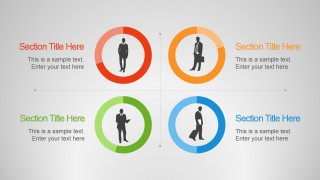
Employee Skills PowerPoint Template
8-slide employee skills presentation template with performance cards, competency bars, and profile comparison layouts
The Employee Skills PowerPoint Template is an 8-slide presentation template for HR and performance management. Visible layouts include employee performance cards, 3D step levels, a four-person profile matrix, and percentage bar comparison. It supports Microsoft PowerPoint and Google Slides for employee review and skills status presentations.
- Category
- Template Backgrounds
- Rating


 Loading...
- Aspect ratio
- 16:9
- Item ID
- 4132-01
- Colors
 Microsoft PowerPoint
  Microsoft Copilot
  Claude for PowerPoint
 Other formats supported
Subscribe today and get immediate
access to download our PowerPoint templates.