Slide 3 of 5 from Editable 3D Graph Infographic for PowerPoint
Colored Circle Workflow PowerPoint Diagram
Editable 3D Graph Infographic for PowerPoint
- Diagram
- Other
- Process Slide
- 16:9
- 100% Editable
What’s on This Slide
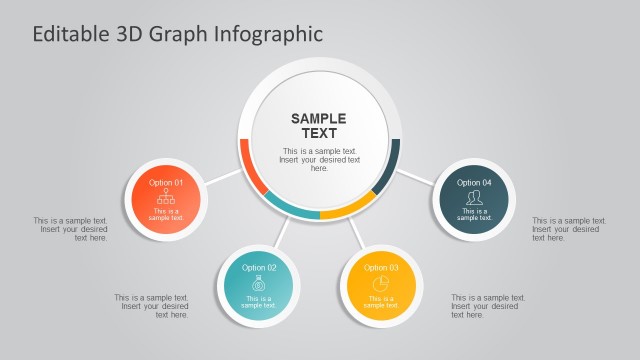
The layout features a central circular node labeled 'Sample Text' surrounded by four circular nodes labeled 'Option 01', 'Option 02', 'Option 03', and 'Option 04'. Each node contains a text placeholder for additional information. Connecting lines extend from the central node to each option node, indicating a flow of information. The nodes vary in color, with the second option highlighted in teal. Text placeholders are centrally aligned within each node, and the overall background is a light gray gradient, providing a neutral backdrop for the elements.
How to Use It
This layout serves as a process diagram, illustrating a central concept with related options branching out. It fits well in a presentation sequence after introducing a problem or concept, leading into a detailed discussion of solutions or steps. Ideal for business scenarios such as project planning, strategy discussions, or workflow presentations, it effectively organizes information visually. The structure allows for clear communication of multiple options or steps related to a central theme, enhancing audience understanding.
Text Placeholders & Capacity
Keep your copy within these limits so it fits without resizing. Node body slots can hold about 10 words each, while the title can accommodate 5-6 words.
| Placeholder | Count | Max characters (approx.) |
|---|---|---|
| Item heading | 4 | 20 |
| Item body | 4 | 50 |
| Body paragraph | 1 | 100 |
| Slide title | 1 | 30 |
Slide Keywords
Download unlimited PowerPoint templates, charts and graphics for your presentations with our annual plan.
DOWNLOADReturn to Editable 3D Graph Infographic for PowerPoint.