Slide 4 of 5 from Editable 3D Graph Infographic for PowerPoint
4-Options Infographic Slide Presentation
3D Process Diagram with Options for Presentations
- Diagram
- Process Flow
- Process Slide
- 16:9
- 100% Editable
What’s on This Slide
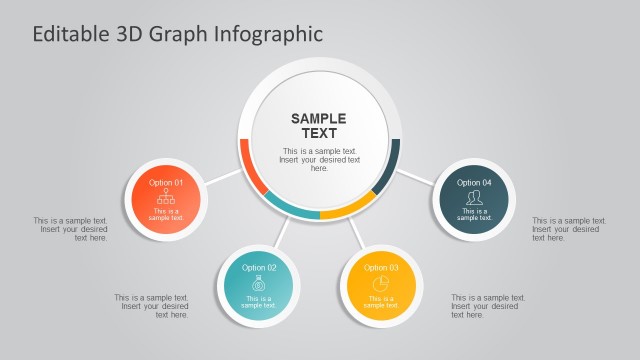
The layout features a central circular node labeled 'SAMPLE TEXT' surrounded by four equally sized circular nodes labeled 'Option 01', 'Option 02', 'Option 03', and 'Option 04'. Each option node contains a placeholder for text, with the node for 'Option 03' highlighted in yellow. Connecting lines extend from the central node to each option node, indicating a flow of information. The background is a light gray, providing contrast to the white and yellow elements. Text placeholders are centrally aligned within each node.
How to Use It
This layout serves as a process diagram, showcasing four options stemming from a central concept. It fits well in presentations that require a visual representation of choices or steps in a workflow. Ideal for business scenarios such as decision-making processes, project planning, or outlining strategic options. It can be used to present alternatives in a clear and engaging manner, making it suitable for both team discussions and client presentations.
Text Placeholders & Capacity
Keep your copy within these limits so it fits without resizing. Node labels can hold about 20 characters each, while body text can accommodate around 50 characters.
| Placeholder | Count | Max characters (approx.) |
|---|---|---|
| Item heading | 4 | 20 |
| Item body | 4 | 50 |
| Body paragraph | 1 | 100 |
| Slide title | 1 | 30 |
Slide Keywords
Download unlimited PowerPoint templates, charts and graphics for your presentations with our annual plan.
DOWNLOADReturn to Editable 3D Graph Infographic for PowerPoint.