Slide 6 of 11 from Document Management PowerPoint Icons
Bin Shape for Deleting Files in PowerPoint
Document Management Icons for Presentations
- Media Layout
- Other
- Concept Explanation Slide
- 16:9
- 100% Editable
The Document Management Icons slide from the Document Management PowerPoint Icons template offers a clear visual aid for explaining document workflows and file organization tools. Featuring editable shapes and vector icons, this layout supports business presentations and pitch deck templates focused on software features and document management concepts.
What’s on This Slide
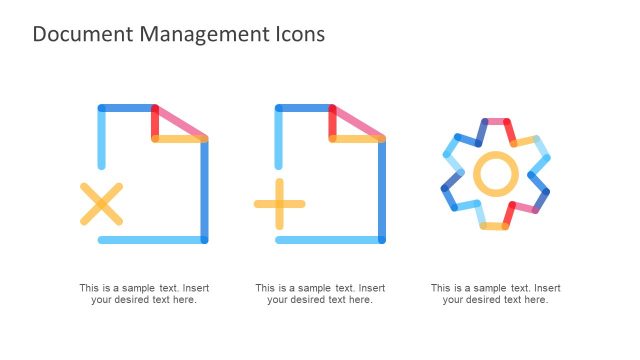
The layout features two icons positioned side by side. On the left, a stylized wastebasket icon is depicted with vertical lines in yellow and pink, and a blue outline. On the right, a globe icon is shown with intersecting lines in red, blue, and pink, creating a segmented appearance. Below each icon are text placeholders aligned centrally, indicating where descriptive text can be inserted. The overall composition is balanced, with a clean white background enhancing the visibility of the icons and text.
How to Use It
This layout serves as a visual representation of document management concepts, ideal for illustrating key points in presentations. It fits well in a sequence discussing document workflows or systems. Business scenarios include showcasing tools for file organization or presenting software features related to document management. The icons can be used to emphasize specific functionalities or benefits in a presentation context.
Text Placeholders & Capacity
Keep your copy within these limits so it fits without resizing. Text slots can accommodate roughly 6-8 words each.
| Placeholder | Count | Max characters (approx.) |
|---|---|---|
| Item body | 2 | 40 |
Slide Keywords
Download unlimited PowerPoint templates, charts and graphics for your presentations with our annual plan.
DOWNLOADReturn to Document Management PowerPoint Icons.