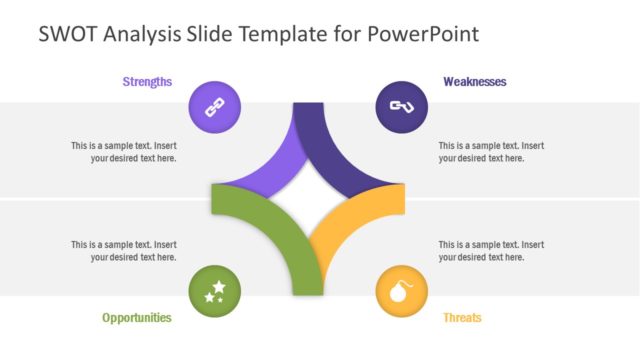
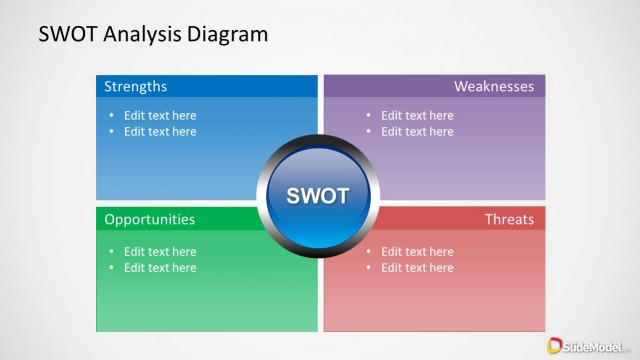
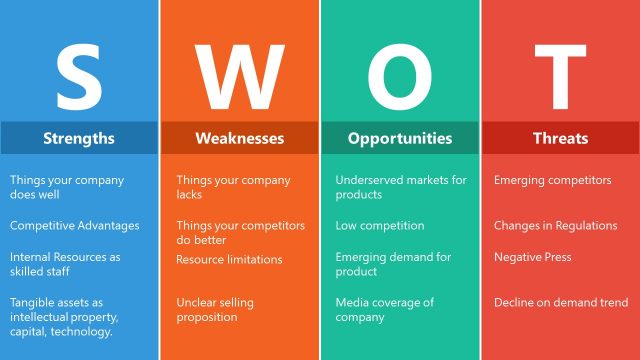
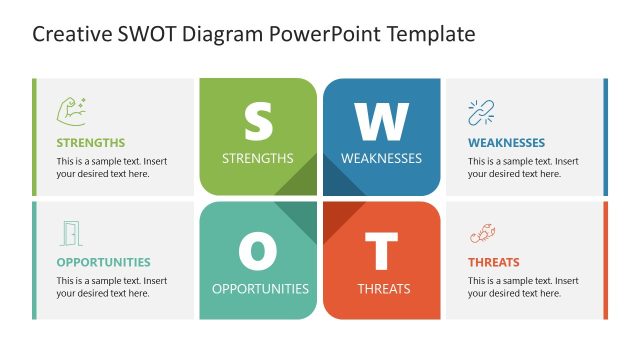
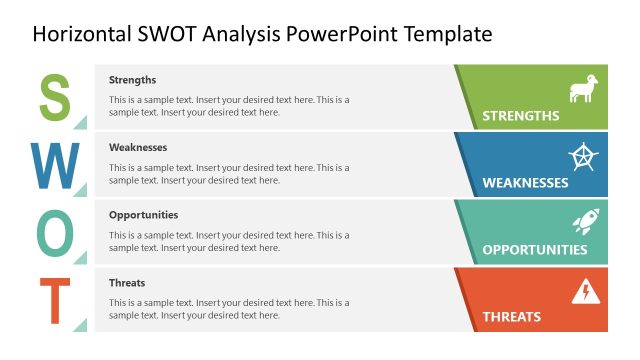
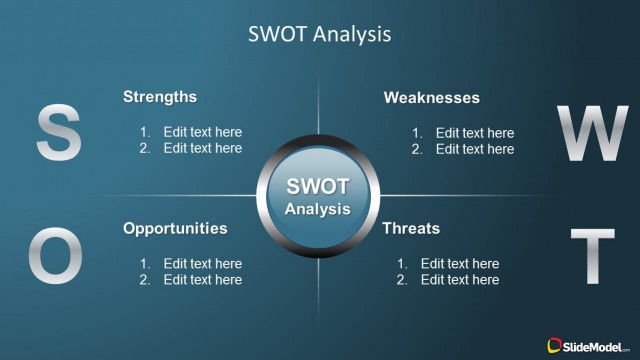
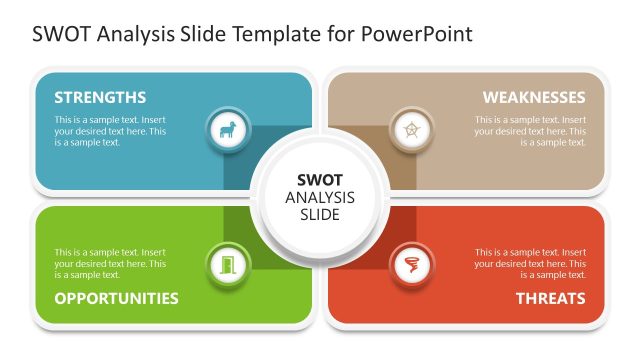
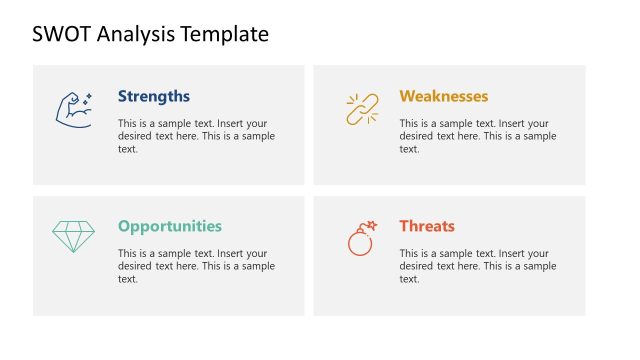
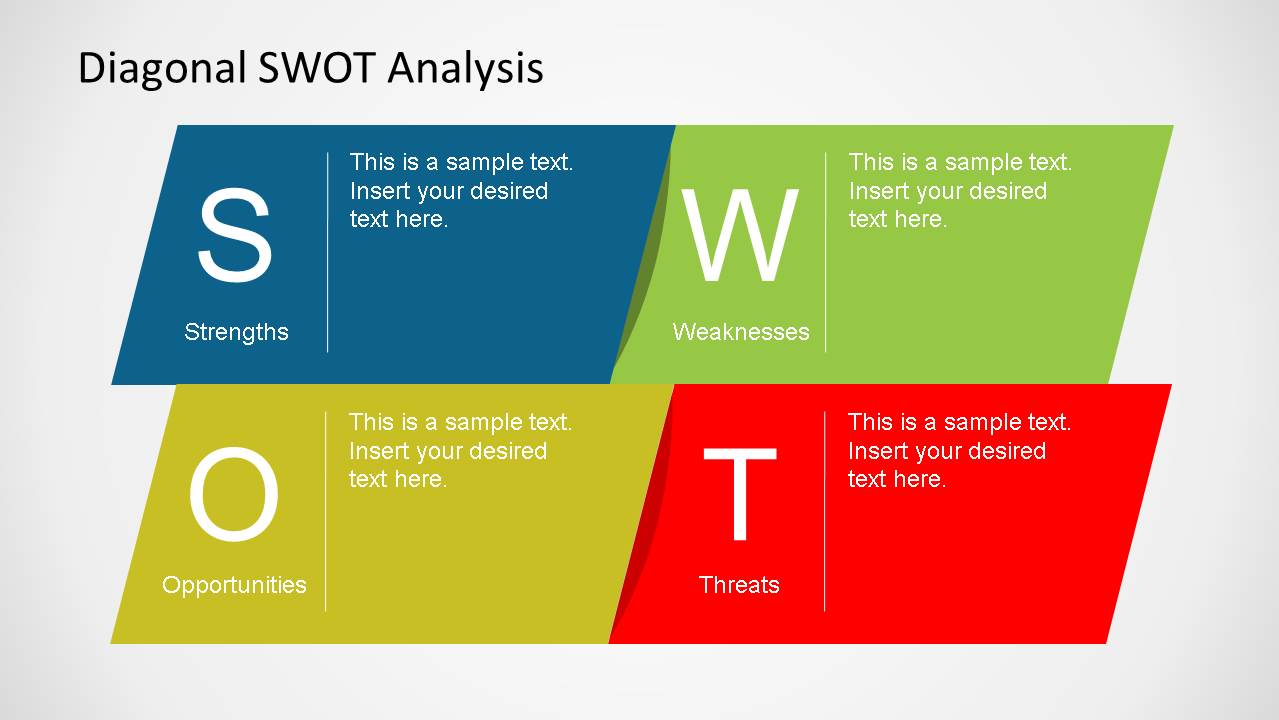
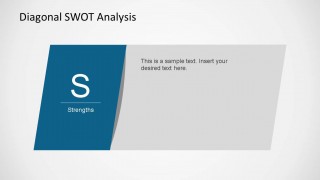
Diagonal SWOT Analysis PowerPoint Slide Designs provides a simple presentation with the 4 SWOT areas in a creative layout. The presentation is divided in a summary slide with the SWOT diagram complete and 1 slide per SWOT area.
Ideal for business presentations or risks management sessions, this design will engage your audience and keep the eyes on important information. Alternatively you can download other SWOT PowerPoint templates and slide designs for presentations where you need to describe Strengths, Weaknesses, Opportunities and Threats.
What’s inside this template
Example presentation scenarios
- A strategy consultant can use the four-quadrant SWOT summary to align executives on the main internal and external factors before recommending strategic priorities.
- A marketing manager can use the Opportunities and Threats focus slides to explain market openings, competitive pressure, and campaign risks during a marketing plan review.
- A product manager can use the Strengths and Weaknesses focus slides to compare product capabilities, customer pain points, and internal gaps before a roadmap discussion.
- A department head can use the summary slide and four follow-up panels to facilitate a planning workshop where participants add or refine SWOT inputs.
Features
- 100% editable presentation template
- Compatible with Microsoft PowerPoint and Google Slides
- 16:9 aspect ratio slides
- Scalable vector shapes, icons and illustrations
- AI-Ready for Microsoft Copilot and Claude
- Instant access and download
Frequently asked questions
Q: How should a presenter structure a short SWOT discussion with this template?
A: Start with the full diagonal SWOT summary to give the audience the complete strategic picture. Then move through Strengths, Weaknesses, Opportunities, and Threats one at a time. Keep each focus slide limited to the most important points, so the discussion leads naturally from observation to priorities.
Q: Who is this SWOT template best suited for?
A: This template fits presenters who need to explain a business situation quickly, such as consultants, marketing leaders, product managers, or department heads. It works best when the goal is to compare internal conditions with external market forces, not to show a long strategic plan or detailed financial analysis.
Q: Why does the diagonal layout help communicate SWOT findings?
A: The angled blocks make each SWOT category feel connected while still visually separate. Color coding supports quick recognition: blue for Strengths, green for Weaknesses, yellow for Opportunities, and red for Threats. The single-topic follow-up slides reduce density and help the audience focus on one type of insight at a time.


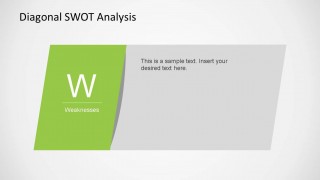
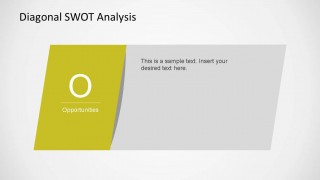
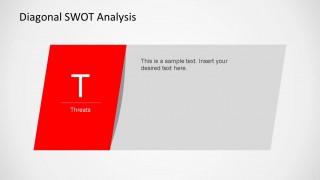
Diagonal SWOT Analysis PowerPoint Slide Designs
5-slide SWOT presentation template with diagonal quadrants for strengths, weaknesses, opportunities, and threats
Diagonal SWOT Analysis PowerPoint Slide Designs is a 5-slide strategy template for presenting SWOT findings in Microsoft PowerPoint and Google Slides. It includes a full four-quadrant SWOT summary, plus separate diagonal focus slides for Strengths, Weaknesses, Opportunities, and Threats for business, marketing, and management audiences.
- Category
- Strategy
- Rating


 Loading...
- Aspect ratio
- 16:9
- Item ID
- 6398-01
- Colors
 Microsoft PowerPoint
  Microsoft Copilot
  Claude for PowerPoint
 Other formats supported
Subscribe today and get immediate
access to download our PowerPoint templates.