Slide 6 of 15 from Business Process Outsourcing PowerPoint Template
Current State Vs Future State – Business Process Outsourcing Presentation Slide
Current vs Future State Comparison Slide
- Diagram
- Comparison Split
- Strategic Analysis Slide
- 16:9
- 100% Editable
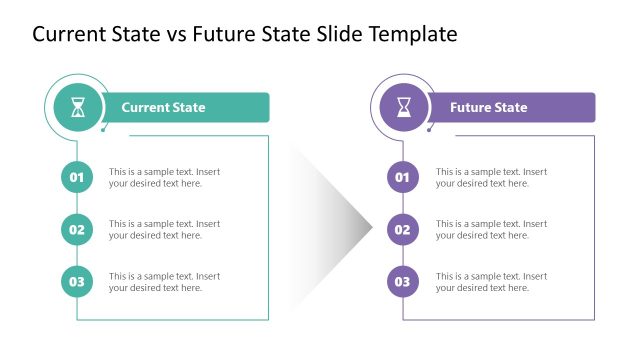
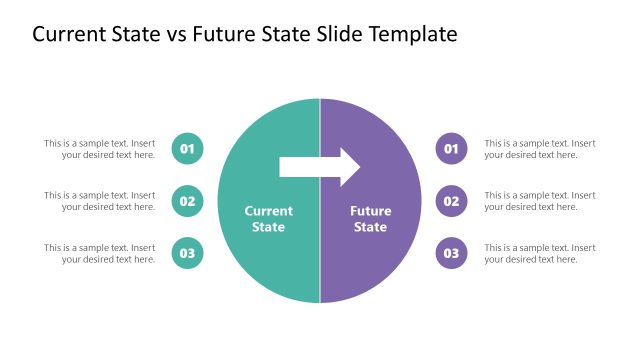
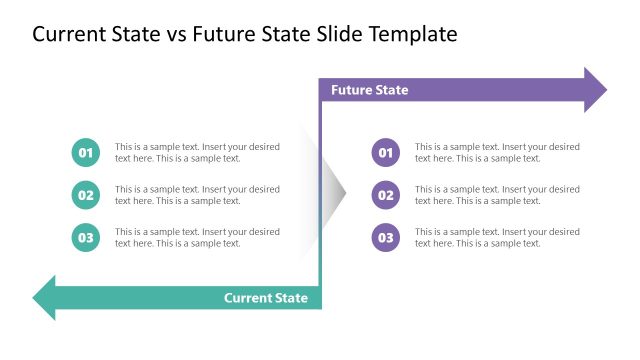
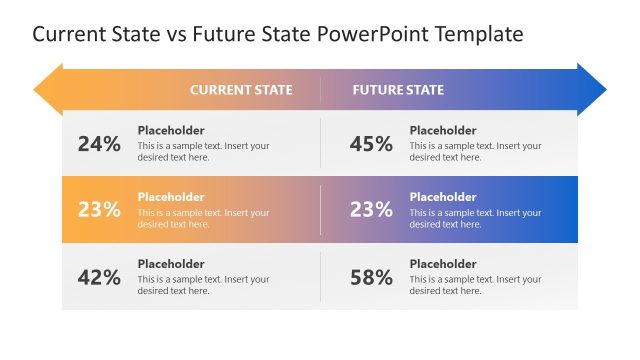
The Current vs Future State Comparison slide from the Business Process Outsourcing PowerPoint Template offers a clear visual framework for strategic analysis. This slide layout supports business presentations focused on process improvement and change management by using editable shapes and vector icons to highlight differences between current operations and future goals. It is an effective tool within slide decks aiming to communicate transitions and strategic planning outcomes.
What’s on This Slide
The layout features two sections labeled 'Current State' and 'Future State' positioned on the left and right sides, respectively. Each section contains four rectangular text placeholders aligned horizontally at the top, with a central circular placeholder below them. The circular placeholder connects to the top sections with arrows. The overall design employs a gradient color scheme, with the left section in light colors and the right section in darker shades. Text placeholders are centered within their respective shapes, indicating a clear visual hierarchy.
How to Use It
This layout serves as a comparative analysis tool, ideal for illustrating differences between current and future business states. It fits well in presentations discussing strategic planning, change management, or process improvement. Use this structure to visually represent transitions in business processes or organizational changes, making it suitable for stakeholders needing clarity on proposed changes or outcomes.
Text Placeholders & Capacity
Keep your copy within these limits so it fits without resizing. Node body slots can hold about 10 words each.
| Placeholder | Count | Max characters (approx.) |
|---|---|---|
| Slide title | 1 | 30 |
| Item heading | 8 | 30 |
| Item body | 5 | 50 |
Slide Keywords
Download unlimited PowerPoint templates, charts and graphics for your presentations with our annual plan.
DOWNLOAD