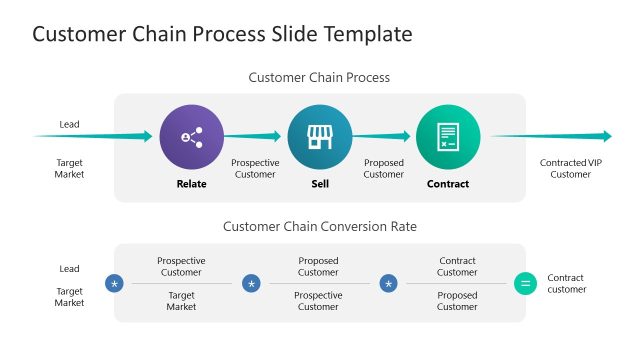
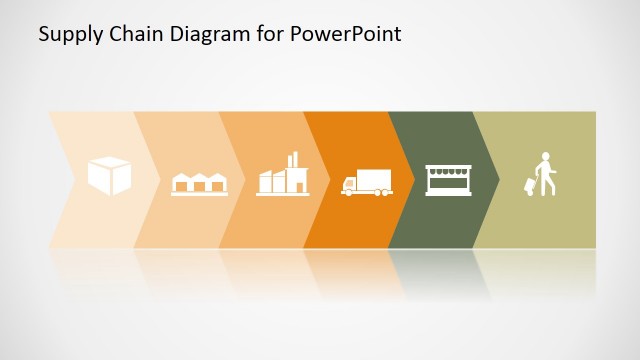
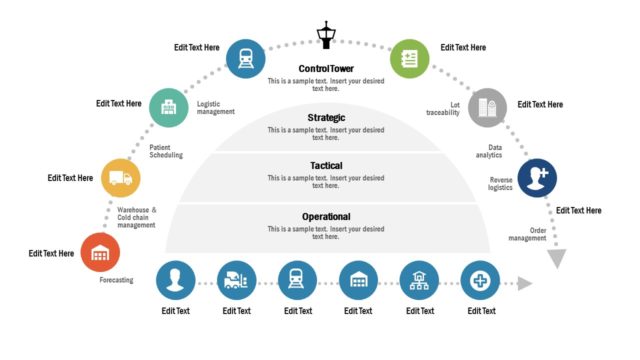
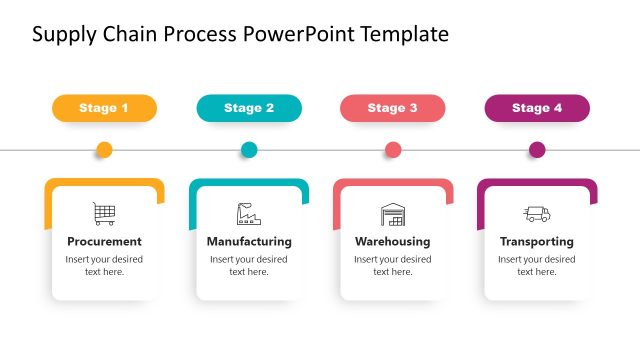
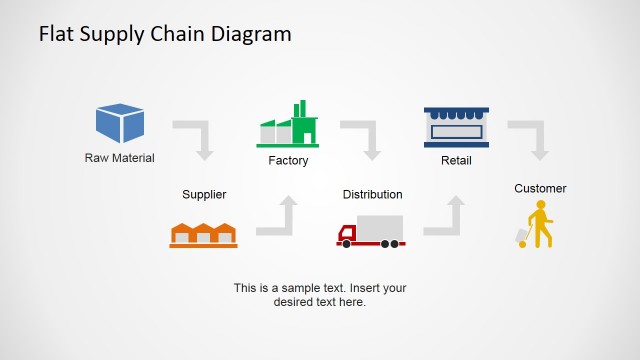
The Customer Chain Supply Chain Management PowerPoint Template is a creative diagram showing the operational chain processes and their interconnection. A supply chain is a long and highly coordinated process of converting raw materials into deliverable products to end users. Meanwhile, the customer chain defines the interaction with customers at various points of purchase and support. In both these chains, there are distinct stages. We have created two horizontal process diagrams indicating the phase of these processes. Professionals can use this template to discuss their business plans before stakeholders, brief the customer and supply chain checkpoints, and create strategic plans with team members. It can also be used for training on supply chain management and customer retention. This slide template is crafted with 100% editable PowerPoint shapes that can be customized according to the requirements.
This Customer Chain Supply Chain Management PowerPoint Template is a one-pager design in two background color options, i.e., white and black. The PowerPoint slide is divided into two segments, where the upper part shows an array of circular shapes carrying infographic icons that represent the stages of the supply chain process. This array begins with a chevron shape with a title and a symbol. Similarly, the other part of the slide has a horizontal diagram representing the customer chain process. A double arrow symbol is added between each stage to discuss the reverse process. Between the two diagrams, small double arrowheads indicate the connections between the customer and supply chain’s corresponding stages. Presenters can add their presentation text and titles for the steps of the chain processes. Users can change the color schemes, modify the background, or replace the graphical icons. This best PPT template can be edited with all PowerPoint versions, Google Slides, and Keynote. So, download and try it now for your strategy presentations!
What’s inside this template
Example presentation scenarios
- An operations manager can brief executives on supplier-to-customer dependencies by walking through the paired supplier chain and customer chain rows.
- A supply chain consultant can explain improvement opportunities to a client using the aligned stage icons, vertical connection arrows, and forward/backward process legend.
- A customer experience leader can connect purchase, delivery, support, and retention touchpoints to upstream operational stages with the lower customer chain diagram.
- A training facilitator can introduce supply chain management concepts by using the central relationship arrow and step labels to show how each process stage affects the other chain.
Features
- 100% editable presentation template
- Compatible with Microsoft PowerPoint and Google Slides
- 16:9 aspect ratio slides
- Scalable vector shapes, icons and illustrations
- AI-Ready for Microsoft Copilot and Claude
- Instant access and download
Frequently asked questions
Q: How should a presenter explain the two chains without overcrowding the slide?
A: Start with the supplier chain row, then move to the customer chain row, and finally explain the vertical arrows that connect related stages. Keep each editable label to a short phrase such as procurement, delivery, support, or feedback. The diagram works best when it frames relationships and handoffs, not when every operational detail is placed on the slide.
Q: Who is this template best suited for in a business presentation?
A: This template fits presenters who need to show how upstream supply activities affect downstream customer experience. Operations managers, logistics teams, customer experience leads, and consultants can use it for stakeholder briefings, process alignment meetings, and training sessions where a single visual must connect internal stages with customer-facing outcomes.
Q: Why does the design use two parallel chains and bidirectional arrows?
A: The parallel rows make the supplier chain and customer chain easy to compare stage by stage. Bidirectional arrows and the forward/backward legend signal that business processes are not always linear; feedback, returns, support, and demand signals can move backward through the chain. This visual metaphor helps audiences see the system as connected.


Customer Chain Supply Chain Management PowerPoint Template
2-slide presentation template for supplier chain and customer chain process mapping in 16:9 format
The Customer Chain Supply Chain Management PowerPoint Template is a 2-slide diagram set for comparing supplier and customer chain stages. It shows paired horizontal process diagrams, bidirectional arrow connectors, a central relationship arrow, and a forward/backward process legend for operations, strategy, or training presentations in Microsoft PowerPoint and Google Slides.
- Category
- Business PowerPoint Templates
- Rating

 Loading...
- Aspect ratio
- 16:9
- Item ID
- 21893-01
- Colors
 Microsoft PowerPoint
 Microsoft Copilot
 Claude for PowerPoint
Other formats supported
Subscribe today and get immediate
access to download our PowerPoint templates.