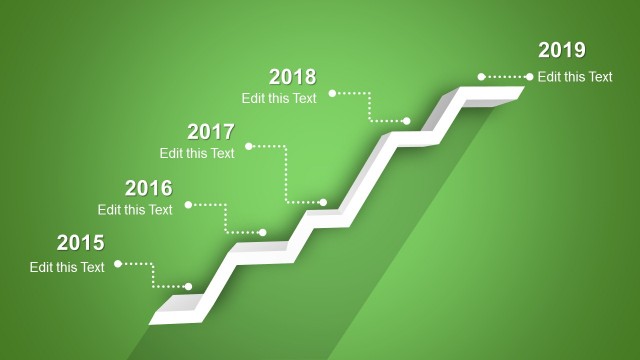
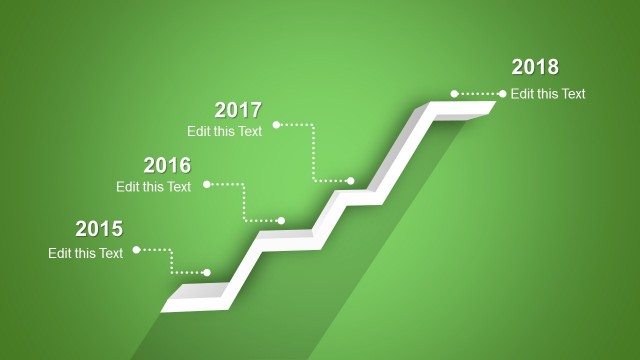
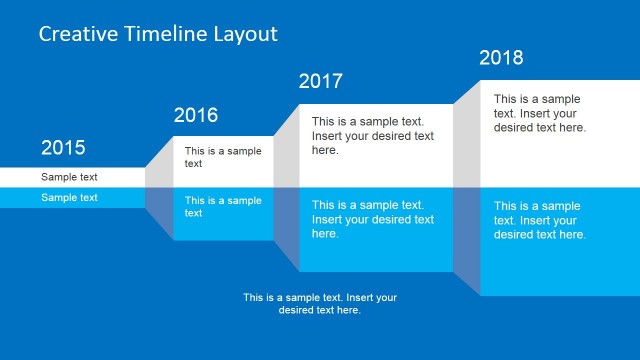
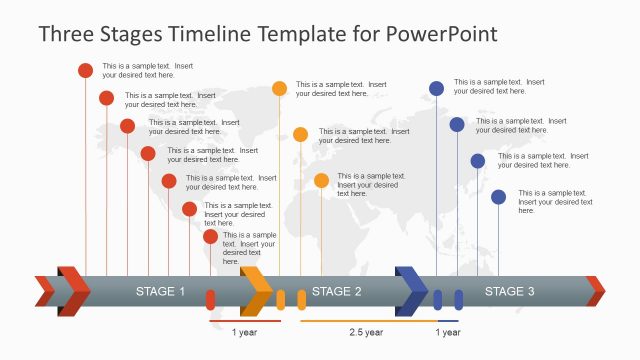
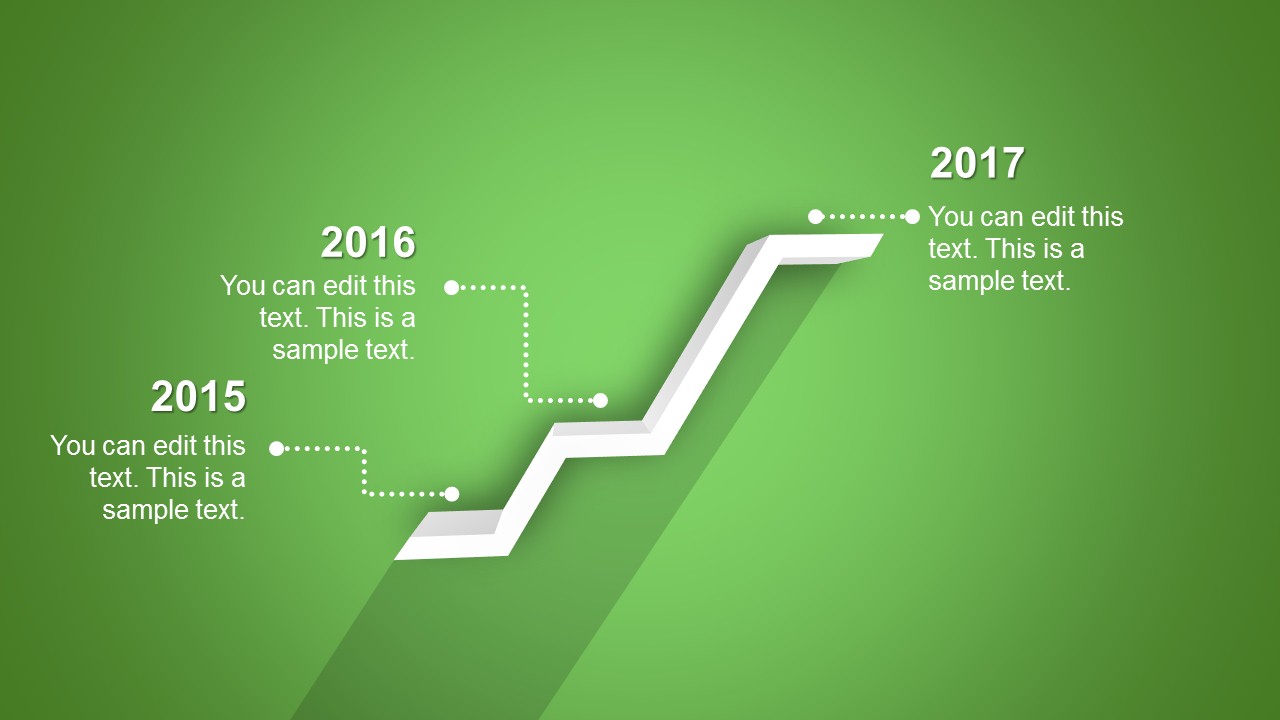
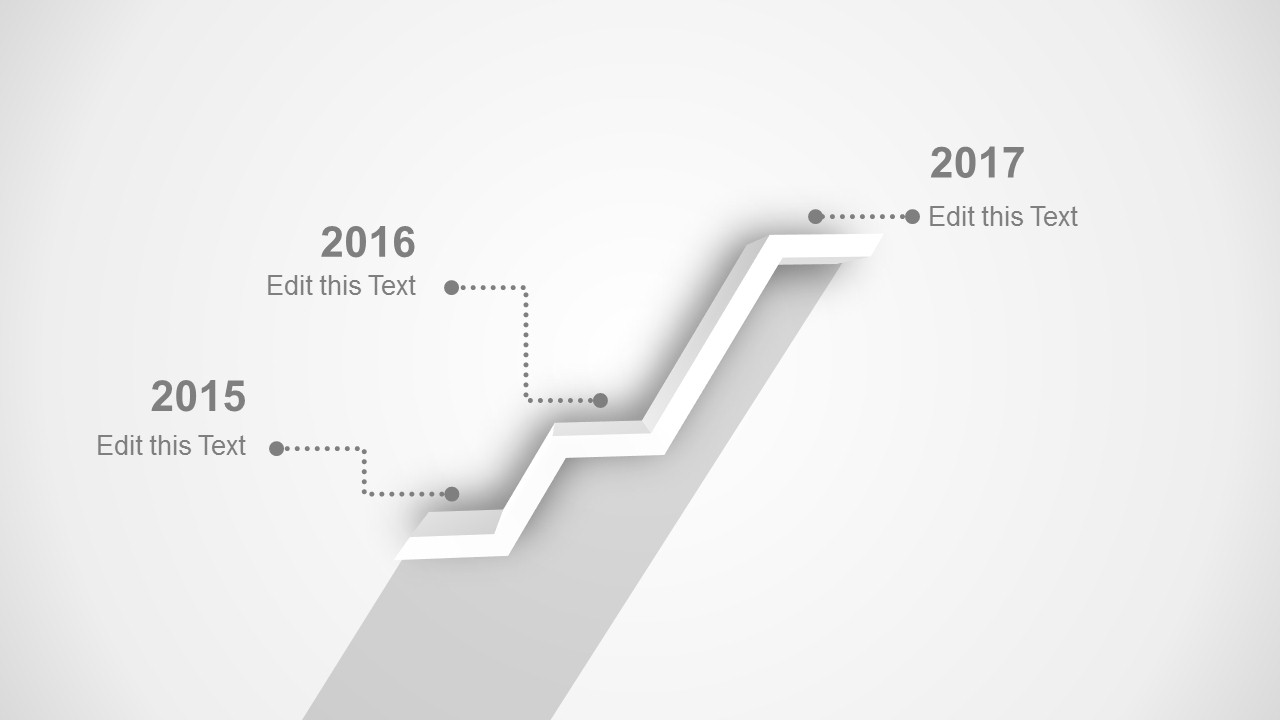
Creative Shelf Timeline Template for PowerPoint is a creative timeline design containing three stages that you can use to represent the timeline milestones as a shelf design. This creative PowerPoint template timeline contains several slide background colors that you can use to create modern presentations using Microsoft PowerPoint.
Alternatively you can download other great timeline templates and timeline makers for PowerPoint presentations including awesome roadmap presentation designs and slide designs for project management and business plans.
Other variants of this timeline template can be found here:
What’s inside this template
Example presentation scenarios
- A project manager can use the 3-step shelf timeline to brief executives on three delivery milestones and keep the focus on dates, status notes, and next actions.
- A product manager can present a release roadmap by replacing the year labels with launch phases and using the dotted callouts for feature notes or dependencies.
- A consultant can use the grayscale or blue version to explain a client's transformation path, with each shelf level representing a completed phase, current step, and upcoming milestone.
- A startup founder can summarize early company progress in an investor update by mapping traction, product launch, and market expansion to the three editable milestone callouts.
Features
- 100% editable presentation template
- Compatible with Microsoft PowerPoint and Google Slides
- 16:9 aspect ratio slides
- Scalable vector shapes, icons and illustrations
- AI-Ready for Microsoft Copilot and Claude
- Instant access and download
Frequently asked questions
Q: How should a presenter structure the message around the three shelf milestones?
A: Treat each shelf level as one completed or upcoming decision point, not as a place for dense notes. Use the year labels or phase names as anchors, then keep each dotted callout to one outcome, risk, or proof point. The rising diagonal already suggests progress, so the narration should explain why each step matters.
Q: Who is this timeline best suited for in a business presentation?
A: This template works best for presenters who need to explain a simple three-stage progression to stakeholders, clients, or leadership. Project managers, product leads, and consultants can use it for milestone reviews, release overviews, or roadmap summaries where the audience needs the sequence more than operational detail.
Q: Why does the shelf metaphor help communicate a timeline?
A: The shelf shape turns the timeline into a visible climb, which makes progress feel directional without adding complex chart elements. The 3D ledges separate the three milestones, while the dotted callouts keep explanatory text outside the main path. This helps the audience read sequence first and details second.





Creative Shelf Timeline Template for PowerPoint
4-slide presentation template with 3-step shelf timeline, milestone callouts, and roadmap color variants
The Creative Shelf Timeline Template for PowerPoint is a 4-slide timeline diagram template for showing three dated milestones on a raised shelf path. Visible layouts include a 3-step shelf timeline, dotted milestone callouts, year labels, and color-variant backgrounds. It is built for project, roadmap, and planning presentations in Microsoft PowerPoint and Google Slides.
- Category
- Timelines & Planning
- Rating


 Loading...
- Aspect ratio
- 16:9
- Item ID
- 2001-01
- Colors
 Microsoft PowerPoint
  Microsoft Copilot
  Claude for PowerPoint
 Other formats supported
Subscribe today and get immediate
access to download our PowerPoint templates.