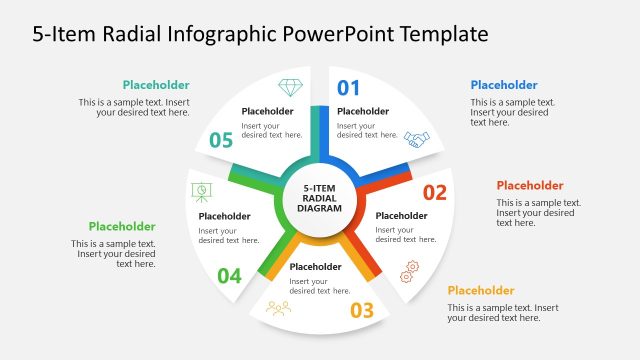
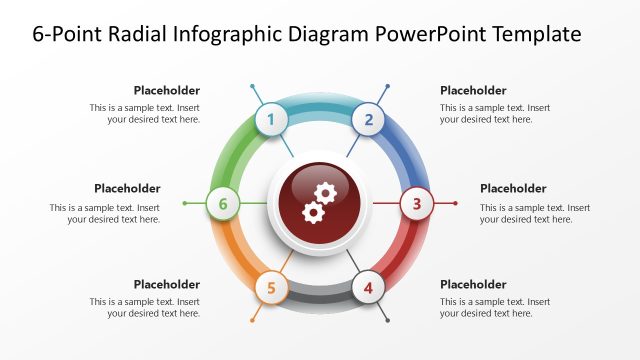
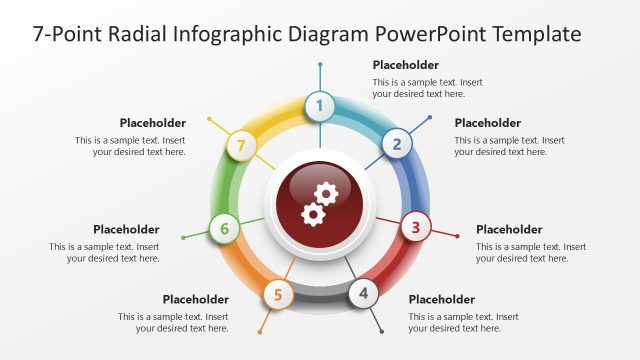
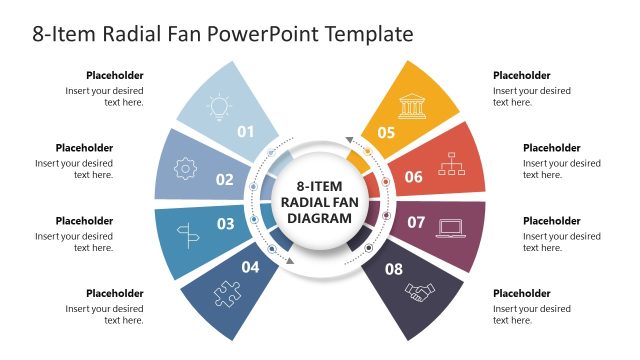
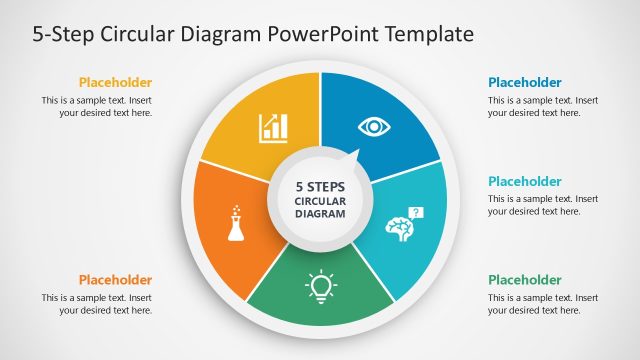
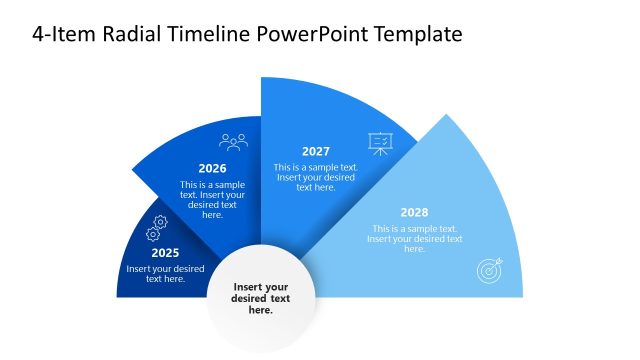
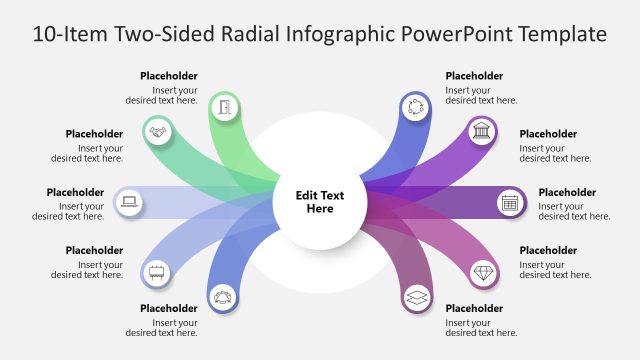
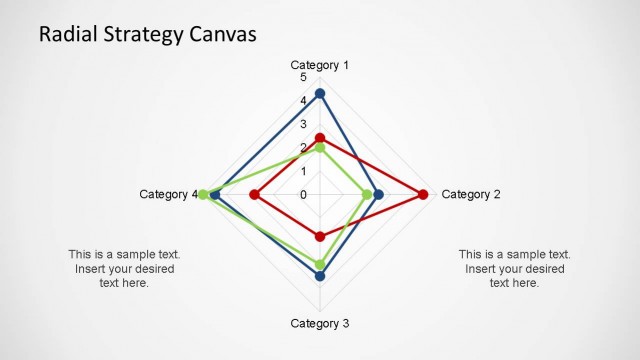
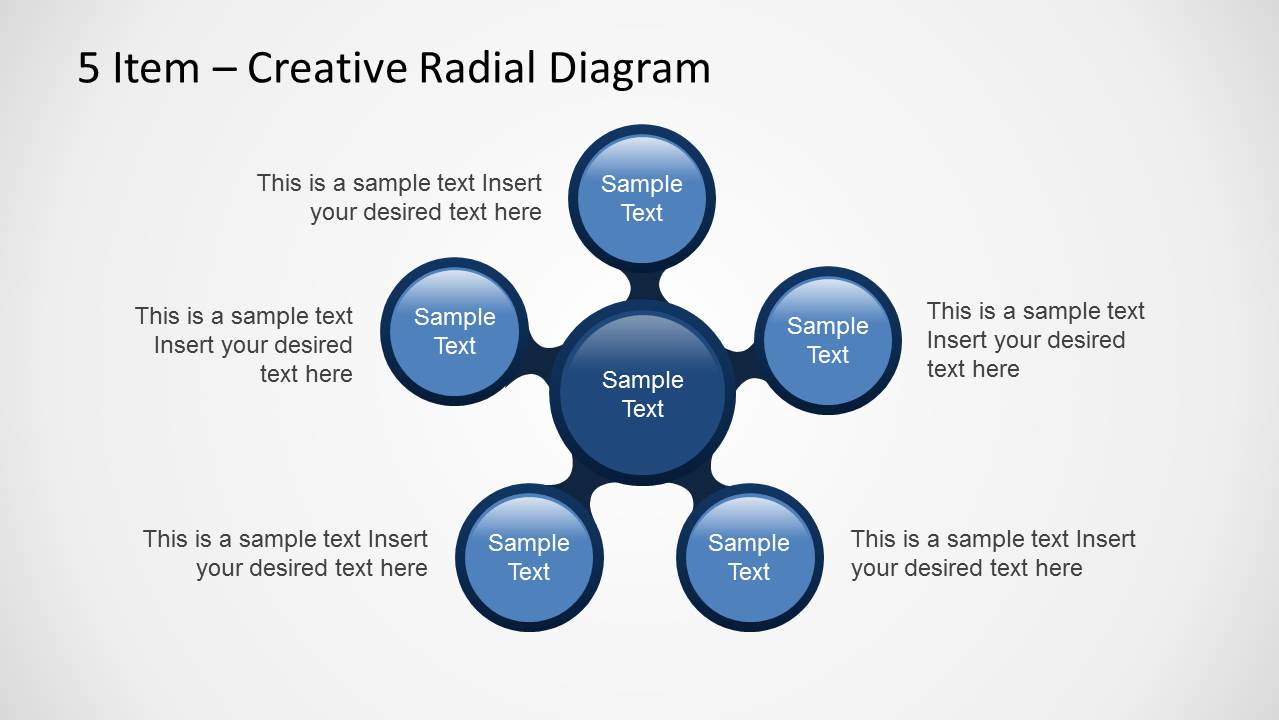
The 5-Item Creative Radial Diagram PowerPoint Template is a modern visualization tool designed to present a central idea supported by five related components. Built with clean shapes and a glossy radial style, this radial PPT template helps presenters communicate complex relationships in a simple and visually engaging layout.
Ideal for strategy presentations, business planning, product overviews, and process explanations, the radial diagram places the main concept at the center while the surrounding circular nodes highlight key elements, features, or pillars. This structure is perfect for showcasing one-to-many relationships, strategic frameworks, organizational components, or value proposition breakdowns.
Each element of the diagram is fully editable. You can customize colors, resize shapes, replace text, or integrate your brand guidelines to match the rest of your presentation. The layout works seamlessly in PowerPoint, Google Slides, Canva and Keynote, giving you flexibility across platforms.
Whether you are presenting strategic pillars, summarizing a business model, outlining project workstreams, or highlighting service benefits, this radial diagram offers a clear and persuasive way to visualize your message and enhance audience understanding.
You can download this radial infographic diagram slide for presentations today. Alternatively, download other radial diagrams and Microsoft slides ready for business presentations.
What’s inside this template
Example presentation scenarios
- A strategy consultant can use the radial diagram to present five strategic pillars around a central business goal and add supporting text around each spoke.
- A product manager can use the side callout panel layouts to connect five product features to a core value proposition while keeping explanations close to the visual model.
- A project lead can use the five connected nodes to show five workstreams, then use the rectangular text panels to describe owners, priorities, or expected outcomes.
- A marketing presenter can use the centered radial layout to summarize five audience benefits around a campaign message and make the relationship between each benefit clear.
Features
- 100% editable presentation template
- Compatible with Microsoft PowerPoint and Google Slides
- 16:9 aspect ratio slides
- Scalable vector shapes, icons and illustrations
- AI-Ready for Microsoft Copilot and Claude
- Instant access and download
Frequently asked questions
Q: How should I structure the message on the five-item radial diagram?
A: Start by writing the central idea as a short noun phrase, such as a strategy, product, service, or initiative. Then make each outer circle one parallel category, not a full sentence. Use the surrounding notes or side panels for explanation, proof, or examples so the radial shape stays easy to read.
Q: Who is this template best suited for?
A: This template fits consultants, managers, product leads, and marketing teams who need to explain a one-to-five relationship without building a full report deck. It works well for strategic pillars, service benefits, product components, or project workstreams where the audience must see how five parts connect to one central point.
Q: Why use a radial diagram instead of a simple list?
A: The radial layout turns a flat list into a relationship map. The center circle signals the main idea, while the five surrounding nodes show equal supporting parts. This metaphor helps audiences understand that each item belongs to the same system rather than reading the content as a ranked sequence.


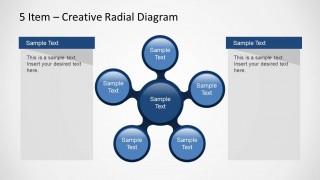
Creative Radial Diagram for PowerPoint with 5 Items
3-slide presentation template with a five-item radial diagram and callout panels for strategy maps
Creative Radial Diagram for PowerPoint with 5 Items is a 3-slide diagram template for showing one central concept connected to five related items. The deck includes a standalone hub-and-spoke radial diagram, a version with surrounding text notes, and versions with side callout panels for business, strategy, or process explanations in PowerPoint and Google Slides.
- Category
- Diagrams
- Rating


 Loading...
- Aspect ratio
- 16:9
- Item ID
- 6362-01
- Colors
 Microsoft PowerPoint
  Microsoft Copilot
  Claude for PowerPoint
 Other formats supported
Subscribe today and get immediate
access to download our PowerPoint templates.