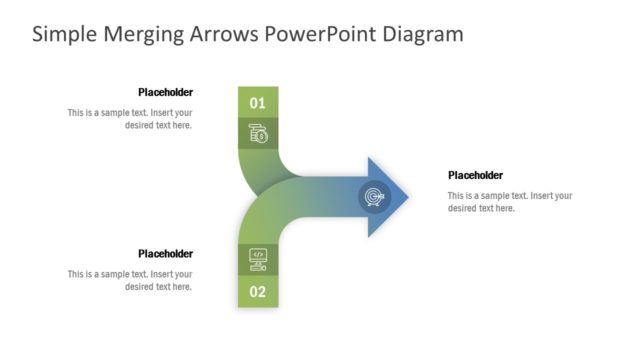
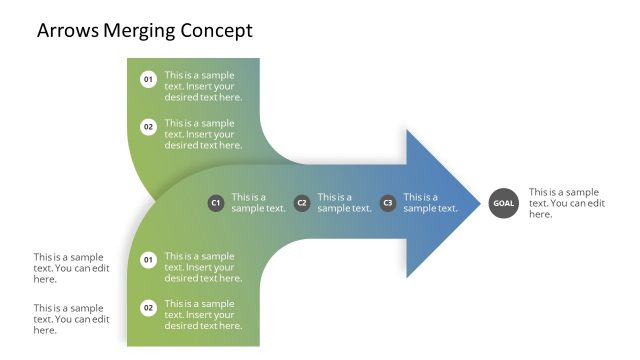
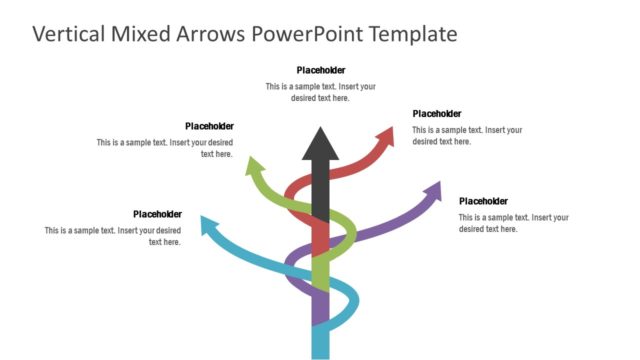
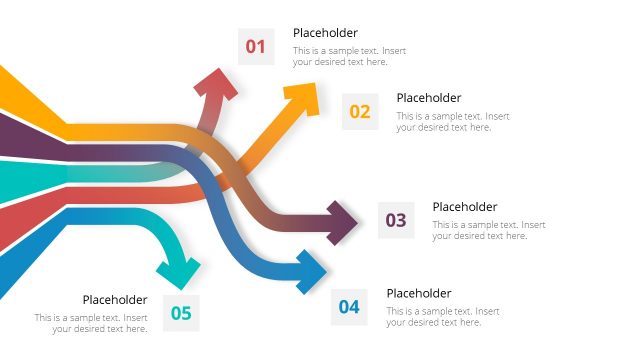
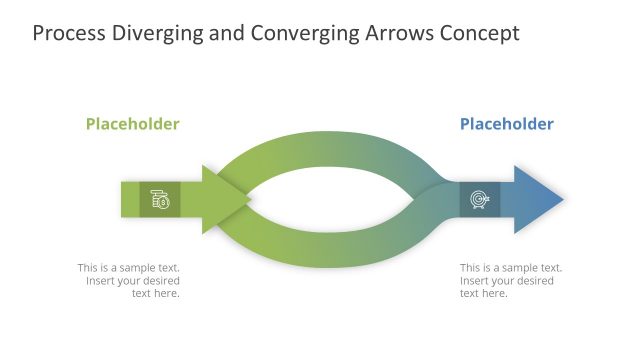
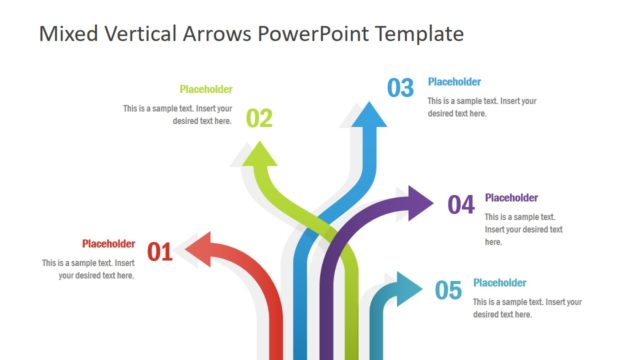
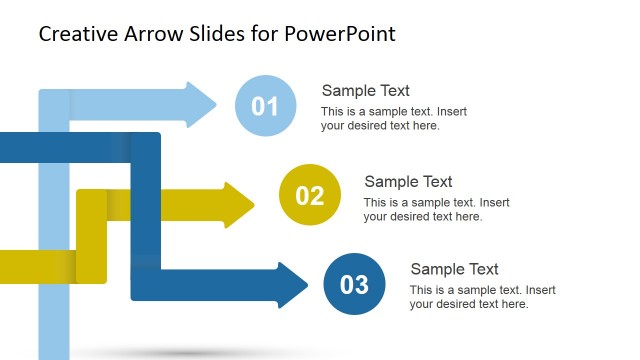
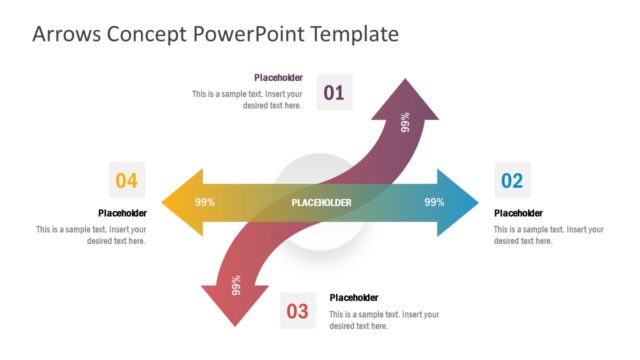
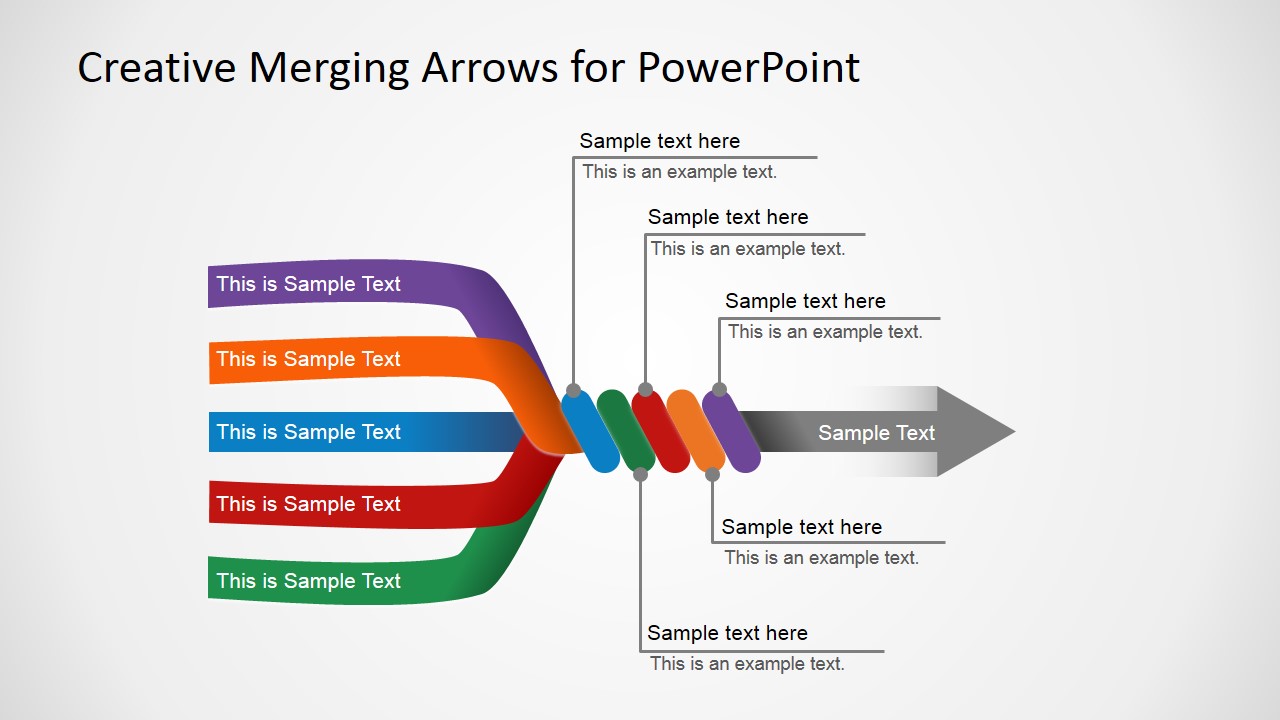
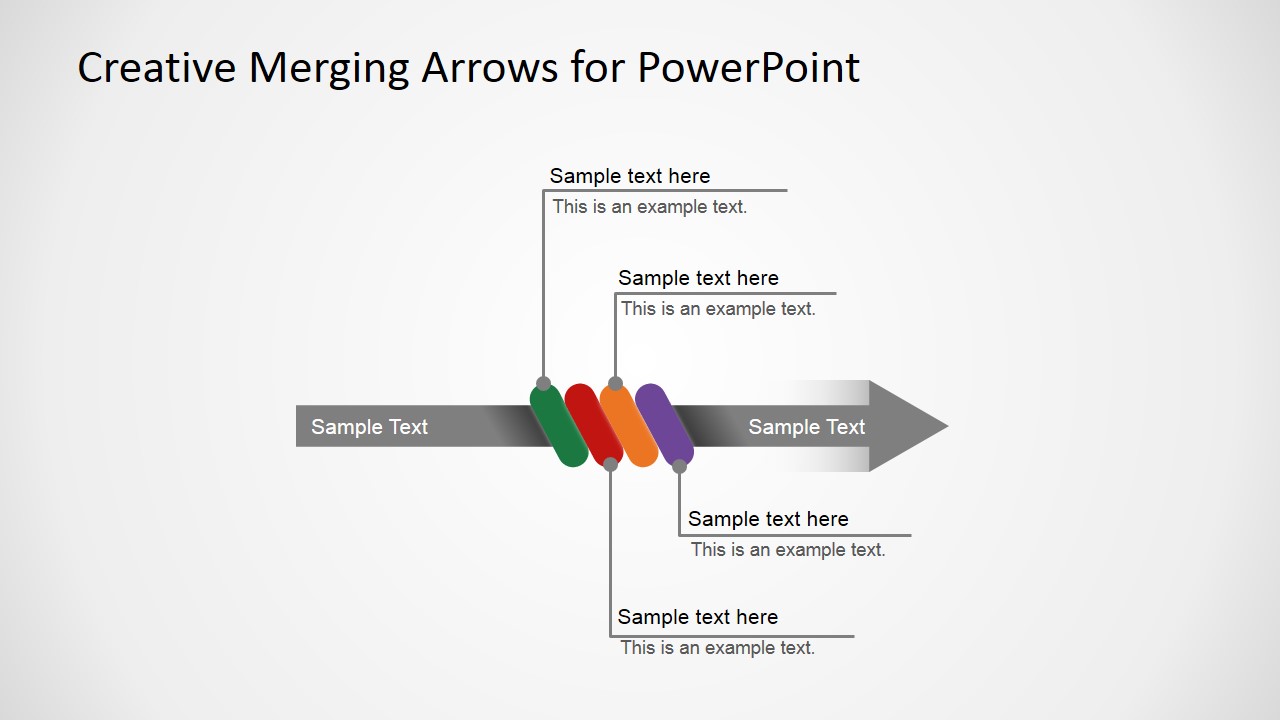
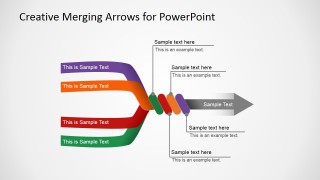
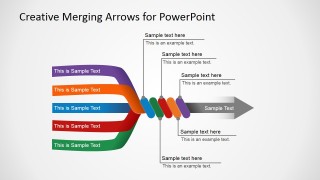
Creative Merging Arrows for PowerPoint is a presentation design containing converging arrows that you can use to explain a process with multiple inputs and one single output.
Inside this presentation template with merging arrows diagram you can find variants of converging arrows including the following:
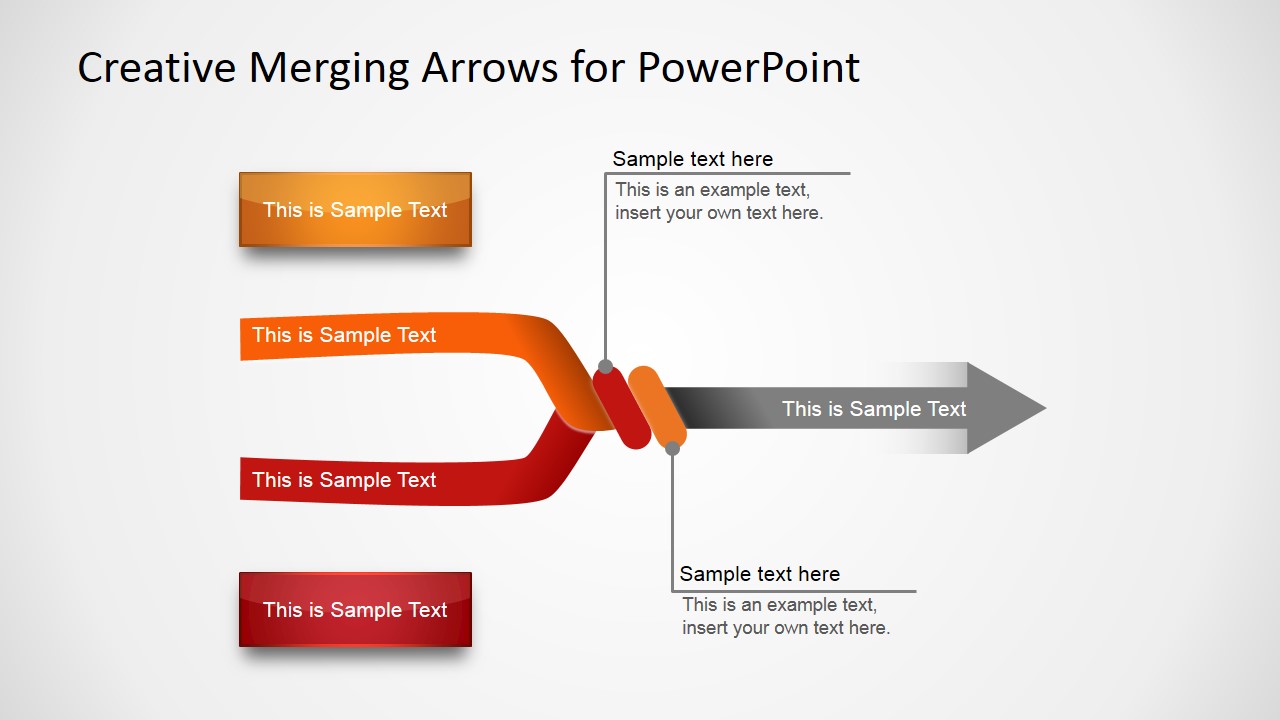
- 2 Arrows Converging into 1 Arrow
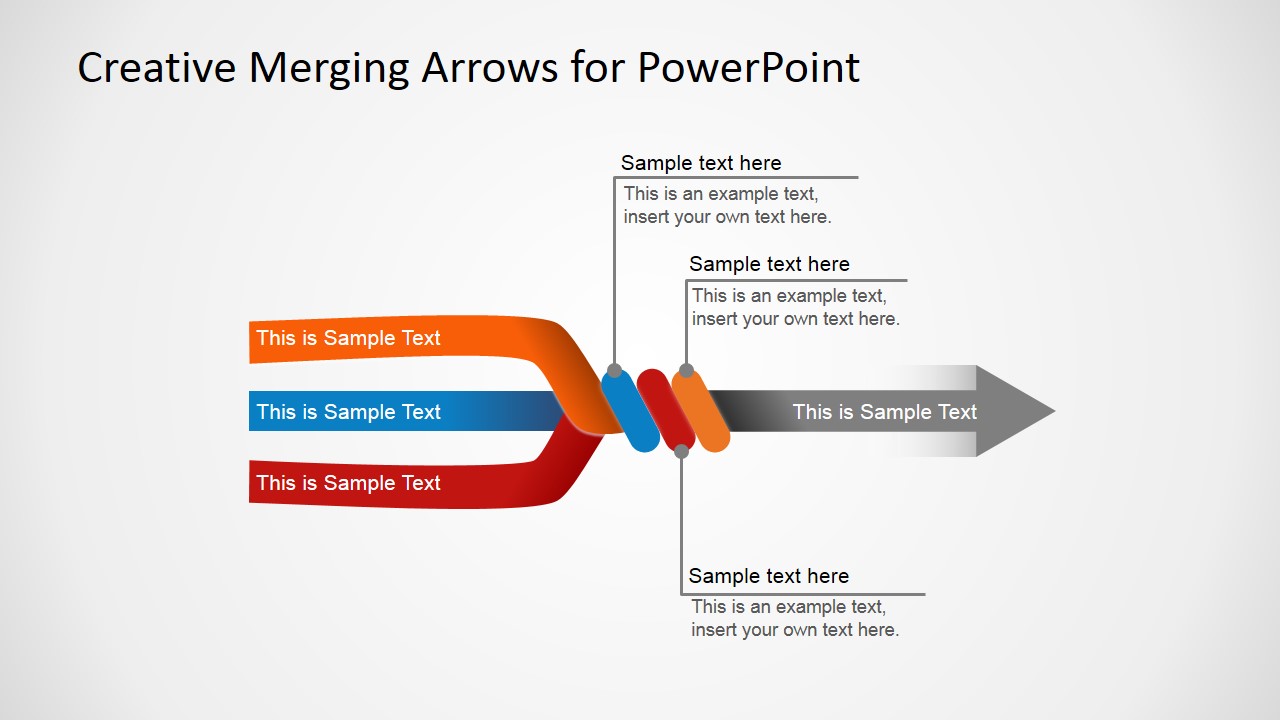
- 3 Arrows Converging into 1 Arrow
- 4 Arrows Converging into 1 Arrow
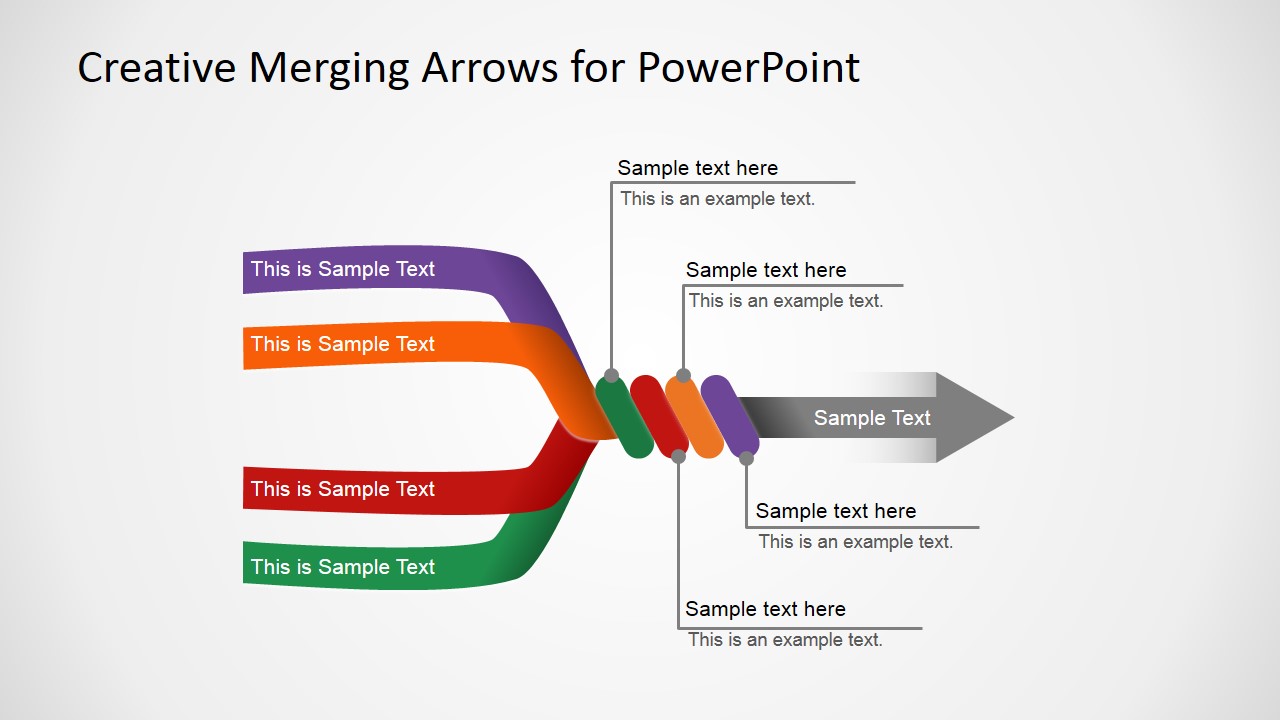
- 5 Arrows Converging into 1 Arrow
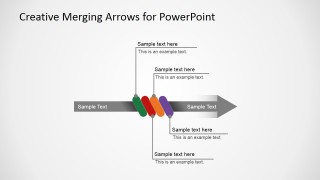
- A slide explaining the meaning of each arrow color
Alternatively you can download other merging arrows for PowerPoint or even other diagrams with arrows like the circular diagram for PowerPoint with arrow head.
What’s inside this template
Example presentation scenarios
- A consultant can use the 5-to-1 merging arrows layout to show how market data, stakeholder input, operations, technology, and finance combine into one recommendation.
- A project manager can use the 3-to-1 merging arrows layout to explain how separate workstreams feed one delivery milestone or final output.
- An operations leader can use the color meaning key to define process categories before presenting how they converge into a single workflow.
- A strategy presenter can use the 2-to-1 merging arrows layout to compare two major initiatives that must combine into one aligned plan.
Features
- 100% editable presentation template
- Compatible with Microsoft PowerPoint and Google Slides
- 16:9 aspect ratio slides
- Scalable vector shapes, icons and illustrations
- AI-Ready for Microsoft Copilot and Claude
- Instant access and download
Frequently asked questions
Q: How should I choose between the 2-, 3-, 4-, and 5-arrow layouts?
A: Match the arrow count to the number of inputs you can explain clearly in the room. Use the 2-to-1 layout for a simple comparison, the 3-to-1 or 4-to-1 layouts for process or team alignment, and the 5-to-1 layout only when each stream has a distinct role in the final output.
Q: What kind of message is this diagram best suited for?
A: This template is best for presenters who need to explain convergence: separate teams, sources, activities, or decisions that create one shared result. It works well in consulting, operations, and strategy discussions where the audience must understand how individual inputs connect to a single recommendation, workflow, or business outcome.
Q: Why use merging arrows instead of a simple list?
A: A list names inputs, but the merging arrow metaphor shows direction and integration. The colored streams make each input visible, while the gray output arrow tells the audience where the story is going. This helps presenters communicate that the parts are not isolated; they combine into one defined result.
Creative Merging Arrows for PowerPoint
5-slide presentation template with merging arrows diagrams for inputs, outputs, and process flow
Creative Merging Arrows for PowerPoint is a 5-slide diagram template for showing several inputs combining into one output. Visible layouts include 2-to-1, 3-to-1, 4-to-1, and 5-to-1 merging arrow diagrams plus a color meaning key. It fits process, strategy, integration, and decision presentations in PowerPoint and Google Slides.
- Category
- Diagrams
- Rating


 Loading...
- Aspect ratio
- 16:9, 4:3
- Item ID
- 2017-01
- Colors
 Microsoft PowerPoint
  Microsoft Copilot
  Claude for PowerPoint
 Other formats supported
Subscribe today and get immediate
access to download our PowerPoint templates.