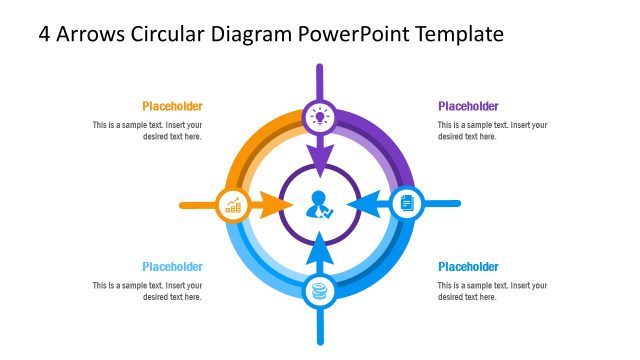
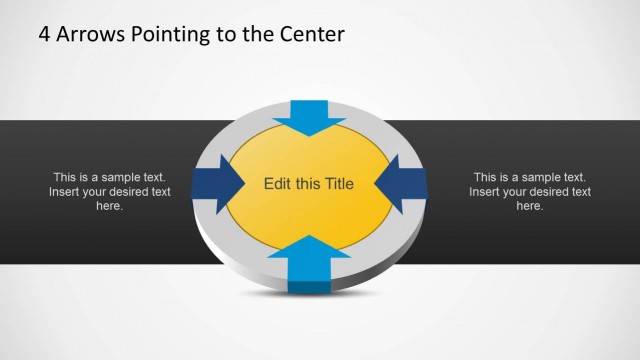
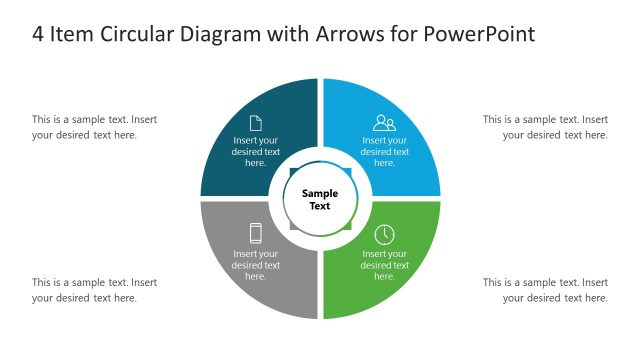
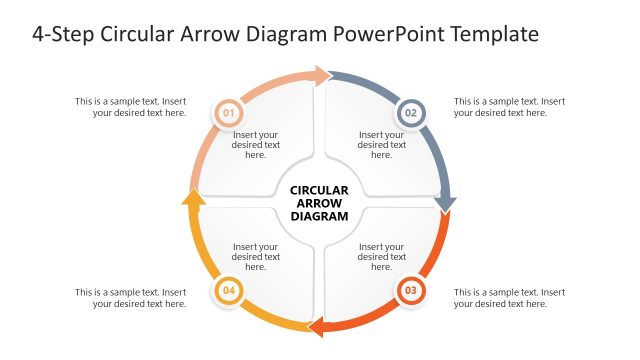
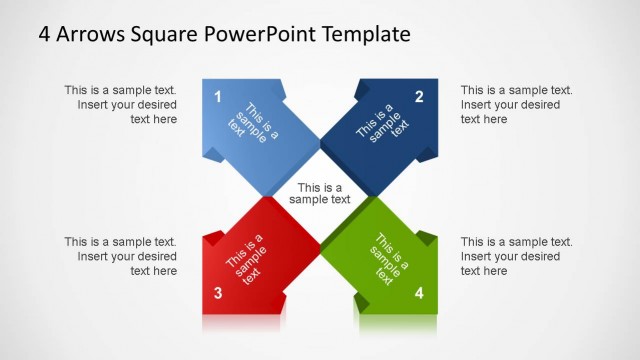
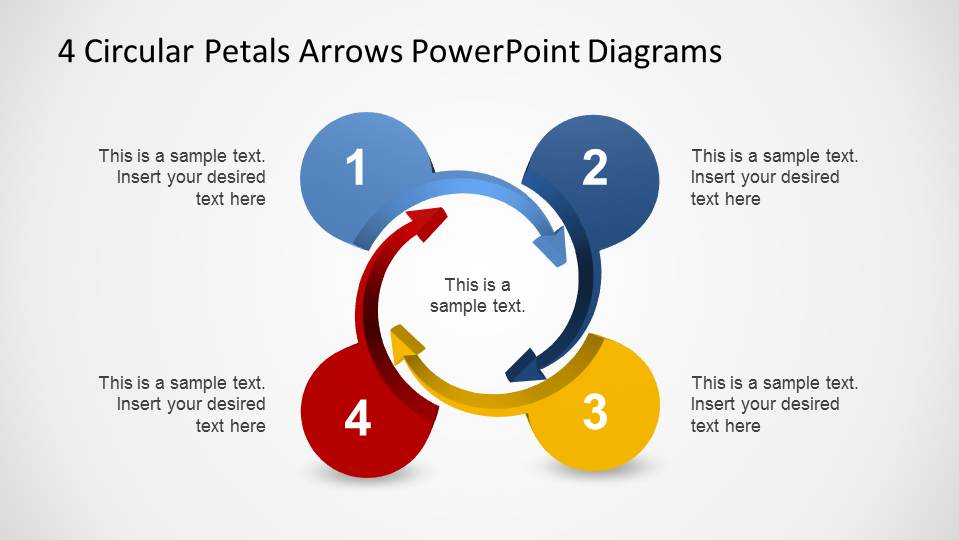
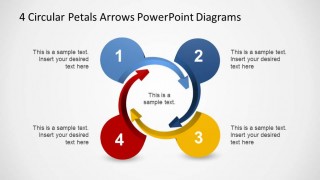
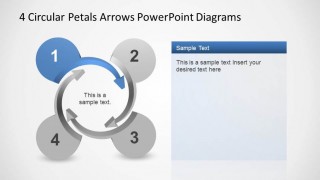
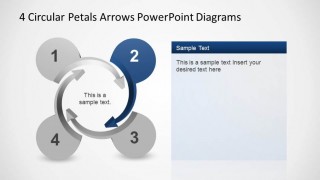
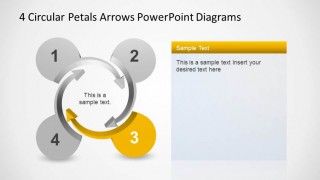
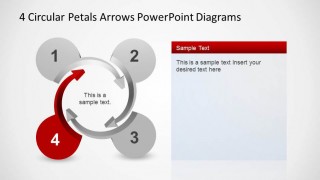
4 Circular Petals Arrows PowerPoint Diagrams is a professional presentation with a four stage process modeled as an abstract flower, where each petal represents a 3D arrow, converging into a circle. Each slides highlights one of the petals arrows, and provides a side text box for describing the petal topic. The flower is created with 4 spiral arrows, forming an interior spiral.
This Diagrams are ideal for representing models based on 4 quadrants analysis, or relations between each of the topics. The spiral nature of the shapes allows to represent any means of processes, with a simple visual understanding.
The user can customize each of the 3D arrows, as every shapes on this presentation is crated as independent PowerPoint objects. The 4 Circular Petals Arrows PowerPoint Diagram are generally combined with our Process Flow PowerPoint Templates or Stage Diagrams for creating amusing presentations that appeal and impress demanding audiences.
Download 4 Circular Petals Arrows PowerPoint Diagrams and save hours of work, building astonishing visual presentation for job or school.
What’s inside this template
Example presentation scenarios
- A consultant can use the overview slide to introduce a four-quadrant business framework, then move through the highlighted petal slides to explain each quadrant in sequence.
- A project manager can present four project phases by assigning each phase to one numbered petal and using the side text panels for objectives, ownership, or risks.
- A trainer can organize a short learning module around four connected concepts, using the gray inactive petals to keep attention on the current teaching point.
- A strategy lead can compare four pillars of an initiative by showing the full circular model first, then dedicating one slide to each pillar's rationale and action items.
Features
- 100% editable presentation template
- Compatible with Microsoft PowerPoint and Google Slides
- Scalable vector shapes, icons and illustrations
- AI-Ready for Microsoft Copilot and Claude
- Instant access and download
Frequently asked questions
Q: How should I present the four petals without making the cycle feel repetitive?
A: Start with Slide 1 to define the center idea and name the four stages. Then use Slides 2 through 5 to tell one clear point per petal: what it means, why it matters, and what the audience should do next. Keep each side panel brief so the highlighted arrow remains the visual anchor.
Q: Who is this template best suited for?
A: This template fits presenters who need to explain a simple four-part relationship rather than a detailed process map. Consultants, project managers, trainers, and strategy teams can use it for quadrant models, phased initiatives, service pillars, or recurring cycles where each part is distinct but connected to the same central idea.
Q: Why use a circular petal arrow metaphor for a four-step message?
A: The petal shape suggests four related parts surrounding a shared center, while the circular arrows imply movement, recurrence, or dependency. That metaphor helps the audience see both separation and connection. The highlight slides then reduce visual load by fading the inactive petals and focusing attention on one stage at a time.


4 Circular Petals Arrows PowerPoint Diagrams
5-slide PowerPoint diagram template for four-stage cycle, quadrant, and spiral arrow process presentations
4 Circular Petals Arrows PowerPoint Diagrams is a 5-slide diagram template for explaining a four-stage cycle or quadrant relationship. It includes a full circular petals overview, four step-highlight slides, side text panels, and 3D spiral arrows. It suits process, strategy, training, and status presentations in PowerPoint.
- Rating


 Loading...
- Item ID
- 6477-05
- Colors
 Microsoft PowerPoint
  Microsoft Copilot
  Claude for PowerPoint
 Other formats supported
Subscribe today and get immediate
access to download our PowerPoint templates.